1. 서론
The Apple 67W USB-C Power Adapter is designed to provide fast and efficient charging for compatible USB-C devices, including MacBook Pro, MacBook Air, iPhone, and iPad models. This manual provides important information regarding the proper setup, operation, maintenance, and safety of your power adapter.
2. 패키지 내용
패키지에 다음 품목이 포함되어 있는지 확인하세요.
- Apple 67W USB-C 전원 어댑터
Note: A USB-C charging cable is sold separately and is required for use with this power adapter.
3. 특징
- 빠르고 효율적인 충전: Delivers 67 watts of power for rapid charging.
- 범용 USB-C 호환성: Works with a wide range of USB-C enabled devices.
- Recommended Pairing: Ideal for 13-inch MacBook Pro (2016 and later) and 14-inch MacBook Pro with Apple M1 Pro chip (8-core CPU).
- Fast-Charging for MacBook Air: Enables 0 to 50 percent charge in approximately 30 minutes with MacBook Air M2 chip models.
- 컴팩트한 디자인: Lightweight and portable for use at home, office, or while traveling.
4. 안전 정보
Read all safety information below before using the power adapter to avoid injury or damage to your device.
- 전기 안전:
- Use only with compatible power outlets (120 Volts AC).
- Do not use the adapter if it is damaged, frayed, or has exposed wires.
- Avoid using in wet environments or near liquids.
- 어댑터를 분해하거나 개조하려고 하지 마세요.
- 열: The power adapter may become warm during normal operation. Ensure adequate ventilation and do not cover it.
- 어린이들: Keep the power adapter and cables out of reach of children.
- 적절한 연결: Ensure the adapter is fully inserted into the power outlet and the USB-C cable is securely connected to both the adapter and your device.
5. 설정
- 어댑터 풀기: Carefully remove the Apple 67W USB-C Power Adapter from its packaging.
- USB-C 케이블 연결: Obtain a compatible USB-C charging cable (sold separately). Connect one end of the USB-C cable to the USB-C port on the power adapter.
- 전원 콘센트에 연결: Extend the prongs on the power adapter and plug it firmly into a standard electrical wall outlet (120V).
- 장치에 연결: Connect the other end of the USB-C cable to the charging port on your compatible device (e.g., MacBook, iPhone, iPad).
The device should indicate that it is charging. If not, ensure all connections are secure and the power outlet is active.

Image: Apple 67W USB-C Power Adapter with its foldable prongs extended.
6. 사용 설명서
Once connected, the Apple 67W USB-C Power Adapter will automatically begin charging your device. The charging speed will depend on your device's battery level and its power management system.
- 빠른 충전: For devices that support fast charging, such as the MacBook Air with M2 chip, the adapter can charge the battery from 0% to 50% in approximately 30 minutes.
- 최적의 성능: For best results, use the adapter with Apple-recommended USB-C charging cables.
- 연결 해제: To disconnect, first unplug the USB-C cable from your device, then unplug the adapter from the wall outlet.
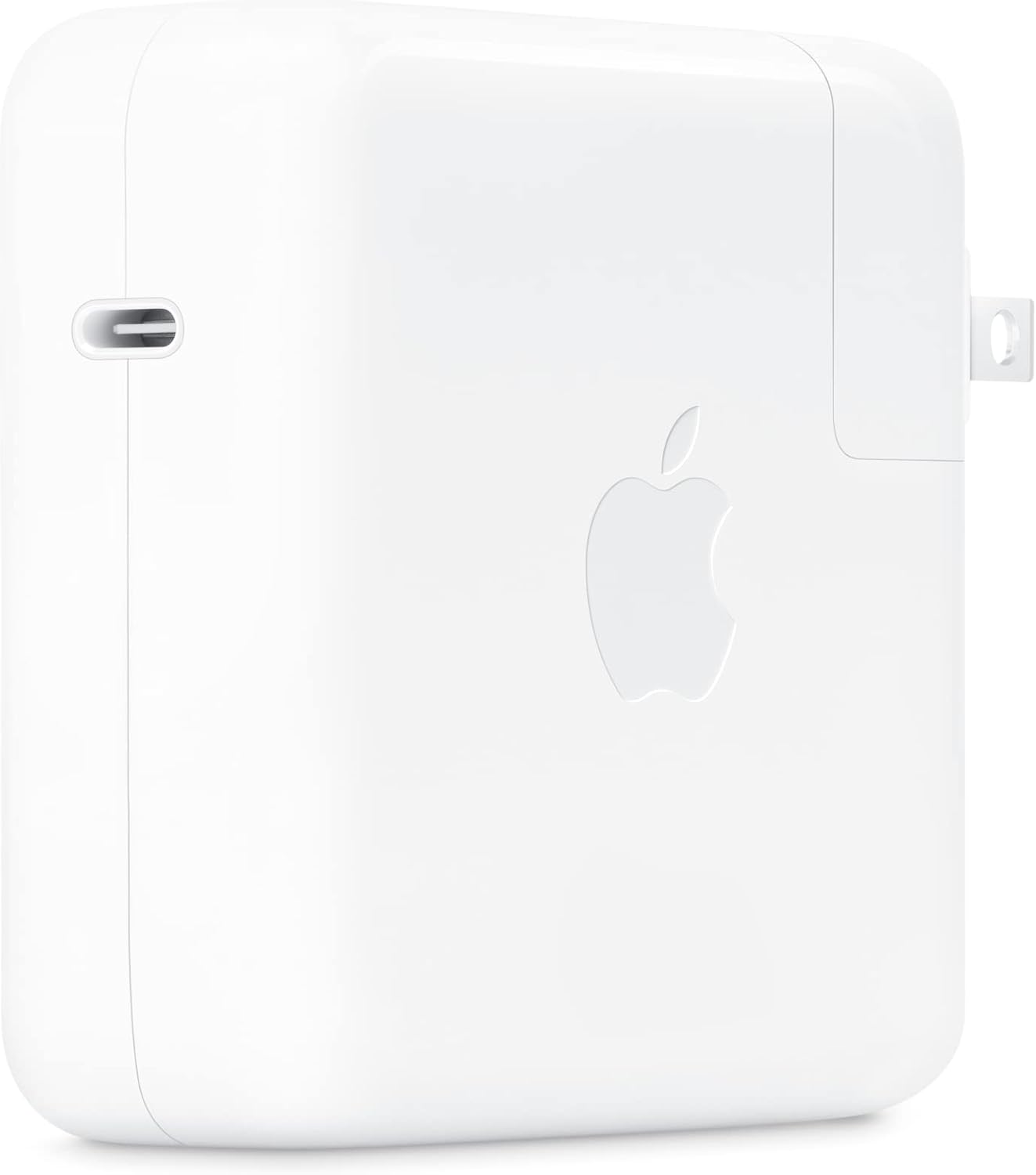
이미지: 측면 view of the Apple 67W USB-C Power Adapter, highlighting the USB-C port.
7. 유지관리
- 청소: Disconnect the adapter from power before cleaning. Use a soft, dry, lint-free cloth. Do not use liquid cleaners or aerosols.
- 저장: 어댑터를 사용하지 않을 때는 서늘하고 건조한 곳에 보관하십시오. 극한의 온도 변화를 피하십시오.
- 케이블 관리: 충전 케이블을 과도하게 구부리거나 압착하지 마세요. 내부 전선이 손상될 수 있습니다.
8. 문제 해결
| 문제 | 해결책 |
|---|---|
| 장치가 충전되지 않습니다. |
|
| 느린 충전. |
|
| 어댑터가 뜨겁습니다. |
|
9. 사양
| 모델 번호 | MKU63AM/A |
| 왓tage | 67와트 |
| 입력 Voltage | 120 볼트 |
| 커넥터 유형 | USB 타입-C |
| 총 USB 포트 | 1 |
| 제품 치수 | 4.21 x 4.21 x 1.28 인치 |
| 품목 무게 | 8.8 온스 |
| 호환 장치 | Phone, tablet, computer (e.g., iPhone 15/16 series, MacBook Pro, MacBook Air, iPad) |
| 특별 기능 | Fast Charging, Lightweight Design, Retractable Plug, Travel-friendly |
10. 보증 및 지원
The Apple 67W USB-C Power Adapter typically comes with a 1년 한정 보증 구매일로부터. 본 보증은 정상적인 사용 중 발생한 제조상의 결함에 적용됩니다.
For detailed warranty terms, technical support, or service, please visit the official Apple Support website or contact Apple customer service directly. Keep your proof of purchase for warranty claims.
애플 지원 Web대지: 지원.애플.com


