1. 서론
Thank you for choosing Kinganda Q71 Bluetooth Earbuds. This manual provides detailed instructions for setting up, operating, and maintaining your new wireless earbuds. Please read this manual carefully before use to ensure proper functionality and to maximize your listening experience.
2. 안전 정보
- 이어버드와 충전 케이스를 극한의 온도, 습도 또는 부식성 환경에 노출시키지 마십시오.
- 청력 손상을 방지하려면 장시간 높은 볼륨으로 청취하지 마십시오.
- 기기를 어린이와 애완동물의 손이 닿지 않는 곳에 보관하세요.
- 제품을 분해하거나 개조하지 마십시오. 그렇게 할 경우 보증이 무효화됩니다.
- 이어버드와 충전 케이스는 부드럽고 마른 천으로만 닦아주세요.
3. 패키지 내용
패키지에 모든 품목이 들어 있는지 확인하세요.
- Kinganda Q71 Bluetooth Earbuds (Left and Right)
- 충전 케이스
- USB 충전 케이블
- 다양한 크기의 이어팁
- 사용자 설명서
4. 제품 오버view
Familiarize yourself with the components of your Kinganda Q71 Bluetooth Earbuds.
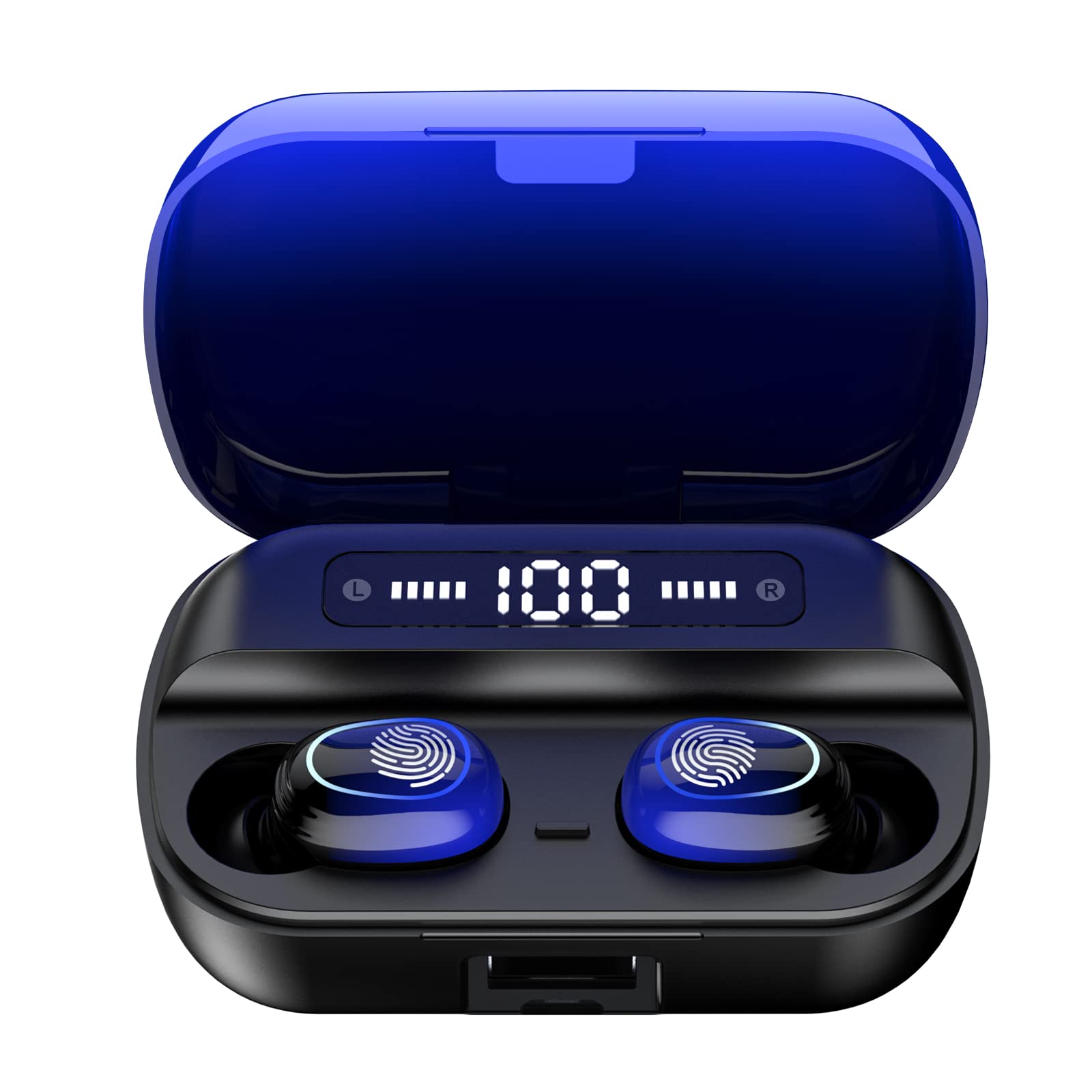
이미지 4.1: 이상view of Kinganda Q71 Bluetooth Earbuds and key features including Bluetooth 5.1, low latency, low power consumption, touch control, clear calls, 10mm speakers, compatibility with iOS and Android, and a 33-foot signal range.
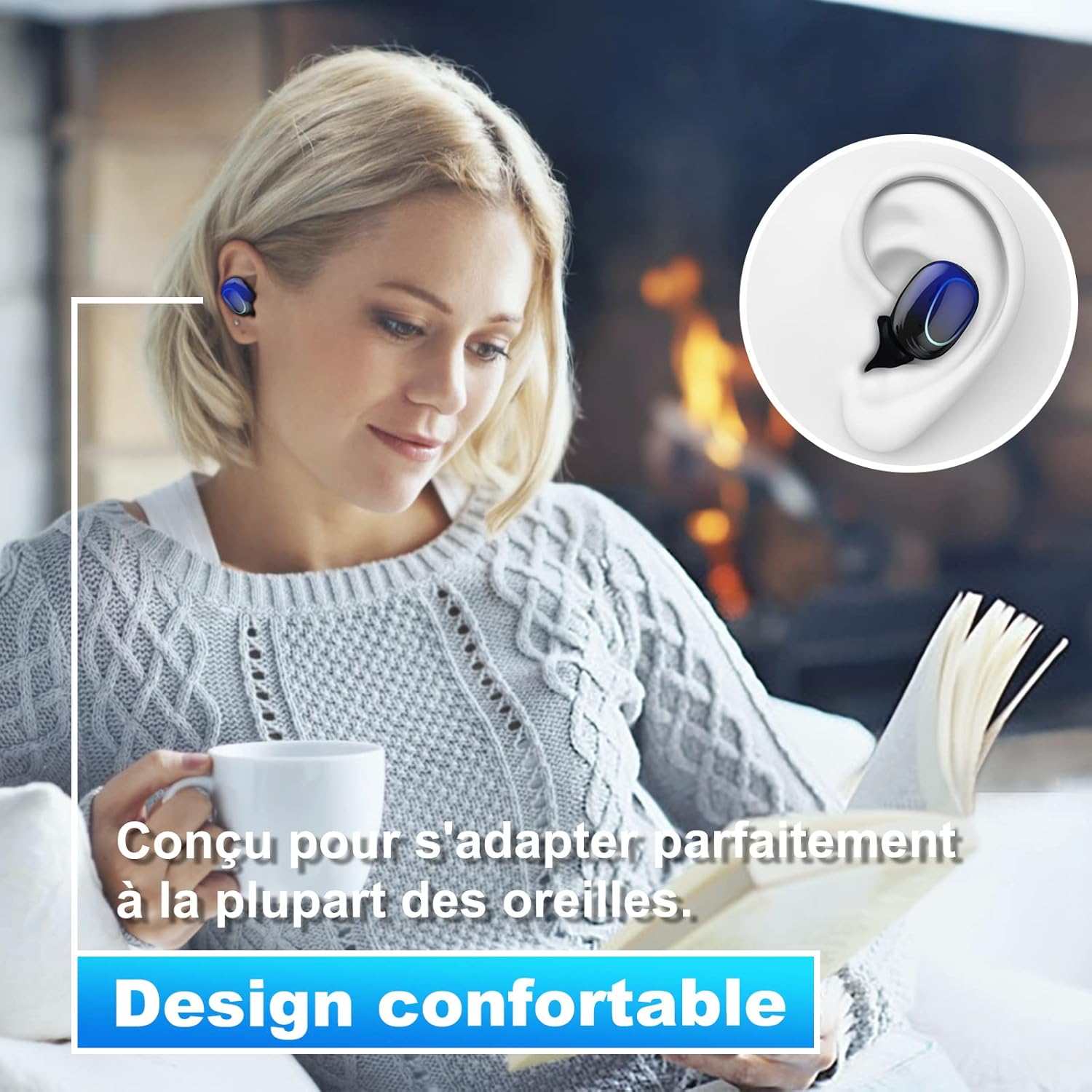
Image 4.2: The Kinganda Q71 earbuds are designed for a comfortable and secure fit in most ears.
5. 설정
5.1 이어버드와 케이스 충전
처음 사용하기 전에 충전 케이스와 이어버드를 완전히 충전하세요.
- 이어버드를 충전 케이스에 넣으세요. 이어버드가 제대로 장착되었는지 확인하세요.
- USB 충전 케이블을 케이스의 충전 포트와 전원(예: USB 벽면 어댑터, 컴퓨터 USB 포트)에 연결하세요.
- 케이스의 표시등은 충전 상태를 나타냅니다. 완전히 충전되면 표시등이 완료를 나타내거나 꺼집니다.

Image 5.1: The charging case has a 3500mAh battery. Earbuds provide approximately 5 hours of playback, and the case extends total usage to about 150 hours. A full recharge takes approximately 1.5 hours.
5.2 블루투스 기기와 페어링
이 이어폰은 안정적인 연결을 위해 블루투스 5.1을 사용합니다.
- 충전 케이스를 여세요. 이어버드가 자동으로 켜지고 페어링 모드로 진입합니다.
- 기기(스마트폰, 태블릿 등)에서 Bluetooth를 활성화하세요.
- 검색 available Bluetooth devices and select "Kinganda Q71" (or similar name) from the list.
- 연결되면 확인음이 들리고 이어버드의 표시등이 바뀝니다.
5.3 이어버드 착용하기
For optimal sound quality and comfort, choose the correct ear tip size and ensure a snug fit.
- Select the ear tips that best fit your ear canals.
- 이어버드를 귀에 부드럽게 삽입하고, 안정적이고 편안하게 느껴질 때까지 살짝 돌려주세요.
6. 사용 설명서
The Kinganda Q71 earbuds feature touch controls for easy operation.

Image 6.1: Touch controls for various functions including power, music playback, call management, and voice assistant activation.
6.1 기본 기능
- 전원 켜기/끄기: Earbuds power on automatically when removed from the case and power off when placed back in the case. Alternatively, long-press the touch area for manual power on/off.
- 재생/일시 중지: 양쪽 이어버드를 한 번 탭하세요.
- 다음 트랙: 오른쪽 이어버드를 두 번 탭하세요.
- 이전 트랙 : 왼쪽 이어버드를 두 번 탭하세요.
- 전화 받기/종료: 전화가 오는 동안 양쪽 이어버드를 한 번 탭하세요.
- 전화 거부: 전화가 걸려오는 동안 이어버드 중 하나를 길게 누르세요.
- 음성 지원(Siri) 활성화: 양쪽 이어버드를 세 번 탭하세요.
6.2 사용 모드
The Kinganda Q71 earbuds support various listening modes.

Image 6.2: The earbuds can be used in mono mode (single earbud) to stay aware of surroundings, TWS stereo mode for immersive sound, or twin mode to share music with another person.
- 모노 모드 : Use a single earbud (left or right) to listen to audio while keeping the other ear open to your surroundings. Simply remove one earbud from the case.
- TWS 스테레오 모드: Use both earbuds for a full stereo audio experience. Both earbuds will automatically connect to each other and your device when removed from the case.
- 트윈 모드: Share your music with a friend by giving them one earbud. Both earbuds will play the same audio.
7. 유지관리
7.1 청소
정기적인 청소는 건전한 품질과 위생을 유지하는 데 도움이 됩니다.
- 부드럽고 마른 보푸라기 없는 천으로 이어폰과 충전 케이스를 닦으세요.
- Remove ear tips and clean them with mild soap and water if necessary, then dry thoroughly before reattaching.
- 가혹한 화학물질이나 연마재를 사용하지 마십시오.
7.2 보관
사용하지 않을 때는 이어버드를 충전 케이스에 보관하여 보호하고 충전 상태를 유지하세요.
8. 문제 해결
문제가 발생하면 다음 해결 방법을 시도해 보세요.
- 이어버드가 페어링되지 않음: 양쪽 이어버드가 모두 충전되었는지 확인하세요. 이어버드를 케이스에 다시 넣고 닫았다가 다시 열어 페어링 모드를 다시 시작하세요. 기기의 블루투스 설정을 확인하고 다시 연결해 보세요.
- 이어버드가 하나만 작동합니다: Place both earbuds back in the charging case, close the lid, wait a few seconds, then open the lid and remove them simultaneously. This should force them to re-sync.
- 소리가 나지 않습니다: 기기의 볼륨 레벨을 확인하고 이어버드가 제대로 연결되어 있는지 확인하세요.
- 충전 문제: 충전 케이블이 케이스와 전원에 제대로 연결되어 있는지 확인하십시오. 다른 충전 케이블이나 전원 어댑터를 사용해 보세요.
- 음질이 좋지 않음: Ensure the earbuds are clean and properly seated in your ears. Try different ear tip sizes for a better seal.
9. 사양
| 모델명 | Q71 |
| 상표 | Kinganda |
| 연결 기술 | 무선(블루투스 5.1) |
| 무선 범위 | 최대 33피트(10미터) |
| 오디오 드라이버 유형 | 다이내믹 드라이버(10mm) |
| 제어 방법 | 터치 컨트롤 |
| 재료 | 플라스틱, 실리콘 |
| 방수 레벨 | 방수(IPX7) |
| 이어버드 배터리 수명 | 약 5시간 |
| 충전 케이스 배터리 수명 | Approx. 150 hours (with case) |
| 충전 케이스 용량 | 3500mAh |
| 충전 시간 | 약 1.5시간 |
| 호환 장치 | Bluetooth-enabled devices (iOS, Android) |
| 특징 | 가벼움 |

Image 9.1: The 10mm immersive drivers deliver enhanced sound quality with deeper bass.

Image 9.2: With an IPX7 waterproof rating, the earbuds are protected against sweat and water splashes, making them suitable for sports.
10. 보증 및 지원
Kinganda products are designed for reliability and performance. This product comes with a standard manufacturer's warranty. For specific warranty details, please refer to the warranty card included in your package or contact Kinganda customer support.
If you have any questions, require technical assistance, or need to claim warranty service, please contact our customer support team through the contact information provided on the Kinganda official web사이트 또는 구매 플랫폼.


