1. 서론
This manual provides instructions for the safe and efficient use of your Itel Magic3 it6350 feature phone. Please read this manual carefully before using your device to ensure proper operation and to understand its features.

이미지: 앞면 view of the Itel Magic3 it6350 feature phone, showcasin디스플레이와 키패드를 사용합니다.
2. 패키지 내용
제품 패키지에 모든 품목이 들어 있는지 확인하세요.
- Itel Magic3 it6350 Device
- Battery (pre-installed in some units)
- 충전기 어댑터
- 이어폰
- 빠른 시작 가이드
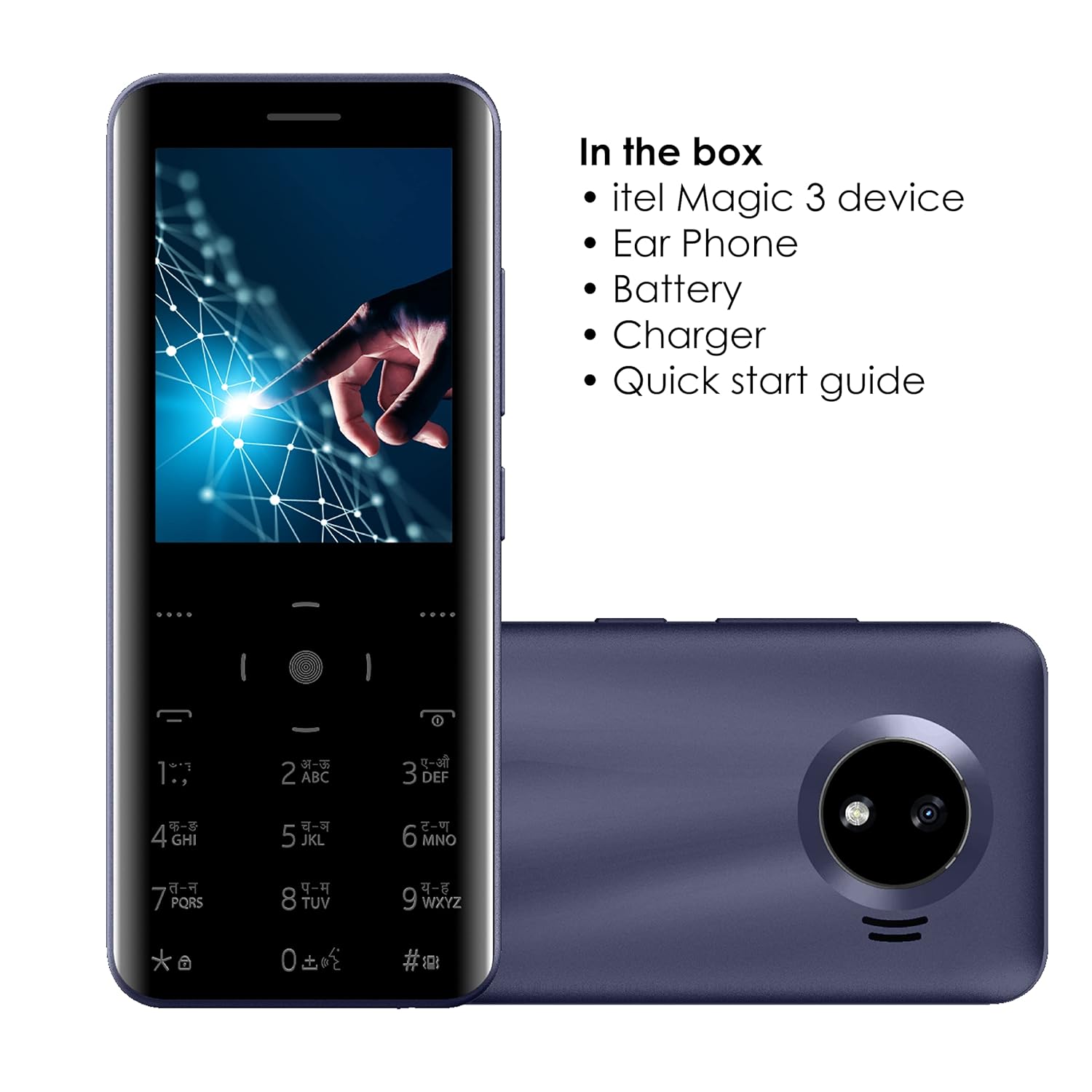
Image: Illustration of the Itel Magic3 it6350 phone alongside its included accessories: earphone, battery, charger, and quick start guide.
3. 장치 레이아웃
Familiarize yourself with the physical components of your Itel Magic3 it6350.

이미지: 후면 view of the Itel Magic3 it6350, highlighting the 1.3MP rear camera with LED flash.

이미지: 측면 view of the Itel Magic3 it6350, illustrating its slim 9.5mm unibody design.
4. 설정
4.1. SIM 카드 및 배터리 삽입
- Power off the device and remove the back cover.
- Insert your SIM card(s) into the designated slot(s).
- 배터리를 배터리 칸에 넣고 접촉면이 제대로 맞물리도록 하십시오.
- 뒷면 덮개를 교체하십시오.
4.2. 초기 전원 켜기 및 충전
- Press and hold the Power key until the screen lights up.
- If the battery is low, connect the charger to the device and a power outlet.
- Allow the device to charge fully before first use for optimal battery life.
5. 사용 설명서
5.1. 기본 탐색
The Itel Magic3 it6350 features a Smart Touch Keypad and a 7.11cm (2.8") QVGA display for navigation.
- Use the navigation keys to move through menus and options.
- Press the center key to select an option.
- Use the 'Back' or 'End Call' key to return to the previous screen or exit a menu.

Image: A hand interacting with the Smart Touch Keypad of the Itel Magic3 it6350.
5.2. 전화 걸기
- 홈 화면에서 키패드를 사용하여 전화번호를 입력하세요.
- Press the 'Call' key (usually green) to initiate the call.
- To end a call, press the 'End Call' key (usually red).
5.3. 메시지 보내기
- '메시지' 메뉴로 이동합니다.
- '새 메시지 작성' 또는 '새 SMS'를 선택하세요.
- 수신자 번호를 입력하거나 연락처에서 선택하세요.
- 키패드를 사용하여 메시지를 입력합니다.
- '보내기'를 선택하세요.
5.4. 전화번호부
The device supports a Smart Phonebook with up to 2000 contacts, including photo and icon support.
- Access the 'Contacts' or 'Phonebook' menu to manage your contacts.
- Add new contacts, edit existing ones, or search for contacts.
6. 특징
6.1. 카메라
The Itel Magic3 it6350 is equipped with a 1.3MP camera and LED flash.
- Go to the 'Camera' application from the main menu.
- 화면을 이용해 구도를 잡으세요.
- Press the capture button (usually the center key) to take a photo.
6.2. 무선 FM 라디오
Enjoy radio broadcasts without needing to connect earphones as an antenna.
- Access the 'FM Radio' application.
- 탐색 키를 사용하여 방송국을 검색하거나 수동으로 조정하세요.
- Recording functionality may be available within the FM Radio app.
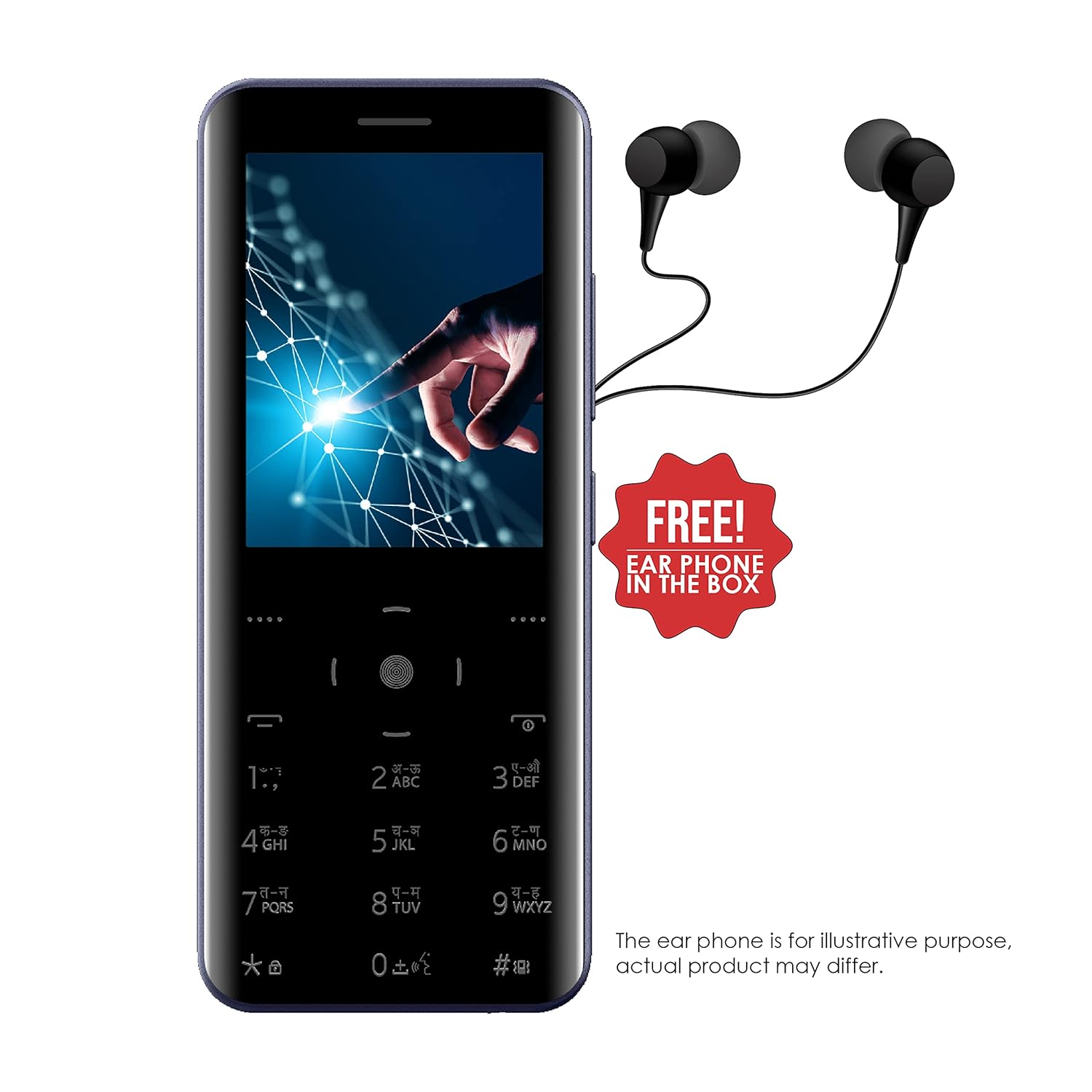
Image: The Itel Magic3 it6350 phone shown with included earphones, which can be used for private listening.
6.3. KingVoice
The KingVoice feature provides audio assistance for various phone functions, enhancing accessibility.
- Refer to the device settings to enable or disable KingVoice.
- KingVoice can read out menu options, incoming caller ID, and messages.
6.4. Connectivity (Bluetooth, Wi-Fi, USB)
The device supports basic connectivity options.
- 블루투스: For connecting to compatible wireless accessories like headsets or for file transfer. Access via 'Settings' > 'Bluetooth'.
- 와이파이: For internet access where Wi-Fi networks are available. Access via 'Settings' > 'Wi-Fi'.
- USB: For charging and connecting to a computer for file 이전.
6.5. 기타 특징
- 언어 지원: Supports 9 Indian languages. Change language in 'Settings'.
- JAVA Games: The device supports JAVA games. Access via the 'Games' menu.
- WAP/GPRS Support: For basic internet browsing and accessing online content.
- 페이스북 지원: A pre-installed or downloadable Facebook application may be available.
- Smart Transfer: For easy sharing of file장치 간.
7. 유지관리
7.1. 배터리 관리
- Use only the original charger and battery provided with the device.
- 배터리를 극한의 온도에 노출시키지 마십시오.
- 배터리를 뚫거나, 분해하거나, 개조하지 마세요.
- Recycle used batteries responsibly.
7.2. 장치 청소
- 부드럽고 마른 천으로 기기를 닦으십시오.
- 독한 화학 물질, 세척 용제 또는 강한 세제를 사용하지 마십시오.
7.3. 보관
- 본 기기는 직사광선과 극한의 온도를 피해 시원하고 건조한 곳에 보관하세요.
- 장기간 보관할 경우 배터리 수명 유지를 위해 약 50% 정도 충전해 두십시오.
8. 문제 해결
기기에 문제가 발생하면 다음의 일반적인 문제와 해결 방법을 참조하세요.
| 문제 | 가능한 해결책 |
|---|---|
| 장치 전원이 켜지지 않음 | 배터리가 올바르게 삽입되고 충전되었는지 확인하십시오. 충전기를 연결하고 다시 시도하십시오. |
| 전화를 걸거나 받을 수 없습니다 | 유심 카드가 제대로 삽입되어 있고 활성화되었는지 확인하십시오. 네트워크 신호 강도를 확인하십시오. |
| 통화 중 음질 저하 | Ensure the earpiece/speaker is not blocked. Adjust call volume. Move to an area with better network coverage. |
| 배터리가 빨리 소모됩니다 | 화면 밝기를 낮추세요. 사용하지 않는 앱을 닫으세요. 백그라운드 데이터 사용을 제한하세요. |
| 키패드가 응답하지 않습니다. | Restart the device. Ensure the keypad is clean and free from debris. |
9. 사양
Detailed technical specifications for the Itel Magic3 it6350:
- 모델: 그것6350
- 표시하다: 7.11cm (2.8") QVGA
- 설계: 9.5mm Slim Unibody Design
- 키패드 : Smart Touch Keypad
- 카메라: 1.3MP with LED Flash (Rear)
- 배터리: 1500mAh Lithium Ion (In-built)
- 연결성: 와이파이, 블루투스, USB
- 오디오 잭 : 3.5mm (XNUMXmm)
- 전화번호부 용량: 2000 연락처
- 특별 기능: KingVoice, 9 Indian Language Support, WAP/GPRS, JAVA Games, Facebook Support, Smart Transfer, Wireless FM Radio with Recording
- 크기(가로x세로x높이): 13.9 x 5.9 x 1cm
- 무게: 120g
- 통화 시간: 최대 18시간
- 대기 시간: 최대 6일

Image: Diagram illustrating the dimensions of the Itel Magic3 it6350: 139mm length, 59mm width, and 9.5mm thickness.
10. 보증 및 지원
Your Itel Magic3 it6350 device comes with a 1-year warranty. For warranty claims or technical support, please contact Itel's authorized service center.
- 보증 기간: 1년
- 제조업체: S MOBILE DEVICES PRIVATE LTD
- 연락처 정보: Refer to the warranty card included in your package or visit the official Itel web서비스 센터 위치 및 연락처 정보를 제공하는 사이트입니다.