1. 서론
The ZSEEWCAM L503 Document Camera is a versatile and portable imaging device designed for various applications including live demonstrations, web conferencing, distance learning, remote teaching, and office scanning. Featuring a 5MP CMOS sensor, it delivers ultra-high definition images and video, compatible with Mac OS, Windows, and Chromebook systems. Its flexible design and integrated features make it an essential tool for clear visual communication.
2. 패키지 내용
아래 나열된 모든 품목이 패키지에 포함되어 있는지 확인하세요.
- ZSEEWCAM L503 Document Camera (Blue)
- USB-A Cable (for USB2.0/USB3.0 compatibility)
- 눈부심 방지 시트
- Software CD (for bundled application)

Image: The ZSEEWCAM L503 Document Camera, showcasing its flexible design and blue color.
3. 특징
- Ultra High Definition Image: 5MP CMOS sensor captures live images up to 1920×1080 pixels at 30fps and 2592×1944 pixels at 15fps.
- Compact & Flexible Design: Small size frees up desktop space. Movable and bendable bracket arm for convenient storage and carrying. Freely adjustable with a maximum shooting area of 16.9 x 16.53 inches.
- 향상된 조명: Supplemental LED light and bundled anti-glare sheet help eliminate exposure problems under difficult lighting conditions, allowing image capture in both dark and bright environments.
- Manual Focus & Macro: Supports manual focus lens for quick focus shifts between objects. Macro mode captures objects as close as 10 cm.
- 통합 마이크: Built-in microphone works seamlessly with ZSEEWCAM (bundled application) and other webinar software for PC (Windows 7/8/10) and Chromebook (38.00 or higher).
- 플러그 앤 플레이: Comes with a USB-A cable, supporting USB2.0 and compatible with USB3.0, enabling plug-and-play functionality for distance education, web conferencing, teaching, live broadcast, and office scanning.
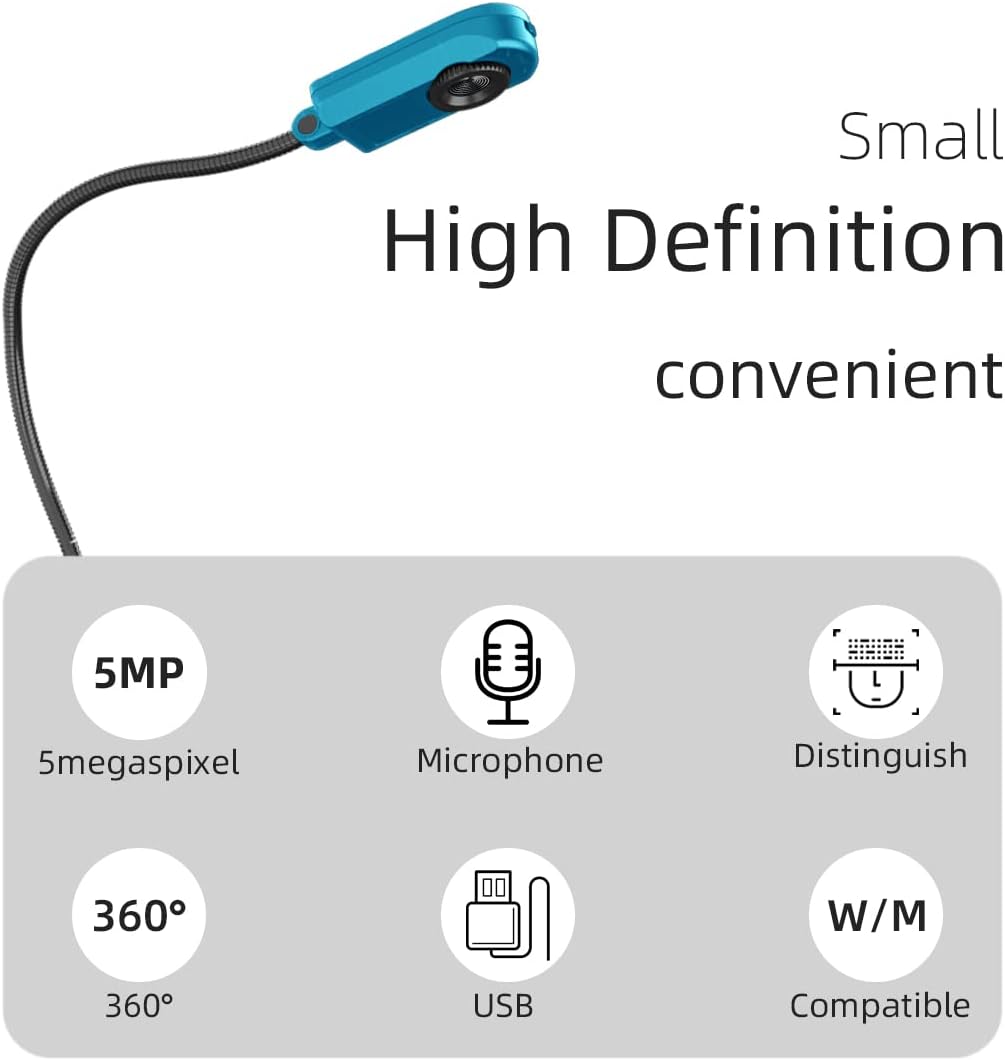
Image: Visual representation of the camera's core features including 5MP resolution, built-in microphone, 360-degree rotation, USB connectivity, and compatibility.
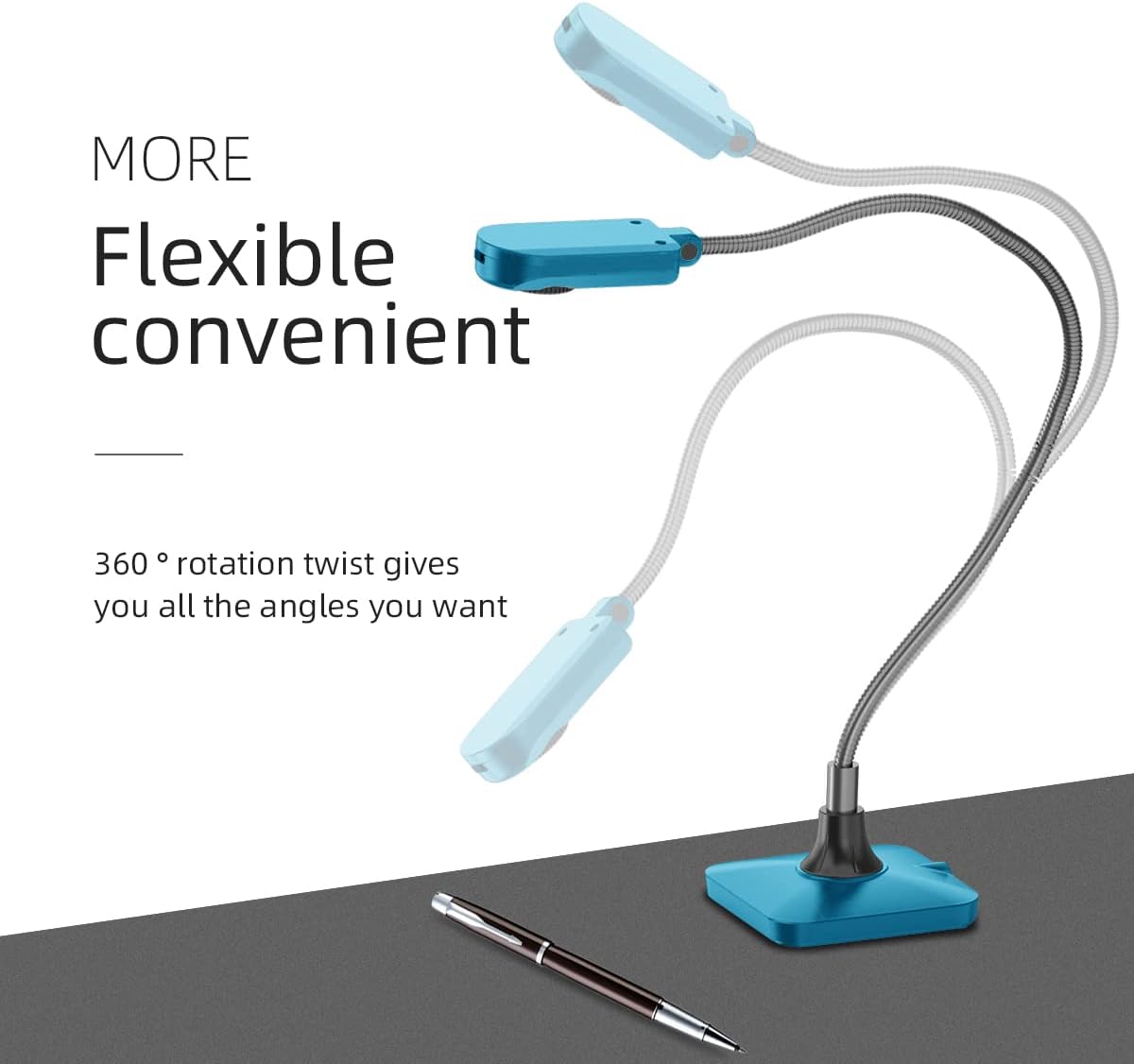
Image: The camera's flexible arm, highlighting its ability to rotate 360 degrees for optimal positioning.
4. 설정 가이드
- 카메라 연결: Plug the USB-A cable from the document camera into an available USB port on your computer (PC, Mac, or Chromebook). The camera supports both USB 2.0 and USB 3.0.
- 전원 켜기: Locate the power switch, typically at the top of the camera head, and turn it on. The LED light on the camera head should illuminate.
- Enable Camera in Settings:
- 윈도우: Go to 'Settings' > 'Bluetooth & devices' > 'Camera'. Ensure the USB camera is enabled.
- 맥 OS: Go to 'System Settings' > 'Privacy & Security' > 'Camera'. Ensure your application (e.g., Photo Booth, QuickTime, or a conferencing app) has permission to access the camera.
- 크롬북: Access your camera settings and verify the USB camera is recognized and enabled.
- Launch Camera Application: Open your preferred camera application (e.g., Windows Camera app, Photo Booth on Mac, or a web conferencing software like Zoom, Google Meet).
- Select USB Camera: If your computer has multiple cameras (e.g., a built-in webcam on a laptop), you may need to switch to the ZSEEWCAM L503. Look for an icon within the camera app (often in the top right corner) that allows you to toggle between cameras.
- Install Bundled Software (Optional): For enhanced features and seamless integration, install the ZSEEWCAM bundled application from the provided CD. This software is designed to work optimally with the camera's built-in microphone and other functionalities.

Image: The document camera in use for video conferencing, showing its application in live video scenarios.
5. 사용 설명서
- 카메라 암 조정하기: The flexible gooseneck arm allows you to position the camera head precisely over your document or object. Gently bend and twist the arm to achieve the desired angle and height.
Caution: When rotating the camera head, be mindful of the USB cable's position to prevent damage from excessive twisting.
- LED 조명 사용: The supplemental LED light on the camera head can be turned on or off using the power switch. Use it to illuminate documents in low-light conditions or to reduce shadows.
- 초점: The camera features a manual focus lens. Rotate the focus ring on the camera head until the image is sharp. For macro shots, position the camera as close as 10 cm to the object and adjust focus.
- Using the Anti-Glare Sheet: Place the anti-glare sheet over reflective documents or surfaces to minimize glare and improve image clarity, especially under bright lighting.
- 이미지/비디오 캡처: Use your computer's camera application or the ZSEEWCAM bundled software to capture still images or record video. The built-in microphone will capture audio during video recording.
- Optimizing for Scanning: For document scanning, ensure the document is flat and well-lit. Position the camera directly above the document to cover the maximum shooting area (16.9 x 16.53 inches).
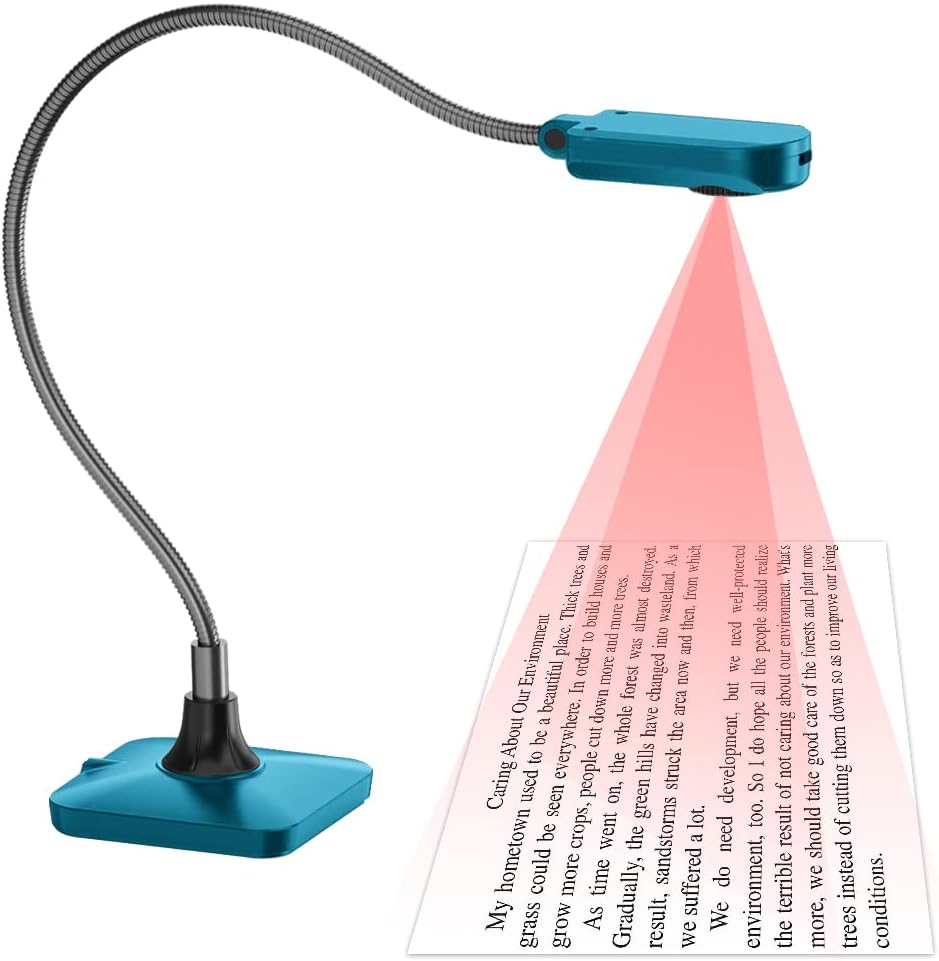
Image: The document camera demonstrating its scanning function over a printed document.
6. 유지관리
- 청소: Use a soft, dry cloth to clean the camera body and lens. For stubborn smudges on the lens, a lens cleaning solution designed for optical surfaces can be used sparingly on a microfiber cloth. Do not use abrasive cleaners or solvents.
- 저장: When not in use, store the camera in a cool, dry place away from direct sunlight and extreme temperatures. The flexible arm allows for compact storage.
- 케이블 관리: Avoid sharp bends or kinks in the USB cable. Do not pull the cable to disconnect the camera; always grasp the plug.
- 손질: Handle the camera with care. Avoid dropping or subjecting it to strong impacts, which can damage internal components.

Image: The camera's flexible design allows for easy storage, making it compact and portable.
7. 문제 해결
| 문제 | 가능한 원인 | 해결책 |
|---|---|---|
| Camera not recognized / No image |
|
|
| Blurry or out-of-focus image |
|
|
| Image appears sideways or inverted |
|
|
| Camera unstable / falls over |
|
|
8. 사양
| 특징 | 세부 사항 |
|---|---|
| 제품 치수 | 5.12 x 6.69 x 3.15 인치 |
| 품목 무게 | 14.9 온스 |
| 품목 모델 번호 | L503 |
| 제조업체 | 지시캠 |
| 원산지 | 중국 |
| 감지기 | 5MP CMOS |
| 비디오 캡처 해상도 | 1080p (1920x1080 @ 30fps), 2592x1944 @ 15fps |
| 매크로 초점 범위 | 10cm |
| 촬영 모드 | 밤 |
| 노출 제어 유형 | Program (P) mode |
| 색상 | 파란색 |
| 연결성 | USB-A (USB 2.0/3.0 compatible) |
| 호환성 | PC (Windows 7/8/10), Chromebook (38.00 or higher), Mac OS |
9. 보증 및 지원
For detailed warranty information and technical support, please refer to the official ZSEEWCAM web사이트를 방문하거나 고객 서비스에 문의하세요.
A comprehensive User Manual is also available in PDF format for download:
For further assistance, please reach out to ZSEEWCAM customer support through their official channels.


