1. 서론
The SOAR Portable Aluminum Laptop Stand is designed to enhance your laptop user experience by providing ergonomic benefits and improved airflow. This stand elevates your laptop to an optimal viewing height, reducing strain on your neck and wrists, and promoting better posture. Its versatile compatibility makes it suitable for various laptop models.
This manual provides instructions for setting up, operating, and maintaining your SOAR Portable Aluminum Laptop Stand.
2. 제품 특징
- 내구성 있는 알루미늄 구조: Crafted from high-quality aluminum, ensuring sturdy support and a modern aesthetic.
- 조정 가능한 각도: Offers multiple adjustable angles for personalized viewing and typing positions, promoting ergonomic comfort.
- 통풍 설계: Features ventilation openings to enable excellent airflow, preventing laptop overheating during extended use.
- 접이식 및 휴대 가능: Lightweight and fully foldable design allows for easy transport and storage, making it ideal for travel or different workspaces.
- Non-Slip Stability: Equipped with anti-slip feet to keep your laptop securely in place and protect any surface it rests on.
- 통합 스토리지: Includes a bottom storage slot for small items like mobile phones or keys.
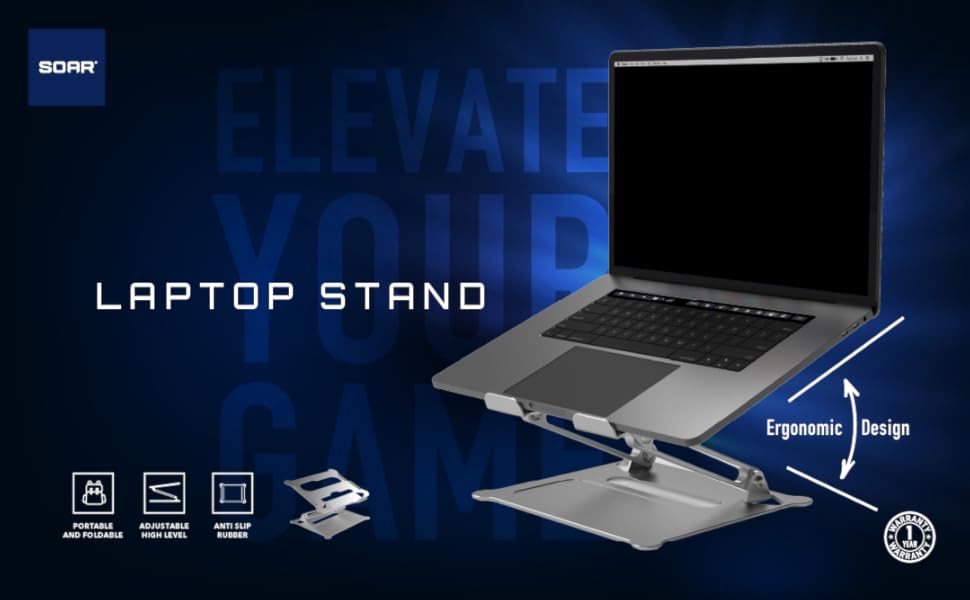
이미지: 이상view of the SOAR Laptop Stand highlighting its portable, adjustable, anti-slip, and ergonomic design features.
3. 설정 지침
- 스탠드 펼치기: Gently unfold the SOAR laptop stand from its compact, folded position. The articulated arms will extend.
- 높이와 각도 조정: Once unfolded, adjust the stand to your desired height and viewing angle. The hinges are designed to hold their position firmly.
- 노트북을 배치하세요: Carefully place your laptop onto the top platform of the stand. Ensure it rests securely on the anti-slip pads.
- 안정성 확인: Before use, gently test the stability of the stand with your laptop in place to ensure it is firm and balanced.

Image: Visual guide demonstrating the three steps to unfold and adjust the SOAR laptop stand.
4. 사용 설명서
Using your SOAR Portable Aluminum Laptop Stand is straightforward. Once set up, it provides an elevated and angled surface for your laptop, improving ergonomics and airflow.
- 인체공학적 포지셔닝: Adjust the stand's height and angle to achieve a comfortable viewing position that aligns with your eye level, reducing neck and back strain.
- 개선된 공기 흐름: The open design and ventilation holes allow for natural air circulation around your laptop, helping to dissipate heat and prevent overheating.
- 타이핑 편의성: While the stand elevates your laptop, consider using an external keyboard and mouse for optimal wrist comfort, especially during long typing sessions.
- 휴대성: When not in use, fold the stand back into its compact form for easy storage or transport in a laptop bag.
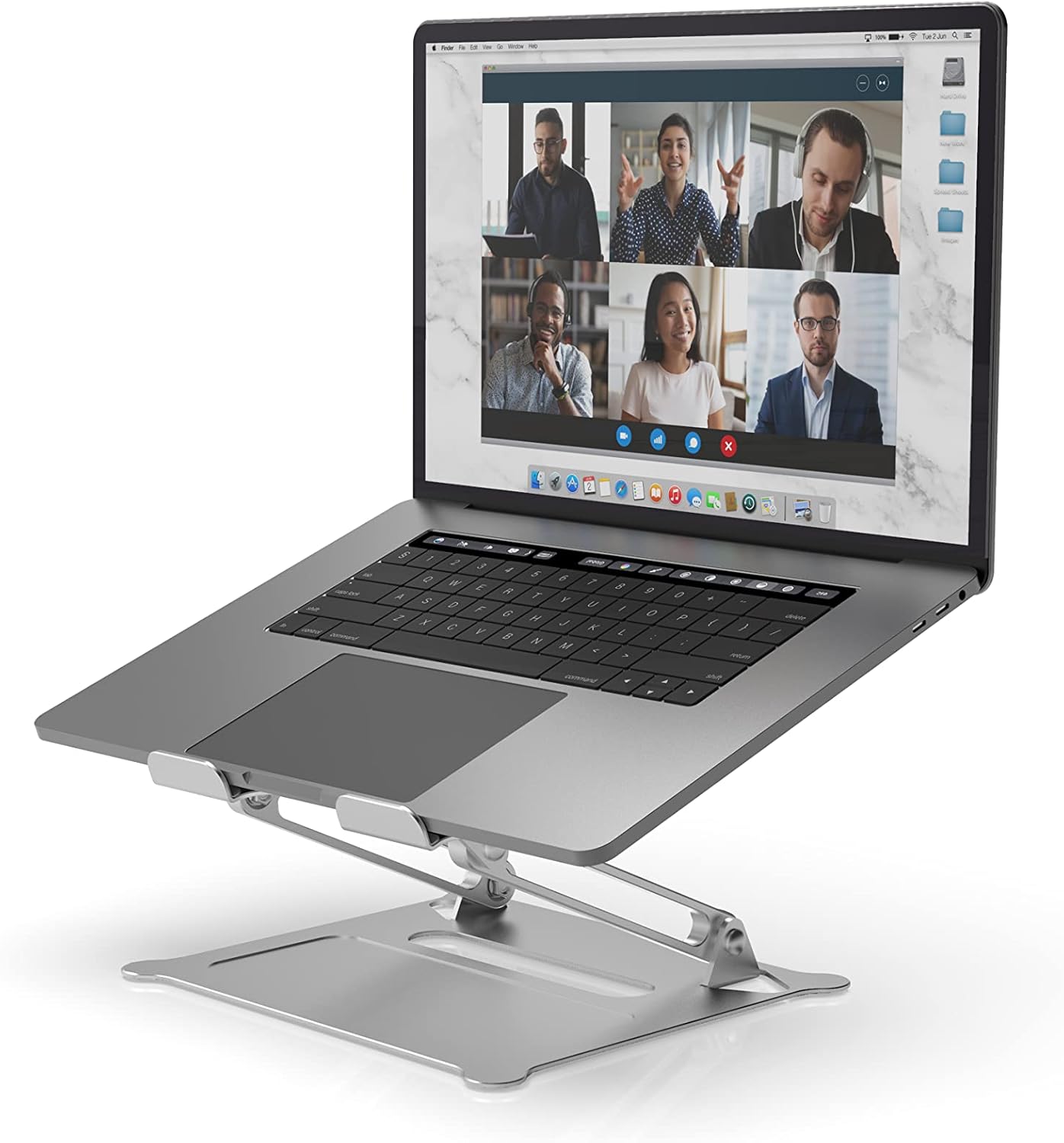
Image: A laptop positioned on the SOAR stand, demonstrating the elevated and angled setup for improved ergonomics.
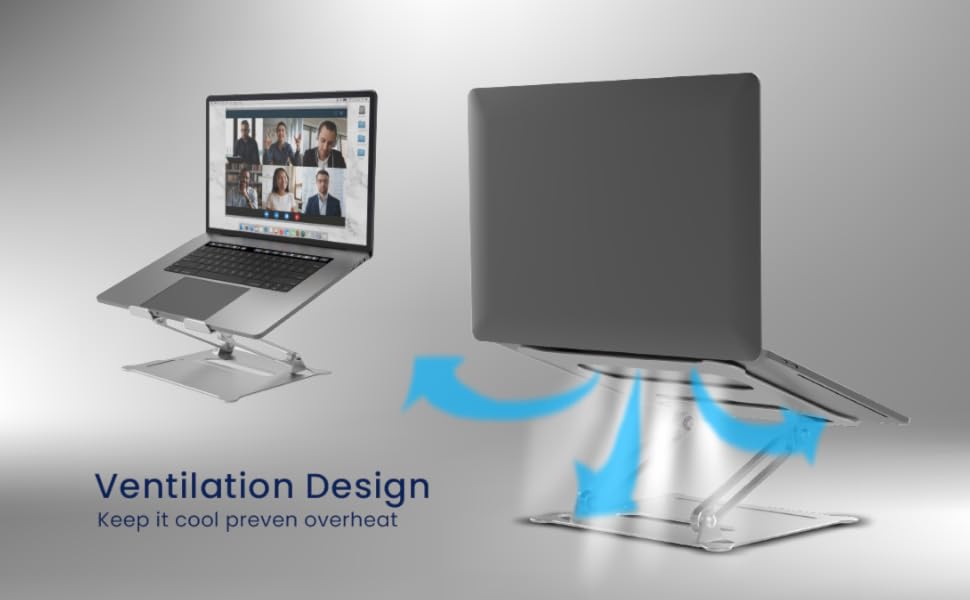
Image: Diagram illustrating the ventilation design of the SOAR stand, showing how it promotes airflow to prevent laptop overheating.

Image: Visual comparison demonstrating the benefits of using a laptop stand for maintaining correct posture during long work hours.
5. 유지관리
To ensure the longevity and optimal performance of your SOAR Portable Aluminum Laptop Stand, follow these simple maintenance guidelines:
- 청소: 스탠드를 부드러운 천으로 닦으세요.amp cloth to remove dust and smudges. Avoid using abrasive cleaners or solvents that could damage the finish.
- 저장: When not in use, fold the stand and store it in a dry, clean place to prevent accumulation of dust or damage.
- 점검: Periodically check the hinges and joints for any looseness. While designed for durability, gentle handling during adjustment is recommended.
6. 문제 해결
| 문제 | 가능한 원인 | 해결책 |
|---|---|---|
| 스탠드가 불안정하게 느껴집니다. | 완전히 펼쳐지지 않았거나 고르지 않은 표면에 놓이지 않았습니다. | Ensure the stand is fully extended and all locking mechanisms (if any) are engaged. Place on a flat, stable surface. |
| Difficulty adjusting angle/height. | Hinges are stiff. | Apply gentle, even pressure. The hinges are designed to be firm to hold position. Do not force. |
| Laptop sliding on the stand. | Anti-slip pads are dirty or worn. | Clean the anti-slip pads with a damp cloth. Ensure the laptop is placed correctly within the designated area. |
7. 사양
- 모델 번호: SR-LPS-SLV
- 재료: 알루미늄 합금
- 색상: 은
- 품목 무게: 1.35파운드(0.61kg)
- 패키지 크기: 11.61 x 9.41 x 2.56인치(29.5 x 23.9 x 6.5cm)
- 호환 장치: Laptops (Universal Compatibility), iPad
- 제조업체: Prime Brands Group Inc.
- 첫 이용 가능 날짜: 18년 2021월 XNUMX일
8. 보증 및 지원
Specific warranty information for the SOAR Portable Aluminum Laptop Stand is not provided in this manual. For details regarding warranty coverage, returns, or technical support, please refer to the product packaging or visit the official SOAR web해당 사이트를 이용하세요. 또한 구매 플랫폼을 통해 판매자에게 직접 문의하여 도움을 받을 수도 있습니다.
For general inquiries, you can visit the SOAR Store: SOAR Official Store on Amazon


