1. 서론
Thank you for choosing the KLIM Blaze Pro Wireless Gaming Mouse. This manual provides essential information for setting up, operating, and maintaining your new device. The KLIM Blaze Pro is designed for high-performance gaming, offering a lag-free wireless experience, precise tracking, and customizable features.

Figure 1: KLIM Blaze Pro Wireless Gaming Mouse and Charging Dock. This image shows the black gaming mouse with its RGB lighting and the accompanying charging dock.
2. 패키지 내용
패키지에 모든 품목이 들어 있는지 확인하세요.
- KLIM Blaze Pro Wireless Gaming Mouse
- 충전 도크
- USB 충전 케이블
- 무선 USB 수신기
- 사용 설명서 (본 문서)
3. 설정
3.1. 초기 충전
Before first use, fully charge the mouse. Connect the charging dock to a USB power source using the provided USB cable. Place the mouse onto the charging dock. The mouse's RGB lighting will indicate charging status.
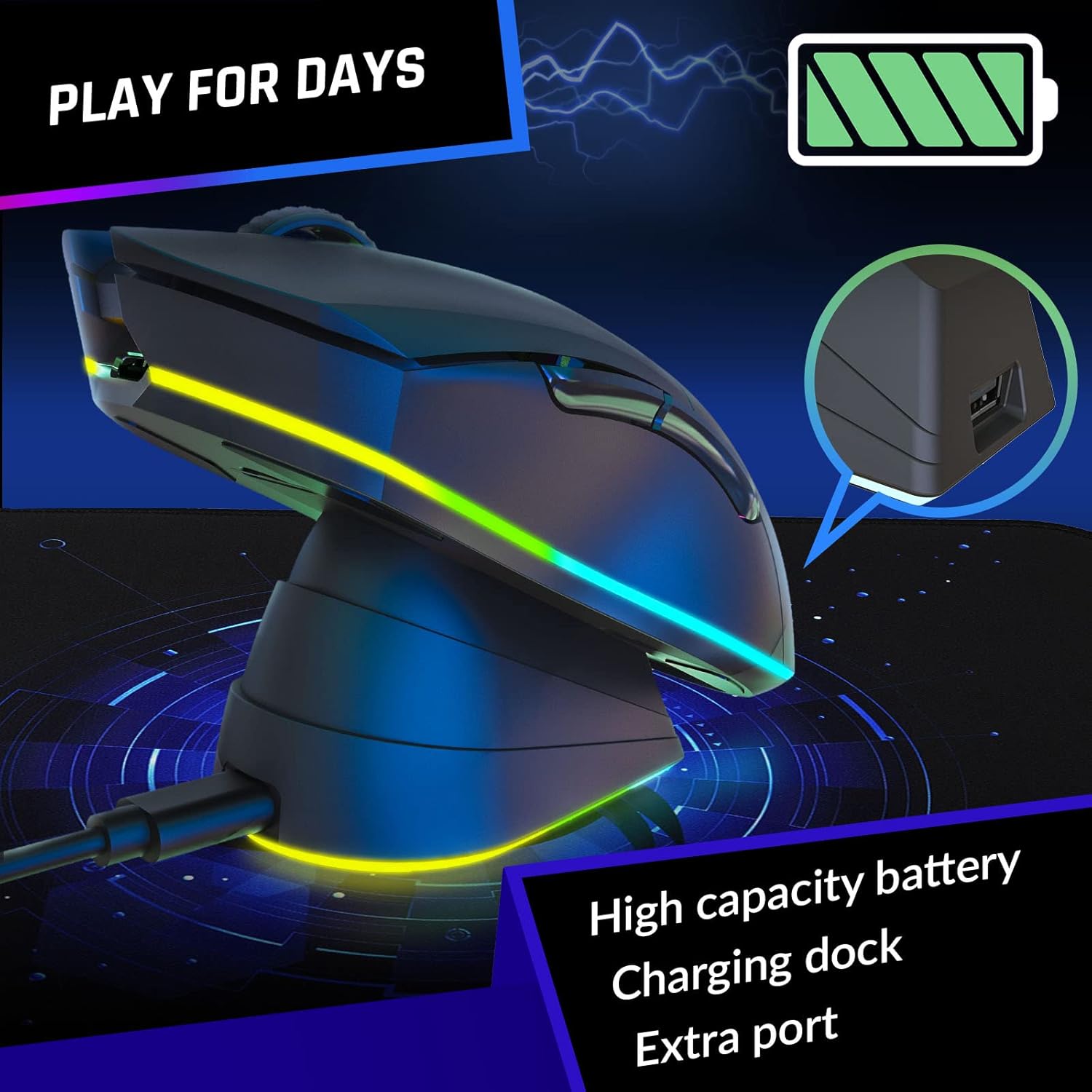
Figure 2: The KLIM Blaze Pro mouse resting on its charging dock, illustrating the charging process. The image highlights the high capacity battery and extra port on the dock.
3.2. 마우스 연결
The KLIM Blaze Pro offers both wireless and wired connectivity.
무선 모드:
- Locate the wireless USB receiver stored in the mouse's underside compartment.
- Plug the USB receiver into an available USB port on your computer. For optimal signal, you can plug the receiver into the USB port on the charging dock.
- 밑면에 있는 전원 스위치를 사용하여 마우스를 켜십시오.
- 마우스가 자동으로 컴퓨터에 연결됩니다.
유선 모드 :
Connect the USB charging cable directly from the mouse to your computer's USB port. The mouse will function as a wired mouse and charge simultaneously.
3.3. 소프트웨어 설치
For full customization of buttons, DPI settings, and RGB lighting, download the dedicated KLIM software from the official KLIM website. The software allows for creating unique combinations and fine-tuning performance settings.

Figure 3: Screenshot of the KLIM customization software interface, showing options for ergonomic grip and personalized settings.
4. 마우스 작동
4.1. 버튼 기능
The KLIM Blaze Pro features multiple programmable buttons for enhanced control:
- 좌 클릭: 표준 기본 클릭.
- 마우스 오른쪽 버튼으로 클릭: 표준 보조 클릭.
- Middle Button/Scroll Wheel Click: 프로그래밍 가능.
- 앞으로 버튼: Programmable (default: browser forward).
- 뒤로가기 버튼: Programmable (default: browser back).
- DPI 버튼: DPI 설정을 순환합니다.
4.2. DPI 조정
The mouse supports DPI settings up to 6000 DPI. Use the dedicated DPI button to cycle through preset sensitivity levels. Customize these levels further using the KLIM software.
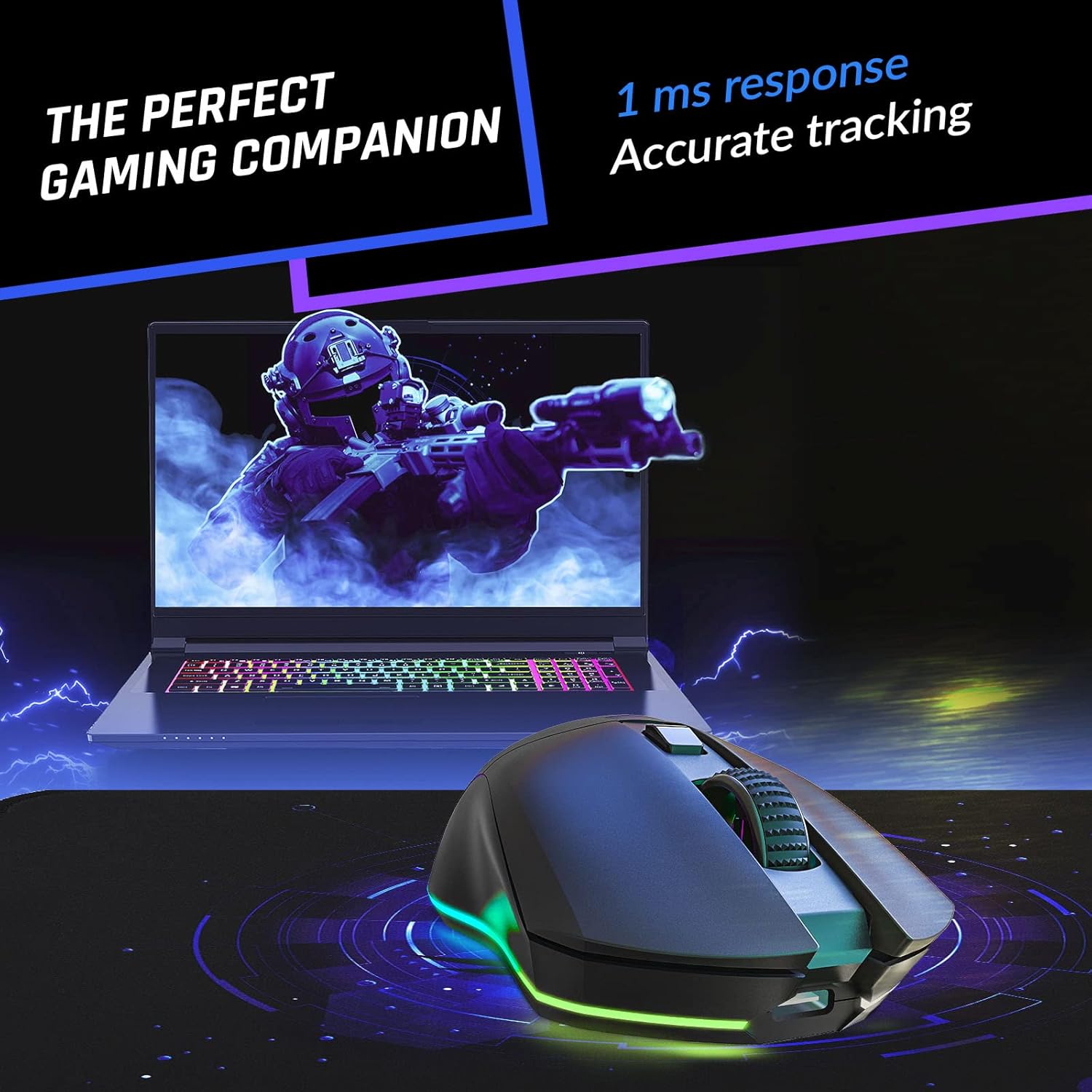
Figure 4: The KLIM Blaze Pro mouse in action, highlighting its 1ms response time and accurate tracking for precise gaming.
4.3. RGB 조명 사용자 정의
Personalize your gaming setup with vibrant RGB lighting effects. Use the KLIM software to select from multiple colors and effects, adjust brightness, and set animation speed.

Figure 5: The KLIM Blaze Pro mouse showcasing its impressive RGB lighting, illustrating the stunning aesthetics and multiple color options.
4.4. 배터리 수명
The mouse features a long-lasting rechargeable battery. With RGB lighting at 100% brightness, expect up to 18 hours of use. With RGB lighting off, the battery can last up to 150 hours. The mouse enters a low-power state after a short period of inactivity to conserve battery life.
5. 유지관리
To ensure the longevity and optimal performance of your KLIM Blaze Pro mouse:
- 청소: 부드럽고 마른 천을 사용하여 마우스를 닦으세요. 강한 화학 물질이나 연마재는 사용하지 마세요.
- 저장: Store the mouse in a cool, dry place when not in use. If storing for extended periods, ensure it is fully charged.
- 내구성: The mouse is built with durable, wear-resistant coating and buttons rated for over 20 million clicks. Avoid dropping or subjecting the mouse to excessive force.

Figure 6: An illustration emphasizing the durable build and robust switches of the KLIM Blaze Pro mouse, highlighting its longevity.
6. 문제 해결
| 문제 | 가능한 해결책 |
|---|---|
| 마우스가 응답하지 않음 | Ensure the mouse is turned on. Check if the USB receiver is properly plugged in. Try a different USB port. Ensure the mouse is charged. |
| Lag or disconnections | Ensure the mouse is within range of the receiver. Avoid interference from other wireless devices. Try plugging the receiver into the charging dock for better signal. |
| RGB 조명이 작동하지 않습니다 | Check battery level. Ensure RGB is enabled in the KLIM software. |
| DPI가 변경되지 않음 | Ensure the DPI button is functioning. Adjust DPI settings via the KLIM software. |
7. 사양
- 제품 크기: 4.92 x 2.66 x 0.04 인치
- 품목 무게: 4.9 온스
- 연결 기술 : 무선 주파수(무선)
- 움직임 감지 기술: 광학
- 해상도: 최대 6000 DPI
- 배터리: 1개의 리튬 폴리머 배터리(포함)
- 제조업체: 클림
- 모델 번호: KLIM Blaze
8. 공식 제품 영상
Video 1: Official KLIM Blaze Pro Rechargeable Wireless Gaming Mouse product video. This video provides an overview of the mouse's features, including its design, sensor, battery, and customization options.
9. 보증 및 지원
The KLIM Blaze Pro comes with a 5년 보호. For any issues, questions, or support, please contact KLIM Technologies directly. Our team of specialists is available to assist you.
지원 연락처: SUPPORT@KLIMTECHNOLOGIES.COM
더 자세한 정보는 공식 사용자 설명서 PDF를 참조하십시오. 사용 설명서 (PDF)


