1. 제품 오버view
The Blucoil Portable USB Audio Interface is designed to deliver high-quality audio resolution for various applications including home studio recording, streaming, gaming, and podcasting. This compact device supports 24-bit/48kHz resolution and is compatible with both Windows and Mac operating systems. It features versatile input/output options and low-latency direct monitoring capabilities, making it an essential tool for capturing clear and precise audio.

앞쪽 view of the Blucoil Portable USB Audio Interface, showing the microphone input, instrument input, and output controls.

The Blucoil Portable USB Audio Interface set up on a desk, ready for recording or streaming high-quality audio.
2. 설정 가이드
2.1 시스템 요구 사항
- Operating System: Windows or Mac OS
- 사용 가능한 USB 포트
- Compatible recording software (e.g., Audacity, GarageBand)
2.2 인터페이스 연결
- Connect the USB cable from the interface to an available USB port on your computer. The interface is USB bus-powered, so no external power supply is needed.
- For microphone input, plug your condenser microphone into the XLR-1/4" combo input. Ensure the +48V phantom power button is engaged if your microphone requires it.
- For instrument input, connect your instrument (e.g., guitar, keyboard) to the 1/4" TRS input.
- Connect your studio monitors or speakers to the main outputs on the rear panel. Alternatively, plug headphones into the 1/4" stereo headphone jack on the front panel for monitoring.

The Blucoil Audio Interface connected to a laptop, demonstrating reliable connections for recording.
The interface accommodates various microphone types, including condenser microphones requiring 48V phantom power.
3. 사용 설명서
3.1 입력 레벨 조정
- 사용하세요 얻다 knob for the microphone input to set the input level.
- 사용하세요 수준 knob for the instrument input to set its input level.
- Monitor the Clip and Signal Indicators for each channel. A green light indicates a signal, while a red light indicates clipping (signal distortion). Adjust the gain/level knobs to prevent clipping.

클로즈업 view of the interface controls, showing gain and level knobs for fine-tuning your sound.

A hand adjusting one of the input level knobs, demonstrating how to prevent signal clipping by observing the LED indicators.
3.2 직접 모니터링
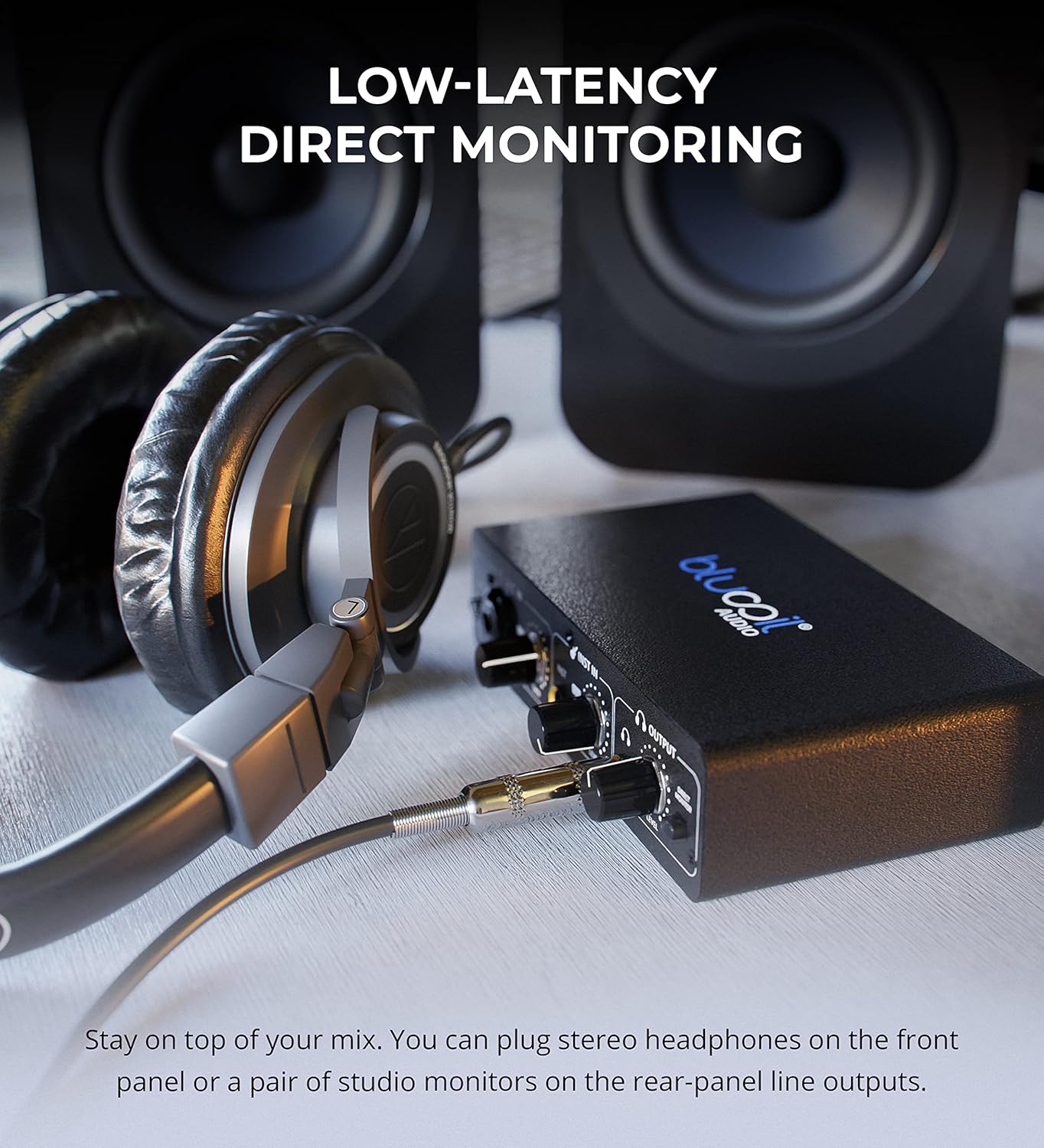
- 참여하세요 직접 모니터 button to hear your input signals directly through your headphones or main outputs with zero latency. This allows you to monitor your performance without delay from your computer's processing.

Headphones connected to the Blucoil Audio Interface, enabling low-latency direct monitoring of input signals.
3.3 출력 볼륨 제어
- 사용하세요 볼륨 레벨 knob in the Output section to control the overall output volume for both headphones and main outputs.
4. 유지관리 및 관리
- 기기를 깨끗하고 청결하게 유지하려면 부드럽고 마른 천으로 닦아주세요. 액체 세척제나 용제 사용은 피해주세요.
- 인터페이스를 직사광선과 극한의 온도를 피해 시원하고 건조한 곳에 보관하세요.
- 장치를 떨어뜨리거나 강한 충격을 가하지 마십시오.
- Ensure all cables are connected securely but without excessive force to prevent damage to ports.
5. 문제 해결
| 문제 | 가능한 원인 | 해결책 |
|---|---|---|
| 사운드 출력이 없습니다 | Incorrect volume settings, incorrect output selection in software, loose cables. | Check the Output Volume knob. Ensure the interface is selected as the output device in your computer's sound settings and recording software. Verify all cables are securely connected. |
| Input signal clipping (red light) | Input gain/level is too high. | Reduce the Gain or Level knob for the respective input until the red Clip indicator no longer illuminates. |
| 마이크가 작동하지 않습니다 (콘덴서 마이크) | 48V phantom power not enabled. | Press the +48V button to enable phantom power for condenser microphones. |
| No sound from instrument input | Instrument level too low, incorrect cable. | Increase the Level knob for the instrument input. Ensure you are using a proper 1/4" TS or TRS instrument cable. |
| Interface not recognized by computer | USB cable issue, driver issue (rare for class-compliant devices), faulty USB port. | Try a different USB port or cable. Restart your computer. While typically plug-and-play, ensure your operating system is up to date. |
6. 사양
- 품목 무게: 1파운드
- 제품 크기: 3.94 x 6.69 x 1.73 인치
- ASIN: B096ZRJSX6
- 호환 장치: 랩탑
- 커넥터 유형: 1/4" Jack, USB Port, XLR-TRS Combo Connector
- 하드웨어 인터페이스: USB
- 지원 소프트웨어: Windows audio recording and editing software (also compatible with Mac OS software like GarageBand)
- 운영 체제: Windows (also compatible with Mac OS)
- 상표: 블루코일
- 연결 기술 : USB
- 채널 수: 4 (implied by inputs and outputs, 2 input channels, 2 output channels)
7. 보증 및 지원
For detailed warranty information and customer support, please refer to the official Blucoil web사이트를 방문하거나 고객 서비스에 직접 문의하세요. 보증 청구를 위해 구매 영수증을 보관하세요.


