1. 제품 오버view
The Ratakee Digital Alarm Clock Radio is designed to provide reliable timekeeping, dual alarm functionality, and AM/FM radio reception. It features a large LED display with adjustable brightness for comfortable viewing day and night. This manual provides detailed instructions for setting up and operating your device.

이미지: 앞면 view of the Ratakee Digital Alarm Clock Radio, displaying the time 12:00 in blue LED digits.
2. 설정
2.1 전원 연결
To power the clock radio, plug the AC adapter into any standard 110V wall outlet. The display will illuminate, indicating the unit is receiving power.
2.2 배터리 백업 설치
For battery backup, insert two (2) AAA batteries (not included) into the battery compartment located on the bottom of the unit. These batteries will preserve your time and alarm settings during a power outage, but will not power the display or alarm functions.
2.3 초기 시간 설정
Upon first power-up or after a prolonged power interruption without battery backup, the display may show a default time. Refer to the 'Setting Time' section under 'Operating' for instructions on how to set the current time.
3. 사용 설명서
3.1 설정 시간
- 를 누르고 계세요 시간 설정 시 숫자가 깜빡일 때까지 버튼을 누르세요.
- 사용하세요 시간 그리고 분 버튼으로 시간을 조정합니다.
- 누르다 시간 설정 시간 설정 모드를 확인하고 종료하려면 다시 누르세요.
3.2 Display Brightness (Dimmer)
The clock features a 1.6-inch LED display with adjustable brightness. To adjust the display brightness:
- 를 누르세요 주차 button repeatedly to cycle through the 4 available brightness levels. Select the level most comfortable for your environment.

Image: Comparison of the clock display at high and low brightness settings, demonstrating the dimmer function.
3.3 알람 설정(듀얼 알람)
This clock supports two independent alarms (Alarm 1 and Alarm 2). Each alarm can be set to a beep sound or a radio station.
- 를 누르고 계세요 경보 1 or 경보 2 알람 시간 숫자가 깜빡일 때까지 버튼을 누르세요.
- 사용하세요 시간 그리고 분 원하는 알람 시간을 설정하려면 버튼을 누르세요.
- 를 누르세요 경보 1 or 경보 2 button again to select the alarm source (Beep or Radio). The corresponding icon will appear on the display.
- 를 누르세요 경보 1 or 경보 2 button a third time to confirm and activate the alarm.
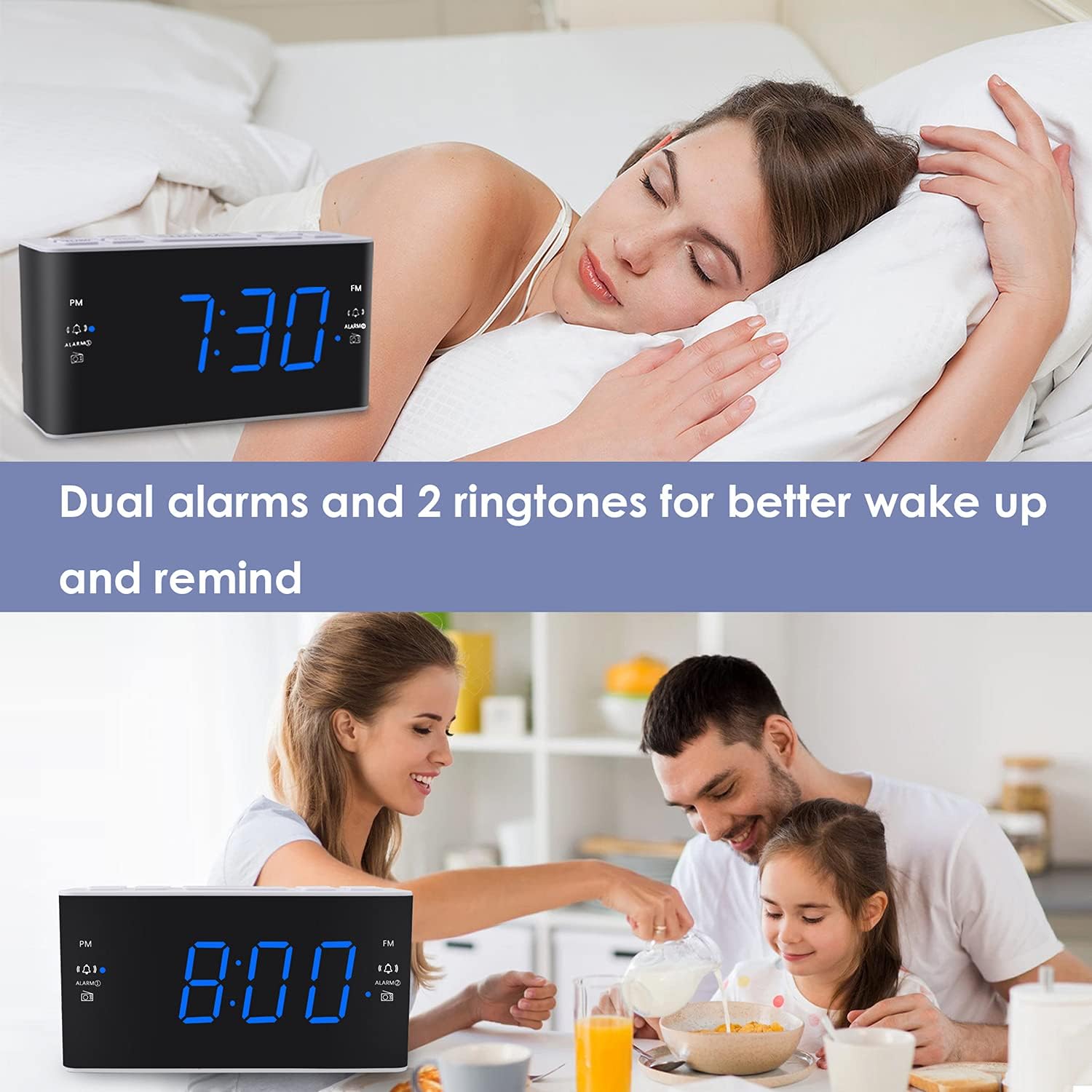
Image: Visual representation of the dual alarm feature, showing the clock used for different wake-up scenarios.
3.4 스누즈 기능
알람이 울리면 큰 버튼을 누르세요. 선잠 button on top of the unit to temporarily silence the alarm for 9 minutes. The alarm will sound again after this period. You can repeat the snooze function up to 5 times.
To turn off the alarm completely for 24 hours, press any other button on the clock (e.g., Radio, Time Set, Alarm 1/2) while the alarm is sounding.
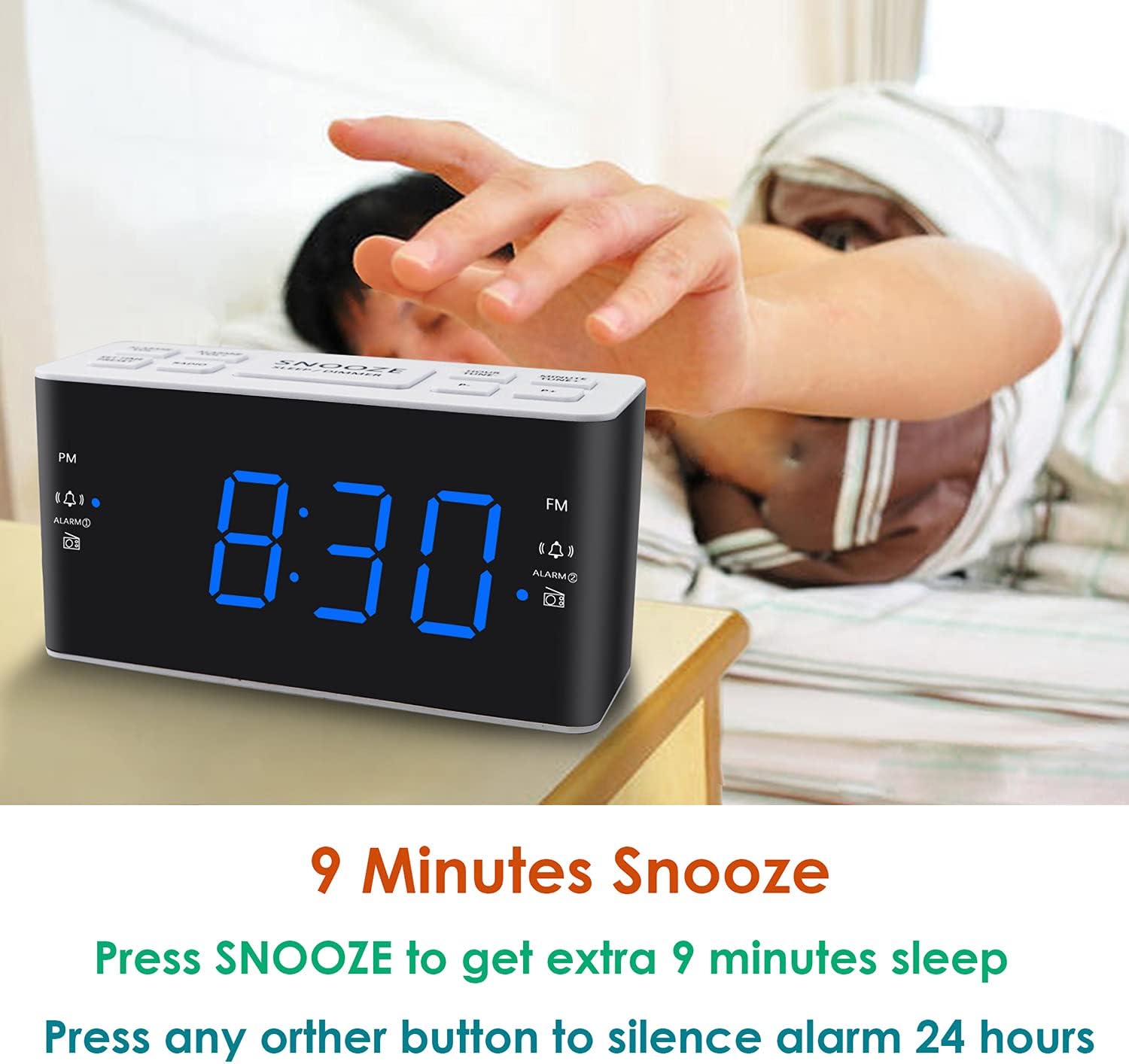
Image: Demonstrates the easy access and function of the snooze button for an additional 9 minutes of sleep.
3.5 AM/FM 라디오 작동
The clock radio features digital tuning for AM and FM bands.
- 를 누르세요 라디오 라디오를 켜거나 끄는 버튼입니다.
- 사용하세요 튠+ 그리고 곡조- 원하는 주파수에 수동으로 맞추는 버튼입니다.
- 누르고 있으세요 튠+ or 곡조- 다음으로 이용 가능한 방송국을 자동으로 스캔합니다.
- 를 사용하여 볼륨을 조정합니다. 볼륨+ 그리고 권 buttons (0-15 levels).
3.6 Saving Radio Presets
You can save up to 20 AM stations and 20 FM stations for quick access.
- 원하는 라디오 방송국에 맞추십시오.
- 를 누르고 계세요 사전 설정 사전 설정된 번호가 깜박일 때까지 버튼을 누릅니다.
- 사용하세요 튠+ or 곡조- 원하는 프리셋 번호(P01-P20)를 선택하는 버튼입니다.
- 누르다 사전 설정 다시 한번 확인하고 스테이션을 저장합니다.
저장된 프리셋을 불러오려면 버튼을 짧게 누르세요. 사전 설정 저장된 방송국을 순환하려면 버튼을 반복해서 누르세요.
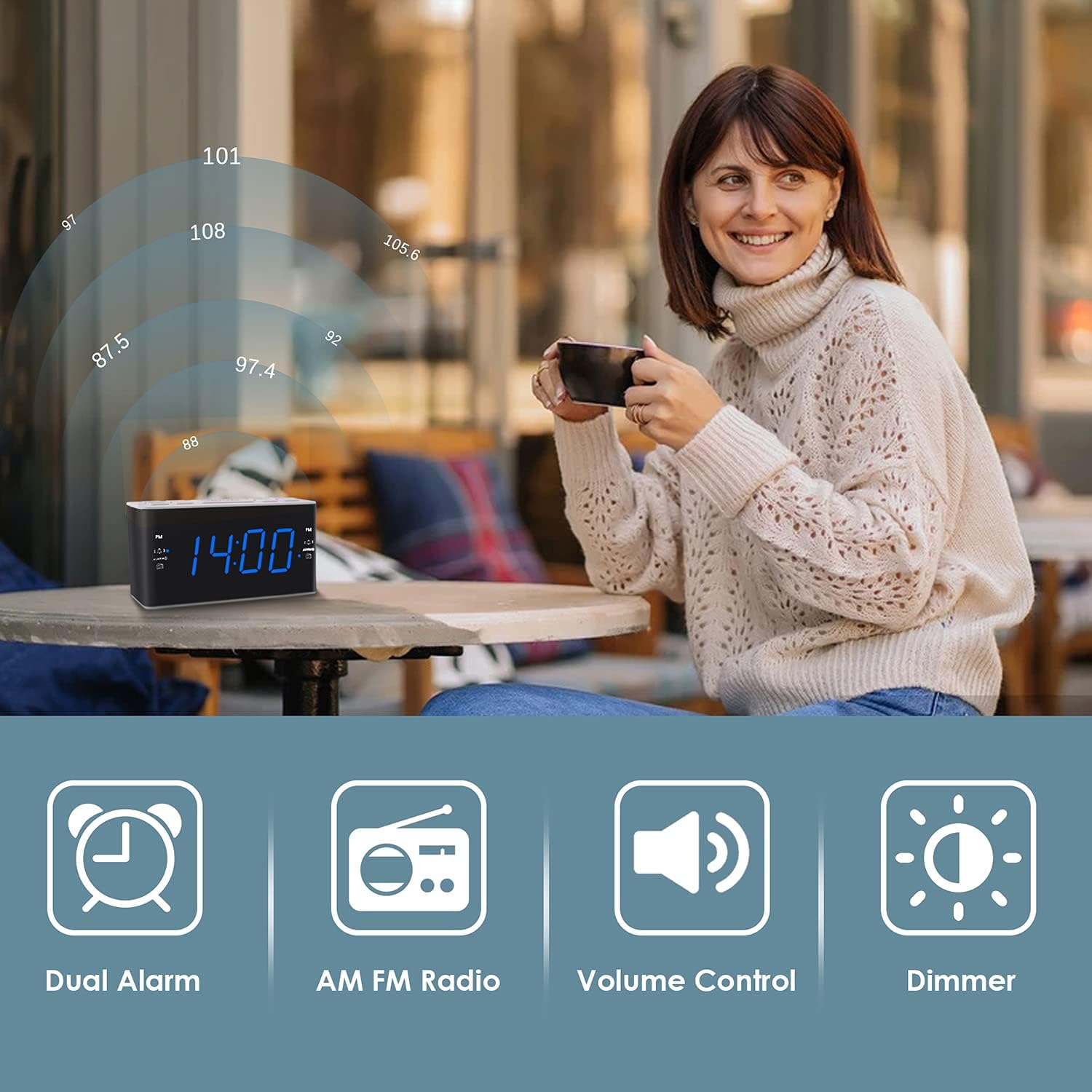
Image: Illustrates the various features of the clock radio, including AM/FM radio functionality.
3.7 슬립 타이머
수면 타이머를 사용하면 라디오를 들으며 잠들 수 있으며, 설정한 시간이 지나면 라디오가 자동으로 꺼집니다.
- 라디오가 재생되는 동안 잠 button repeatedly to cycle through the available sleep timer durations (10-90 minutes).
- 라디오는 선택한 시간 동안 재생된 후 자동으로 꺼집니다.
4. 유지관리
4.1 청소
To clean the clock radio, gently wipe the surface with a soft, dry cloth. Do not use abrasive cleaners, waxes, or solvents as they may damage the finish. Ensure the unit is unplugged before cleaning.
4.2 배터리 교체
정전 중에 시계가 시간이나 알람 설정을 잃어버리는 경우tage, the AAA backup batteries may need replacement. Replace both batteries simultaneously with new ones, ensuring correct polarity.
5. 문제 해결
If you encounter issues with your Ratakee Digital Alarm Clock Radio, please refer to the following common solutions:
- 전원/디스플레이 꺼짐: Ensure the AC adapter is securely plugged into both the clock and a working wall outlet. Check if the outlet has power.
- 알람이 울리지 않음: Verify that the alarm is activated (alarm icon visible on display) and the alarm time is correctly set. Check the alarm volume level.
- Radio Static/Poor Reception: Extend the FM wire antenna fully for better reception. Try repositioning the clock radio to a different location to improve signal strength. For AM reception, rotate the unit to find the best signal.
- Time/Settings Lost After Power Outage: Ensure fresh AAA batteries are installed correctly in the battery backup compartment.
이러한 해결 방법을 시도한 후에도 문제가 지속되면 고객 지원팀에 문의하여 추가 지원을 받으세요.
6. 사양
| 상표 | 라타키 |
| 모델 번호 | H249US |
| 색상 | 파란색 LED |
| 제품 치수 | 15.49 x 7.87 x 5.59cm |
| 품목 무게 | 350g |
| 재료 | 플라스틱 |
| 디스플레이 유형 | 주도의 |
| 전원 | AC Powered (110V) |
| 배터리 백업 | AAA 배터리 2개 (포함되지 않음) |
| FM 주파수 범위 | 87.5-108MHz |
| AM 주파수 범위 | 520-1710 kHz |
| 특별 기능 | Alarm, Brightness Dimmer, Radio |

Image: Product dimensions of the Ratakee Digital Alarm Clock Radio.
7. 보증 및 지원
Ratakee is committed to providing quality products and customer satisfaction. If you have any questions regarding the operation, setup, or performance of your alarm clock radio, please do not hesitate to contact our customer support team.
In the event that the product is deemed defective, you may be eligible for a hassle-free replacement or refund. For specific inquiries or to report an issue, please reach out to us directly. We are dedicated to assisting you and ensuring a positive experience with your Ratakee product.
