1. 서론
The Poly Voyager Focus 2 UC USB-A Headset is designed to create a focused audio environment, blocking out background noise for clear communication. Featuring three levels of hybrid Active Noise Canceling (ANC) and Poly Acoustic Fence technology, it ensures you hear your calls clearly and are heard without distractions. This headset offers all-day comfort and versatile connectivity for computers (via BT700 USB-A adapter) and mobile devices (via Bluetooth v5.1). This Microsoft Teams certified version includes a dedicated Teams button for enhanced collaboration.
2. 상자 안에 무엇이 들어있나요?
- Voyager Focus 2 UC USB-A Headset
- 운반 케이스
- BT700 USB-A 어댑터
- 충전 케이블
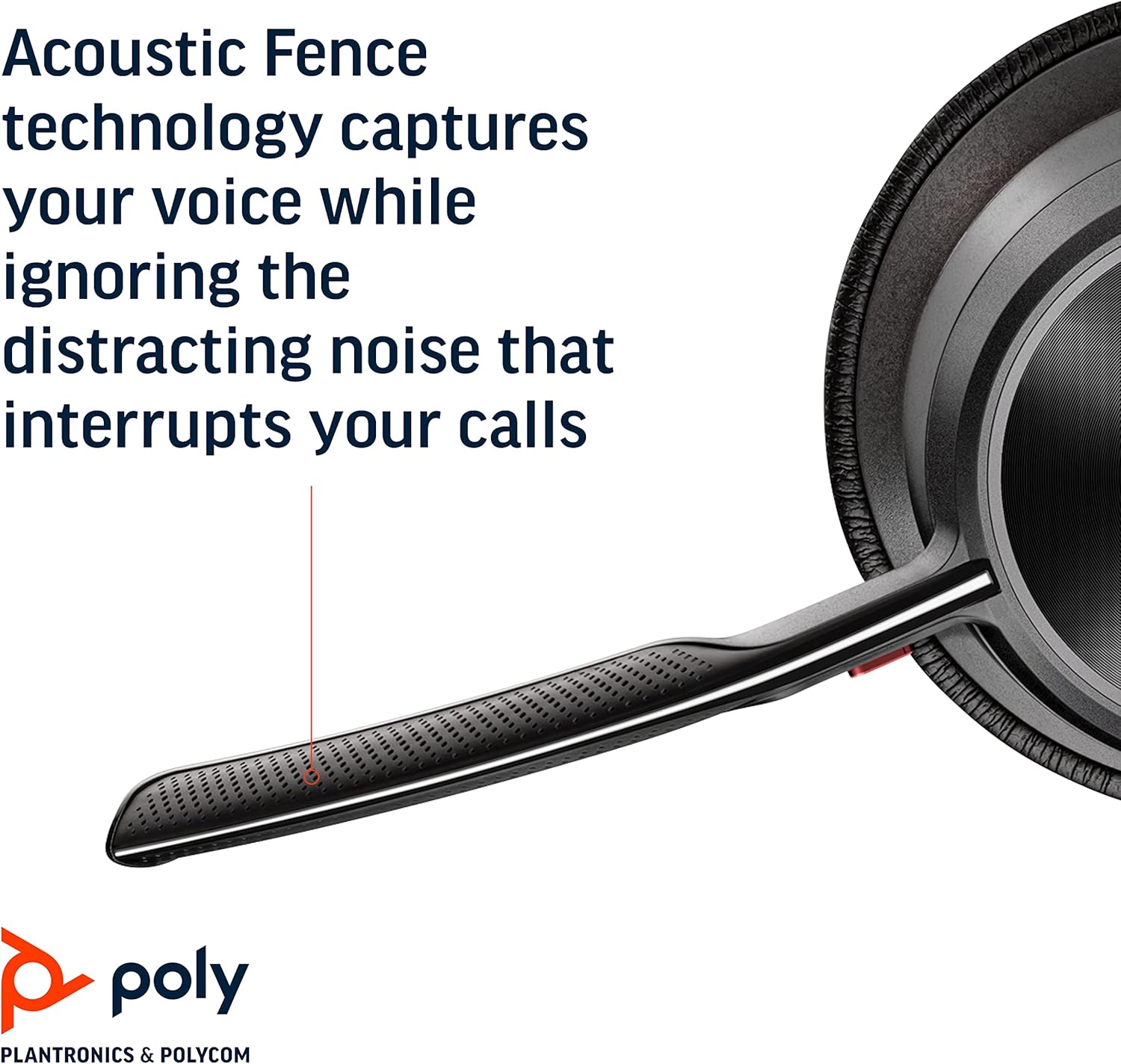
Image: Headset components including the BT700 USB-A adapter and charging cable.
3. 설정
3.1 헤드셋 충전
Connect the charging cable to the headset's USB port and to a power source. A full charge provides up to 19 hours of talk time. If using an optional charging stand, simply place the headset on the stand to charge.

Image: The Poly Voyager Focus 2 UC USB-A Headset placed on its charging stand.
3.2 컴퓨터 연결 (USB-A 어댑터)
- Insert the BT700 USB-A adapter into an available USB-A port on your computer.
- 헤드셋의 전원을 켭니다.
- 어댑터의 LED는 헤드셋에 연결되면 파란색으로 깜빡인 후 파란색으로 계속 켜집니다.
3.3 Connecting to a Mobile Device (Bluetooth)
- With the headset powered off, slide and hold the Power switch towards the Bluetooth icon until the LED flashes red and blue.
- 모바일 기기에서 블루투스 설정으로 이동하여 사용 가능한 장치 목록에서 "Poly Voyager Focus 2"를 선택하십시오.
- Once successfully paired, the headset LED will stop flashing.
3.4 헤드셋 조정
Adjust the headband for a comfortable fit. Position the boom microphone approximately two finger-widths from the corner of your mouth. The microphone boom is flexible and can be rotated to either the left or right side, automatically adjusting audio channels.

Image: A woman wearing the headset, demonstrating a comfortable fit for work.
4. 사용 설명서
4.1 전원 켜기/끄기
Slide the Power switch to the 'On' position to power on the headset. Slide it to 'Off' to power off.
4.2 볼륨 조절
Use the volume up (+) and volume down (-) buttons located on the earcup to adjust the listening volume.

Image: Close-up of the headset earcup with visible volume controls.
4.3 음소거/음소거 해제
Press the dedicated mute button on the microphone boom to mute or unmute your microphone. The Dynamic Mute Alert feature will notify you if you speak while muted.

이미지: 상세 view of the headset's boom microphone.
4.4 능동형 소음 제거(ANC)
Adjust the noise canceling level (High, Low, or Off) using the ANC switch on the earcup to suit your environment and personal preference.
4.5 통화 관리
Press the Call button on the earcup to answer or end a call. For Microsoft Teams calls, use the dedicated Teams button for instant access to the Teams App and notifications.
5. 특징
- 오디오 성능 : Three options of Advanced Digital Hybrid Active Noise Canceling (ANC) – high, low, and off – for personalized noise control.
- 폴리 어쿠스틱 펜스 기술: Advanced multi-microphone noise canceling ensures callers hear only your voice, not your surroundings.
- 스마트 기술: Dynamic Mute Alert notifies you if you speak while your microphone is muted.
- All-Day Wearing: Lightweight headband with a sling and plush ear cushions provide comfort for extended use. Up to 19 hours of talk time.
- Multiple Device Connections: Connects to a computer via the included BT700 USB-A adapter and to a mobile device via Bluetooth v5.1.
영상: 공식 발표view of the Poly Voyager Focus 2 headset, highlighting its key features and design.
6. 유지관리
6.1 청소
헤드셋을 부드러운 천으로 닦으세요.amp cloth. Avoid using harsh chemicals or abrasive materials. Ensure the microphone and earcup surfaces are free from debris.
6.2 보관
When not in use, store the headset in its provided carry case to protect it from dust and damage. Avoid storing in extreme temperatures.
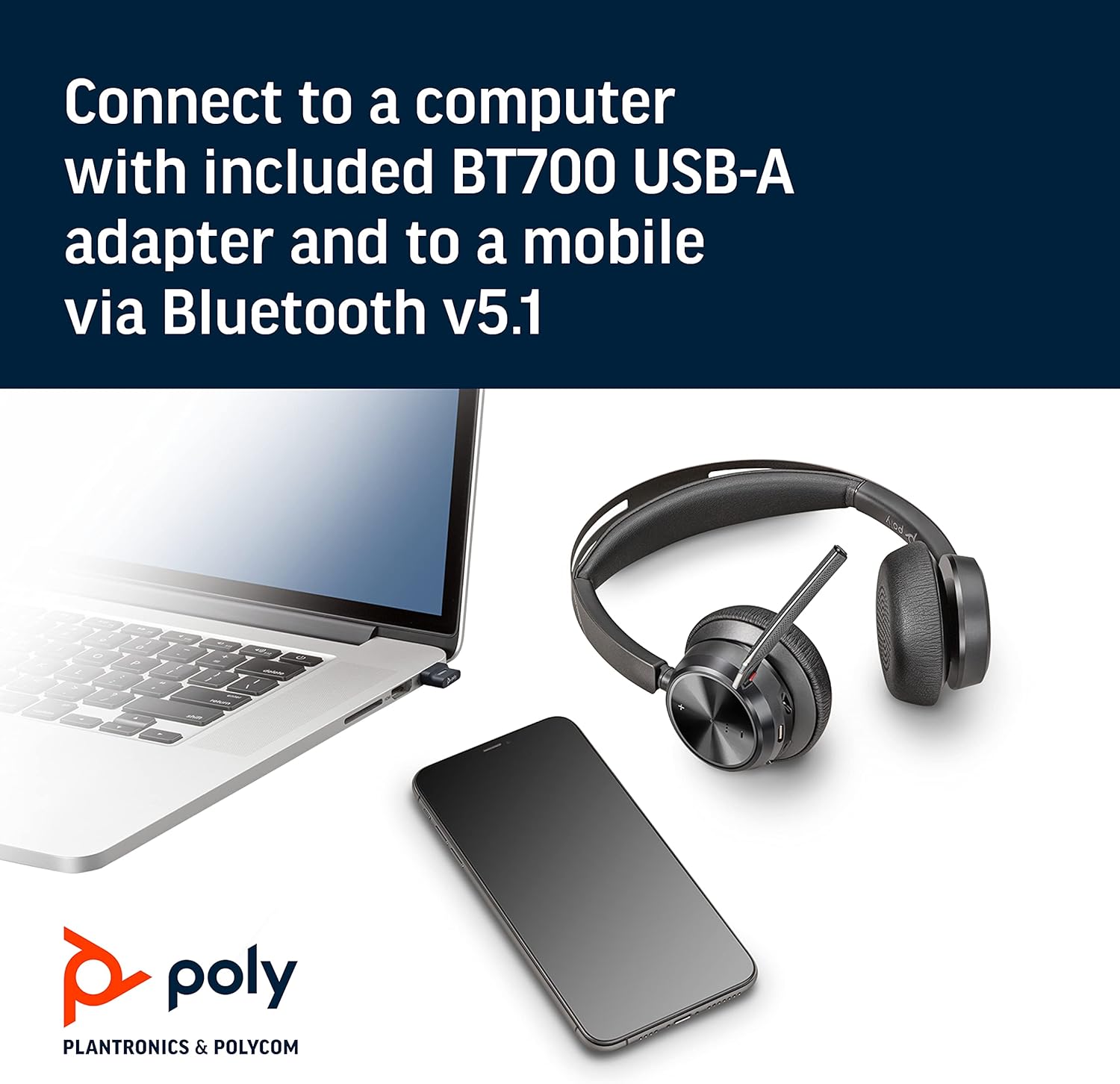
Image: The headset neatly folded and stored inside its carry case.
7. 문제 해결
7.1 No Sound/Poor Audio Quality
- 헤드셋의 전원이 켜져 있고 완전히 충전되어 있는지 확인하세요.
- Check that the headset is correctly paired with your device (computer via USB adapter or mobile via Bluetooth).
- Verify the volume levels on both the headset and your connected device.
- If connected to a computer, ensure the Poly BT700 adapter is recognized as the default audio device in your system settings.
7.2 마이크가 작동하지 않음
- Confirm the microphone is not muted (check the mute button and Dynamic Mute Alert).
- Ensure the microphone boom is properly positioned near your mouth.
- 기기의 오디오 설정에서 헤드셋 마이크가 입력 장치로 선택되어 있는지 확인하십시오.
7.3 연결 문제
- 헤드셋과 연결된 장치를 모두 다시 시작하세요.
- Move closer to your connected device to ensure you are within the Bluetooth range (up to 10 meters for mobile, 50 meters for BT700 adapter).
- If using the BT700 adapter, try plugging it into a different USB port.
- Unpair and re-pair the headset with your device.
8. 사양
| 모델명 | Voyager Focus 2 UC-M USB-A |
| 품목 모델 번호 | 213726-02 |
| 연결 기술 | 블루투스 5.1 |
| 소음 제어 | Active Noise Cancellation (Hybrid Digital) |
| 마이크 기술 | 폴리 어쿠스틱 펜스 |
| 배터리 수명(통화 시간) | 최대 19시간 |
| 헤드폰 잭 | USB |
| 품목 무게 | 175그램(6.2온스) |
| 제품 치수 | 4 x 6 x 2.8 인치 |
| 호환 장치 | PCs, Smartphones, Tablets, Laptops |
| 포함된 구성 요소 | Headset, carry case, BT700 USB adapter and charging cable |
9. 보증 및 지원
For warranty information, technical support, or to register your product, please visit the official Poly web해당 웹사이트를 방문하거나 구매 시 동봉된 문서를 참조하십시오. 또한 다음 웹사이트를 방문하실 수도 있습니다. POLY 스토어 아마존에서 만나보세요 추가 자료 및 제품 정보는 여기에서 확인하세요.