1. 서론
This manual provides detailed instructions for the installation, operation, and maintenance of your ieGeek K301 Car Radio. Please read this manual thoroughly before using the product to ensure proper function and safety.
주요 특징
- FM/AM Stereo Radio with RDS: Supports reception of FM/AM stereo radio and can store up to 30 radio stations. RDS functions provide automatic traffic announcements for enhanced road safety.
- 블루투스 5.0 연결: Offers stable and reliable Bluetooth connection for hands-free calls and music streaming from iOS/Android devices.
- 미디어 재생 : Supports MP3/WMA/WAV audio formats via USB drive and micro SD card.
- AUX-IN 입력: Front-facing AUX IN port for connecting external audio devices.
- USB 충전: Independent 5V-2A USB charging interface for quick mobile phone charging.
- 시계 표시 : Independent clock display window for easy time view주고받음.
- 전원 끄기 메모리: Retains settings and last played station/track after power-off.
- 향상된 오디오: Integrated 4x55W amplification for clear audio. Features Extra Bass and customizable sound profiles.

2. 패키지 내용
패키지에 모든 품목이 들어 있는지 확인하세요.
- 1x ieGeek K301 Car Radio
- 1x 사용자 설명서
- 1x 원격 제어
- 2x 전원 케이블
- 2x Removal Keys
3. 설치
Proper installation is crucial for optimal performance. If you are unsure about any steps, consult a professional car audio installer.
3.1 배선도
다음 그림을 참조하여 올바른 배선 연결을 하십시오. 오작동을 방지하기 위해 모든 연결이 단단히 고정되었는지 확인하십시오.

- 전원 연결: Connect the yellow wire directly to the car battery's positive terminal (constant 12V) to ensure memory retention for settings and radio stations. The red wire should connect to the ignition switch (switched 12V). The black wire is for ground.
- 스피커 연결: Connect the speaker wires according to the diagram, ensuring correct polarity for each speaker.
- 안테나 연결: Connect your car's antenna cable to the radio. An adapter may be required for certain vehicle models.
3.2 장치 장착
- Insert the metal mounting sleeve into the dashboard opening. Bend the tabs to secure it.
- Connect all necessary wiring harnesses to the rear of the car radio.
- Carefully slide the car radio into the mounting sleeve until it clicks into place.
- Use the provided removal keys to extract the unit if needed for future maintenance or replacement.
4. 사용 설명서
4.1 기본 컨트롤

- Power/Volume Knob (VOL): 눌러서 켜거나 끄세요. 돌려서 볼륨을 조절하세요.
- MODE 버튼: Press to cycle through available modes (FM, AM, USB, SD, AUX, Bluetooth).
- BAND/AMS Button: In radio mode, press to switch between FM1/FM2/FM3/AM1/AM2 bands. Long press to automatically scan and store stations.
- SEL/RDS Knob: Press to access audio settings (Bass, Treble, Balance, Fader, EQ). Rotate to adjust values. Long press for RDS functions (if available).
- 사전 설정 버튼(1-6): In radio mode, short press to select a stored station. Long press to store the current station.
- Forward/Backward Buttons (◀◀/▶▶): In media playback, short press for previous/next track. Long press for fast rewind/forward. In radio mode, short press for manual tuning, long press for auto-seek.
4.2 라디오 작동 (FM/AM/RDS)

- 를 누르세요 방법 button until "FM" or "AM" is displayed.
- 누르다 밴드/AMS to select the desired frequency band (FM1, FM2, FM3, AM1, AM2).
- 사용하세요 ◀◀/▶▶ buttons to tune to a station. Long press for automatic station seeking.
- To store a station, tune to the desired frequency, then long press one of the 프리셋 버튼(1-6) 디스플레이가 깜박일 때까지.
- RDS 기능: If available in your region, the radio will display station information. Long press the SEL/RDS knob to activate/deactivate RDS features like traffic announcements.
4.3 USB/SD 카드 재생
- USB 포트에 USB 드라이브를 삽입하거나 SD 카드 슬롯에 SD 카드를 삽입하십시오. 기기가 자동으로 USB/SD 모드로 전환되어 재생을 시작합니다.
- 자동으로 전환되지 않으면 버튼을 누르세요. 방법 button to select "USB" or "SD".
- 사용하세요 ◀◀/▶▶ 트랙을 탐색하는 버튼입니다.
- 그만큼 1/▶▶ button can be used for play/pause.
- 그만큼 3 / RPT button can be used for repeat functions.
4.4 AUX-IN 연결

- Connect your external audio device (e.g., smartphone, MP3 player) to the front AUX IN 3.5mm 오디오 케이블을 사용하여 포트에 연결합니다.
- 를 누르세요 방법 "AUX"가 표시될 때까지 버튼을 누르세요.
- 외부 기기에서 재생과 볼륨을 제어하세요.
4.5 블루투스 작동

- 편성:
- 를 누르세요 방법 button until "BT" (Bluetooth) is displayed.
- 모바일 기기에서 블루투스를 활성화하고 사용 가능한 기기를 검색하세요.
- Select "K301" from the list. If prompted for a password, enter "0000".
- Once paired, the display will show "BT ON" or a similar confirmation.
- Bluetooth 오디오 스트리밍:
- After successful pairing, open your music player on your mobile device.
- Audio will stream through the car radio. Use the ◀◀/▶▶ buttons on the radio to control tracks.
- 핸즈프리 통화:
- When a call comes in, the radio will display the caller's number (if available).
- 를 누르세요 권 knob to answer a call. Press again to end a call.
- Use the built-in microphone for communication.
4.6 USB 충전
The dedicated USB port provides 5V-2A output for charging mobile devices. Simply connect your device using a compatible USB cable.
4.7 Clock Display and Setting

The unit features an independent clock display. To set the time:
- With the unit powered on, long press the 이익 button (if available, or a combination with MODE/VOL). If no specific DISP button, the clock is usually set via the MODE button or a long press on the VOL knob in some modes.
- 사용하세요 ◀◀/▶▶ 버튼 또는 권 knob to adjust hours and minutes.
- 를 누르세요 권 knob again to confirm.
4.8 리모컨
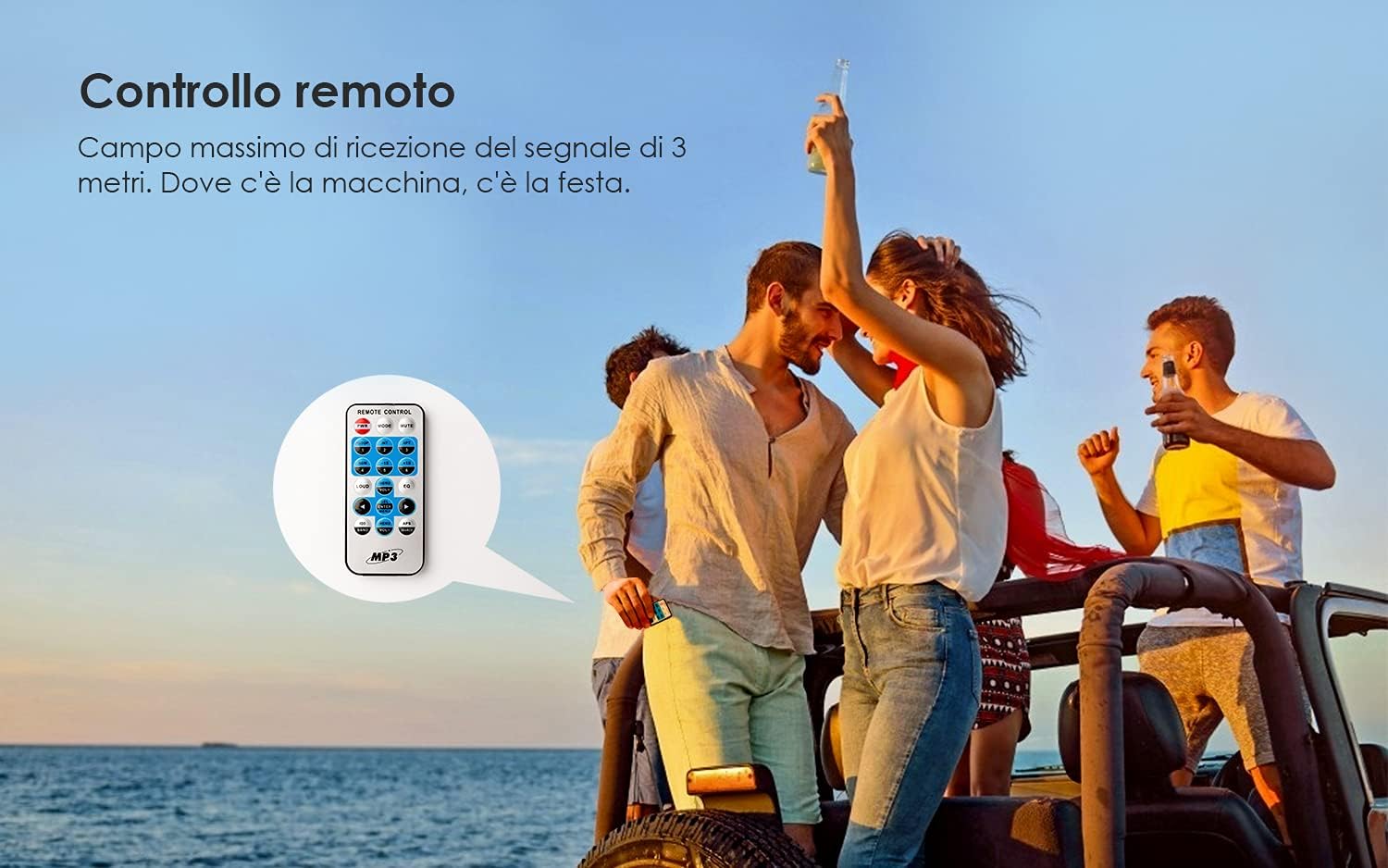
The included remote control allows for convenient operation of the car radio from a distance. Point the remote control towards the unit's IR receiver. Functions include power, mode selection, volume adjustment, track/station navigation, and preset selection.
5. 유지관리
- 청소: Use a soft, dry cloth to clean the front panel. Do not use abrasive cleaners or solvents.
- 퓨즈 교체: If the unit does not power on, check the 15A fuse located at the rear of the unit. Replace it with a fuse of the same rating if blown.
6. 문제 해결
| 문제 | 가능한 원인 | 해결책 |
|---|---|---|
| 장치에 전원이 없습니다. | Blown fuse; incorrect power wiring. | Check and replace the 15A fuse. Verify power cable connections (red, yellow, black). |
| Settings/stations are lost after turning off the car. | Yellow (memory) wire not connected to constant 12V. | Ensure the yellow power cable is connected directly to a constant 12V source from the car battery. |
| 라디오 수신 상태가 좋지 않습니다. | Antenna not connected properly; weak signal area. | Check antenna connection. Ensure an antenna adapter is used if necessary. Try a different location. |
| 블루투스 연결 문제. | Device not in pairing mode; incorrect pairing process. | Ensure the radio is in BT mode. Re-enable Bluetooth on your mobile device and re-attempt pairing. |
| 통화 중 마이크 품질이 좋지 않습니다. | Background noise (e.g., AC fan); microphone interference. | Reduce background noise. Avoid placing mobile phone too close to the unit during calls. |
| 밝은 햇빛 아래에서는 화면을 읽기 어렵습니다. | High ambient light; no contrast adjustment. | This is a characteristic of the display type. No user adjustment for contrast is available. |
| Caller ID shows number, not name. | Unit limitation. | The unit displays the caller's number only. Name display is not supported. |
7. 사양
| 특징 | 세부 사항 |
|---|---|
| 운영 볼륨tage | 9-30V(전기) |
| 퓨즈 | 15A |
| 스피커 임피던스 | 4Ω |
| 최대 출력 전력 | 60 W (4x15W RMS) |
| FM 주파수 범위 | 87.5~107.9MHz |
| AM 주파수 범위 | 522~1620MHz |
| 연결성 | Bluetooth 5.0, USB Type A, AUX-IN, Micro SD |
| 총 USB 포트 | 2 (1x Data/Media, 1x Charging) |
| 호환 오디오 형식 | MP3, WMA, WAV |
| 호환 장치 | Speakers, Android, iOS devices |
| 오디오 출력 모드 | 스테레오 재생 |
| 서라운드 사운드 채널 구성 | 4.0 |
| 품목 무게 | 772그램 |
| 모델 번호 | 케이301 |
| ASIN | B0912HPZT2 |
8. 보증 및 지원
For warranty information and technical support, please refer to the documentation provided with your purchase or visit the official ieGeek web사이트. 보증 청구를 위해 구매 증빙 자료를 보관하세요.
For further assistance, you may contact ieGeek customer service through their official channels. The brand store can be found 여기.