소개
구매해주셔서 감사합니다asing the DELTACO GAMING Chair, Model GAM-080. This ergonomic gaming chair is designed to provide comfort and support during long gaming sessions, featuring adjustable components and integrated RGB lighting. Please read this manual carefully before assembly and use to ensure proper operation and longevity of your chair.
안전 정보
- 사용하기 전에 모든 구성 요소가 단단히 고정되어 있는지 확인하십시오.
- 의자 위에 서지 마세요.
- 의자의 부품이 손상되었거나 누락된 경우 사용하지 마십시오.
- 조정하는 동안 손과 손가락이 움직이는 부품에 닿지 않도록 주의하세요.
- This chair is designed for a maximum weight of 120 kg (264 lbs). Exceeding this limit may cause damage or injury.
- The RGB lighting requires a USB power source. Ensure the cable is not pinched or damaged.
패키지 내용
조립을 시작하기 전에 모든 부품이 포함되어 있고 손상되지 않았는지 확인하세요. 부품이 누락되었거나 손상된 경우 고객 지원 센터에 문의하세요.
- 등받이
- 좌석베이스
- 팔걸이(2)
- 스타베이스
- 캐스터 (5)
- 가스 리프트 실린더
- 가스 리프트 커버
- 메커니즘 플레이트
- 요추 쿠션
- 머리받침 베개
- 조립 하드웨어(나사, 와셔, 육각 렌치)
- RGB 원격 제어
- USB Power Cable for RGB
설정 및 조립
Please follow these steps carefully for proper assembly. It is recommended to assemble the chair on a soft, clean surface to prevent damage.
- 스타베이스에 캐스터 부착: 별 모양 받침대 끝에 있는 구멍에 다섯 개의 바퀴를 각각 딸깍 소리가 나면서 제자리에 단단히 고정될 때까지 끼워 넣으세요.
- 가스 리프트 삽입: 가스 리프트 실린더를 스타 베이스 중앙 구멍에 넣으세요. 가스 리프트 커버로 덮으세요.
- 메커니즘 플레이트를 시트 베이스에 부착하십시오: Align the mechanism plate with the pre-drilled holes on the underside of the seat base. Ensure the front of the mechanism plate faces the front of the seat. Secure with screws.
- 팔걸이를 좌석 받침대에 부착하세요: Secure the armrests to the sides of the seat base using the provided screws. Ensure they are firmly attached.
- 등받이를 좌석 받침대에 부착하세요: 등받이를 좌석 바닥의 장착 브래킷에 맞춰 정렬합니다. 나사로 고정합니다.
- 좌석을 가스 리프트에 연결: 조립된 좌석과 등받이를 가스 리프트 실린더에 조심스럽게 올려놓고 중앙에 위치하며 안정적으로 고정되었는지 확인하세요.
- 머리받침과 요추 쿠션 부착: Secure the headrest pillow and lumbar cushion to the chair using their respective straps.

Image: The DELTACO GAMING Chair fully assembled, showcasing its ergonomic design and RGB lighting strips along the edges.
작동 지침
높이 조정
To adjust the chair's height, pull the lever located on the right side of the seat upwards. While seated, lift your weight off the chair to raise it, or remain seated to lower it. Release the lever to lock the height.
등받이 리클라인
The backrest can be reclined between 90 and 180 degrees. Pull the recline lever, typically located on the right side of the chair, and lean back or forward to achieve your desired angle. Release the lever to lock the backrest in position.

Image: An illustration demonstrating the chair's ability to recline from an upright position to a nearly flat position, indicated by an orange arrow.
RGB Lighting Operation
The chair features integrated RGB lighting with 332 LED modes. To activate the lighting, connect the chair's USB cable to a 5V USB power source (e.g., a power bank, computer USB port, or USB wall adapter). Use the included remote control to change colors, modes, and brightness.
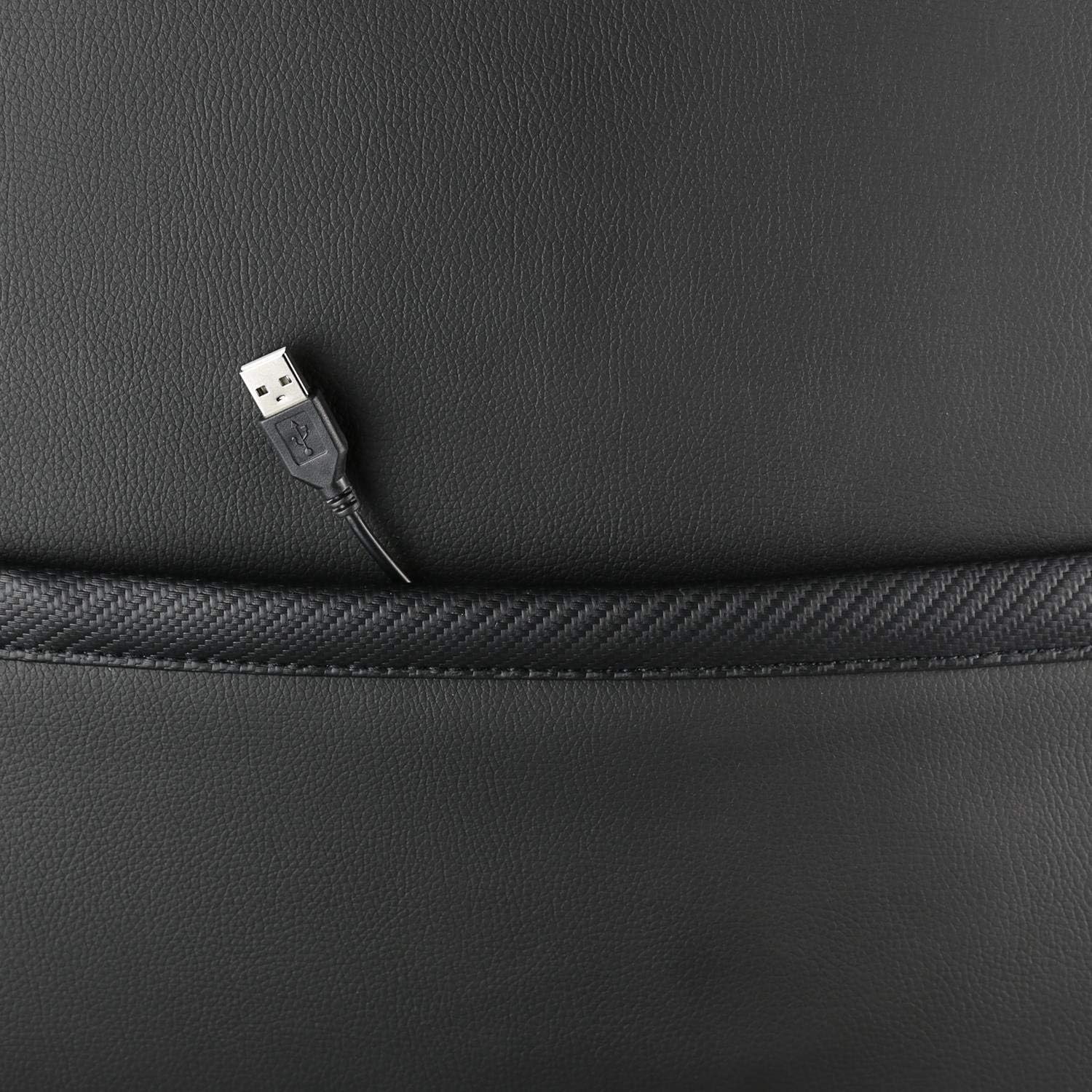
이미지: 클로즈업 view showing the USB power cable emerging from a pocket on the chair, used to power the RGB lighting.

이미지: 오버view image of the DELTACO GAMING RGB Gaming Chair highlighting features such as remote control for RGB lights, adjustable headrest, included lumbar cushion, and adjustable backrest from 90-180 degrees, along with 332 LED modes.
유지 보수 및 관리
- 청소: 광고로 깨끗이 닦아내세요amp cloth. Do not use harsh chemicals or abrasive cleaners, as this may damage the faux leather.
- 점검: 정기적으로 모든 나사와 볼트가 단단히 조여져 있는지 확인하십시오. 필요한 경우 다시 조이십시오.
- 저장: 의자의 재질이 손상되는 것을 방지하기 위해 직사광선을 피해 서늘하고 건조한 곳에 보관하십시오.
- USB 케이블 : Ensure the USB power cable for the RGB lighting is not kinked or damaged.
문제 해결
| 문제 | 가능한 원인 | 해결책 |
|---|---|---|
| 의자 높이 조절이 안 돼요. | 가스 리프트 실린더 고장 또는 레버 미작동. | 높이 조절 레버가 완전히 당겨졌는지 확인하세요. 문제가 지속되면 가스 리프트를 교체해야 할 수도 있습니다. |
| 등받이가 뒤로 젖혀지거나 고정되지 않습니다. | 등받이 조절 장치가 걸렸거나 레버가 제대로 작동하지 않습니다. | 등받이 조절 장치 주변에 장애물이 있는지 확인하십시오. 등받이 조절 레버가 완전히 고정되었는지 확인하십시오. |
| RGB 조명이 작동하지 않습니다. | USB power not connected, cable damaged, or remote control battery low. | Verify the USB cable is securely connected to a working 5V power source. Check the cable for damage. Replace remote control battery if necessary. |
| 의자가 흔들거린다. | Loose screws or casters not fully inserted. | Tighten all assembly screws. Ensure all casters are fully inserted into the star base. |
명세서
| 특징 | 세부 사항 |
|---|---|
| 모델명 | GAM-080 |
| 상표 | 델타코 게임 |
| 색상 | 검은색 |
| 재료 | Faux leather, Foam |
| 최대 중량 권장 사항 | 120킬로그램(264파운드) |
| 제품 크기(L x W x H) | 22.44 x 26.77 x 57.87 인치 |
| 품목 무게 | 46.2파운드 |
| 특별 기능 | RGB Lighting, Adjustable Backrest (90-180°), Adjustable Height, Lumbar Cushion, Headrest Pillow |
| Power Source for RGB | 5V USB-A |
보증 및 지원
This DELTACO GAMING Chair (Model GAM-080) comes with a 1-year spare part availability duration within the EU, as per manufacturer specifications.
For technical support, warranty claims, or inquiries regarding spare parts, please contact DELTACO GAMING customer support. Refer to your purchase documentation for specific contact details or visit the official DELTACO GAMING web대지.
Note: Proof of purchase may be required for warranty services.


