1. 제품 오버view
The HyperX Alloy Origins 60 is a supremely portable 60% form factor keyboard designed to provide more room for mouse movements. It features a durable, full aluminum body and reliable HyperX switches optimized for speed and performance, rated for 80 million keypresses. The double shot PBT keycaps include secondary functions printed on them for quick access. The exposed LED design of the HyperX switches allows for stunning RGB lighting effects. Further customization, including macros and personalized lighting profiles, can be achieved using HyperX NGENUITY software.

Figure 1.1: HyperX Alloy Origins 60 Mechanical Gaming Keyboard with vibrant RGB backlighting.
2. 주요 특징
- Petite 60% Form Factor: Maximizes desk space for mouse movement.

Figure 2.1: The compact 60% form factor of the keyboard.
- 항공기 등급 알루미늄으로 제작된 전체 동체: Ensures structural soundness and stability.

Figure 2.2: Illustration of the durable full aluminum body construction.
- Double Shot PBT Keycaps with Side Printing: Durable keycaps resistant to wear, with secondary functions clearly printed.

Figure 2.3: Double shot PBT keycaps with secondary functions printed on the sides.
- HyperX 기계식 스위치: Custom-designed for speed and accuracy, rated for 80 million keypresses.

Figure 2.4: HyperX mechanical switches designed for optimal performance.
- 화려한 조명 효과를 제공하는 RGB 백라이트 키보드: Enhanced RGB lighting due to exposed LED design.

Figure 2.5: The keyboard displaying its radiant RGB lighting effects.
- HyperX NGENUITY를 통한 고급 맞춤 설정: Software for Game Mode, macros, and per-key lighting.

Figure 2.6: HyperX NGENUITY software for advanced customization.
- Three Adjustable Keyboard Angles and Detachable USB-C Cable: For ergonomic comfort and portability.

Figure 2.7: The keyboard's adjustable feet for three different tilt angles.
- Included Keycap Puller and Additional Keycaps: For customization and maintenance.
Figure 2.8: Included accessories for keycap customization.
- 다중 플랫폼 호환성: Compatible with PC, PS5, PS4, Xbox Series X|S, and Xbox One.
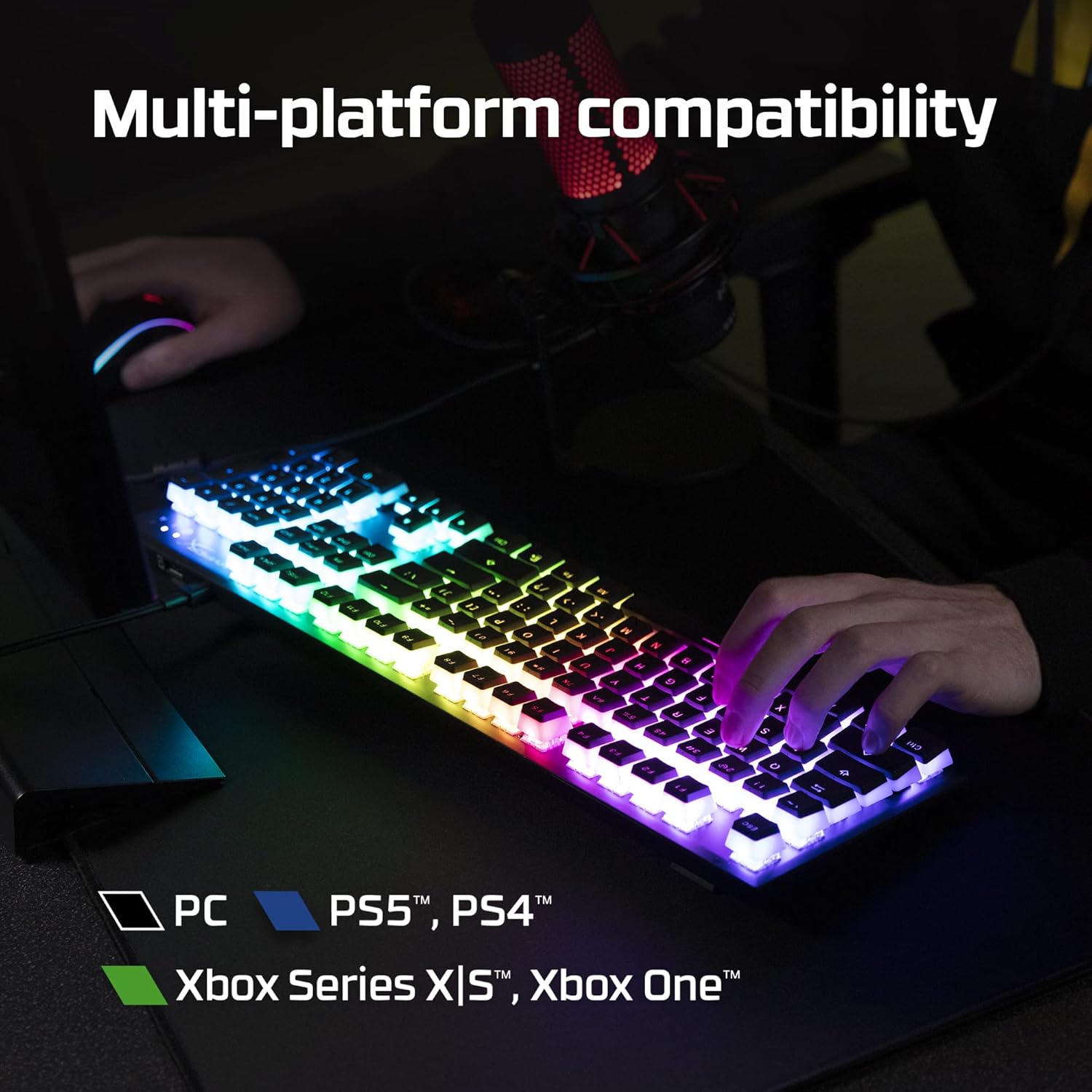
Figure 2.9: The keyboard's multi-platform compatibility.
3. 설정 가이드
3.1 패키지 내용
시작하기 전에 패키지에 모든 품목이 들어 있는지 확인하세요.
- HyperX Alloy Origins 60 기계식 게임용 키보드
- 분리형 USB-C-USB-A 케이블
- 키캡 풀러
- Additional Keycaps (e.g., alternate Esc key, special spacebar)
Figure 3.1: All components included in the HyperX Alloy Origins 60 package.
3.2 키보드 연결
- 분리 가능한 USB-C-USB-A 케이블을 찾으세요.
- Connect the USB-C end of the cable to the USB-C port on the back of the HyperX Alloy Origins 60 keyboard.
- Connect the USB-A end of the cable to an available USB-A port on your PC or gaming console.
- The keyboard will automatically be detected and drivers will install if necessary. The RGB lighting will illuminate upon successful connection.

Figure 3.2: Connecting the detachable USB-C cable to the keyboard.
3.3 키보드 각도 조정
The keyboard features two-step keyboard feet, allowing you to set it at three different tilt angles (3°, 7°, 11°) for optimal ergonomic comfort.
- 키보드를 뒤집으면 밑면에 있는 받침대를 사용할 수 있습니다.
- Extend the smaller feet for a moderate tilt.
- Extend both the smaller and larger feet for the maximum tilt.

Figure 3.3: Adjusting the keyboard's tilt angle using the integrated feet.
4. 사용 설명서
4.1 기본 기능
The HyperX Alloy Origins 60 is a 60% keyboard, meaning it omits the number pad, function row, navigation cluster, and arrow keys to achieve its compact size. These functions are typically accessed via a combination of the Fn 열쇠와 기타 열쇠들.
- Fn + [키]: Activates the secondary function printed on the side of the keycap. Refer to the side legends for specific functions.
- 게임 모드: Prevents accidental presses of the Windows key during gaming. Activate/deactivate via NGENUITY software.
4.2 HyperX NGENUITY Software
For advanced customization of your keyboard, download and install the HyperX NGENUITY software from the official HyperX web사이트. 이 소프트웨어를 사용하면 다음을 수행할 수 있습니다.
- Customize RGB lighting effects and colors on a per-key basis.
- 복잡한 명령을 위한 매크로를 생성하고 관리하세요.
- Set up and switch between multiple onboard profiles.
- Adjust Game Mode settings.

Figure 4.1: HyperX NGENUITY software for comprehensive keyboard control.
5. 유지관리
Proper maintenance ensures the longevity and optimal performance of your HyperX Alloy Origins 60 keyboard.
5.1 키보드 청소
- 청소하기 전에 키보드를 컴퓨터에서 분리하세요.
- 압축 공기 캔을 사용하여 키캡 사이의 먼지와 이물질을 제거합니다.
- 표면 청소를 위해서는 부드럽고 보풀 없는 천으로 키캡과 프레임을 살살 닦아주세요.amp소량의 물이나 순하고 마모성이 없는 세척액으로 닦아주세요. 과도한 습기는 피하십시오.
- 세척액을 키보드에 직접 뿌리지 마세요.
5.2 키캡 제거 및 교체
함께 제공되는 키캡 풀러를 사용하면 청소 또는 맞춤 설정을 위해 키캡을 안전하게 제거하고 교체할 수 있습니다.
- Gently place the keycap puller over the keycap you wish to remove, ensuring the wires hook onto opposite sides of the keycap.
- 키캡이 스위치 스템에서 분리될 때까지 일정한 압력을 가하면서 위쪽으로 똑바로 당기세요.
- 키캡을 교체하려면 스위치 스템에 맞춰 정렬한 후 딸깍 소리가 나면서 제자리에 고정될 때까지 세게 누르십시오.

Figure 5.1: Using the keycap puller to remove keycaps.
6. 문제 해결
If you encounter issues with your HyperX Alloy Origins 60 keyboard, try the following troubleshooting steps:
| 문제 | 가능한 원인 / 해결책 |
|---|---|
| Keyboard not responding / No lighting |
|
| RGB lighting not working correctly |
|
| 키가 등록되지 않거나 두 번 입력됨 |
|
If these steps do not resolve the issue, please contact HyperX customer support for further assistance.
7. 사양
| 특징 | 세부 사항 |
|---|---|
| 제품 치수 | 11.7 x 1.5 x 4.2 인치 |
| 품목 무게 | 2.14파운드 |
| 제조업체 | 주식회사 HP |
| 언어 | 영어 |
| ASIN | B08XBQ79MN |
| 품목 모델 번호 | HKBO1S-RB-US/G |
| 상표 | 하이퍼엑스 |
| 호환 장치 | 게임 콘솔, PC |
| 연결 기술 | USB-C에서 USB-A로 |
| 키보드 설명 | 기계, 게임 |
| 제품의 권장 용도 | 노름 |
| 특징 | Backlit, Lighting, Portable |
| 색상 | 검은색 |
| 키의 개수 | 61 |
| 키보드 백라이트 색상 지원 | RGB |
| 스타일 | 하이퍼엑스 레드 |
8. 보증 및 지원
For detailed warranty information and technical support, please refer to the official HyperX resources:
- 공식 사용자 가이드(PDF): 사용자 가이드 다운로드
- HyperX Brand Store: Visit HyperX Store on Amazon
- For further assistance, contact HyperX customer support through their official web대지.


