1. 서론
The BLUEAIR DustMagnet 5200 Series ComboFilter is a genuine replacement filter designed for optimal performance with BLUEAIR DustMagnet 5240i and 5210i air purifier models. This ComboFilter ensures efficient removal of airborne particles and odors, contributing to cleaner indoor air quality.
This manual provides essential information for the proper installation, operation, and maintenance of your ComboFilter to ensure its longevity and effectiveness.

Image: BLUEAIR DustMagnet 5200 ComboFilter packaging, highlighting its compatibility and genuine status.
2. 주요 특징
- 호환성: Specifically designed for BLUEAIR DustMagnet 5240i and 5210i air purifiers.
- 최적의 성능: Genuine BLUEAIR filters are engineered for optimal airflow and sustained performance, offering faster and quieter cleaning compared to traditional HEPA filtration when combined with electrostatic technology.
- Dust Capture: Utilizes a dual air intake and vortex airflow pattern to cluster airborne dust particles, which then stick to charged stainless steel pre-filters.
- Accurate Lifespan Tracking: An integrated algorithm monitors pollutant levels and calculates filter life, alerting users when replacement is needed (maximum 1-year life).
- Odor and Particle Removal: ComboFilters include a particle filter for fine particles (dust, pollen, mold, pet dander, viruses, bacteria) and activated carbon to trap VOCs, chemicals, and light household odors.

Image: The BLUEAIR DustMagnet 5200 Series ComboFilter shown alongside compatible air purifiers, highlighting its design and fit.

Image: Close-up of the filter material, emphasizing genuine performance and superior quality.

Image: Diagram illustrating the types of pollutants efficiently removed by the ComboFilter, including dust, pollen, mold, pet dander, viruses, bacteria, smoke, and various odors.
3. 설정 및 설치
The DustMagnet 5200 Series ComboFilter is designed for easy replacement. Follow these steps to install your new filter:
- 전원 끄기 : Ensure your BLUEAIR DustMagnet air purifier is turned off and unplugged from the power outlet before beginning the filter replacement process.
- 필터 구획 접근: Locate the filter access panels on your DustMagnet air purifier. These are typically found on the sides or back of the unit.
- 오래된 필터 제거: Carefully open the filter compartment and remove the used ComboFilters. Dispose of the old filters according to local regulations.
- 새 필터 삽입: Unpack your new BLUEAIR DustMagnet 5200 Series ComboFilters. Insert the new filters into the designated slots, ensuring they are correctly oriented and seated firmly. The ComboFilters are designed with one filter at the top and one at the bottom.
- 구획 닫기: Securely close the filter access panels.
- 전원 켜기: Plug the air purifier back into the power outlet and turn it on. The unit and/or app will automatically reset the filter replacement reminder.
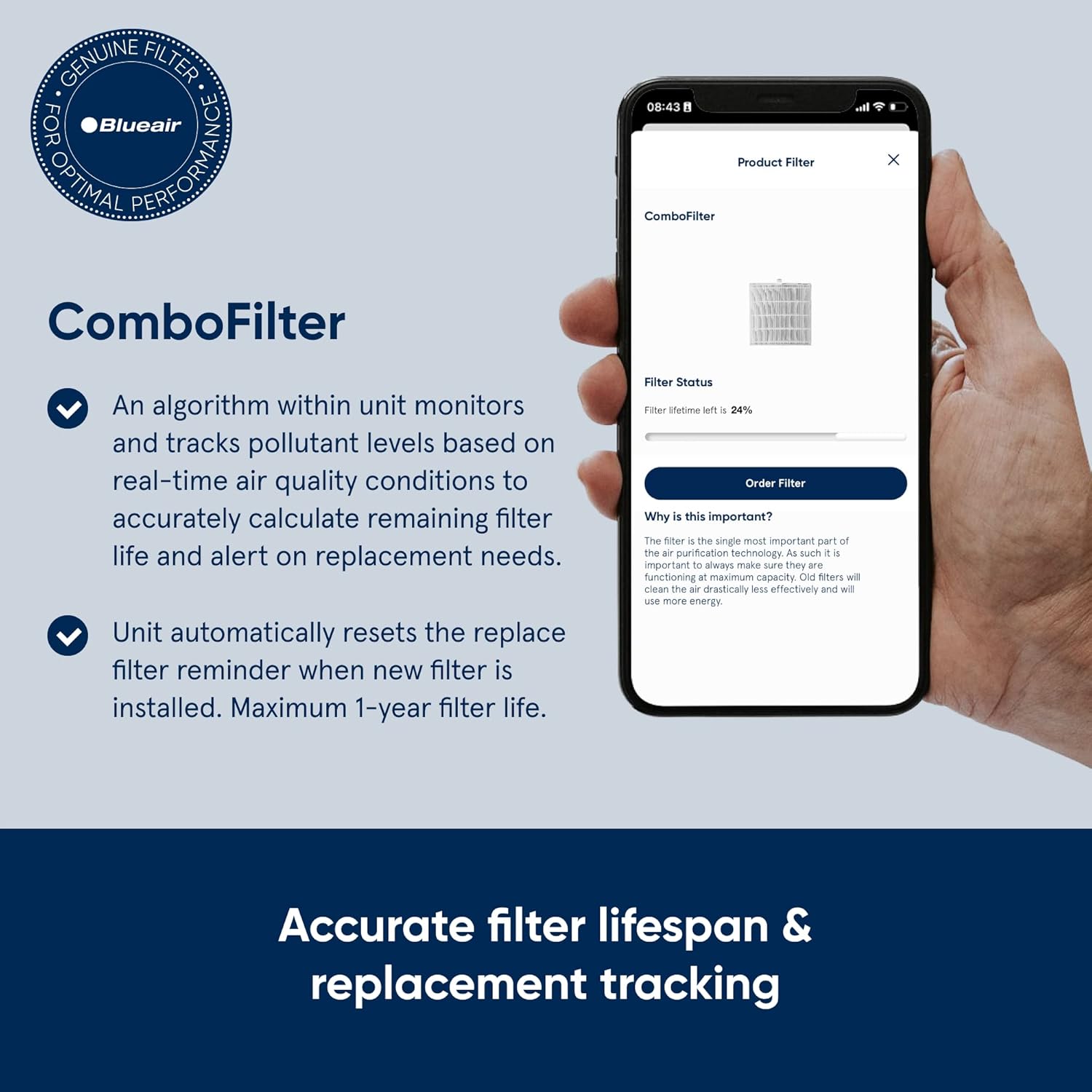
Image: Visual representation of replacing a used filter with a fresh BLUEAIR DustMagnet ComboFilter, illustrating the 'Replace your filter, Refresh your air' concept.
4. Operating the Air Purifier (with ComboFilter)
Once the ComboFilter is installed, your DustMagnet air purifier is ready to operate. The air purifier features various modes and controls to optimize air cleaning:
- 팬 속도 설정: Adjust the fan speed manually to control the rate of air purification. Higher speeds provide faster cleaning but may produce more noise.
- 자동 모드 : In Auto Mode, the air purifier uses its integrated sensors to monitor air quality and automatically adjusts the fan speed to maintain optimal air conditions.
- 야간 모드: This mode typically operates the fan at a lower, quieter speed and dims or turns off indicator lights for undisturbed sleep.
- 앱 제어: Connect your DustMagnet air purifier to the BLUEAIR app for remote control, scheduling, and real-time air quality monitoring.
비디오: 오버view of the DustMagnet 5210i & 5410i air purifiers, demonstrating their design and features relevant to operation.

Image: Screenshot of the BLUEAIR app interface, showing controls and air quality data for the air purifier.
5. 유지관리
Regular maintenance of your ComboFilter ensures continued high performance of your air purifier.
- 필터 수명: The ComboFilter has a maximum lifespan of one year, depending on room conditions and usage. The air purifier and/or app will alert you when it's time for replacement.
- 사전 필터 청소: The charged stainless steel pre-filters can be cleaned periodically to remove accumulated dust and hair. Refer to your air purifier's main instruction manual for specific cleaning instructions for the pre-filters.
- 필터 교체: Replace the ComboFilter when indicated by the air purifier or app. Using genuine BLUEAIR replacement filters is crucial for maintaining optimal performance and warranty validity.

Image: Illustration of the air purifier with filter compartments open, emphasizing the maximum 1-year filter life and ease of replacement.
6. 사양
| 기인하다 | 값 |
|---|---|
| 제품 치수 | 가로 3인치, 세로 8인치, 두께 7인치 |
| 품목 무게 | 12.4 온스 |
| 제조업체 | 블루에어 |
| 품목 모델 번호 | F5200 |
| 재료 | 스테인리스 스틸 |
| 호환 장치 | Air Purifier (DustMagnet 5240i, 5210i) |
| 한국어: | 689122016542 |
| 항목 수 | 1 |
7. 보증 및 지원
보증: This product comes with a warranty of 60 days after purchase. Please retain your proof of purchase for any warranty claims.
지원하다: For further assistance, troubleshooting, or to purchase additional genuine replacement filters, please visit the official BLUEAIR web사이트를 방문하거나 고객 지원팀에 문의하세요.


