1. 서론
Thank you for choosing the MageGee G6 Wired Gaming Mouse. This ergonomic USB optical mouse is designed to enhance your gaming and work experience with its high precision sensor, adjustable speed levels, and vibrant LED backlighting. Please read this manual thoroughly to ensure proper setup and optimal performance.
2. 설정
2.1 패키지 내용
- MageGee G6 Wired Gaming Mouse
- 사용 설명서
2.2 시스템 요구 사항
- Operating System: Windows 10, Windows 8, Windows 7, Windows XP, WinME, Vista, Linux, etc.
- 사용 가능한 USB 포트
2.3 마우스 연결
- Locate an available USB port on your computer (PC, Laptop, or Desktop).
- Plug the USB connector of the MageGee G6 mouse into the USB port.
- The mouse is plug-and-play; no additional drivers or software are required for basic functionality.
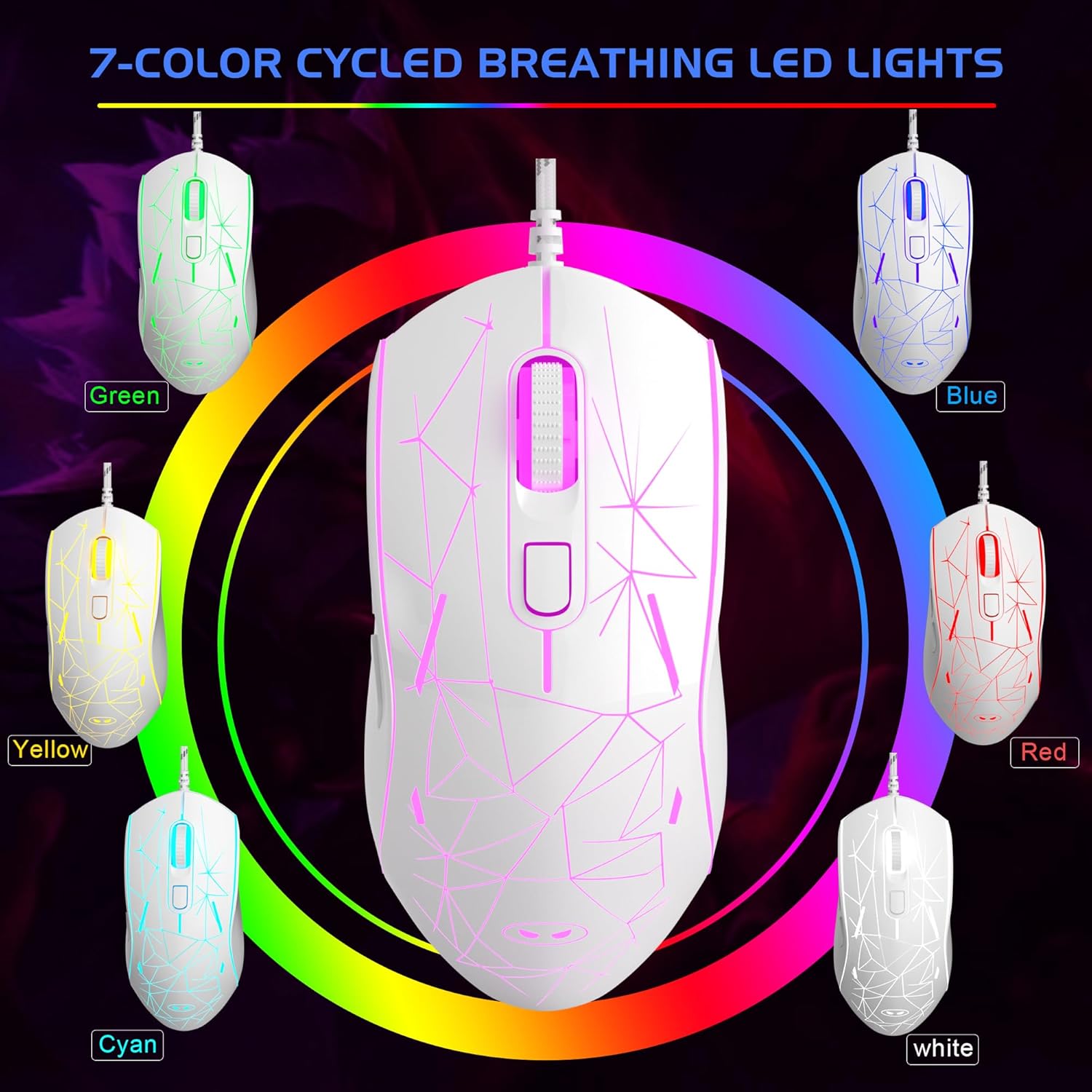
Image: The MageGee G6 Wired Gaming Mouse with its USB cable connected to a computer.
3. 사용 설명서
3.1 버튼 기능
The MageGee G6 offers 6 flexible buttons for versatile control:
- 왼쪽 버튼: 표준 왼쪽 클릭 기능.
- 오른쪽 버튼: 표준 마우스 오른쪽 클릭 기능.
- 스크롤 휠: 위/아래로 스크롤하고 가운데 클릭 버튼으로도 작동합니다.
- Speed Button (DPI Button): Adjusts the DPI (Dots Per Inch) sensitivity.
- 앞으로 버튼: 앞으로 이동합니다 web 브라우저나 애플리케이션.
- 뒤로가기 버튼: 뒤로 탐색합니다 web 브라우저나 애플리케이션.
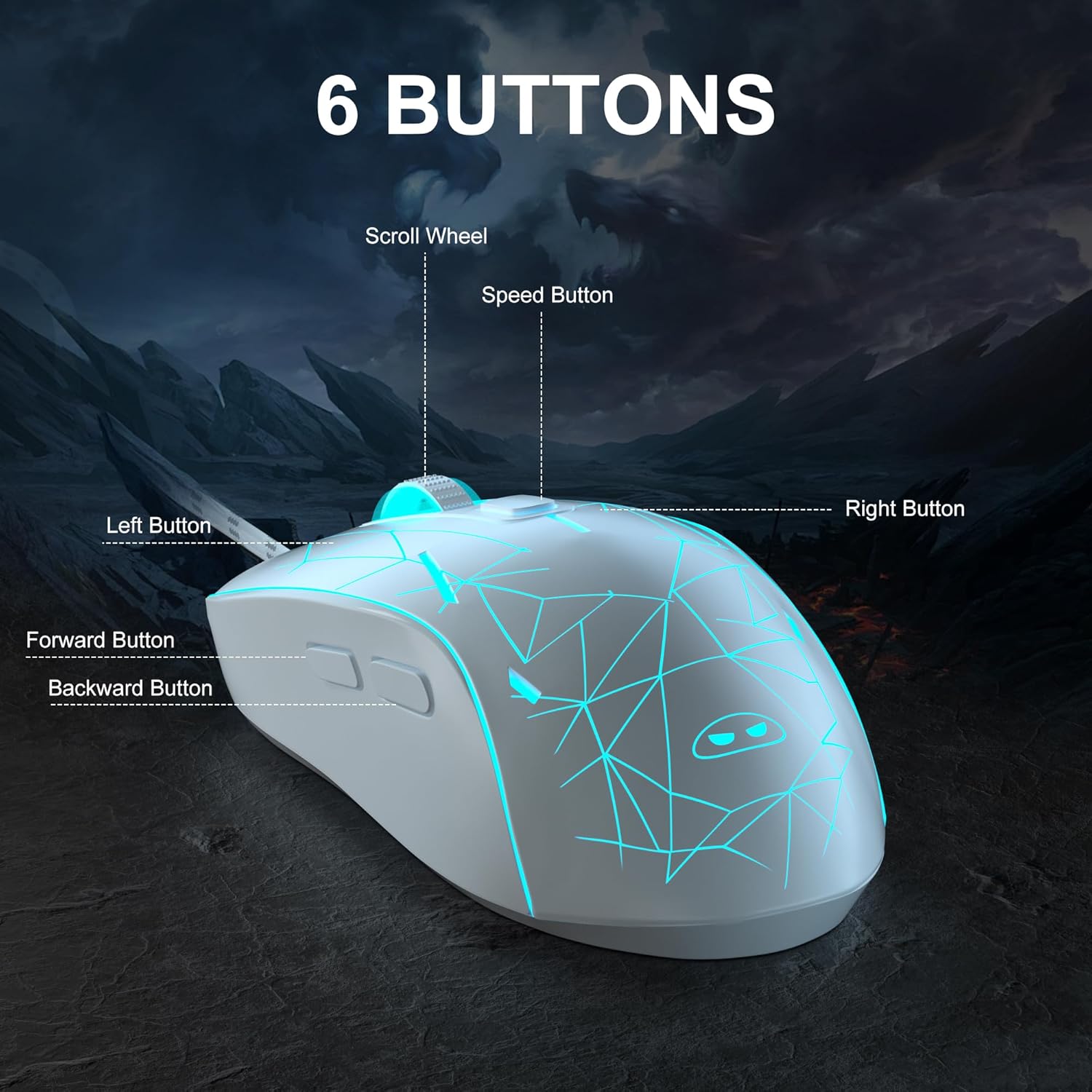
이미지: 자세한 view of the MageGee G6 mouse highlighting the Left, Right, Scroll Wheel, Speed, Forward, and Back buttons.
3.2 Adjusting DPI Speed Levels
The MageGee G6 offers 6 adjustable DPI speed levels for precise cursor control:
- 600DPI
- 800DPI
- 1200DPI
- 1600DPI
- 2400DPI
- 3200DPI
를 누르세요 속도 버튼 (located below the scroll wheel) to cycle through the different DPI settings. Each press will change the sensitivity, allowing you to find the optimal speed for your tasks or games.
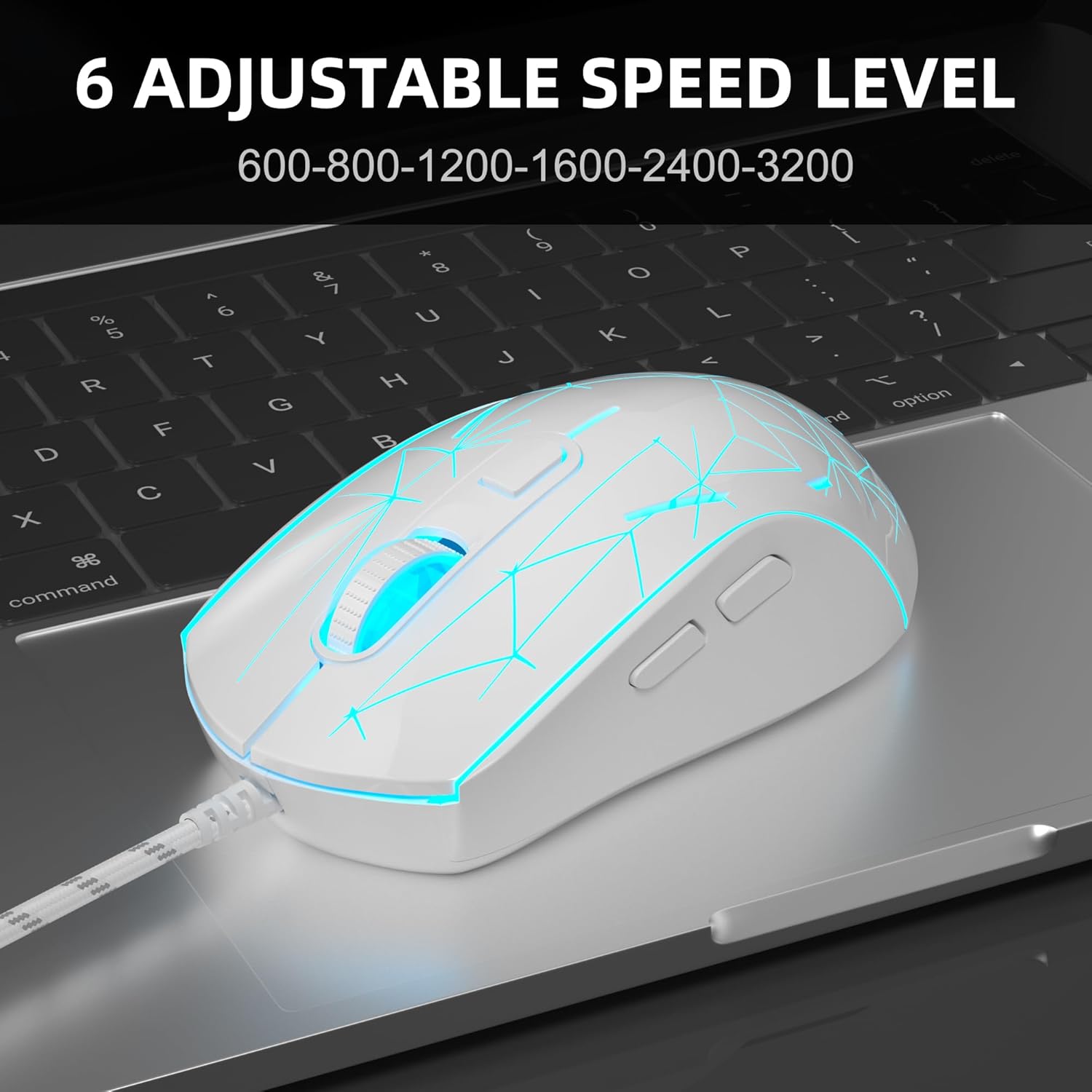
Image: The MageGee G6 mouse in use, demonstrating the adjustable DPI settings from 600 to 3200.
3.3 LED 백라이트 제어
The MageGee G6 features 7-color breathing LED backlighting. You can control the lighting as follows:
- 색상 변경: 를 누르세요 속도 버튼 그리고 앞으로 버튼 simultaneously to cycle through and lock a specific color.
- 조명 켜기/끄기: 를 누르고 계세요 속도 버튼 for 3 seconds to toggle the LED lights on or off.
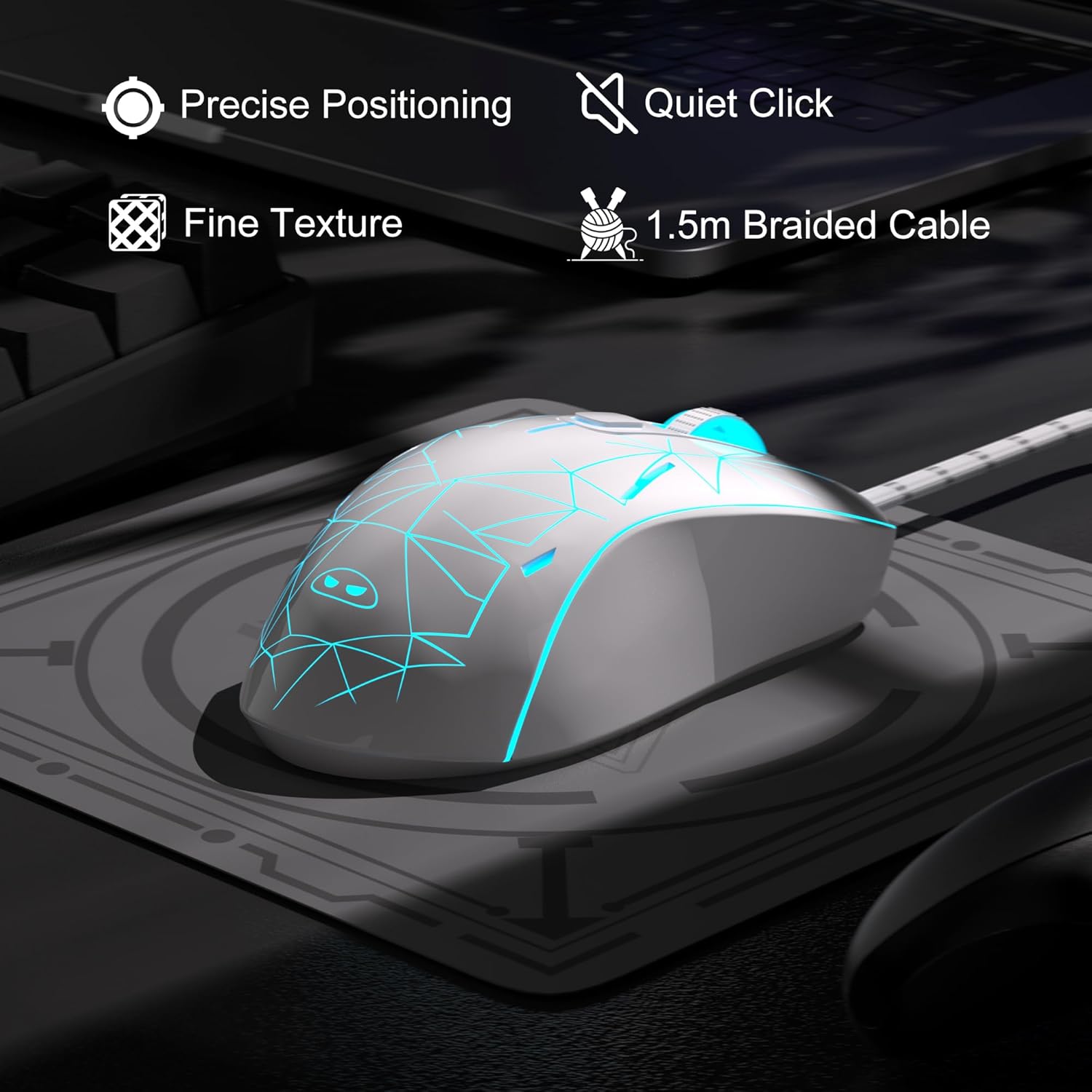
Image: The MageGee G6 mouse showcasing its 7-color breathing LED lights, including green, yellow, cyan, blue, red, and white.
4. 유지관리
- 청소: 부드럽고 마른 천을 사용하여 마우스를 닦으세요. 강한 화학 물질이나 연마재는 사용하지 마세요.
- 케이블 관리: Do not pull or twist the braided USB cable excessively to prevent damage.
- 저장: Store the mouse in a dry place away from extreme temperatures.
5. 문제 해결
5.1 마우스가 응답하지 않음
- USB 케이블이 컴퓨터의 작동하는 USB 포트에 단단히 꽂혀 있는지 확인하세요.
- 마우스를 다른 USB 포트에 연결해 보세요.
- 컴퓨터를 다시 시작하세요.
5.2 LED 조명이 작동하지 않음
- 마우스가 컴퓨터에 제대로 연결되어 있는지 확인하세요.
- 를 누르고 계세요 속도 버튼 for 3 seconds to toggle the LED lights on or off.
5.3 커서 이동이 불규칙적입니다
- 마우스 하단에 있는 광학 센서를 부드러운 천으로 닦아주세요.
- 마우스를 적합한 표면(예: 마우스 패드)에서 사용하고 있는지 확인하세요.
- Adjust the DPI sensitivity using the 속도 버튼.
6. 사양
| 특징 | 세부 사항 |
|---|---|
| 상표 | 메이지 |
| 모델 | G6 |
| 연결 기술 | USB, 유선 |
| 움직임 감지 기술 | 광학 |
| DPI 레벨 | 600/800/1200/1600/2400/3200 (Adjustable) |
| 버튼 | 6 (Left, Right, Scroll Wheel, Speed, Forward, Back) |
| LED를 백라이트 | 7 Colors Breathing LED (Blue, Red, Green, Purple, Cyan, Yellow, White) |
| 케이블 길이 | 1.5 meters (Durable Braided Cable) |
| 인간 공학 | Ergonomic Design with Comfortable Grip |
| 호환성 | Windows 10, 8, 7, XP, WinME, Vista, Linux, PC, Laptop, Desktop |
| 품목 무게 | 5.6 온스 |
| 패키지 크기 | 5.31 x 3.62 x 1.65 인치 |
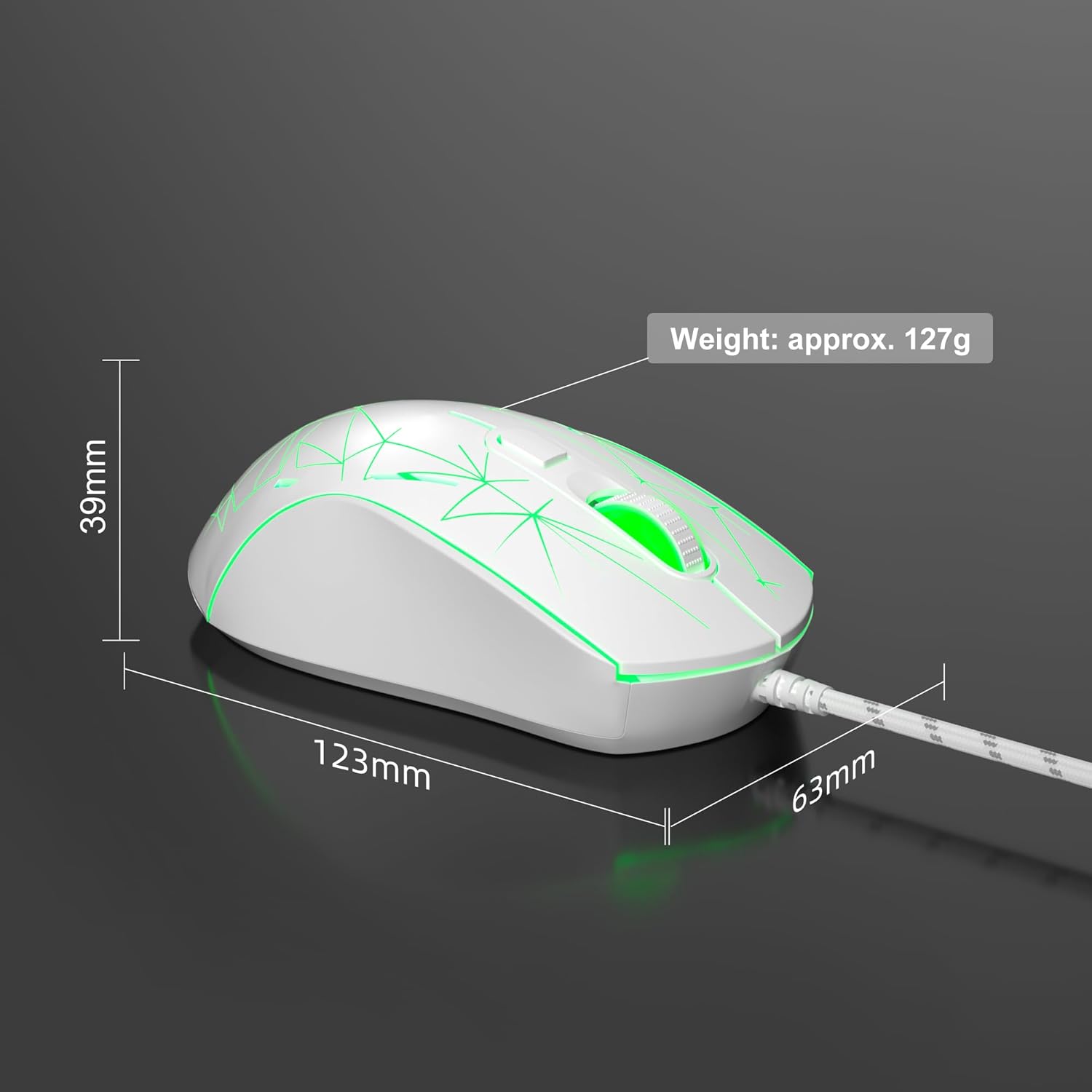
Image: Diagram illustrating the dimensions of the MageGee G6 Wired Gaming Mouse (123mm length, 63mm width, 39mm height, approx. 127g weight).
7. 보증 및 지원
For warranty information and customer support, please refer to the official MageGee web사이트를 방문하거나 판매점에 문의하세요. 보증 청구를 위해 구매 영수증을 보관하세요.
MageGee is committed to technological and product innovation, providing quality computer peripherals. Our after-sales team is available to promptly respond and solve your problems.
방문하세요 MageGee Store 더 많은 제품과 정보를 확인하세요.


