1. 서론
The Amazon Smart Thermostat S6ED3R is an ENERGY STAR certified device designed to help you manage your home's heating and cooling efficiently. It integrates with Alexa for convenient voice control and smart home automation, allowing you to adjust temperatures from anywhere using the Alexa app. This manual provides essential information for installation, operation, and maintenance of your thermostat.
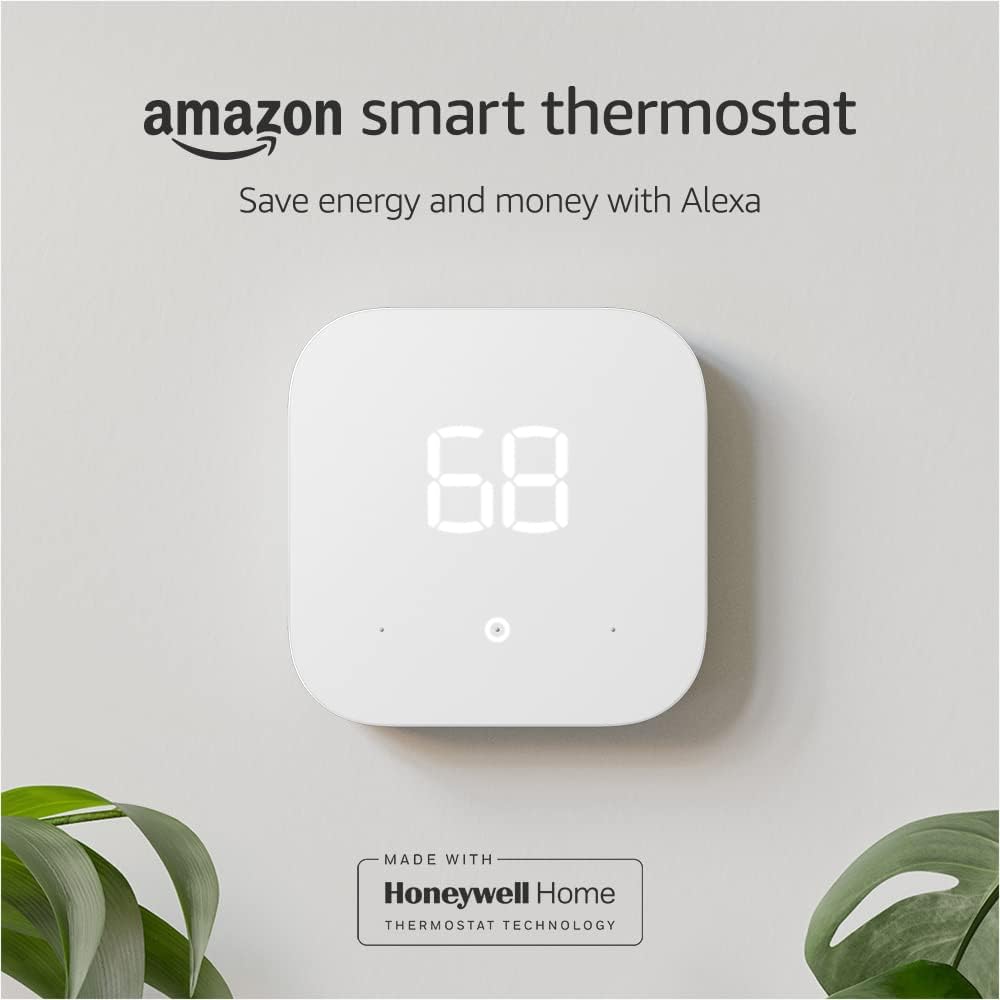
Image: The Amazon Smart Thermostat mounted on a wall, showing its digital display.
2. 상자 안에 무엇이 들어있나요?
패키지에 모든 구성품이 들어 있는지 확인하세요.
- 아마존 스마트 온도 조절기
- 설치 도구
- 벽판
- Cosmetic plate
- 빠른 시작 가이드
3. 호환성
The Amazon Smart Thermostat is compatible with most 24V HVAC systems, including conventional forced air, heat pump, and radiant boiler systems. It is ~ 아니다 compatible with 110-240V HVAC systems, such as electric baseboard heat.
A C-wire (common wire) is required for power. Most homes have a C-wire. If your system lacks a C-wire, a power adapter kit (sold separately) may be necessary. Please check your home's compatibility before installation.
For network connectivity, the thermostat requires a 2.4 GHz Wi-Fi network (802.11 b/g/n). It does not support 5GHz networks or ad-hoc (peer-to-peer) Wi-Fi networks.
4. 설치
The Amazon Smart Thermostat is designed for DIY installation. The Alexa app provides guided instructions to walk you through each step of the process. Before you begin, ensure you have the following tools:
- Power drill (optional, for wall anchors)
- 3/16” drill bit (optional)
- 레벨(선택사항)
Follow the detailed instructions provided within the Alexa app for a successful installation. Customer service is available if you require assistance.

Image: The Amazon Smart Thermostat packaging and tools, indicating DIY installation.
5. 설정
After physical installation, set up your Amazon Smart Thermostat using the Alexa app. The device supports Amazon Wi-Fi simple setup, which streamlines the connection to your home Wi-Fi network. Follow the on-screen prompts in the Alexa app to complete the setup and link your thermostat to your Alexa account.
6. 온도 조절 장치 작동
6.1 On-Device Control
The thermostat features three touch buttons for direct control:
- 온도 상승: 설정 온도를 높입니다.
- 온도 하락: 설정온도를 낮춥니다.
- Select/Mode: Toggles between heating, cooling, and off modes.
6.2 App-Based Control
Control your thermostat remotely using the Alexa app or the Ring app. The app provides advanced features, including:
- Indoor humidity sensor reporting
- Energy dashboard monitoring
- Scheduling (up to four time periods can be configured for each day of the week)
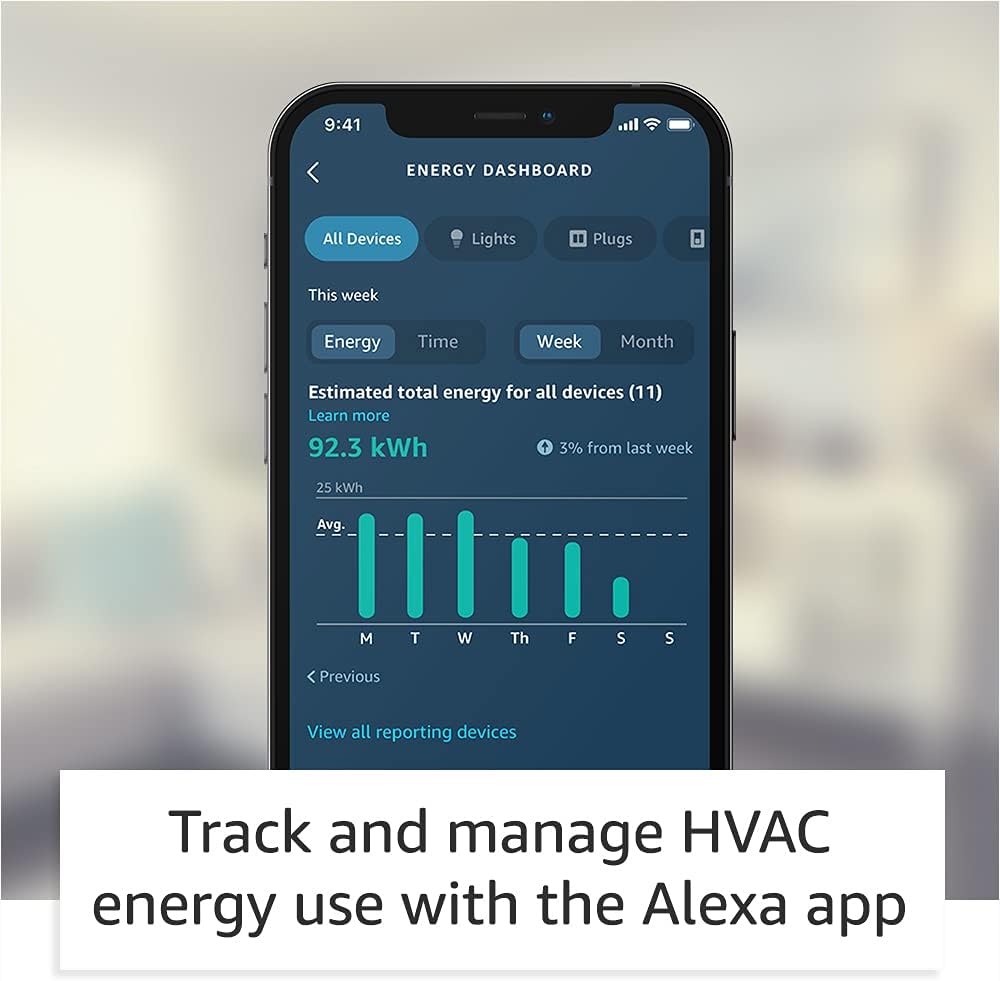
Image: The Alexa app's Energy Dashboard, showing HVAC energy usage tracking.
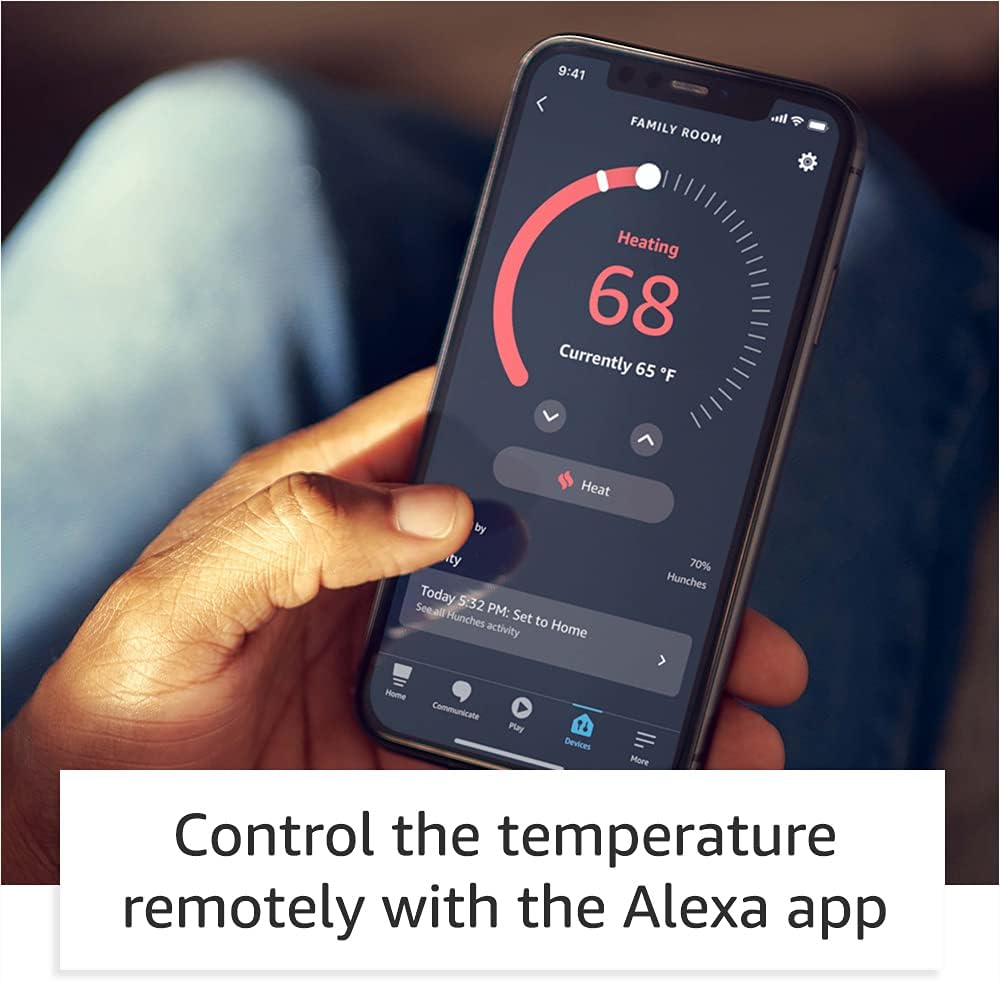
Image: Controlling the thermostat remotely via the Alexa app.
6.3 음성 제어
If you have an Alexa-enabled device (e.g., Echo Dot), you can control your thermostat using voice commands. For example, you can say, "Alexa, set the thermostat to 72 degrees," or "Alexa, what's the temperature?"
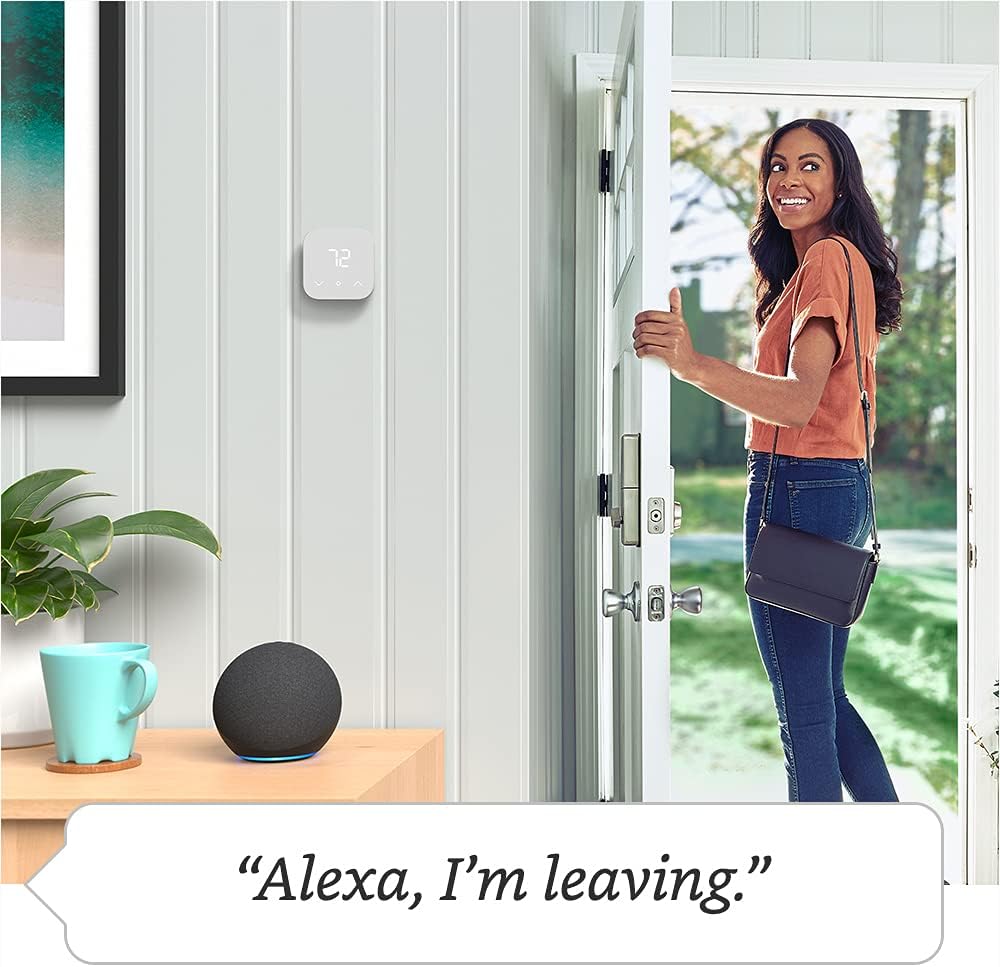
Image: Using voice commands with Alexa to control the thermostat.
6.4 Automatic Control (Hunches)
Enable Thermostat Hunches in the Alexa app for automatic temperature adjustments. Alexa can learn your routines and adjust the thermostat based on whether you are home or asleep. For instance:
- If your phone leaves your home area and there's no interaction with Alexa for a while, Alexa might assume nobody is home and adjust the temperature to an away setting.
- If there's no interaction with Alexa at night, she might assume everyone is asleep and adjust to a sleep setting.
Alexa learns from your daily interactions and improves over time. You can also assist Alexa by saying, "Alexa, goodnight," or "Alexa, I'm leaving."
7. 유지관리
The Amazon Smart Thermostat requires minimal maintenance. Periodically wipe the device with a soft, dry cloth to remove dust. Do not use abrasive cleaners or solvents. Ensure the area around the thermostat is clear of obstructions to allow for accurate temperature readings.
8. 문제 해결
If you encounter issues with your Amazon Smart Thermostat, consider the following:
- Wi-Fi 연결 확인: Ensure your thermostat is connected to a stable 2.4 GHz Wi-Fi network.
- Alexa 앱: Use the Alexa app for guided troubleshooting steps.
- 전원 주기: Try restarting your thermostat by turning off power to your HVAC system at the breaker for a few minutes, then restoring power.
- 온라인 리소스: 방문하세요 Amazon Smart Thermostat support page 또는 아마존 디지털 및 디바이스 포럼 for common issues and community support.
9. 사양
| 크기 | 3.56 x 3.56 x 0.84인치(90.4 x 90.4 x 21.4mm) |
| 무게 | 3.86 온스 (109.5g) |
| 모델 번호 | S6ED3R |
| 호환성 | Most 24V HVAC systems (conventional force air, heat pump, radiant boiler). Requires C-wire. Not compatible with 110-240V HVAC systems. |
| 인증 | ENERGY STAR, ECOLOGO Gold |
| 네트워크 연결성 | 2.4 GHz only, 802.11 b/g/n Wi-Fi |
| 오디오 | 원거리 마이크 없음; 음성 제어를 위해 Alexa 지원 장치가 필요합니다. |
| 기기 내 제어 | 3 touch buttons (Temperature Up, Temperature Down, Select/Mode) |
| On-the-Go Control | Alexa app, voice control, on-device, Echo device compatible |
| 설치 방법 | Guided installation in the Alexa app |
| 설정 기술 | Amazon Wi-Fi simple setup |
| App-Based Features | Indoor humidity sensor reporting, energy dashboard, scheduling (Alexa/Ring app) |
| 자동 제어 | Thermostat Hunches via Alexa app |
| 세대 | 1st Generation - 2021 release |
| 대기 전력 | 0.89 와트 |
10. 보증 및 지원
The Amazon Smart Thermostat includes a 1-year limited warranty and service. For detailed warranty information, please refer to the documentation provided with your device or visit the Amazon web대지.
For further assistance, troubleshooting, or to contact customer support, please visit:


