1. 설정
1.1 개봉 및 초기 조립
Carefully remove all components from the packaging. Ensure all parts listed in the packing list are present: the feeder unit, stainless steel bowl, bowl tray, 5V power adapter, power cable, and user manual.

Image: PETLIBRO Automatic Cat Feeder showing the main unit, app interface, and RFID tag.
1.2 전원 연결
Connect the 5V power adapter to the feeder unit. The feeder is designed with a built-in rechargeable lithium battery, providing up to 30 days of battery life on a full charge (8 hours). This allows for flexible placement without constant reliance on power outlets and ensures continuous operation during power outag에스.

Image: Close-up of the feeder's display panel and control buttons.
1.3 Wi-Fi 및 앱 연결
The feeder supports 2.4GHz Wi-Fi networks. Download the "PETLIBRO" mobile app to connect the feeder to your home network. This enables remote control and customized feeding schedules. The built-in rechargeable battery helps maintain a stable wireless connection even during power fluctuations.

Image: The PETLIBRO feeder shown alongside a smartphone displaying the companion app interface for remote control.
1.4 식량 탱크 채우기
Open the twist-lock lid on top of the feeder. Fill the food tank with dry pet food only, ensuring kibble size is between 2-15mm (0.078-0.6in) in diameter. Securely lock the lid to prevent pets from accessing the food prematurely.
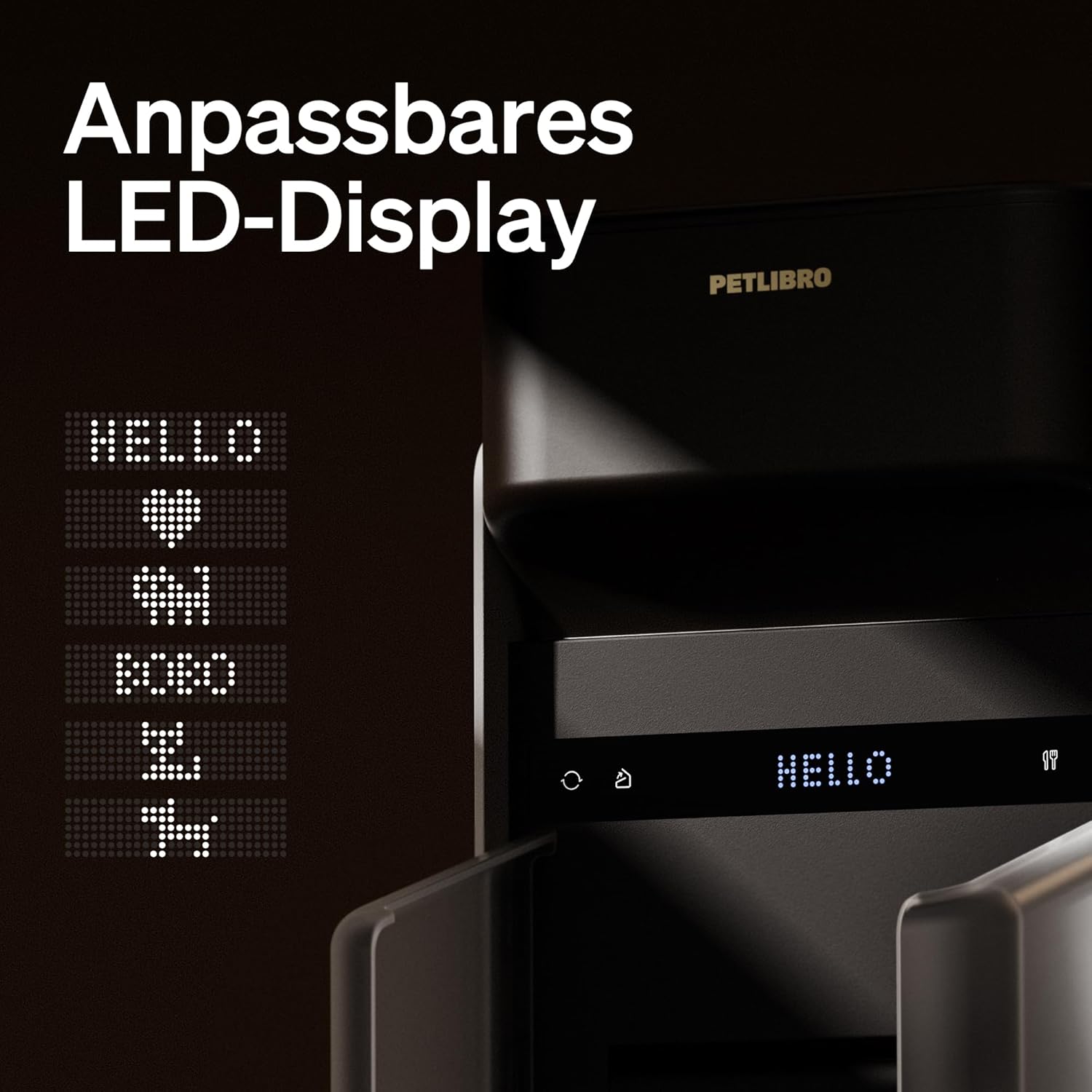
Image: Close-up of the feeder's lid showing the twist-lock mechanism for the food tank lid.
2. 사용 설명서
2.1 Setting Time and Feeding Schedule
Use the control panel on the feeder or the mobile app to set the current time. Program a customized feeding schedule, including the number of meals per day and portion sizes. The feeder supports up to 6 meals per day.

Image: A cat eating from the PETLIBRO feeder as food is dispensed.
2.2 Recorded Voice Calling
The feeder allows you to record a personalized voice message to call your pet at feeding times. This feature can help encourage your pet to eat and make meal times more engaging.
2.3 수동 급지
In addition to scheduled feedings, you can manually dispense food portions as needed using the control buttons on the feeder or through the mobile app.
3. 유지관리
3.1 분해 및 청소
The PETLIBRO feeder is designed for easy disassembly, allowing for thorough cleaning. Follow the instructions in the user manual for three-step disassembly. Ensure all food contact parts are cleaned regularly to maintain hygiene.

Image: The PETLIBRO feeder shown in disassembled parts for easy cleaning.
3.2 제습제 백 교체
To keep pet food fresh, the feeder utilizes a desiccant bag located in the lid. Replace the desiccant bag every two weeks to ensure optimal freshness. Desiccant bags can be purchased separately.

Image: Close-up of the feeder's lid showing the compartment for the desiccant bag.
4. 문제 해결
일반적인 문제 및 해결책:
- 음식물 막힘: If food gets stuck in the dispenser, ensure the kibble size is within the recommended 2-15mm range. Regularly clean the dispenser mechanism to prevent buildup.
- Wi-Fi 연결 끊김: Verify your Wi-Fi network is 2.4GHz. Ensure the feeder is within range of your router. The built-in battery provides continuous operation even if Wi-Fi temporarily disconnects.
- 배터리 수명: A full charge takes 8 hours and provides up to 30 days of battery life. If battery life is shorter, ensure the unit is fully charged.
- Dispensing Inaccuracies: Ensure the food tank is not overfilled, which can sometimes affect portion accuracy.
더 자세한 문제 해결 방법은 공식을 참조하세요. 사용 설명서 (PDF).
5. 사양
| 특징 | 세부 사항 |
|---|---|
| 모델명 | RFID cat feeder |
| 품목 모델 번호 | PLAF301 |
| 색상 | 검은색 |
| 크기 | 6L |
| 재료 | 스테인리스 스틸, 아크릴로니트릴 부타디엔 스티렌 |
| 품목 치수(LxWxH) | 9.84 x 7.8 x 14.76 인치 |
| 품목 무게 | 3.97파운드 |
| 전원 | DC 5V power adapter; 3 x lithium batteries (rechargeable) |
| 배터리 수명 | Up to 30 days (8 hours full charge) |
| Wi-Fi 연결 | 2.4GHz Wi-Fi 네트워크만 해당 |
| 키블 크기 호환성 | 2-15mm (0.078-0.6in) in diameter |
6. 보증 및 지원
6.1 보증 정보
The PETLIBRO Automatic Cat Feeder comes with a 24-month warranty from the date of purchase. This warranty covers manufacturing defects and issues arising from normal use.
6.2 고객 지원
For any questions, technical assistance, or warranty claims, please contact PETLIBRO customer support. Refer to the contact information provided in your product packaging or visit the official PETLIBRO web지원 세부 정보 사이트.
또한 방문할 수 있습니다 PETLIBRO Store on Amazon 더 많은 제품과 정보를 확인하세요.


