1. 서론
구매해주셔서 감사합니다asing the Salora SBO680 Soundbar. This manual provides essential information for the safe and efficient operation of your new audio system. Please read it thoroughly before use and retain it for future reference.
The Salora SBO680 is a sophisticated audio solution designed to enhance your home entertainment experience. Featuring 2.1 audio output channels, it delivers immersive sound with a 60W RMS rated power, ensuring crystal-clear audio reproduction. The soundbar speaker has an RMS power of 40W and a 6.35 cm (2.5 inch) tweeter diameter, providing crisp highs and detailed mid-range frequencies. Its active subwoofer, with an RMS power of 20W, adds rich, deep bass to your audio, improving the overall listening experience. The product is available in an elegant black color, complementing any interior decor, and is ideal for home use. Volume control is conveniently managed via buttons, offering ease of use. With wired and wireless connectivity technology, the Salora SBO680 offers versatile options for seamless integration into your entertainment setup.

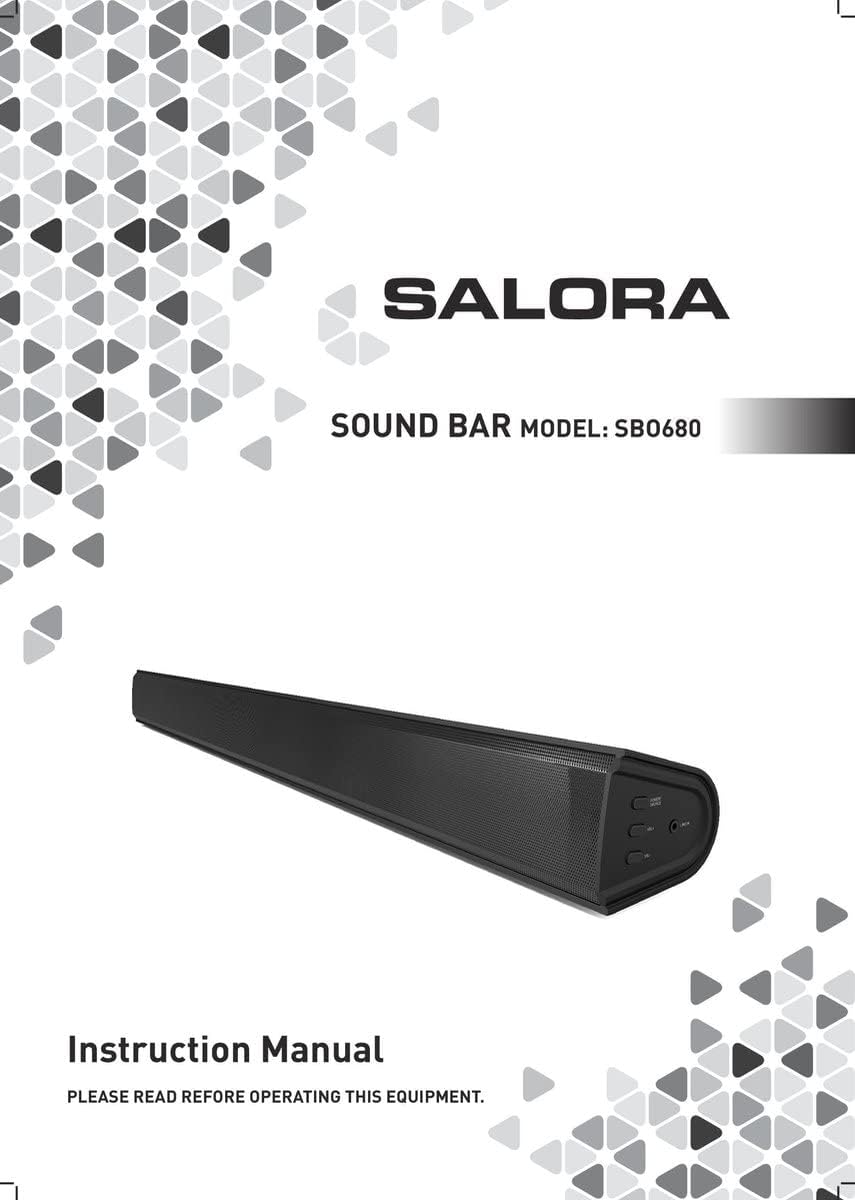
Image: Front cover of the Salora SBO680 Soundbar instruction manual.
2. 중요한 안전 정보
- 지침을 읽어보세요: 제품을 사용하기 전에 모든 안전 및 작동 지침을 읽으십시오.
- 지시사항을 보관하세요: 나중에 참조할 수 있도록 안전 및 작동 지침을 보관하십시오.
- 경고를 주의하세요: 제품 및 작동 지침에 있는 모든 경고를 준수하십시오.
- 지시사항을 따르세요: 모든 작동 및 사용 지침을 따르세요.
- 청소: 청소하기 전에 벽면 콘센트에서 이 제품의 플러그를 뽑으세요. 액체 세척제나 에어로졸 세척제를 사용하지 마세요. ad를 사용하세요.amp 청소용 천.
- 첨부 파일: 제품 제조업체에서 권장하지 않는 부착물은 위험을 초래할 수 있으므로 사용하지 마십시오.
- 물과 습기: 이 제품을 물 근처에서 사용하지 마십시오. 예를 들어amp욕조, 세면대, 주방 싱크대, 세탁통, 습한 지하실 또는 수영장 근처 등.
- 통풍: Slots and openings in the cabinet are provided for ventilation to ensure reliable operation of the product and to protect it from overheating. These openings must not be blocked or covered.
- 전원: Operate this product only from the type of power source indicated on the marking label. If you are not sure of the type of power supply to your home, consult your product dealer or local power company.
- 전원 코드 보호 : Power-supply cords should be routed so that they are not likely to be walked on or pinched by items placed upon or against them.
- 번개: 번개가 칠 때 또는 장기간 방치하거나 사용하지 않을 경우 이 제품을 더욱 안전하게 보호하려면 벽면 콘센트에서 플러그를 뽑으십시오.
- 서비스: 이 제품을 직접 수리하려고 하지 마십시오. 덮개를 열거나 제거하면 위험한 전압에 노출될 수 있습니다.tage 또는 기타 위험. 모든 서비스는 자격을 갖춘 서비스 담당자에게 의뢰하세요.
3. 패키지 내용
Please check that all items are present and in good condition.
- Salora SBO680 Soundbar
- 리모컨 (AAA 배터리 2개 필요, 포함되지 않을 수 있음)
- 사용 설명서 (본 문서)
- 전원 케이블
4. 제품 오버view
4.1 전면 및 측면 View
이미지: 앞면 view of the Salora SBO680 Soundbar, showing the speaker grille.

Image: Close-up of the side panel controls, including Power/Source, Volume Up, Volume Down, and Line In port.
- 전원/소스 버튼: Press to turn on/off or switch input modes.
- 볼륨 높이기(+): 볼륨을 높이세요.
- 볼륨 낮추기(-): 볼륨을 낮추세요.
- 라인 입력 포트: 외부 기기 연결을 위한 3.5mm 오디오 입력 단자.
4.2 후면 View 및 연결

이미지: 후면 view of the Salora SBO680 Soundbar, showing various input ports and mounting points.

Image: Close-up of the rear connection panel, featuring USB, HDMI ARC, Optical, and DC 20V power input.
- USB 포트: 오디오 재생을 위해 fileUSB 드라이브에서 s.
- HDMI ARC 포트: Connect to a TV's HDMI ARC port for audio and control.
- 광 포트: Digital audio input from devices like TVs or game consoles.
- DC 20V 포트: 사운드바 전원 입력 단자입니다.
4.3 리모컨

Image: The included remote control for the Salora SBO680 Soundbar, showing various buttons for power, volume, input, and sound modes.
The remote control allows you to manage volume, bass/treble, and input selection. It requires 2 AAA batteries (not always included).
- 전원 버튼: 사운드바를 켜거나 끕니다.
- 입력 버튼: 입력 소스(HDMI ARC, 광 입력, AUX, 블루투스, USB)를 순환하며 전환합니다.
- 볼륨 +/- : 메인 볼륨을 조절합니다.
- BA+/-: 저음 레벨을 조절합니다.
- TR+/-: 고음 레벨을 조절합니다.
- Music/TV/Movie: Pre-set equalizer modes for different audio content.
- 쌍: 블루투스 페어링 모드를 시작합니다.
- 기본: Resets sound settings to factory defaults.
5. 설정 및 연결
Before connecting, ensure the soundbar and all devices are powered off.
5.1 전원 연결
- Connect the power cable to the DC 20V port on the back of the soundbar.
- 전원 케이블의 다른 쪽 끝을 벽면 콘센트에 꽂습니다.
5.2 Connecting to a TV (Recommended)
The Salora SBO680 offers multiple ways to connect to your TV. HDMI ARC is recommended for the best audio quality and ease of control.
5.2.1 HDMI ARC 연결
HDMI ARC (Audio Return Channel) allows you to send audio from your TV to the soundbar using a single HDMI cable and control the soundbar with your TV remote.
- Connect one end of an HDMI cable (not included) to the HDMI ARC port on the soundbar.
- Connect the other end of the HDMI cable to the HDMI ARC port on your TV. (Look for a port labeled "HDMI ARC" or "HDMI IN (ARC)").
- Turn on the soundbar and select the HDMI ARC input using the remote or the Power/Source button.
- Ensure your TV's audio output settings are configured for HDMI ARC or external speakers.
5.2.2 광 연결
Use an optical cable for high-quality digital audio if your TV does not support HDMI ARC.
- Connect one end of an optical cable (not included) to the OPTICAL port on the soundbar.
- Connect the other end of the optical cable to the optical digital output port on your TV or other audio source.
- Turn on the soundbar and select the OPTICAL input.
- TV의 오디오 출력 설정이 광출력으로 구성되어 있는지 확인하십시오.
5.3 블루투스 연결
Stream audio wirelessly from your smartphone, tablet, or other Bluetooth-enabled devices. The soundbar remembers up to 8 devices.
- Turn on the soundbar and select the BLUETOOTH input using the remote or the Power/Source button. The indicator light will flash, indicating pairing mode.
- Bluetooth 장치에서 Bluetooth를 활성화하고 사용 가능한 장치를 검색합니다.
- Select "Salora SBO680" from the list of devices.
- Once paired, the indicator light on the soundbar will stop flashing and remain solid.
- 이제 사운드바를 통해 기기의 오디오를 재생할 수 있습니다.
- To disconnect, disable Bluetooth on your device or select a different input on the soundbar.
5.4 AUX (Line In) Connection
Connect older devices or devices without digital audio outputs using a 3.5mm audio cable.
- Connect one end of a 3.5mm audio cable (not included) to the LINE IN port on the side of the soundbar.
- 다른 쪽 끝을 외부 장치의 헤드폰 잭이나 오디오 출력에 연결합니다.
- Turn on the soundbar and select the AUX input.
- 기기에서 오디오를 재생합니다.
5.5 USB 재생
오디오 재생 files USB 플래시 드라이브에서 직접.
- Insert a USB flash drive (containing compatible audio files) into the USB port on the back of the soundbar.
- Turn on the soundbar and select the USB input.
- 사운드바가 자동으로 오디오 재생을 시작합니다. files from the USB drive. Use the remote control to navigate tracks.
6. 사용 설명서
6.1 기본 작업
- 전원 켜기/끄기: Press the Power button on the remote or the Power/Source button on the soundbar.
- 볼륨 조절: Use the Volume +/- buttons on the remote or the soundbar.
- 입력 선택: Press the Input button on the remote or the Power/Source button on the soundbar to cycle through available inputs (HDMI ARC, Optical, AUX, Bluetooth, USB).
- 무음: Press the Mute button on the remote to temporarily silence the audio. Press again to unmute.
6.2 사운드 모드 및 이퀄라이저
The Salora SBO680 offers pre-set equalizer modes and manual bass/treble adjustments to optimize your listening experience.
- 사전 설정 모드: Use the MUSIC, TV, or MOVIE buttons on the remote to select an optimized sound profile 귀하의 콘텐츠에 대해.
- 베이스 조정: Use the BA+/- buttons on the remote to increase or decrease bass levels.
- 고음 조정: Use the TR+/- buttons on the remote to increase or decrease treble levels.
- 기본 설정: Press the DEFAULT button on the remote to reset all sound settings to their factory defaults.

Image: Illustration showing the soundbar and remote control, with sound waves emanating from the soundbar, symbolizing immersive audio.
7. 유지관리
7.1 청소
- 청소하기 전에는 반드시 사운드바의 플러그를 전원 콘센트에서 뽑으세요.
- 부드럽고 마른 천으로 외부 표면을 닦으세요.
- Do not use liquid cleaners, abrasive cleaners, or chemical solvents, as these may damage the finish.
- For the speaker grille, use a soft brush or a vacuum cleaner with a brush attachment to gently remove dust.
7.2 보관
- If storing the soundbar for an extended period, unplug it from the power source.
- 직사광선과 극한 온도 변화를 피해 서늘하고 건조한 곳에 보관하십시오.
- 보관 및 운송 시에는 원래 포장재를 보관하는 것이 좋습니다.
8. 문제 해결
If you encounter issues with your Salora SBO680 Soundbar, refer to the following common problems and solutions.
| 문제 | 가능한 원인 | 해결책 |
|---|---|---|
| 전원이 없습니다 | 전원 케이블이 연결되지 않았거나 전원 콘센트가 작동하지 않습니다. | 전원 케이블이 사운드바와 작동하는 전원 콘센트에 단단히 연결되어 있는지 확인하세요. |
| 소리가 나지 않습니다 | 잘못된 입력 소스를 선택했거나, 볼륨이 너무 낮거나, TV 오디오 설정이 잘못되었습니다. |
|
| 블루투스 페어링 실패 | 사운드바가 페어링 모드가 아니거나, 장치가 너무 멀리 떨어져 있거나, 간섭이 있습니다. |
|
| 리모컨이 작동하지 않습니다 | Batteries depleted or remote not aimed correctly. |
|
| 왜곡된 소리 | Volume too high, poor audio source, or incorrect equalizer settings. |
|
9. 사양
| 모델명 | Salora SBO680 |
| 상표 | 살로라 |
| 출력 전력(RMS) | 60W(사운드바: 40W, 서브우퍼: 20W) |
| 스피커 유형 | 서브우퍼가 내장된 사운드바 |
| 오디오 출력 모드 | 스테레오(2.1채널) |
| 연결 기술 | Bluetooth, HDMI ARC, Optical, USB, AUX (3.5mm Line In) |
| 무선 통신 | 블루투스 |
| 호환 장치 | 스마트폰, 태블릿, 텔레비전 |
| 제어 방법 | 원격 제어, 기기 내 버튼 |
| 제품 크기(L x W x H) | 81 x 9 x 7.85cm(31.9 x 3.5 x 3.1인치) |
| 품목 무게 | 2.6킬로그램(5.73파운드) |
| 색상 | 검은색 |
| 재료 | 플라스틱 |
| 전원 | Electric Cable (DC 20V) |
| 원격 배터리 | 2 x AAA (not always included) |
| 최대 범위(블루투스) | 12 미터 |
| 특별 기능 | 고해상도 오디오 지원 |
10. 보증 및 지원
For warranty information, please refer to the warranty card included with your product or contact your local retailer.
If you require technical support or have questions not covered in this manual, please visit the official SALORA web사이트 또는 고객 서비스 부서에 문의하십시오.


