소개
Thank you for choosing the havit MS72 Wired USB Gaming Mouse. This manual provides essential information for the proper installation, operation, and maintenance of your new gaming mouse. Please read this manual thoroughly before using the product to ensure optimal performance and longevity.
The havit MS72 features an ergonomic design, an anti-slipping surface, and adjustable DPI settings (800-1200 DPI) for precise control. It also includes RGB lighting for an enhanced aesthetic experience.
패키지 내용
- havit MS72 Wired USB Gaming Mouse
- 사용자 설명서
설정
Follow these steps to set up your havit MS72 Gaming Mouse:
- USB 케이블 연결: Locate an available USB port on your computer (desktop or laptop). Insert the USB connector of the havit MS72 mouse into the USB port.
- 자동 드라이버 설치: Your operating system (Windows, macOS, Linux) should automatically detect the mouse and install the necessary drivers. This process may take a few moments.
- 기능 확인: Once the drivers are installed, the mouse's RGB lighting should illuminate, and the cursor should respond to movement. Test the left, right, and scroll wheel functions.
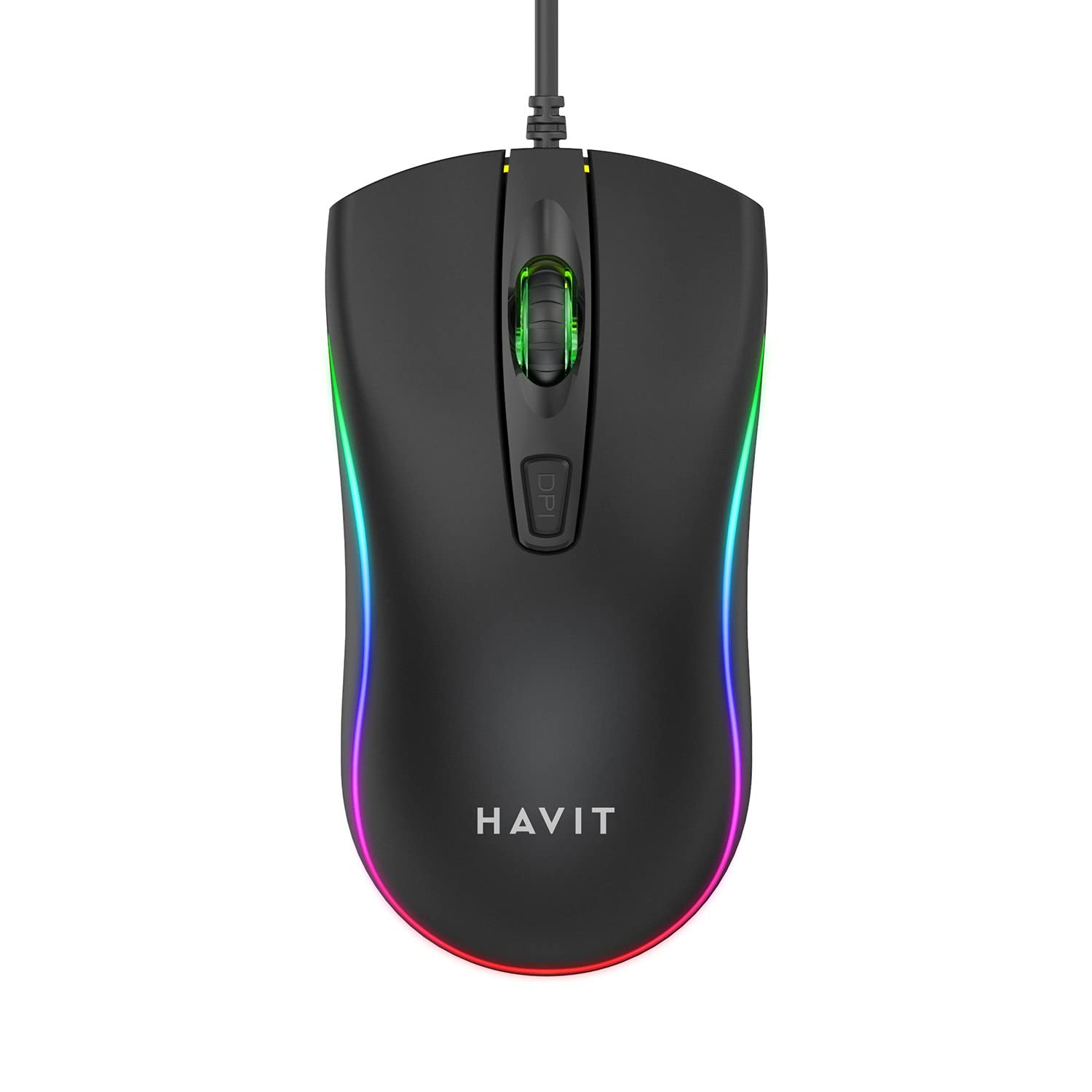
Image: The havit MS72 Gaming Mouse with its USB cable connected, showcasin인체공학적 디자인과 RGB 조명을 갖추고 있습니다.
작동 지침
The havit MS72 Gaming Mouse is designed for intuitive use. Here are its primary functions:
- 왼쪽 클릭 버튼: 표준 기본 클릭 기능.
- 오른쪽 클릭 버튼: Standard secondary click function, typically for context menus.
- 스크롤 휠: 문서를 스크롤하는 데 사용됩니다. web 페이지. 마우스 가운데 클릭 버튼으로도 사용할 수 있습니다.
- DPI 조정 버튼: Located behind the scroll wheel. Press this button to cycle through the available DPI settings (800 DPI and 1200 DPI). The mouse's sensitivity will change with each press.
- 측면 버튼(앞으로/뒤로): Typically located on the left side of the mouse. These buttons are commonly used for navigation (e.g., forward/backward in web browsers) or can be programmed for specific in-game actions.
- RGB 조명: The mouse features integrated RGB lighting that cycles automatically. There are no user-adjustable controls for the lighting patterns or colors.
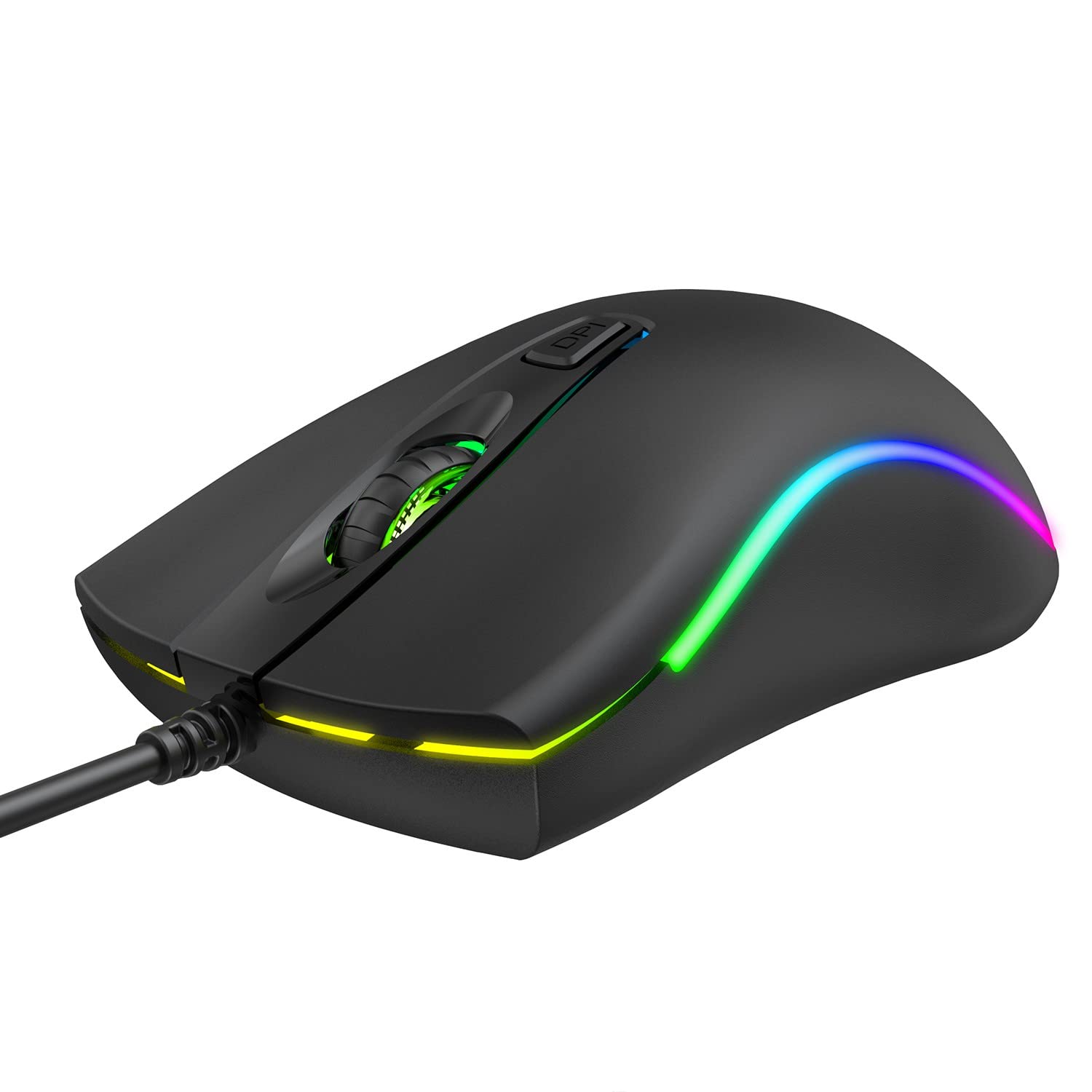
이미지: 상단 view of the havit MS72 Gaming Mouse, highlighting the scroll wheel and the DPI adjustment button.

이미지: 측면 view of the havit MS72 Gaming Mouse, illustrating the placement of the forward and backward side buttons.
유지
Proper maintenance ensures the longevity and optimal performance of your gaming mouse:
- 청소: 부드럽고 마른 천을 사용하여 마우스 표면을 닦으세요. 잘 지워지지 않는 오염의 경우, 살짝 damp천에 물이나 순한 세척액을 묻혀 닦아주세요. 강한 화학 물질이나 연마재는 사용하지 마세요.
- 광학 센서: 마우스 추적 문제를 방지하려면 주기적으로 면봉으로 마우스 아랫면의 광학 센서를 청소하십시오.
- 케이블 관리: Avoid sharply bending or twisting the USB cable. Store the mouse in a way that prevents stress on the cable connection.
- 저장: 장기간 사용하지 않을 경우, 마우스를 직사광선과 극한 온도 변화를 피해 깨끗하고 건조한 곳에 보관하십시오.
문제 해결
If you encounter issues with your havit MS72 Gaming Mouse, refer to the following common solutions:
| 문제 | 가능한 원인 | 해결책 |
|---|---|---|
| 마우스가 응답하지 않음 | USB 연결이 느슨하거나, USB 포트에 결함이 있거나, 드라이버에 문제가 있습니다. |
|
| 커서 움직임이 불규칙하거나 갑작스럽습니다. | 더러운 광학 센서, 부적합한 마우스 패드 표면. |
|
| DPI 버튼으로 감도를 변경할 수 없습니다. | 소프트웨어 충돌, 버튼 오작동. |
|
| RGB 조명이 작동하지 않습니다 | 전원 문제, 내부 오류. |
|
명세서
| 상표 | Havit |
| 모델 | MS72 |
| 연결 기술 | USB(유선) |
| 움직임 감지 기술 | 광학 |
| DPI 설정 | 800-1200 DPI (Two gears) |
| 손의 방향 | 양손잡이 |
| 특별 기능 | Ergonomic Design, Anti-Slipping Surface, RGB Light |
| 호환되는 운영 체제 | Linux, Windows 7, Windows XP, macOS |
| 하드웨어 플랫폼 | 노트북, 개인용 컴퓨터 |
| 제품 크기(LxWxH) | 11.4 x 6 x 3.8cm |
| 품목 무게 | 150g |
보증 및 지원
The havit MS72 Wired USB Gaming Mouse comes with a standard manufacturer's warranty. Please refer to the warranty card included with your product for specific terms and conditions.
For technical support, warranty claims, or any product-related inquiries, please contact the importer/manufacturer directly:
- 수입자: 오리진 마케팅 프라이빗 리미티드
- 주소: 121 Raj Ratna Industrial Estate, Liberty Garden, Malad West, Mumbai 400064
- 핸드폰: 022 40224087
- 이메일: service@originmarketing.in
When contacting support, please have your product model (MS72) and purchase details readily available.


