1. 서론
The Roborock E4 is a versatile robot vacuum and mop cleaner designed to efficiently clean various floor types in your home. It features powerful suction, intelligent navigation, and a long-lasting battery, making it suitable for daily cleaning and managing pet hair.

Figure 1: Roborock E4 Robot Vacuum and Mop Cleaner
This manual provides detailed instructions for setting up, operating, and maintaining your Roborock E4 to ensure optimal performance and longevity.
2. 설정
2.1 언박싱 및 구성품 확인
포장에서 모든 구성품을 조심스럽게 꺼내십시오. 제품 사양의 '포함된 구성품' 항목에 나열된 모든 품목이 있는지 확인하십시오.
2.2 충전 도크 배치
Place the charging dock against a wall on a hard, level surface. Ensure there is at least 0.5 meters (1.6 feet) of clear space on both sides and 1.5 meters (4.9 feet) in front of the dock. Connect the power cable to the dock and plug it into a power outlet.
2.3 초기 충전
Place the Roborock E4 onto the charging dock. The robot will automatically align and begin charging. For first-time use, allow the robot to charge completely before its initial cleaning cycle. The power indicator light will change to solid white when fully charged.
2.4 로보락 앱 연결하기
- Download the Roborock app from your mobile device's app store.
- 앱을 열고 화면의 지시에 따라 계정을 만드세요.
- Select 'Add Device' and choose your Roborock E4 model.
- Follow the in-app prompts to connect your robot to your home Wi-Fi network.
3. 운영
3.1 청소 시작 및 중지
To start a cleaning cycle, press the Power button on the robot or use the Roborock app. To pause cleaning, press the Power button again. To send the robot back to the charging dock, press the Home button on the robot or use the app.
3.2 진공 청소 모드
The Roborock E4 utilizes 2000Pa strong suction to effectively pick up dirt, dust, and pet hair from various surfaces including wood, tiles, and carpets. It employs OpticEye, dual gyroscopes, and precision internal mapping for a methodical Z-shape cleaning pattern.
3.3 물걸레질 모드
The E4 features a 2-in-1 vacuum and mop function. To activate mopping:
- 물탱크에 깨끗한 물을 채웁니다.
- 물탱크에 걸레를 부착합니다.
- 물탱크 조립체를 로봇 뒷부분에 딸깍 소리가 나면서 제자리에 고정될 때까지 밀어 넣으십시오.
- Adjust the water flow level via the Roborock app (High or Low) based on your floor type and cleaning needs.
The robot will vacuum and mop simultaneously, removing fine dust that vacuuming alone might miss.
3.4 카펫 부스트
The Roborock E4 automatically detects carpets and increases suction power for deeper cleaning. This feature ensures thorough cleaning across different floor types without manual intervention.
3.5 앱 제어 및 음성 비서
The Roborock app provides total control over your E4. You can:
- 청소를 시작, 일시 중지 또는 중지하세요.
- 청소 시간을 예약하세요.
- 흡입력과 물 유량을 조절하세요.
- View 지도와 역사를 정리합니다.
- 점검 알림을 받으세요.
The E4 also supports voice control through compatible devices like Amazon Echo, allowing for hands-free operation.
Video 1: Official Roborock E4 Mop Robot Vacuum Cleaner overview그 특징과 작동 방식을 보여줍니다.
4. 유지관리
Regular maintenance ensures your Roborock E4 operates efficiently and extends its lifespan. Refer to the app for specific maintenance schedules.
4.1 쓰레기통 비우기
The E4 features a large 640ml dustbin. It should be emptied after each cleaning cycle or when full. To empty, lift the top cover of the robot, unclip and remove the dustbin, and discard the contents.
4.2 필터 청소 및 교체
The E11 rated filter is washable. It is recommended to wash the filter every two weeks and replace it every 150 hours of use. After washing, allow the filter to air dry completely before reinserting.
4.3개의 청소 브러시
- 사이드 브러시: Check and clean the side brush regularly. Replace after 200 hours of use.
- 메인 브러시: Remove any tangled hair or debris from the main brush. Replace after 300 hours of use.
4.4 센서 청소
Clean the various sensors (infrared, cliff-sensors) every 30 hours of use with a soft, dry cloth to ensure proper navigation and prevent falls.
4.5 청소용 물탱크 및 걸레 패드
After each mopping session, empty any remaining water from the tank and clean the mop pad. The mop pad is reusable and can be hand-washed or machine-washed.
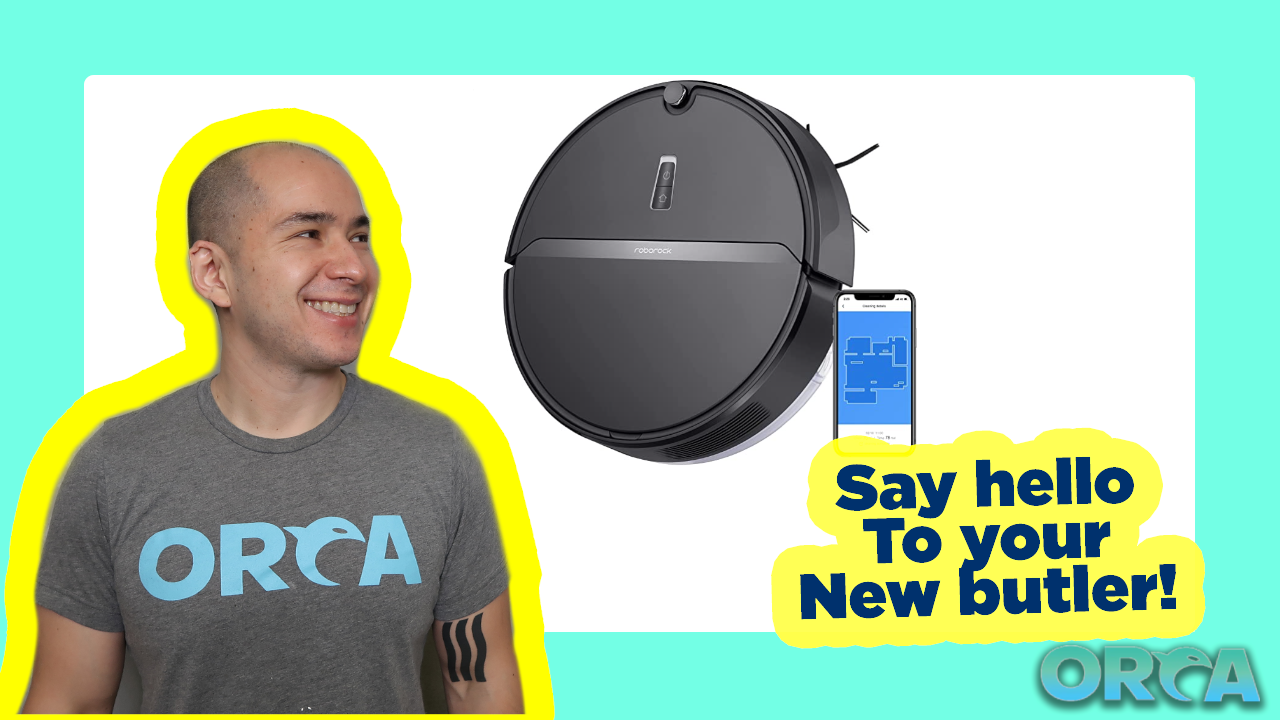
그림 2: 밑면 view of the Roborock E4, highlighting the main brush, side brush, and mop pad attachment area.
5. 문제 해결
If you encounter issues with your Roborock E4, refer to the following common solutions:
- 로봇이 충전되지 않음: 충전 도크의 전원이 켜져 있고 로봇이 충전 접점에 올바르게 정렬되어 있는지 확인하십시오. 로봇과 도크의 충전 접점을 모두 청소하십시오.
- 로봇이 갇힘: Clear obstacles like loose cables, small objects, or thick rugs from the cleaning path. The robot is designed to climb over 0.8-inch (2cm) obstacles, but higher thresholds may cause issues.
- 세척 성능이 좋지 않음: Empty the dustbin, clean or replace the filter, and remove any tangled hair from the main and side brushes. Check if the water tank is filled for mopping.
- 앱 연결 문제: Ensure your robot is within Wi-Fi range and your Wi-Fi network is stable. Restart your router and the robot.
- 로봇이 도크로 돌아오지 않음: Ensure the charging dock is accessible and not blocked by furniture or other items.
For persistent issues, consult the Roborock app for further diagnostics or contact customer support.
6. 사양
| 특징 | 세부 사항 |
|---|---|
| 상표 | 로보록 |
| 모델명 | E4 걸레 |
| 특징 | 2152 sqft/200 mins one charge, Cordless |
| 제품 치수 | 19인치 길이 x 16인치 너비 x 6인치 높이 |
| 포함된 구성 요소 | 1* E4 Robot Vacuum Cleaner, 1* E4 Water Tank, 1* Charging Dock, 1* Power Cable, 1* User Manual |
| 필터 유형 | 탄약통 |
| 배터리 수명 | 200 분 |
| 권tage | 240 볼트 |
| 전원 | 배터리 구동 |
| 제어 방법 | 목소리 |
| 호환 장치 | 아마존 에코 |
| 폼 팩터 | 로봇 |
| 한국어: | 850016799340 |
| 품목 무게 | 7.9파운드 |
| 품목 모델 번호 | E4 |
| 용량 | 0.64리터 |
| 표면 추천 | 양탄자 |
7. 보증 및 지원
보증 정보 및 고객 지원에 대해서는 Roborock 공식 웹사이트를 참조하십시오. web사이트를 방문하거나 고객 서비스에 직접 문의하세요. 보증 청구를 위해 구매 증빙 자료로 구매 영수증을 보관하세요.


