1. 소개 및 이상view
The Cshidworld Cshid MA10 Wireless Earbuds are designed to provide a superior audio experience with advanced features for everyday use. Featuring Bluetooth 5.0 technology, CVC 8.0 noise cancellation, and a portable charging case, these earbuds offer convenience, high-fidelity sound, and extended playtime. Their ergonomic design ensures a comfortable and secure fit, while IPX5 water and sweat resistance makes them suitable for various activities.

Image: Cshidworld Cshid MA10 Wireless Earbuds in their charging case.
2. 패키지 내용
모든 품목이 들어 있는지 확인하기 위해 패키지를 주의 깊게 확인하세요.
- 2 x TWS Bluetooth Earbuds (Left and Right)
- 1 x 휴대용 충전 케이스
- 1 x 마이크로 USB 충전 케이블
- 1 x 사용자 설명서
3. 제품 특징
- Bluetooth 5.0 & CVC 8.0 Noise Cancellation: Provides a stable connection, faster pairing, and clear audio with effective noise reduction for calls.
- 고음질 사운드: Equipped with a 13mm vibrating diaphragm and HD rendering technology for natural, authentic sound and powerful bass.
- 원스텝 페어링: Automatic power-on and pairing when removed from the charging case.
- 연장된 플레이 시간: Up to 5 hours of playback on a single charge, with an additional 25 hours provided by the portable charging case, totaling 30 hours.
- 인체공학적 디자인: Lightweight and designed for a secure and comfortable fit for various ear shapes.
- IPX5 Water & Sweat Resistant: Offers protection against sweat and light splashes, ideal for workouts and outdoor activities.

Image: Advanced Bluetooth 5.0 technology within the earbud.
4. 설정
4.1 초기 충전
Before first use, fully charge the earbuds and the charging case. Connect the Micro USB charging cable to the charging case and a power source. The charging time is approximately 1.5 hours for a full charge.

Image: Earbuds and charging case, highlighting extended playtime.
4.2 페어링 지침
Follow these steps to connect your Cshidworld earbuds to your device:
- 자동 전원 켜짐: For initial use, open the charging case and remove both earbuds. They will automatically power on and connect to each other. You will hear a voice prompt: "Power On" then "TWS Connected".
- 블루투스 페어링 : On your mobile phone, open the Bluetooth settings and ensure Bluetooth is enabled for detection.
- 장치 선택: In the list of available devices, locate and tap on "M10" to connect. The earbud LED will flash blue continuously once connected. You will hear a voice prompt: "Connected".
The earbuds are now paired and ready for use. They will automatically reconnect to the last paired device when removed from the case, if Bluetooth is enabled on the device.

Image: Instant pairing process shown on a smartphone.
5. 사용 설명서
5.1 터치 컨트롤
The Cshidworld Cshid MA10 earbuds feature intuitive touch controls for easy management of calls and music playback.
- 재생/일시 중지: 양쪽 이어버드를 한 번 탭하세요.
- 다음 트랙: 오른쪽 이어버드를 두 번 탭하세요.
- 이전 트랙 : 왼쪽 이어버드를 두 번 탭하세요.
- 전화 받기/종료: 수신 전화나 통화 중일 때 한쪽 이어버드를 한 번 탭합니다.
- 전화 거부: 전화가 오는 동안 한쪽 이어버드를 2초간 길게 누르세요.
- Voice Assistant 활성화 : 왼쪽 이어버드를 두 번 탭하세요.

Image: Smart touch control feature on the earbud.
5.2 전화 걸기
The earbuds are equipped with a high-quality microphone for clear hands-free calls. Ensure both earbuds are connected for the best call experience.
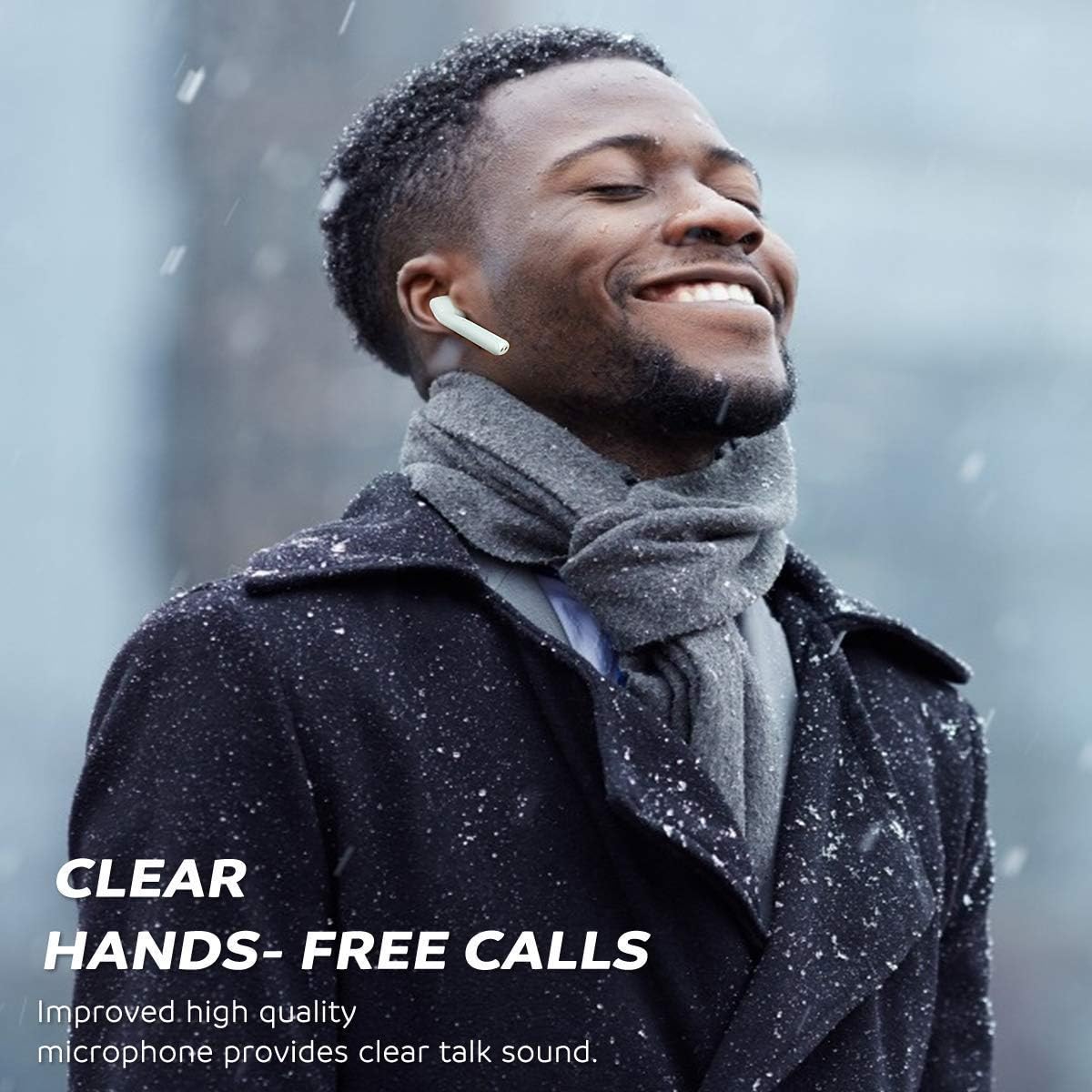
Image: Clear hands-free calls with the earbuds.
5.3 음악 감상
Enjoy rich, clear audio for your music, podcasts, and other media. Adjust volume directly from your connected device or use the earbud controls if supported by your device and media player.
6. 유지관리
6.1 청소
정기적인 청소는 음질과 위생을 유지하는 데 도움이 됩니다.
- 부드럽고 마른 보푸라기 없는 천으로 이어버드와 충전 케이스를 조심스럽게 닦으세요.
- 연마성 세척제, 알코올, 화학 용제는 사용하지 마세요.
- 충전이 제대로 되도록 이어버드와 케이스의 충전 접점을 마른 면봉으로 주기적으로 닦아주세요.
6.2 보관
사용하지 않을 때는 이어버드를 충전 케이스에 보관하여 먼지, 손상으로부터 보호하고 충전 상태를 유지하세요. 직사광선과 극한의 온도를 피해 서늘하고 건조한 곳에 보관하세요.

Image: IPX5 sweat-resistant feature, suitable for active use.
7. 문제 해결
7.1 이어버드 재설정
If you experience connection issues or only one earbud is working, you may need to reset the earbuds:
- 모바일 기기의 블루투스를 끄세요.
- Ensure both earbuds are powered off.
- Place both earbuds close to each other.
- Press and hold both function buttons (touch areas) on the earbuds for 10 seconds. Release when the earbud LED flashes red once.
- The earbuds will manually power on and enter automatic pairing mode (the right earbud will flash red and blue, the left earbud LED will be off).
- Once they pair with each other, the default settings recovery is complete.
- Re-enable Bluetooth on your device and reconnect to "M10".
7.2 일반적인 문제
- 이어폰이 서로 연결되지 않음: 위에서 설명한 대로 재설정을 수행하십시오.
- 이어폰이 휴대폰에 연결되지 않음: Ensure Bluetooth is on, earbuds are charged, and try forgetting the device on your phone's Bluetooth settings before re-pairing.
- 한쪽 이어버드에서 소리가 나지 않습니다. Check battery levels, ensure both earbuds are properly paired to each other, or perform a reset.
- 충전 문제: Ensure the charging cable is securely connected and the charging contacts on both earbuds and case are clean and free of debris.
8. 사양
| 특징 | 사양 |
|---|---|
| 블루투스 버전 | V5.0 + CSR |
| 작동 거리 | 최대 10미터(33피트) |
| 이어버드 플레이타임 | 약 충전당 5시간 |
| 총 재생 시간(케이스 포함) | 약 30시간 |
| 대기 시간 | 약 30시간 |
| 이어버드 배터리 용량 | 3.7V, 55mAh Li-polymer |
| 충전 시간 | 약 1.5시간 |
| 방수 등급 | IPX5(땀과 튀김 방지) |
| 무게 | 100그램 (총 포장 중량) |
| 재료 | Plastic, TPE, Silicone |
| 연결성 | 무선 블루투스 |
9. 안전 정보
Please read and follow these safety guidelines for safe and optimal use of your earbuds:
- 이어버드와 충전 케이스를 극한의 온도, 습도 또는 부식성 물질에 노출시키지 마십시오.
- Avoid dropping, impacting, or disassembling the device. This may cause damage and void the warranty.
- Do not use the earbuds at excessively high volumes for prolonged periods, as this can cause hearing damage.
- 이어버드와 충전 케이스를 어린이와 애완동물이 접근할 수 없는 곳에 보관하세요.
- 해당 지역 규정에 따라 제품을 책임감 있게 폐기하십시오. 일반 생활 쓰레기와 함께 폐기하지 마십시오.
10. 보증 및 지원
Specific warranty details and direct customer support contact information are not available in the provided product data. Please refer to the product packaging or the retailer's website for warranty terms and customer service contacts.


