1. 서론
Thank you for choosing the DEERC D20 Mini Drone. This compact and versatile drone is designed for users aged 14 and up, offering an engaging flight experience with its 720P HD FPV camera, intuitive controls, and various intelligent flight modes. Please read this manual thoroughly before operating the drone to ensure safe and optimal performance.
2. 상자 안에 무엇이 들어있나요?
- Customer version quadcopter (1)
- 리모콘 (1)
- Fuselage battery (2)
- USB 충전 케이블(1)
- Spare propeller (1 set)
- Protective cover (1 set)
- 드라이버 (1)
- 사용설명서(1)
3. 제품 오버view
The DEERC D20 Mini Drone is engineered for ease of use and durability, making it suitable for beginners while offering advanced features for experienced pilots. Its foldable design ensures portability, and the included 720P HD camera allows for capturing aerial photos and videos.

Figure 1: DEERC D20 Mini Drone, remote controller, and two batteries.
3.1. 주요 특징
- HD Pictures and Live Videos: Equipped with a 720P HD Wi-Fi camera for aerial photos and videos, with FPV transmission via smartphone app.
- 쉬운 제어: One Key Start/Landing button, Altitude Hold for stable hovering, Headless Mode for simplified orientation.
- Powerful and Safe: Features low power alarm, Emergency stop, and 4 propeller guards for safe flight. Includes 2 rechargeable batteries for up to 20 minutes of flight time.
- 3D Flips and Waypoints Fly: Perform impressive 3D flips and draw custom flight paths on your smartphone for automated flight.
- Voice Control and Gesture Selfie: Control the drone with voice commands (e.g., "Take off," "Landing") and capture photos/videos with hand gestures.

Figure 2: D20's 720P HD FPV Camera for real-time view주고받음.
The drone's camera provides a first-person view (FPV) directly to your smartphone, enhancing the immersive flight experience.

Figure 3: Voice Control and Waypoints Fly features for advanced operation.
Utilize voice commands for basic operations and draw flight paths on your phone for automated flight routes.
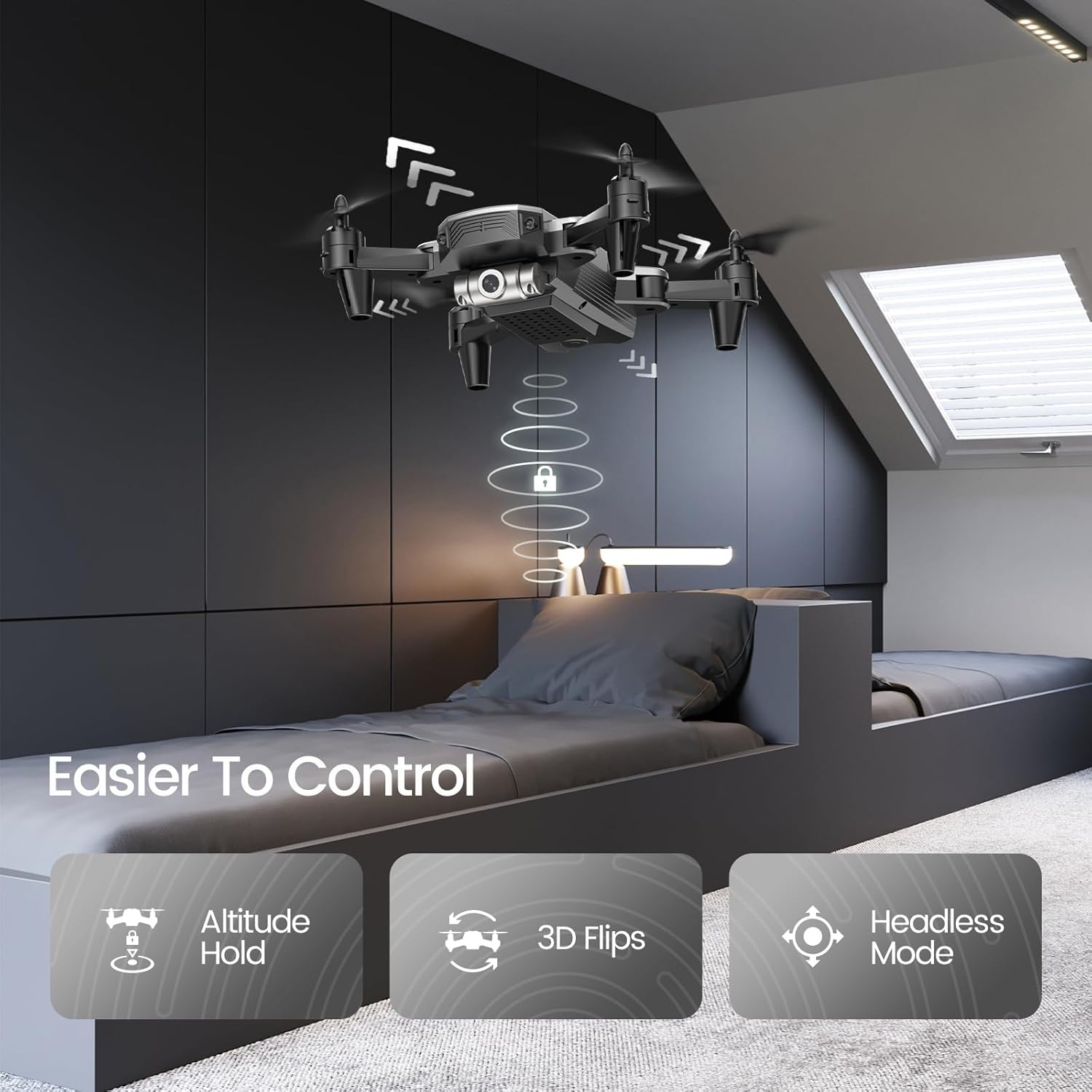
Figure 4: Features like Altitude Hold, 3D Flips, and Headless Mode make the drone easier to control.
Altitude Hold maintains the drone's height, simplifying control, while 3D Flips add excitement to your flights.
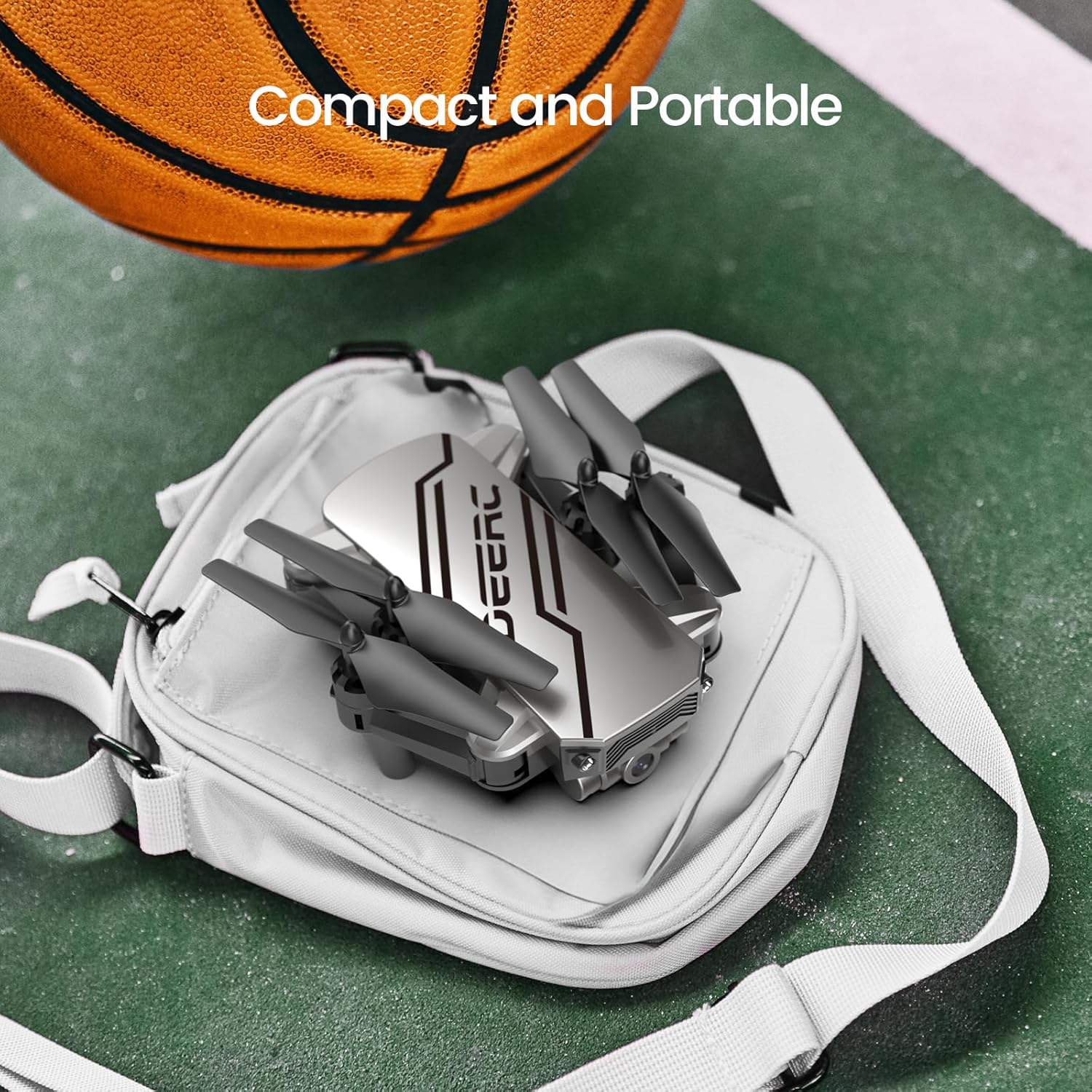
Figure 5: The drone's compact and portable design allows for easy transport.
Its lightweight and foldable design ensures you can take it anywhere.
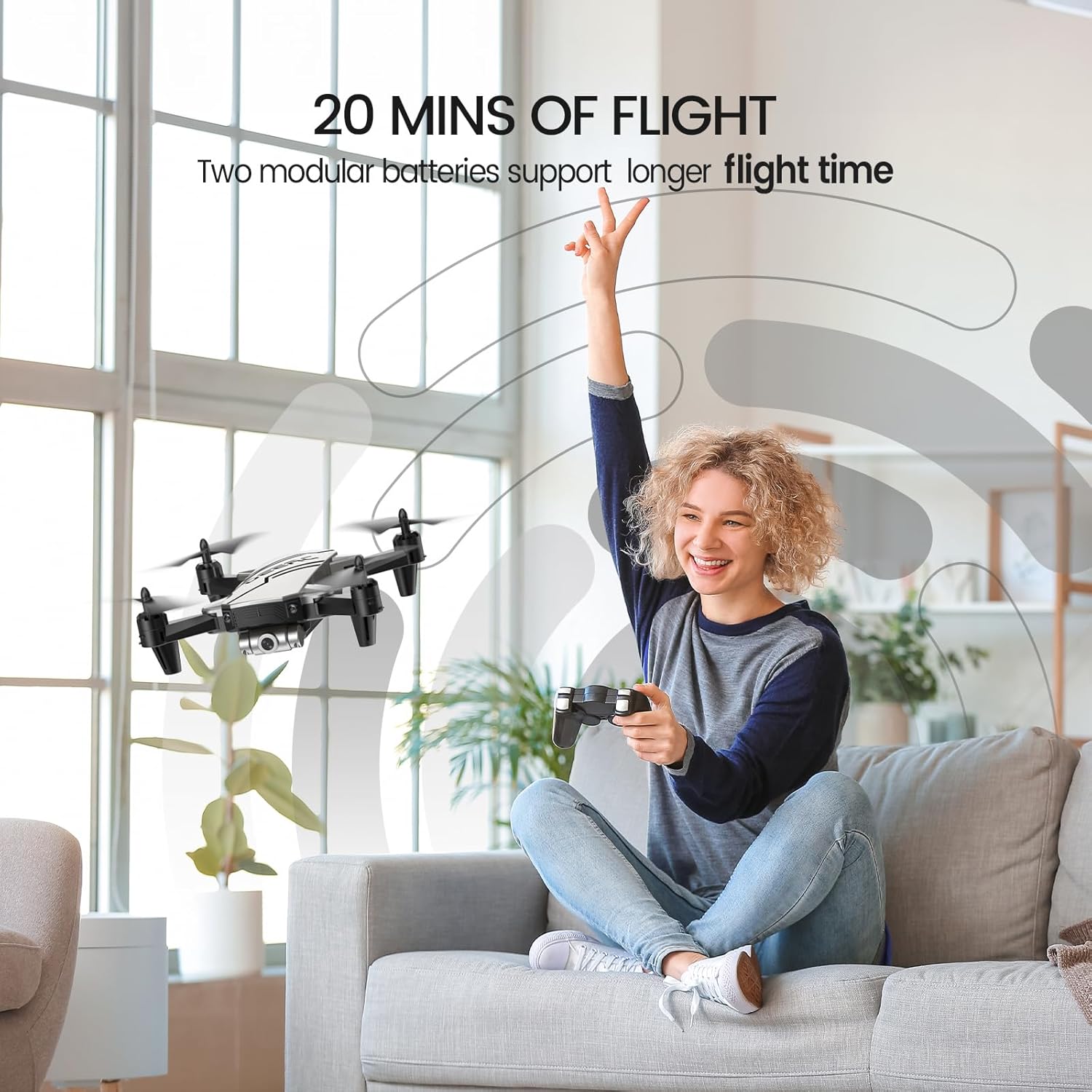
Figure 6: Enjoy extended flight sessions with two included batteries, providing up to 20 minutes of flight time.
The modular batteries are easy to swap, extending your flying fun.
4. 설정
4.1. 배터리 충전
Before first use, fully charge both drone batteries. Connect the USB charging cable to a USB power adapter (not included) and then to the drone battery. The charging indicator will show the charging status. A full charge takes approximately 60-80 minutes per battery.
4.2. Installing Batteries and Propeller Guards
- Insert a charged battery into the drone's battery compartment until it clicks into place.
- Attach the propeller guards to each arm of the drone for added protection, especially for beginners.
- Insert 3 AAA batteries (not included) into the remote controller.
4.3. 드론과 컨트롤러 페어링
- 드론을 평평하고 평평한 표면에 놓습니다.
- 드론을 켜세요. 표시등이 깜빡일 겁니다.
- 리모콘을 켭니다.
- Push the left joystick up and then pull it down. The drone lights will become solid, indicating successful pairing.
5. 사용 설명서
5.1. 기본 비행 제어
- 원키 스타트/랜딩: Press the dedicated button on the controller to automatically take off or land.
- 고도 유지: The drone will automatically maintain its current altitude when the throttle stick is released.
- 속도 조정 : Use the speed button on the controller to cycle through low, medium, and high-speed modes.
- 헤드리스 모드: Press the Headless Mode button. The drone will orient itself relative to the pilot, regardless of its actual front direction.
- 3D 플립: While flying, press the 3D Flip button and then move the right joystick in any direction to perform a flip.
5.2. Advanced Features (via Smartphone App)
Download the official DEERC FPV app from your device's app store. Connect your smartphone to the drone's Wi-Fi network (usually named "DEERC-D20-XXXX").
- FPV View: See real-time video feed from the drone's camera on your smartphone.
- 음성 제어: Use simple voice commands like "Take off" or "Landing" to control the drone.
- 제스처 셀카: Make a "V" sign or show your palm to the camera to trigger photo or video recording automatically.
- 경유지가 날아갑니다: 스마트폰 화면에 원하는 비행 경로를 그리면 드론이 자동으로 따라갑니다.
6. 유지관리
- Regularly inspect propellers for damage. Replace any bent or broken propellers using the included spare parts and screwdriver.
- Keep the drone and controller clean. Wipe with a soft, dry cloth.
- Store the drone and batteries in a cool, dry place away from direct sunlight when not in use.
- Do not overcharge batteries. Disconnect once fully charged.
7. 문제 해결
| 문제 | 가능한 원인 | 해결책 |
|---|---|---|
| 드론이 컨트롤러에 응답하지 않습니다. | 페어링되지 않았습니다. 배터리가 부족합니다. | Re-pair drone and controller; charge batteries. |
| 드론이 비행 중에 표류합니다. | Needs calibration; windy conditions. | 드론을 평평한 지면에서 보정하고, 바람이 없는 잔잔한 환경에서 비행하십시오. |
| Poor camera feed/lag. | Weak Wi-Fi signal; interference. | Ensure close proximity to drone; avoid areas with strong Wi-Fi interference. |
| 짧은 비행 시간. | 배터리가 완전히 충전되지 않았습니다. 배터리가 오래되었습니다. | 배터리를 완전히 충전하십시오. 오래된 배터리는 교체하는 것을 고려하십시오. |
8. 사양
- 상표: 디어크
- 모델 이름: 디20
- 색상: 은
- 품목 무게: 69그램(2.43온스)
- 제품 크기: 7.72인치 길이 x 6.38인치 너비 x 1.69인치 높이
- 비디오 캡처 해상도: 720p
- 효과적인 스틸 해상도: 0.92 MP
- 연결 기술 : 와이파이
- 배터리 용량: 0.51 Watt Hours (2 Lithium Polymer batteries included)
- 스킬 레벨 : 초보자
- 추천 연령: 14세 이상
9. 보증 및 지원
For warranty information and customer support, please refer to the official DEERC website or contact their customer service directly. You can also find additional resources and a downloadable PDF user manual 여기.
관련 문서 - 디20
 |
DEERC D70 드론: 사용 설명서 및 안전 지침 DEERC D70 드론 작동에 대한 종합 가이드로, 설정, 비행 제어, 안전 예방 조치 및 유지 보수를 다룹니다. 비행, 사진 및 비디오 촬영, 헤드리스 모드 및 360도 플립과 같은 고급 기능 활용 방법을 알아보세요. |
 |
DEERC D20 드론: 사용 설명서 및 안전 가이드 DEERC D20 드론에 대한 포괄적인 설명서, 안전 지침 및 사양을 제공합니다. 드론 작동, 설치 및 유지 관리 방법을 알아보세요. |
 |
DEERC D10 드론: 사용 설명서 및 작동 가이드 DEERC D10 드론에 대한 종합 가이드로, 설정, 작동, 안전 지침, 기능, 사양 및 연락처 정보를 제공합니다. 사용하기 쉬운 이 매뉴얼을 통해 DEERC D10 드론을 안전하고 효과적으로 조종하는 방법을 알아보세요. |
 |
DEERC D10 드론: 사용 설명서 및 작동 가이드 DEERC D10 드론에 대한 종합 가이드로, 안전 지침, 설치, 작동, 충전 및 기능에 대한 모든 내용을 다룹니다. 드론을 안전하고 효율적으로 비행하고 관리하는 방법을 배우세요. |
 |
DEERC D50 드론: 사용 설명서, 안전 지침 및 사양 DEERC D50 드론의 설치, 작동, 안전 수칙, 유지 관리 및 기술 사양을 다루는 종합 가이드입니다. 배터리 관리, 비행 모드 및 문제 해결 정보도 포함되어 있습니다. |
 |
DEERC D70 드론: 사용자 설명서 및 비행 가이드 DEERC D70 드론 작동에 대한 종합 가이드로, 설정, 비행 제어, 기능, 안전 지침 및 사양을 다룹니다. |