1. 서론
The Ledvance DOT-IT TOUCH SLIM is a compact, dimmable, and USB-rechargeable LED luminaire designed for versatile indoor use. Its compact design makes it suitable for small spaces where light is needed but no power outlet is available. This manual provides essential information for the safe and efficient use of your luminaire.

Image 1.1: The Ledvance DOT-IT TOUCH SLIM LED Luminaire, a compact and versatile lighting solution.
2. 안전 지침
부상이나 제품 손상을 방지하기 위해 다음 안전 지침을 주의 깊게 읽고 따르십시오.
- 장치를 작동하기 전에 모든 지침을 읽으십시오.
- This product is intended for indoor use only (IP20 rating). Do not expose to water, high humidity, or extreme temperatures.
- Keep the luminaire out of reach of children.
- Use only the provided USB cable for charging. Do not use damaged cables or chargers.
- Do not attempt to disassemble, modify, or repair the luminaire yourself. Refer all servicing to qualified personnel.
- LED 광원에 눈이 직접 노출되지 않도록 하세요.
3. 패키지 내용
패키지에 모든 품목이 들어 있는지 확인하세요.
- 1x Ledvance DOT-IT TOUCH SLIM LED Luminaire
- 1x Self-adhesive Mounting Magnet
- 1x USB 충전 케이블
4. 설정 및 설치
The DOT-IT TOUCH SLIM luminaire is designed for easy installation using its magnetic mount.
- 위치를 선택하세요: Select a clean, dry, and smooth surface where you wish to install the light. Ensure the surface is free from dust, grease, and moisture.
- Prepare the Magnet: Peel off the protective film from one side of the self-adhesive mounting magnet.
- 자석을 부착하세요: Firmly press the adhesive side of the magnet onto the chosen surface. Hold for a few seconds to ensure a strong bond.
- Mount the Luminaire: Place the DOT-IT TOUCH SLIM luminaire onto the attached magnet. The luminaire will securely attach magnetically. This allows for easy removal when charging is required.
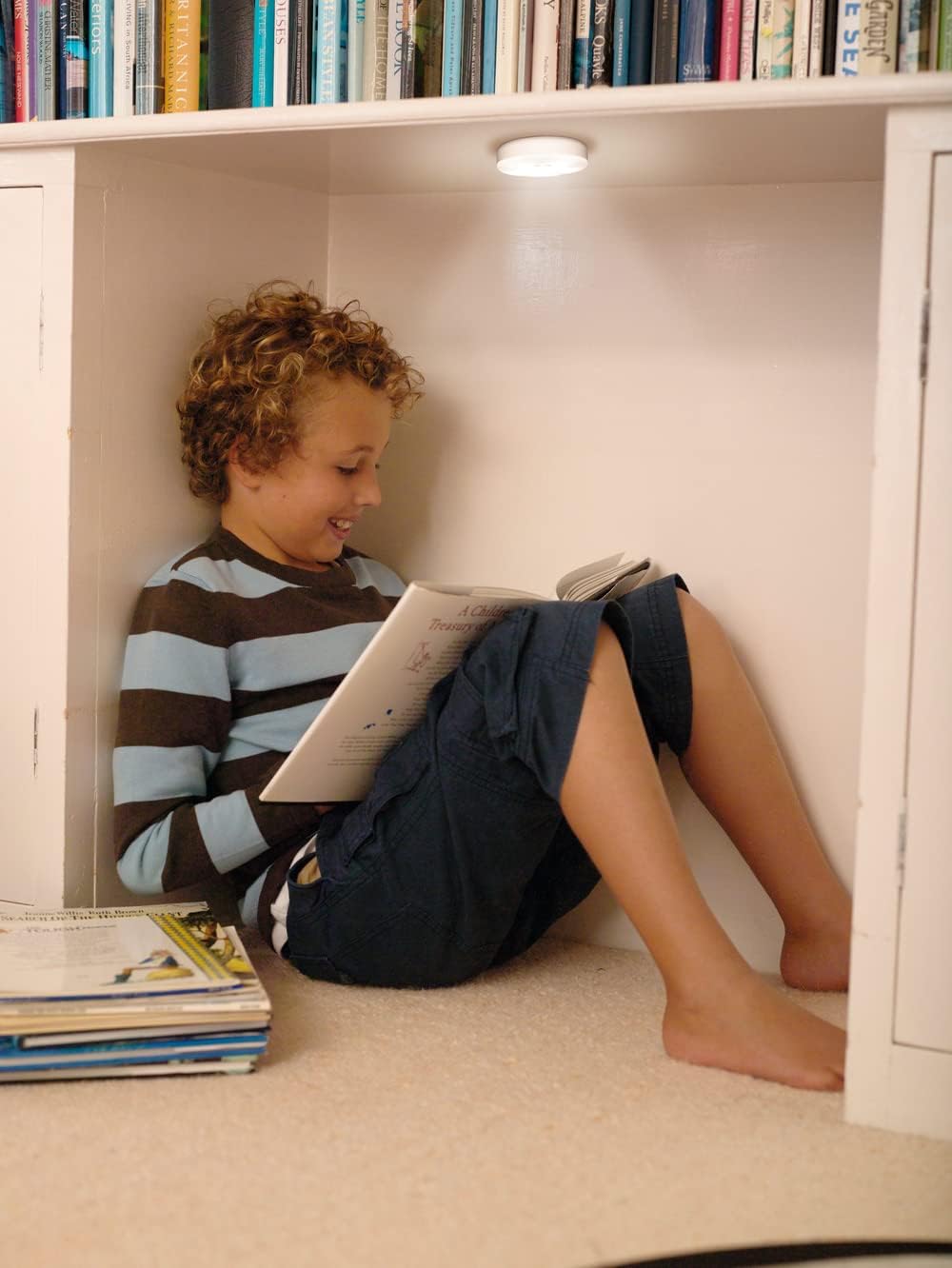
Image 4.1: The luminaire provides convenient lighting in various indoor settings, such as under shelves.
5. 운영
The luminaire features a simple touch interface for control.
- 켜기/끄기: Lightly press the center of the luminaire to turn it on or off.
- 디밍 : When the light is on, press and hold the center of the luminaire to adjust its brightness. Release your finger when the desired brightness level is achieved.
6. 충전
The DOT-IT TOUCH SLIM is equipped with a built-in rechargeable lithium battery.
- Remove from Mount: Gently pull the luminaire off its magnetic mount.
- USB 케이블을 연결하십시오: Insert the small end of the provided USB charging cable into the charging port on the side of the luminaire. Connect the larger end of the USB cable to a standard USB power source (e.g., computer USB port, USB wall adapter, power bank).
- 충전 표시기: A red indicator light will illuminate on the luminaire to show that it is charging. The light will turn off once the battery is fully charged.
- 첫 번째 사용: For optimal battery life, ensure the luminaire is fully charged before its initial use.
7. 유지관리
To ensure the longevity and proper functioning of your luminaire:
- 청소: Clean the exterior of the luminaire with a soft, dry cloth. Do not use liquid cleaners, abrasive materials, or solvents.
- 충전 포트: Periodically check the USB charging port for dust or debris and gently clean if necessary to ensure proper connection.
- 저장: If storing the luminaire for an extended period, ensure it is fully charged and store it in a cool, dry place. Recharge every few months to maintain battery health.
8. 문제 해결
If you encounter issues with your DOT-IT TOUCH SLIM luminaire, refer to the following common solutions:
- 표시등이 켜지지 않음:
- Ensure the battery is charged. Connect to a USB power source and allow it to charge.
- Verify that the touch surface is clean and unobstructed.
- Light does not dim:
- Ensure you are pressing and holding the center of the luminaire correctly to activate the dimming function.
- 빛은 충전되지 않습니다.
- Check the USB cable for damage and try a different cable if available.
- Try a different USB power source (e.g., another wall adapter, computer port).
- Inspect the charging port on the luminaire for any debris or damage.
9. 사양
| 특징 | 사양 |
|---|---|
| 모델 | DOT-IT TOUCH SLIM WT LEDV |
| 상표 | 레드밴스 |
| 치수(길이 x 너비 x 높이) | 6.5 x 6.5 x 1.8cm |
| 무게 | 35g |
| 재료 | 아크릴로니트릴 부타디엔 스티렌(ABS) |
| 권tage | 5V(XNUMXV) |
| 왓tage | 0.45와트 |
| 색온도 | 4000 켈빈(쿨화이트) |
| 연색지수(CRI) | 80 |
| 평균 수명 | 30,000시간 |
| 스위치 유형 | 만지다 |
| 배터리 | Rechargeable Lithium (included) |
| IP 등급 | IP20(실내 사용 전용) |

Image 9.1: Technical drawing showing the dimensions of the luminaire (65mm diameter, 18mm thickness).
10. 보증 및 지원
For detailed warranty information, product registration, or customer support, please refer to the official LEDVANCE web사이트를 방문하거나 공인 판매점에 문의하세요. 보증 청구를 위해 구매 증빙 자료를 보관하세요.


