소개
This manual provides detailed instructions for the installation, operation, and maintenance of your ESX VN1015-MA-DAB-1DIN 1-DIN Touchscreen Navigation System. This advanced car multimedia unit features a 10.1-inch multi-angle touchscreen, Android operating system, DAB+ digital radio, Bluetooth hands-free and audio streaming, GPS navigation, and extensive media connectivity. Please read this manual thoroughly before using the device to ensure proper operation and to maximize your user experience.
설정 및 설치
Proper installation is crucial for the optimal performance of your ESX navigation system. It is recommended that installation be performed by a qualified professional.
1. 개봉 및 검사
- 포장에서 모든 구성 요소를 조심스럽게 제거합니다.
- Verify that all listed accessories are present.
- 제품에 손상 흔적이 있는지 살펴보십시오.
2. 배선 연결
Refer to the wiring diagram for detailed connections. Ensure all connections are secure to prevent malfunctions.
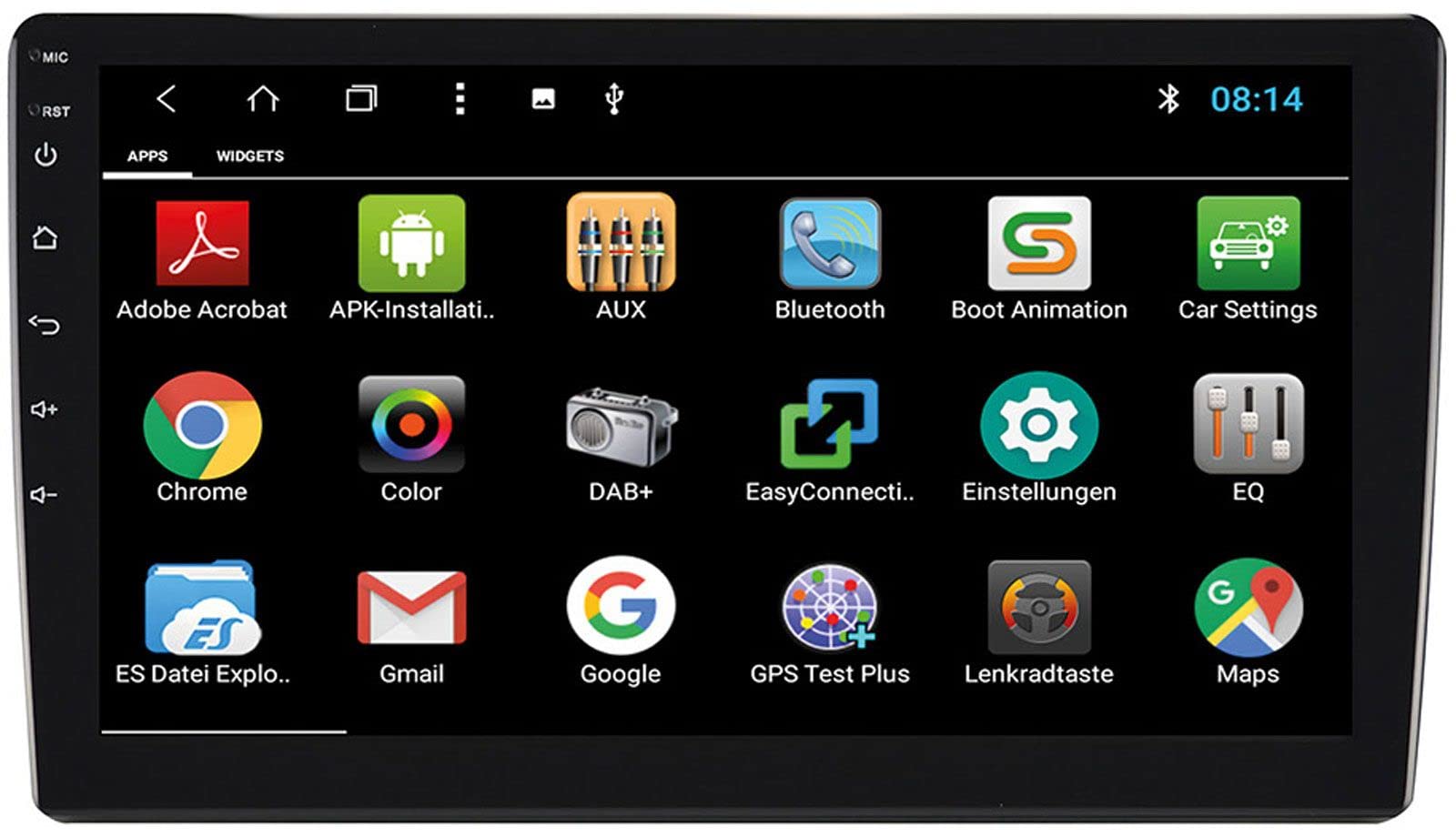
Image: Rear Connection Ports. This image displays the rear panel of the ESX VN1015-MA-DAB-1DIN unit, highlighting the various input and output ports. Key connections visible include GPS antenna input, WiFi antenna input, microphone input, USB ports, AV inputs, and the main power/speaker harness connector. A DAB+ antenna input is also present, along with a "PASSED" quality control sticker.
- 전원 연결: Connect the main power harness to your vehicle's power supply (constant 12V, ignition 12V, and ground).
- 스피커 연결: 차량 스피커에 스피커 선을 연결할 때 극성이 올바른지 확인하십시오.
- GPS 안테나 : Connect the GPS antenna to the dedicated GPS input. Position the antenna in a location with a clear view 최적의 신호 수신을 위해 하늘을 살펴보세요.
- DAB+ 안테나: Connect the included DAB+ antenna to the DAB+ input. Ensure proper placement for best digital radio reception.
- WiFi 안테나: Connect the WiFi antenna for internet connectivity via a mobile hotspot.
- USB 포트: 미디어 재생이나 스마트폰 충전을 위해 USB 장치를 연결하세요.
- 마이크로폰: Connect the internal microphone or an optional external microphone (VNA-MIC-AND) for Bluetooth hands-free calling.
- AUX/Video Input: 외부 오디오/비디오 소스를 연결하세요.
- 카메라 입력: 후면 연결view camera to the camera input. The system supports adjustable parking lines.
- 사전amp 출력: 외부 연결 amp전면, 후면 및 서브우퍼 채널용 앰프.
- 스티어링 휠 제어: If your vehicle supports steering wheel controls, an optional adapter may be required. Connect the steering wheel control wires as per the adapter's instructions.
3. 유닛 장착
- Install the 1-DIN chassis into your vehicle's dashboard opening.
- Attach the 10.1-inch touchscreen display to the chassis. The display is multi-angle adjustable (height and viewing angle) for optimal visibility.
- Secure the unit firmly to prevent movement during driving.
4. 초기 전원 켜기
- After all connections are made, turn on your vehicle's ignition.
- The unit should power on and display the ESX logo.
- 언어 선택 및 시간대 설정과 같은 초기 설정을 위해 화면에 나타나는 안내에 따라 진행하십시오.
작동 지침
Your ESX navigation system runs on an Android operating system, offering a familiar and intuitive user interface.
1. 터치스크린 인터페이스
The 10.1-inch high-resolution touchscreen allows for easy control of all functions. Tap, swipe, and pinch-to-zoom gestures are supported.
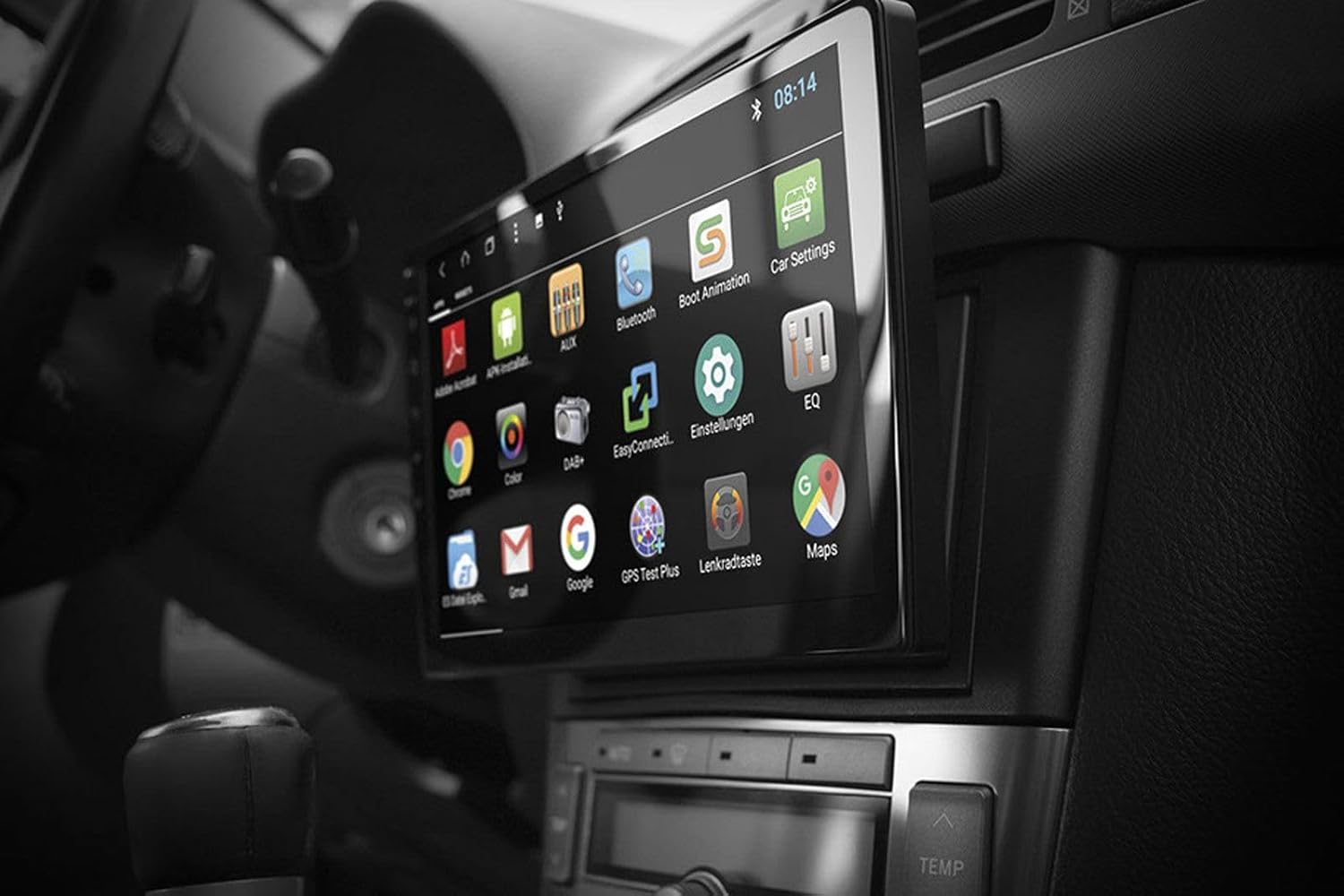
Image: Android App Interface. This image shows the ESX VN1015-MA-DAB-1DIN unit installed in a car, with its screen displaying a grid of Android application icons. Visible apps include Bluetooth, DAB+, EQ, Google, Maps, and various system settings, indicating the unit's smart functionality.
2. 내비게이션(GPS)
- The system uses Google Maps for navigation, supporting both online and offline modes.
- Ensure the GPS antenna is properly connected and positioned.
- For offline maps, download the required map data via a WiFi connection.
- To start navigation, open the Maps application and enter your destination.

Image: Navigation Display. This image illustrates the ESX VN1015-MA-DAB-1DIN unit's screen showing a detailed navigation map. The map displays street names and routes, indicating active GPS guidance within a vehicle's interior.
3. Radio Functions (DAB+/AM/FM)
- DAB+ 디지털 라디오: Access high-quality digital radio broadcasts. The system displays station logos. Ensure the DAB+ antenna is connected.
- AM/FM 라디오: Tune into analog radio stations. RDS (Radio Data System) functionality provides station information.
- To switch between radio modes, select the appropriate option in the radio application.
- Scan for stations and save your favorites for quick access.

Image: Radio Interface. This image shows the ESX VN1015-MA-DAB-1DIN unit's screen displaying the FM radio interface. It features a frequency tuner, station presets, and controls for functions like REG, TA, AF, and PTY, indicating comprehensive radio capabilities.
4. 블루투스 연결
- 편성: Go to the Bluetooth settings on the unit and your smartphone. 검색 available devices and select "ESX VN1015-MA-DAB-1DIN" (or similar). Enter the PIN if prompted (usually 0000 or 1234).
- 핸즈프리 통화: Once paired, you can make and receive calls directly from the unit. Use the internal microphone or an optional external microphone for clear communication.
- 오디오 스트리밍(A2DP): Stream music from your smartphone to the unit wirelessly.
5. 미디어 재생
- USB/마이크로SD: Insert USB drives or MicroSD cards containing audio or video files into the respective ports. The system will automatically detect and allow playback through the media player application.
- 보조 입력: Connect external audio/video devices via the AUX input.
- 스마트폰 연결: Connect Android or iPhone devices via USB for charging. Some Android devices may support mirroring or data transfer depending on the phone and app.
6. 시스템 설정
- Access the Android settings menu to customize various aspects of the unit, including display, sound, network, and system information.
- You can adjust display brightness, sound equalizer settings, and connect to a WiFi hotspot for internet access.
- Customize boot logos and background images from the settings.
유지
Regular maintenance ensures the longevity and optimal performance of your ESX navigation system.
- 화면 청소: 부드럽고 보풀이 없는 천을 사용하여 터치스크린을 부드럽게 닦으세요. 잘 지워지지 않는 얼룩은 가볍게 닦아주세요.amp천에 물이나 화면에 안전한 세척제를 묻혀 닦아주세요. 강한 화학 물질이나 연마재는 사용하지 마세요.
- 소프트웨어 업데이트: 제조업체에서 제공하는 소프트웨어 업데이트가 있는지 주기적으로 확인하십시오. website or through the unit's system settings (if available). Updates can improve performance and add new features.
- 일반 관리 : 제품을 극한 온도, 장시간 직사광선 또는 과도한 습기에 노출시키지 마십시오. 제품 주변에 적절한 환기가 이루어지도록 하십시오.
문제 해결
If you encounter issues with your ESX navigation system, refer to the following common problems and solutions.
| 문제 | 가능한 해결책 |
|---|---|
| 장치의 전원이 켜지지 않습니다. | Check all power connections (constant 12V, ignition 12V, ground). Verify the vehicle's fuse box and the unit's inline fuse. Ensure the ignition is on. |
| 소리가 나지 않습니다. | Check speaker connections. Ensure volume is not muted or set too low. Verify amp외부 증폭기 연결 amplifiers are used. Check audio source selection. |
| GPS 신호가 약하거나 사용할 수 없습니다. | GPS 안테나가 단단히 연결되어 있고 시야가 확보된 위치에 설치되어 있는지 확인하십시오. view of the sky (e.g., dashboard, under windshield). Avoid obstructions. |
| Bluetooth not connecting or unstable. | Ensure Bluetooth is enabled on both the unit and your smartphone. Delete previous pairings and try re-pairing. Move the phone closer to the unit. Restart both devices. |
| DAB+ 라디오 수신 상태가 좋지 않습니다. | Check the DAB+ antenna connection and its placement. Ensure you are in an area with DAB+ coverage. Rescan for stations. |
| 터치스크린이 응답하지 않습니다. | Perform a soft reset of the unit (refer to the system settings for a reset option, or press and hold the power button if available). Ensure the screen is clean and free of debris. |
명세서
Key technical specifications for the ESX VN1015-MA-DAB-1DIN navigation system:
- 표시하다: 10.1-inch high-resolution multi-angle LCD touchscreen
- 운영 체제: 기계적 인조 인간
- 항해: Google Maps (online and offline)
- 연결성: WiFi Hotspot (requires compatible smartphone), Bluetooth (hands-free, audio streaming), USB (2 ports), MicroSD card slot (for navigation and media), AUX/Video input, AUX/Audio input
- 라디오: DAB+ Digital Radio (with station logos, DAB antenna included), AM/FM Radio (with RDS function)
- 오디오 출력 : Front/Rear/Subwoofer pre-amp 출력
- 입력: 1 Camera input (adjustable lines), 1 AUX/Video input, 1 AUX/Audio input
- 특별 기능: Adjustable boot logos and background images, Internal microphone, Connector for optional external microphone (VNA-MIC-AND), Steering wheel control support (optional adapter required)
- 제어 방법: 터치스크린
- 차량 서비스 유형: 자동차
- 제조업체: ESX
- 원산지: 중국
보증 정보
The ESX VN1015-MA-DAB-1DIN unit includes a Certificate of Authenticity. For specific warranty terms and conditions, please refer to the documentation provided with your purchase or contact your retailer. Information regarding spare parts availability and guaranteed software updates is not explicitly provided.
고객 지원
If you require further assistance or have questions not covered in this manual, please contact your authorized ESX dealer or the retailer from whom you purchased the product. They can provide specialized support and service.


