소개
This manual provides detailed instructions for the safe and effective use of your OneOdio A70 Wireless Bluetooth Headphones. Please read this manual thoroughly before using the product and retain it for future reference.

Image: OneOdio A70 Wireless Bluetooth Headphones in red and black, shown with 3.5mm and 6.35mm audio cables.
패키지 내용
패키지에 모든 품목이 들어 있는지 확인하세요.
- OneOdio A70 Fusion Headphones
- 3.5mm to 3.5mm Jack Cable with Microphone (1.2 M)
- 3.5mm to 6.35mm Jack Cable with Spring Wire (2-3 M)
- Micro-USB Charging Cable (0.6 M)
- 보호 파우치
- 사용 설명서 (본 문서)

이미지: 이상view of the OneOdio A70 package contents, including the headphones, various cables, and a carrying pouch.
제품 끝view
The OneOdio A70 headphones feature a versatile design for both wireless and wired use, offering high-quality audio and comfortable wear.
- 오디오 드라이버: Equipped with 40mm drivers for powerful bass and clear treble.
- 연결성: Bluetooth 5.2 for wireless connection, and multiple wired options (3.5mm, 6.35mm).
- 배터리 수명: 한 번 충전으로 최대 72시간 재생 가능 (볼륨 50% 기준).
- 마이크로폰: Integrated CVC 8.0 noise-cancelling microphone for clear calls.
- Share Port: Allows two headphones to connect to one audio source for shared listening.
- 편안: Thick foam ear pads and a foldable, adjustable headband for extended wear comfort.
- Jack Lock: Secure locking mechanism for the auxiliary stereo cable.
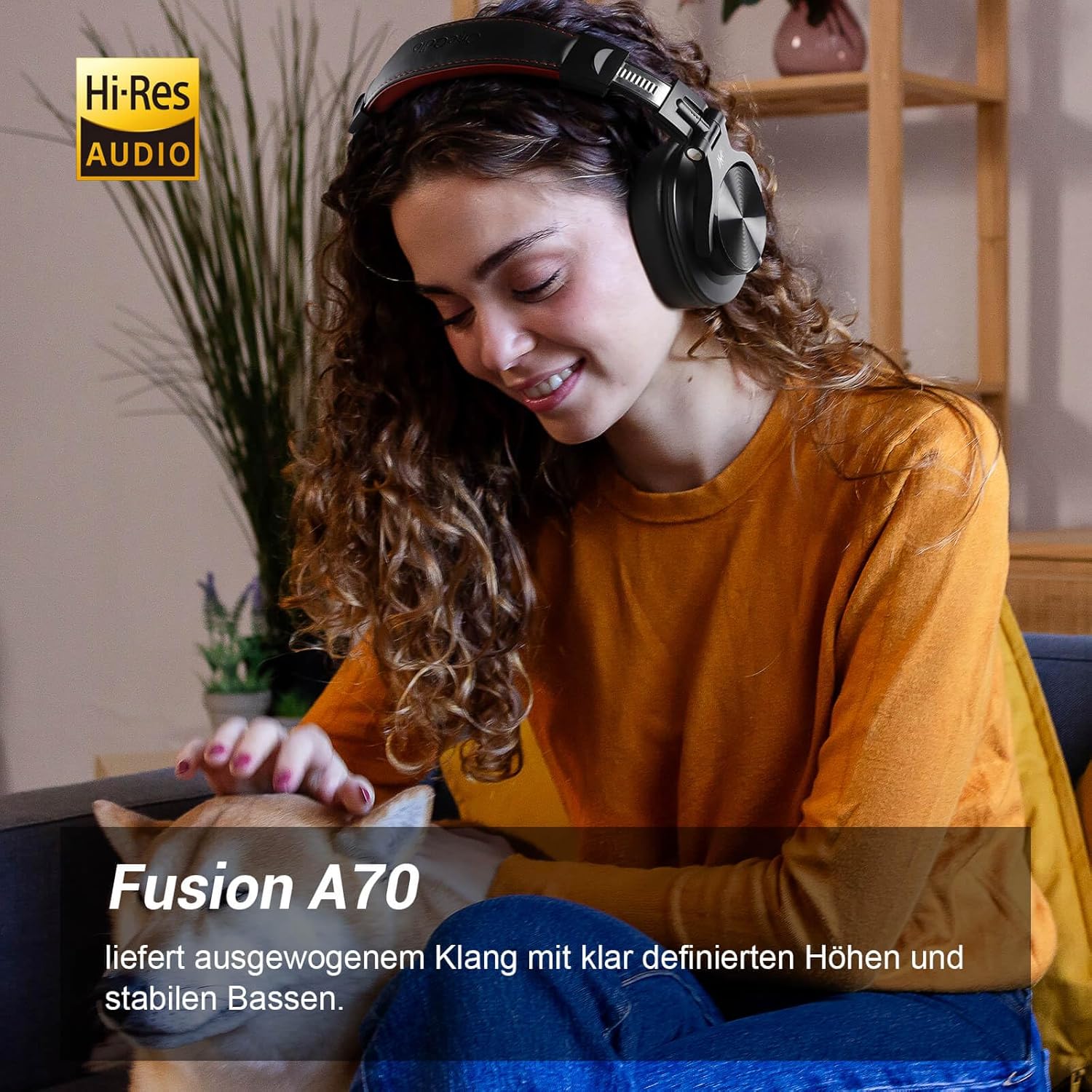
Image: A woman wearing the OneOdio A70 headphones, emphasizing the Hi-Res Audio capability.
설정
헤드폰 충전하기
Before first use, fully charge the headphones. Use the provided Micro-USB charging cable.
- Connect the Micro-USB end of the charging cable to the charging port on the headphone.
- USB-A 단자를 USB 전원 어댑터(별도 구매) 또는 컴퓨터의 USB 포트에 연결하십시오.
- LED 표시등은 충전 상태를 보여줍니다(예: 빨간색은 충전 중, 파란색은 완충 시).

이미지: 자세한 view of the headphone's side, showing the Micro-USB charging port and control buttons.
블루투스 페어링
헤드폰을 무선으로 연결하려면 다음 단계를 따르세요.
- 헤드폰이 충전되어 있고 꺼져 있는지 확인하세요.
- Press and hold the Multi-function button (usually the power button) for approximately 5 seconds until the LED indicator flashes red and blue alternately, indicating pairing mode.
- 기기(스마트폰, 태블릿, PC)에서 Bluetooth를 활성화하고 사용 가능한 기기를 검색하세요.
- Select "OneOdio A70" from the list of devices.
- 연결되면 LED 표시등이 파란색으로 계속 켜지거나 파란색으로 천천히 깜박입니다.
유선 연결
A70 헤드폰은 두 가지 유형의 유선 연결을 지원합니다.
- 3.5mm-3.5mm 케이블: For connecting to smartphones, tablets, laptops, and other devices with a 3.5mm audio jack. This cable includes an in-line microphone for calls.
- 3.5mm-6.35mm 케이블: For connecting to professional audio equipment like DJ mixers, amplifiers, and guitars.
To use a wired connection, simply plug the appropriate cable into the headphone's corresponding port and the other end into your audio source. The headphones will automatically switch to wired mode when a cable is inserted.

Image: A visual guide illustrating the wide compatibility of the OneOdio A70 headphones with different devices using 3.5mm and 6.35mm cables.
작동 지침
Basic Controls (Bluetooth Mode)
| 기능 | 행동 |
|---|---|
| 전원 켜기/끄기 | Press and hold Multi-function button for 3 seconds. |
| 재생/일시정지 | Press Multi-function button once. |
| 볼륨을 높이다 | Press '+' button. |
| 볼륨 낮추기 | Press '-' button. |
| 다음 트랙 | Press and hold '+' button. |
| 이전 트랙 | Press and hold '-' button. |
| 전화 받기/종료하기 | Press Multi-function button once. |
| 전화 거부 | Press and hold Multi-function button for 2 seconds. |
| 음성 지원 활성화 | Double-press Multi-function button. |

Image: Controls for the in-line microphone on the 3.5mm cable, detailing functions like play, pause, answer, and end calls.
Share Port Function
The OneOdio A70 headphones feature a unique Share Port, allowing two headphones to share audio from one source.
- Connect the 3.5mm to 3.5mm cable to the 3.5mm input port on your A70 headphones.
- Connect the other end of this cable to the 3.5mm output port of another headphone (e.g., another A70 or compatible headphone).
- Ensure the primary A70 headphone is connected to your audio source (via Bluetooth or 6.35mm cable).
- 이제 두 헤드폰 모두 동일한 소스에서 오디오를 수신합니다.

Image: Two individuals sharing audio from a single device using the Share Port technology of the OneOdio A70 headphones.
유지 보수 및 관리
- 헤드폰은 부드럽고 마른 천으로 정기적으로 닦아주세요. 연마성 세척제나 용제를 사용하지 마세요.
- Store the headphones in the provided protective pouch when not in use to prevent scratches and damage.
- 헤드폰을 극한의 온도, 습도 또는 직사광선에 노출시키지 마세요.
- 헤드폰을 분해하거나 개조하려고 하지 마십시오. 그럴 경우 보증이 무효화됩니다.
- The headphones are not waterproof. Avoid contact with liquids.

Image: The OneOdio A70 headphones in their folded configuration, ready for storage in the protective pouch.
문제 해결
| 문제 | 가능한 원인 | 해결책 |
|---|---|---|
| 소리가 안 나요 (블루투스) | Headphones not paired or connected. Low battery. Volume too low. | Ensure headphones are in pairing mode and connected. Recharge headphones. Increase volume on headphones and device. |
| 소리가 나지 않음 (유선) | Cable not fully inserted. Incorrect cable used. Device volume too low. | Ensure cables are securely plugged in. Use the correct cable for your device. Increase volume on device. |
| 음질이 좋지 않음 | Interference (Bluetooth). Damaged cable. Low quality audio source. | Move closer to the Bluetooth device. Try a different cable. Test with a different audio source. |
| 마이크가 작동하지 않습니다 | Using wrong cable (only 3.5mm to 3.5mm has mic). Mic muted on device. | Ensure you are using the 3.5mm cable with the in-line microphone. Check microphone settings on your device. |
| 헤드폰이 켜지지 않습니다 | 배터리가 완전히 방전되었습니다. | Charge the headphones for at least 30 minutes before attempting to power on. |
명세서
| 특징 | 세부 사항 |
|---|---|
| 모델명 | OneOdio A70 Fusion |
| 연결 기술 | Bluetooth 5.2, Wired (3.5mm, 6.35mm) |
| 드라이버 크기 | 40mm |
| 주파수 범위 | 20Hz - 20,000Hz |
| 임피던스 | 32옴 |
| 감광도 | 110데시벨 |
| 배터리 구성 | 리튬폴리머 |
| 배터리 수명 | 최대 72시간(50% 볼륨) |
| 무게 | 250그램 |
| 재료 | Leather (earpads/headband) |
| 특별 기능 | Volume Control, Noise Isolation, Built-in Microphone (CVC 8.0), Foldable Design, Share Port, Jack Lock |
보증 및 지원
OneOdio 제품은 최고 품질 기준에 따라 설계 및 제조되었습니다. 보증 정보 및 고객 지원은 OneOdio 공식 웹사이트를 참조하십시오. web사이트를 방문하거나 고객 서비스에 직접 문의하세요.
제조업체: 원오디오
파는 사람: OneOdio EU (via Amazon.com.be)
추가 지원을 받으려면 다음을 방문하세요. OneOdio Store on Amazon.


