소개
Thank you for choosing the A4tech G3-200NS Silent Wireless Mouse. This manual provides detailed instructions for setting up, operating, and maintaining your new wireless mouse. Designed for comfort and efficiency, this optical mouse offers silent clicks and reliable wireless connectivity for both PC and laptop use.
패키지 내용
모든 품목이 들어 있는지 확인하려면 패키지 내용물을 확인하세요.
- A4tech G3-200NS Silent Wireless Mouse
- USB 수신기
- 사용 설명서 (본 문서)
- (Note: 1 AA battery required, not included)
설정
1. 배터리 설치
- 마우스 밑면에서 배터리 칸을 찾으세요.
- 배터리 덮개를 엽니다.
- AA 배터리 1개를 올바른 극성(+/-)에 맞춰 삽입하세요.
- 배터리 덮개를 단단히 닫으세요.
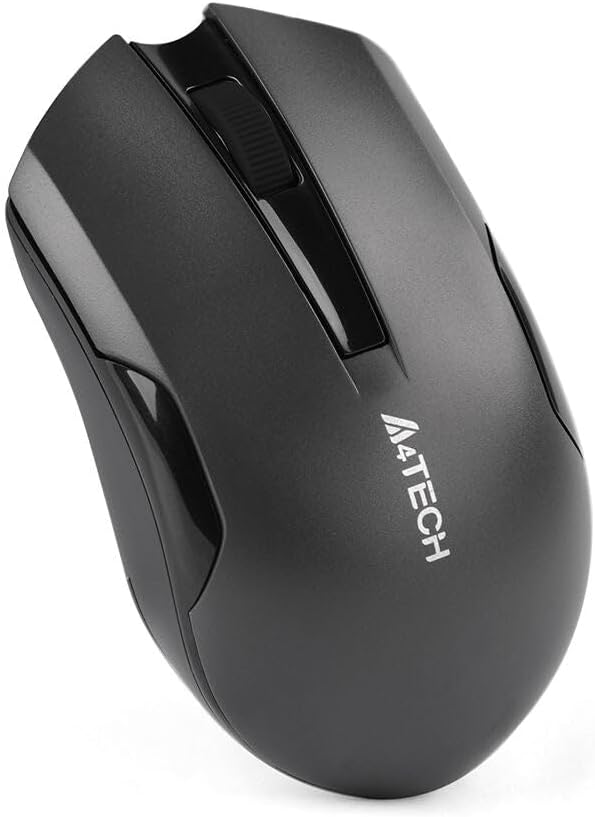
Figure 1: Underside of the mouse with battery compartment.
2. USB 수신기 연결
- Locate the USB receiver, typically stored within the mouse's battery compartment or packaged separately.
- USB 수신기를 컴퓨터나 노트북의 사용 가능한 USB 포트에 연결합니다.
- 운영 체제가 필요한 드라이버를 자동으로 감지하여 설치합니다. 이 작업에는 몇 분 정도 걸릴 수 있습니다.
- 설치가 완료되면 마우스를 바로 사용할 수 있습니다.
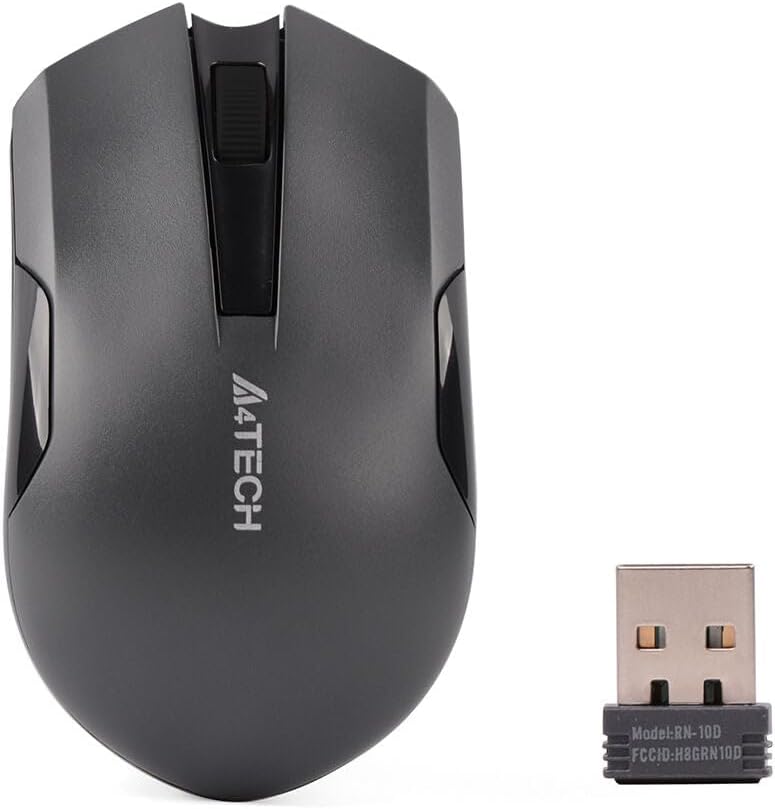
Figure 2: A4tech G3-200NS mouse and its USB receiver.
마우스 작동
기본 기능
- 좌 클릭: 주요 조치, 선택, 시작 항목.
- 마우스 오른쪽 버튼으로 클릭: 상황에 맞는 메뉴를 엽니다.
- 스크롤 휠: 문서를 스크롤하고 web 페이지를 세로로 넘길 수 있습니다. 스크롤 휠은 가운데 클릭 버튼으로도 작동합니다.
Silent Click Technology
The A4tech G3-200NS features silent click technology, significantly reducing click noise for a quieter working environment.
무선 범위
The mouse operates within a wireless range of approximately 10 to 15 meters from the USB receiver, depending on environmental conditions and obstacles.
유지
배터리 교체
When the mouse performance degrades or stops responding, it is likely time to replace the AA battery. Follow the battery installation steps outlined in the "Setup" section.
청소
마우스를 청소할 때는 부드럽고 마른 천을 사용하세요. 잘 지워지지 않는 얼룩은 약간 거친 천으로 닦아내세요.amp 천을 사용하여 내부 부품에 습기가 들어가지 않도록 하십시오. 독한 화학 약품이나 연마성 세척제 사용은 피하십시오.
문제 해결
| 문제 | 해결책 |
|---|---|
| 마우스가 응답하지 않음 |
|
| 불규칙한 커서 움직임 |
|
| 짧은 무선 범위 |
|
명세서
- 상표: 에이4테크
- 모델: G3-200NS
- 마우스 유형: 광마우스
- 연결성: 무선(2.4GHz)
- 색상: 검은색
- 다음과 호환 가능: PC 및 노트북
- 운영 체제: 리눅스, 윈도우 XP (및 이후 버전)
- 전원: AA 배터리 1개(포함되지 않음)
- 평균 배터리 수명: Approximately 6 months (may vary with usage)
- 무선 범위: 10-15 미터
- 특별 기능: Silent Click Technology
보증 및 지원
For warranty information or technical support, please refer to the warranty card included with your purchase or visit the official A4tech web사이트. 보증 청구를 위해 구매 증빙 자료를 보관하세요.