1. 서론
This manual provides essential information for the setup, operation, and maintenance of your COROS APEX Premium Multisport GPS Watch. Please read this guide thoroughly to ensure optimal performance and longevity of your device.
2. 상자 안에 무엇이 들어있나요?
Upon unboxing your COROS APEX watch, verify that all the following components are present:
- COROS APEX Premium Multisport GPS Watch (42mm Black/Grey)
- 시계 스트랩
- 충전 케이블
- 사용자 가이드 소책자
3. 제품 오버view
The COROS APEX watch is designed for durability and performance, featuring a robust build and intuitive controls.
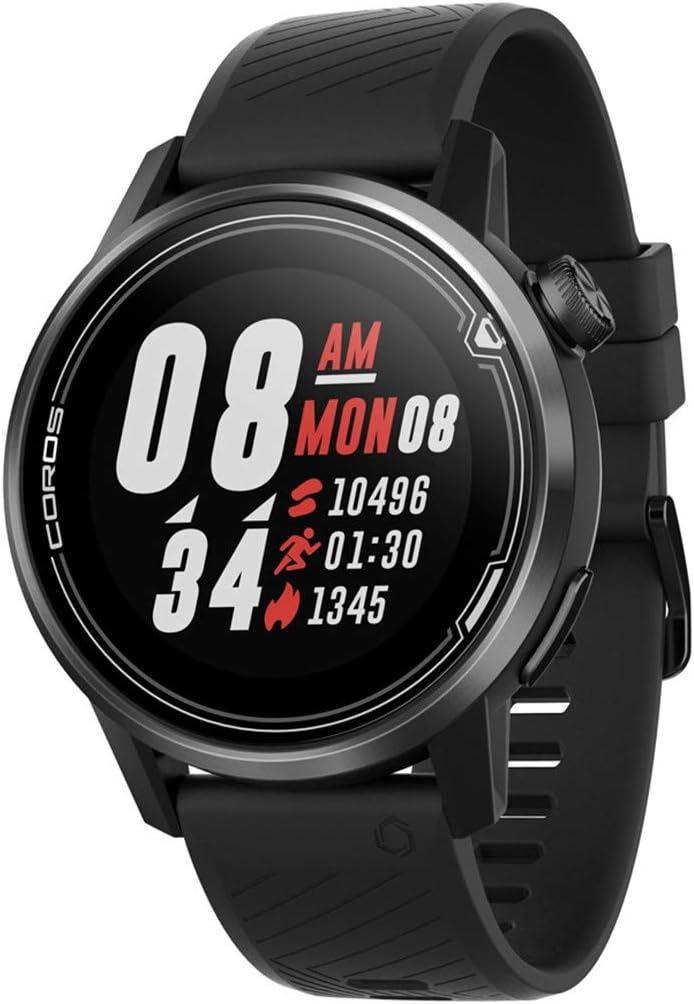
그림 3.1: 전면 view of the COROS APEX watch.
3.1. 시계 구성 요소
- 디지털 다이얼: Used for navigation through menus and data screens.
- 뒤로가기 버튼: Returns to the previous screen or marks a lap during workouts.
- Sapphire Glass Screen: Highly scratch-resistant display for clear visibility.
- Stainless Steel Bezel: 향상된 내구성과 보호 기능을 제공합니다.

그림 3.2: 측면 view highlighting the digital dial and back button.
3.2. 센서
The COROS APEX is equipped with multiple sensors for comprehensive data tracking:
- Optical Heart Rate Monitor: Located on the back of the watch for continuous heart rate tracking.
- 기압 고도계: Measures altitude changes for accurate elevation data.
- 가속도계: 움직임과 방향을 감지합니다.
- 나침반: 방향 정보를 제공합니다.
- 자이로 스코프 : Measures angular velocity and rotation.
- 온도계: 주변 온도를 측정합니다.

그림 3.3: 뒤로 view showing the optical heart rate sensor.
4. 설정
4.1. 시계 충전하기
Before first use, fully charge your COROS APEX watch. Connect the provided charging cable to the charging port on the back of the watch and plug the USB end into a power source (e.g., computer USB port or wall adapter). A full charge typically takes approximately 2 hours.
4.2. Initial Pairing with the COROS App
- Download the COROS app from your smartphone's app store (iOS or Android).
- COROS 앱을 열고 계정을 만들거나 로그인하세요.
- Turn on your COROS APEX watch by pressing and holding the digital dial.
- In the COROS app, navigate to the 'Device' tab and select 'Add New Device'.
- Follow the on-screen prompts in the app to pair your watch. This typically involves confirming a code displayed on both the watch and the phone.
- Once paired, the watch will synchronize settings and data with the app.
5. 시계 작동
5.1. 기본 탐색
- 디지털 다이얼: Rotate to scroll through menus and data screens. Press to select an option or confirm an action.
- 뒤로가기 버튼: Press to return to the previous screen. Hold to access the toolbox menu or to exit a workout.
5.2. 스포츠 모드
The COROS APEX supports a variety of sport modes to accurately track your activities:
- Running (Indoor Run, Trail Run)
- 사이클링
- 수영
- 심장
- 힘
- 수상 스포츠
To start a workout, rotate the digital dial to select your desired sport mode and press the dial to confirm.
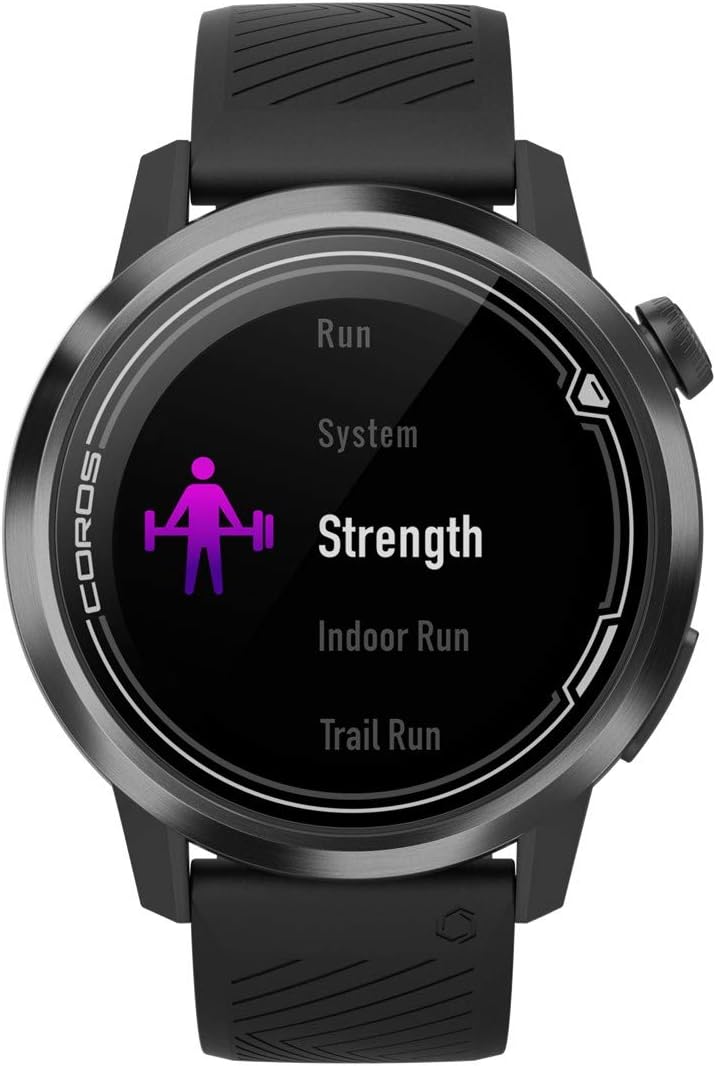
Figure 5.1: Selecting a sport mode on the COROS APEX.
5.3. GPS Functionality and Navigation
The watch utilizes GPS for accurate tracking of outdoor activities and offers route navigation features. Ensure you have a clear view 최적의 GPS 신호 수신을 위해 하늘을 관찰합니다.

Figure 5.2: Route navigation display on the COROS APEX.
5.4. 심박수 모니터링
The optical heart rate monitor continuously tracks your heart rate throughout the day and during workouts. For accurate readings, ensure the watch is snug on your wrist.
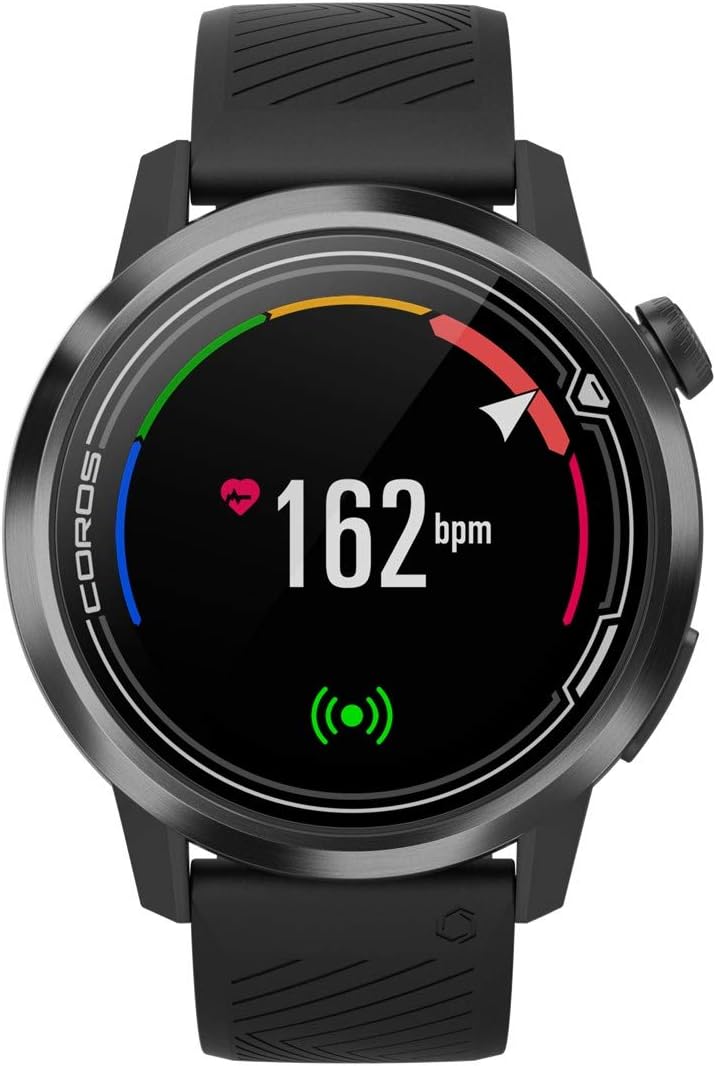
Figure 5.3: Heart rate monitoring display.
5.5. Daily Tracking
The COROS APEX automatically tracks daily metrics including steps, calories burned, and sleep patterns. This data can be viewed on the watch and in detail within the COROS app.
5.6. 경고
The watch can provide various alerts, such as nutrition alerts during long workouts, to help you maintain performance.

Figure 5.4: Nutrition alert examp르.
6. 유지관리
6.1. 시계 청소
시계와 스트랩을 부드러운 천으로 정기적으로 닦아주세요.amp cloth to prevent skin irritation and maintain device hygiene. Avoid using harsh chemicals or abrasive materials.
6.2. 배터리 관리
The COROS APEX is known for its extended battery life. To maximize battery longevity:
- 충전 및 보관 시 극한의 온도 변화를 피하십시오.
- Do not fully deplete the battery frequently.
- Charge the watch using only the provided cable.

Figure 6.1: Battery usage display.
7. 문제 해결
If you encounter issues with your COROS APEX watch, refer to the following common solutions:
- Watch Not Pairing: Ensure Bluetooth is enabled on your phone and the watch is within range. Restart both the watch and the phone. Verify the COROS app is updated to the latest version.
- GPS가 연결되지 않음: 깨끗한 열린 공간으로 이동하세요 view of the sky. Wait a few minutes for the watch to acquire a signal. Ensure GPS is enabled for your activity.
- Inaccurate Altimeter Readings: Ensure the altimeter port is clean and free of debris. Perform a manual calibration if available in the watch settings.
- 시계가 응답하지 않습니다: Perform a soft reset by holding down the digital dial and back button simultaneously until the COROS logo appears.
For persistent issues, consult the COROS support web사이트를 방문하거나 고객 서비스에 문의하세요.
8. 사양
| 특징 | 세부 사항 |
|---|---|
| 제품 치수 | 1.77 x 1.77 x 0.57 인치 |
| 품목 무게 | 1.76 온스 |
| 모델 번호 | WAPXs-BLK-2 |
| 배터리 | 1 리튬 폴리머 배터리 필요(포함) |
| 연결 기술 | GPS, 블루투스 |
| 화면 크기 | 4 센티미터 |
| 방수성 | 100m (방수) |
| Battery Life (Full GPS Mode) | 25시간 |
| 배터리 수명 (일반 사용 시) | 최대 24일 |
| 장착 유형 | 손목 마운트 |
9. 보증 및 지원
The COROS APEX Premium Multisport GPS Watch typically comes with a 2-year manufacturer's warranty, covering defects in materials and workmanship under normal use. For specific warranty terms and conditions, please refer to the official COROS web해당 웹사이트 또는 제품에 포함된 보증 정보를 참조하십시오.
For technical support, product inquiries, or warranty claims, please visit the official COROS support page or contact their customer service directly. Keep your proof of purchase for warranty validation.
공식 COROS Web대지: www.coros.com


