소개
The PDP Gaming Faceoff Deluxe+ Audio Wired Controller is designed for use with the Nintendo Switch. It features a 3.5mm audio jack for in-game audio and USB chat, customizable programmable back buttons, and interchangeable faceplates. This manual provides instructions for setting up, operating, and maintaining your controller.
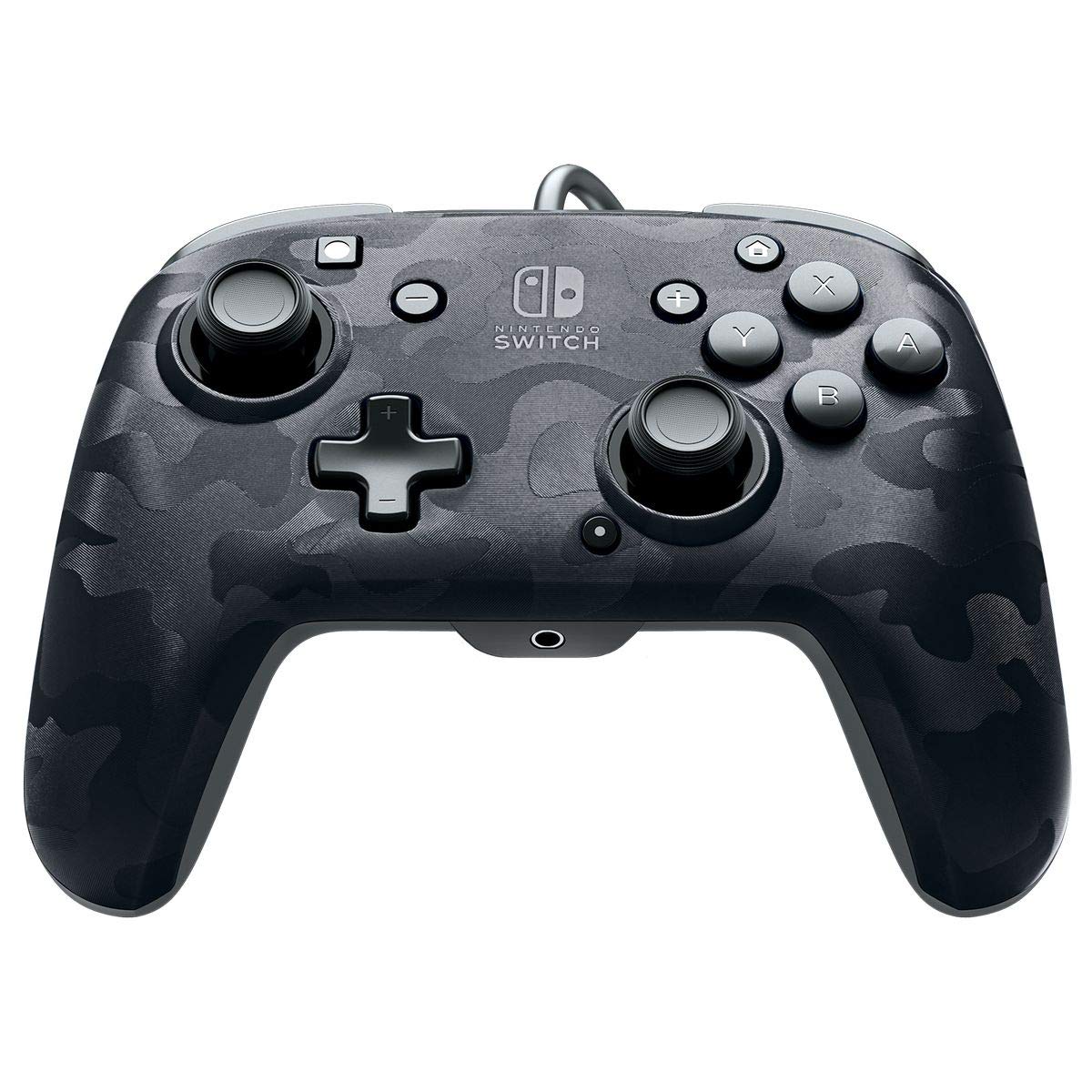
이미지: 앞면 view of the PDP Gaming Faceoff Deluxe+ Audio Wired Controller in Black Camo.
설정
1. 초기 연결
- 닌텐도 스위치 본체가 도킹 스테이션에 연결되어 있고 전원이 켜져 있는지 확인하십시오.
- Connect the controller's fixed USB cable to an available USB port on the Nintendo Switch dock.
- The controller should automatically be recognized by the console.
2. 오디오 설정
- Plug your 3.5mm headset into the audio jack located at the bottom center of the controller.
- In-game audio will now be routed through your headset. USB chat is supported for compatible titles.
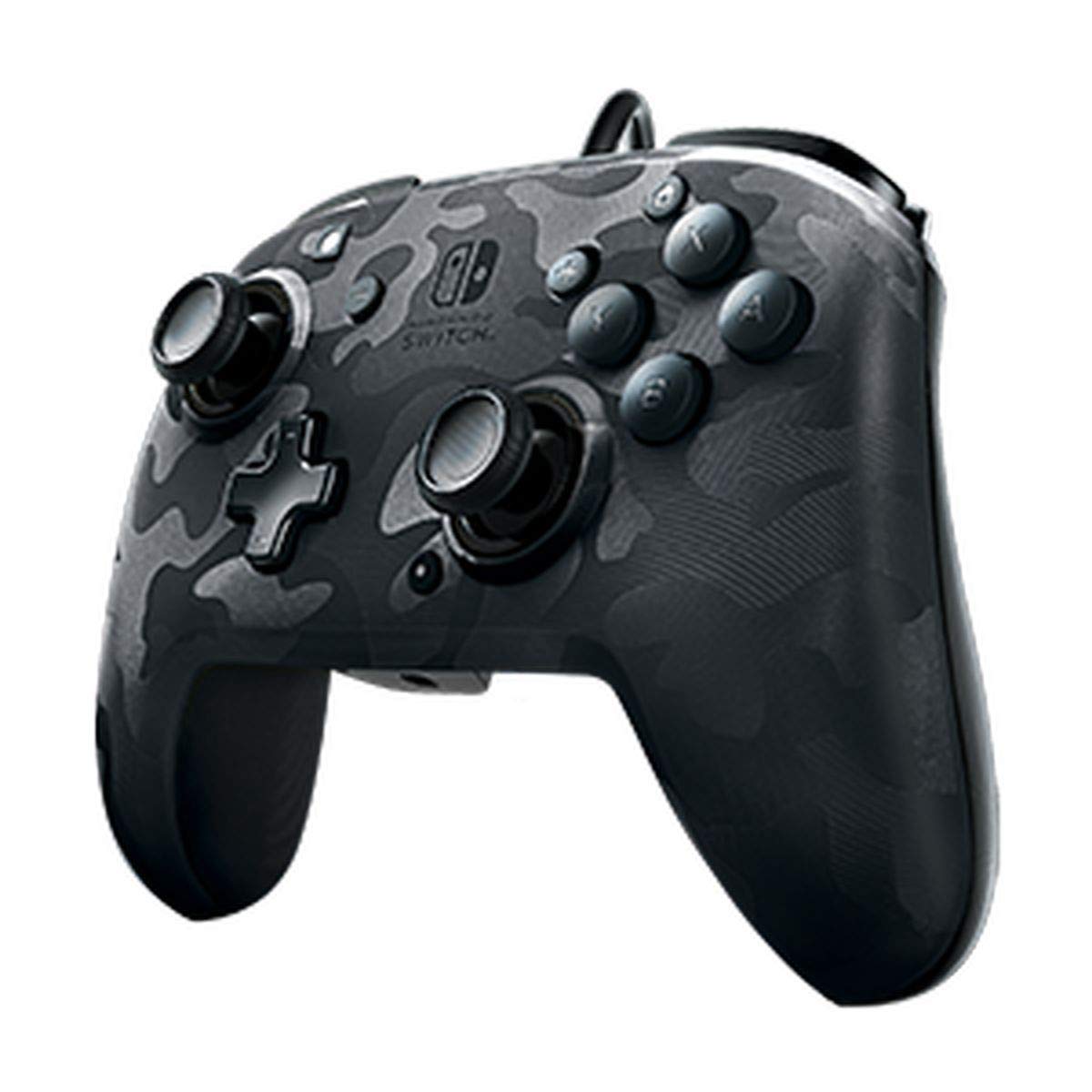
Image: A user playing with the PDP Gaming Faceoff Deluxe+ Audio Wired Controller, demonstrating the headset connection.
컨트롤러 작동
1. 버튼 레이아웃 및 기능
최적의 게임 플레이를 위해 컨트롤러의 버튼 배치에 익숙해지세요.

이미지: 상세 view of the controller with key buttons labeled for easy identification.
- View 단추: Typically used for in-game menus or map access.
- 홈 버튼: 닌텐도 스위치 홈 메뉴로 돌아갑니다.
- 볼륨 조절: Adjusts headset audio volume.
- 기능 버튼: Used in conjunction with other buttons for specific features (refer to game instructions).
- 아날로그 스틱: Provide precise movement and camera control. Features low friction rings for smooth performance.
2. 프로그래밍 가능한 뒤로 가기 버튼
The controller features dual programmable paddle-style buttons on the back, allowing for customized gameplay. These can be mapped to other buttons on the controller to suit your play style.

Image: The back of the controller highlighting the programmable paddle buttons.
3. 오디오 볼륨 조절
Volume can be adjusted directly on the controller using the D-pad while holding the Function button (refer to the labeled image above for button location).
4. Faceplate Customization
The unique interchangeable design allows you to swap out and snap in different Faceoff faceplates to personalize your controller's appearance.

Image: Illustration demonstrating the interchangeable faceplate design of the controller.
유지
- 부드럽고 마른 천으로 닦아 컨트롤러를 깨끗하게 유지하세요.
- 컨트롤러를 극한의 온도, 습도 또는 직사광선에 노출시키지 마세요.
- 컨트롤러를 분해하려고 하지 마십시오. 그럴 경우 보증이 무효화될 수 있습니다.
문제 해결
- 컨트롤러가 응답하지 않음: Ensure the USB cable is securely connected to the Nintendo Switch dock. Try a different USB port.
- No audio through headset: Verify the headset is fully plugged into the controller's 3.5mm jack. Check the volume settings on the controller and the Nintendo Switch console.
- 버튼이 제대로 작동하지 않습니다: Ensure the controller's firmware is up to date (if applicable, check PDP's official website). If issues persist, try restarting the Nintendo Switch console.
명세서
| 특징 | 세부 사항 |
|---|---|
| 모델 번호 | 500-134-NA-CM00 |
| 연결성 | Wired (10-foot fixed USB cable) |
| 오디오 잭 | 3.5mm (supports in-game audio and USB chat) |
| 사용자 정의 | Interchangeable faceplates, dual programmable paddle-style back buttons |
| 치수 | 0.35 x 0.12 x 0.83 인치 |
| 무게 | 14.1 온스 |
| 호환성 | 닌텐도 스위치 |
| 제조업체 | 피디피디 |

Image: Controller dimensions for reference.
공식 제품 영상
영상: 솔직한 재view of the PDP Gaming Wired Nintendo Switch Controller, showcasin그 특징과 기능.
보증 및 지원
For warranty information and customer support, please refer to the documentation included with your product or visit the official PDP web대지.
또한 방문할 수 있습니다 아마존에서 PDP 스토어를 만나보세요 추가 제품 정보 및 지원 리소스를 확인하세요.


