1. 서론
Thank you for choosing the SIMOLIO JH-712 Kids Bluetooth Headphones. These headphones are designed with children's safety and comfort in mind, featuring a 3-level volume limiter to protect sensitive ears. They offer both wireless Bluetooth connectivity and a wired option, along with a built-in microphone for calls and a share port for shared listening. The foldable design and durable construction make them ideal for various activities, including school, travel, and everyday use.
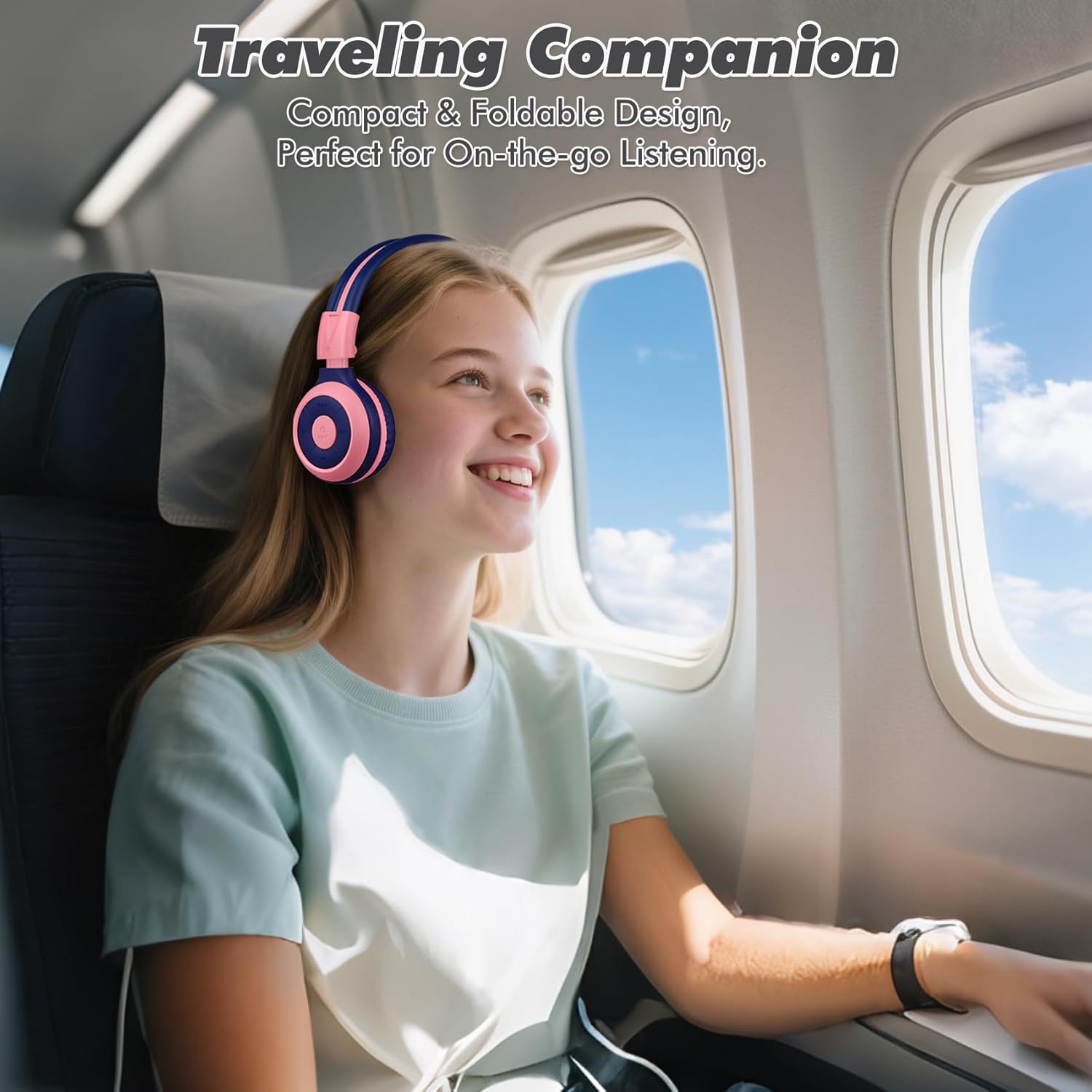
Image: The SIMOLIO JH-712 headphones are a perfect travel companion due to their compact and foldable design.
2. 상자 안에 무엇이 들어있나요?
모든 품목이 들어 있는지 확인하려면 패키지 내용물을 확인하세요.
- SIMOLIO JH-712 Kids Bluetooth Headphones
- EVA 휴대용 케이스
- USB 충전 케이블
- 3.5mm 오디오 케이블
- 사용 설명서 (본 문서)
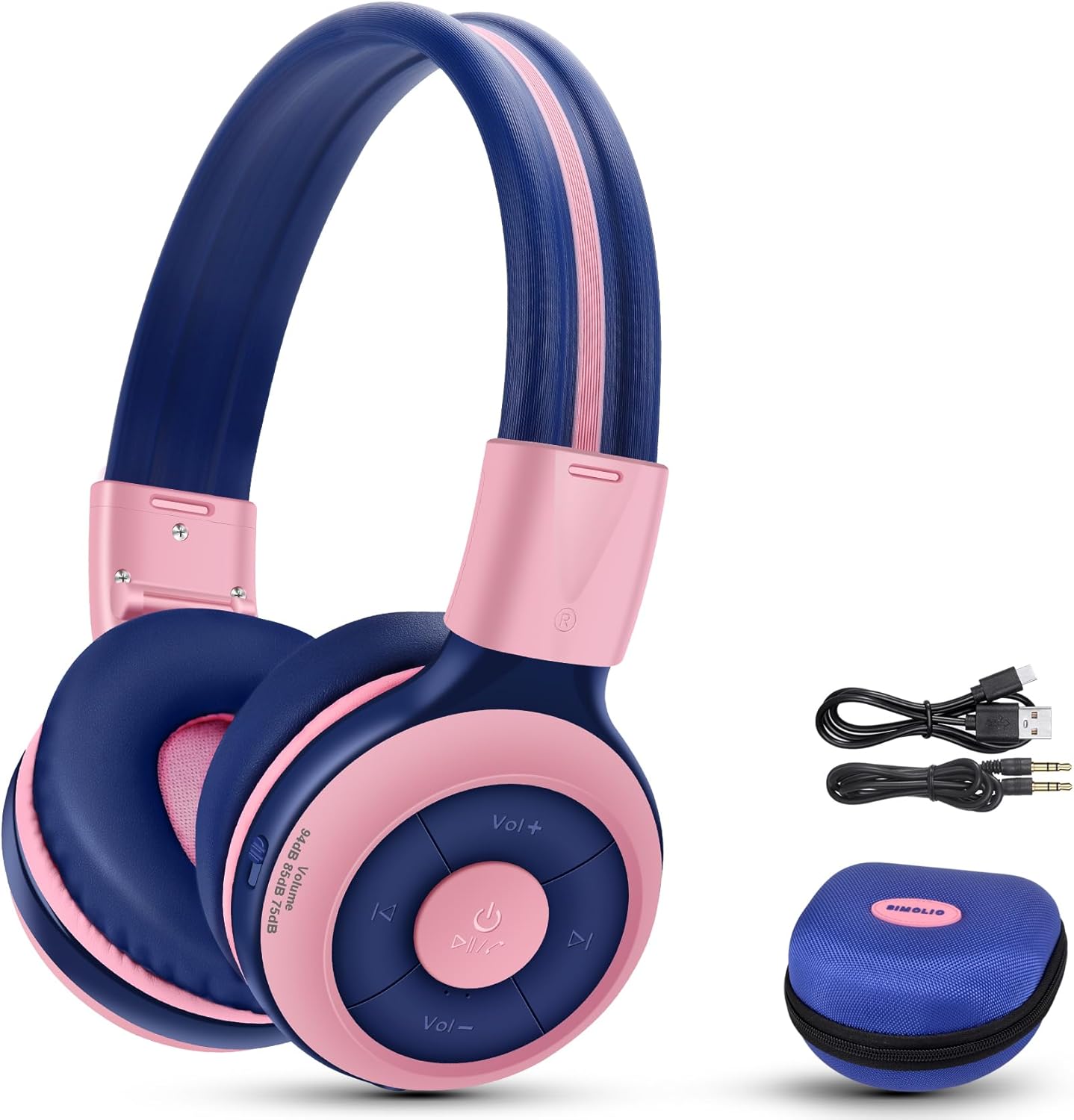
Image: Contents of the SIMOLIO JH-712 headphone package, including the headphones, cables, and EVA case.
3. 제품 오버view
The SIMOLIO JH-712 headphones feature a robust and comfortable design. Key components include:
- 조정 가능한 머리띠: Made with memory stainless steel strips for durability and flexibility, allowing for a custom fit.
- 부드러운 이어 쿠션: Over-ear design with memory foam earmuffs provides comfort and helps isolate external noise.
- 제어 버튼: 이어컵에 전원, 볼륨, 재생 및 통화 관리 버튼이 있습니다.
- 내장 마이크: For hands-free calling and online learning.
- 3.5mm 오디오 포트: 유선 연결용.
- 충전 포트: 내부 배터리를 충전합니다.
- Share Port: Allows another headphone to daisy-chain for shared audio.
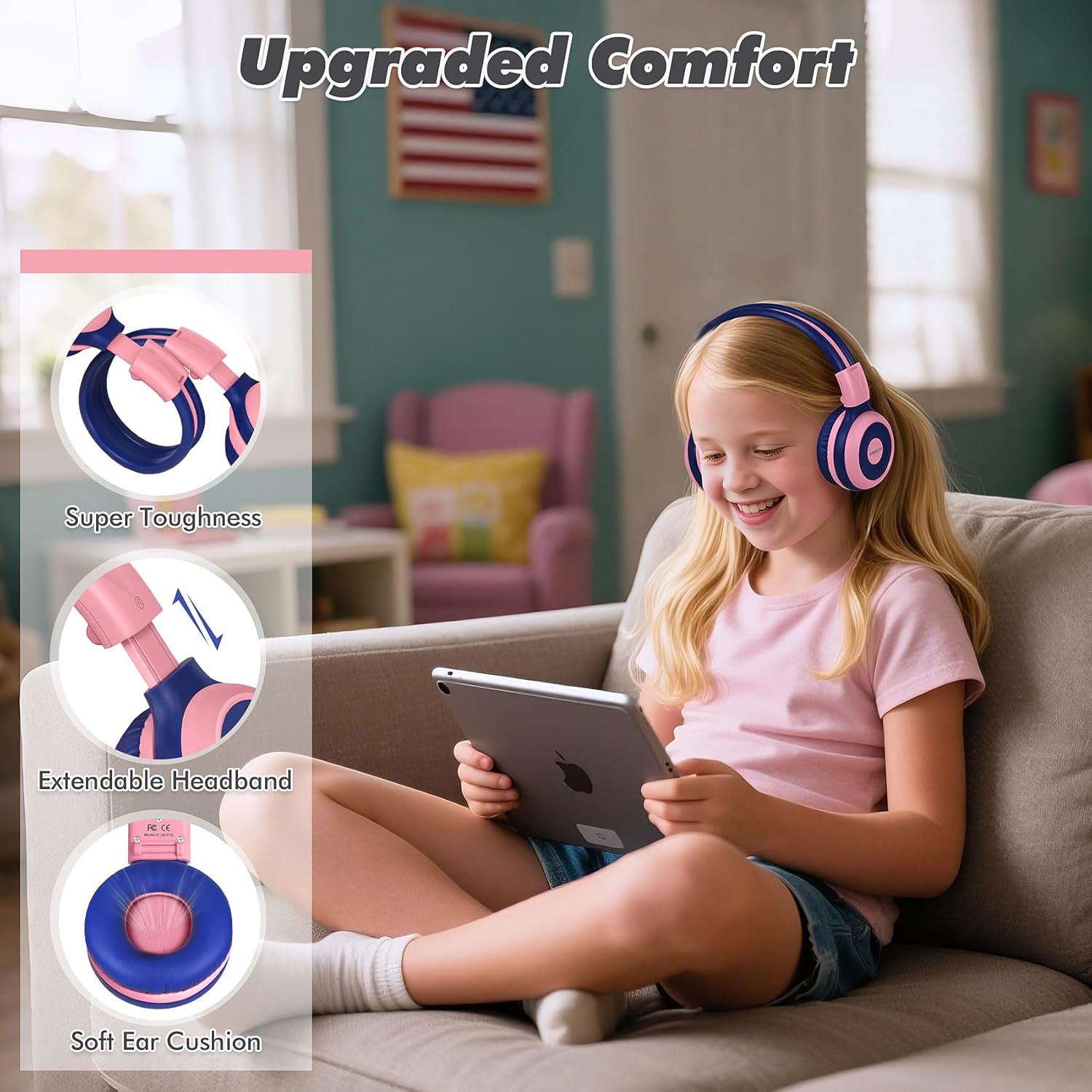
Image: Features highlighting the upgraded comfort, including super toughness, extendable headband, and soft ear cushions.

Image: Ergonomic design details showing soft earcups, adjustable and sturdy headband, and foldable functionality.
4. 설정
4.1 헤드폰 충전
처음 사용하기 전에 헤드폰을 완전히 충전하십시오. 완전 충전에는 약 1시간 30분이 소요됩니다.
- USB 충전 케이블을 헤드폰의 충전 포트에 연결합니다.
- USB 케이블의 다른 쪽 끝을 호환되는 USB 전원(예: 컴퓨터 USB 포트, 벽면 어댑터)에 연결합니다.
- The LED indicator will show charging status (refer to the LED indicator section in the full manual for details).
- 완전히 충전되면 충전 케이블을 분리하세요.
4.2 블루투스 페어링
블루투스를 통해 헤드폰을 무선으로 연결하려면 다음 단계를 따르세요.
- 헤드폰의 전원이 꺼져 있는지 확인하십시오.
- LED 표시등이 파란색과 빨간색으로 깜박여 페어링 모드를 나타낼 때까지 전원 버튼을 길게 누릅니다.
- 기기(스마트폰, 태블릿, 컴퓨터)에서 Bluetooth를 활성화하고 사용 가능한 기기를 검색하세요.
- Select "SIMOLIO JH-712" from the list of devices.
- 연결되면 LED 표시등이 일반적으로 파란색 불빛을 켜거나 느리게 깜박입니다.
4.3 유선 모드
You can use the headphones in wired mode when the battery is low or with devices that do not support Bluetooth.
- Connect one end of the 3.5mm audio cable to the audio port on the headphones.
- 케이블의 다른 한쪽 끝을 기기의 3.5mm 오디오 잭에 연결하세요.
- 헤드폰은 자동으로 유선 모드로 전환됩니다.
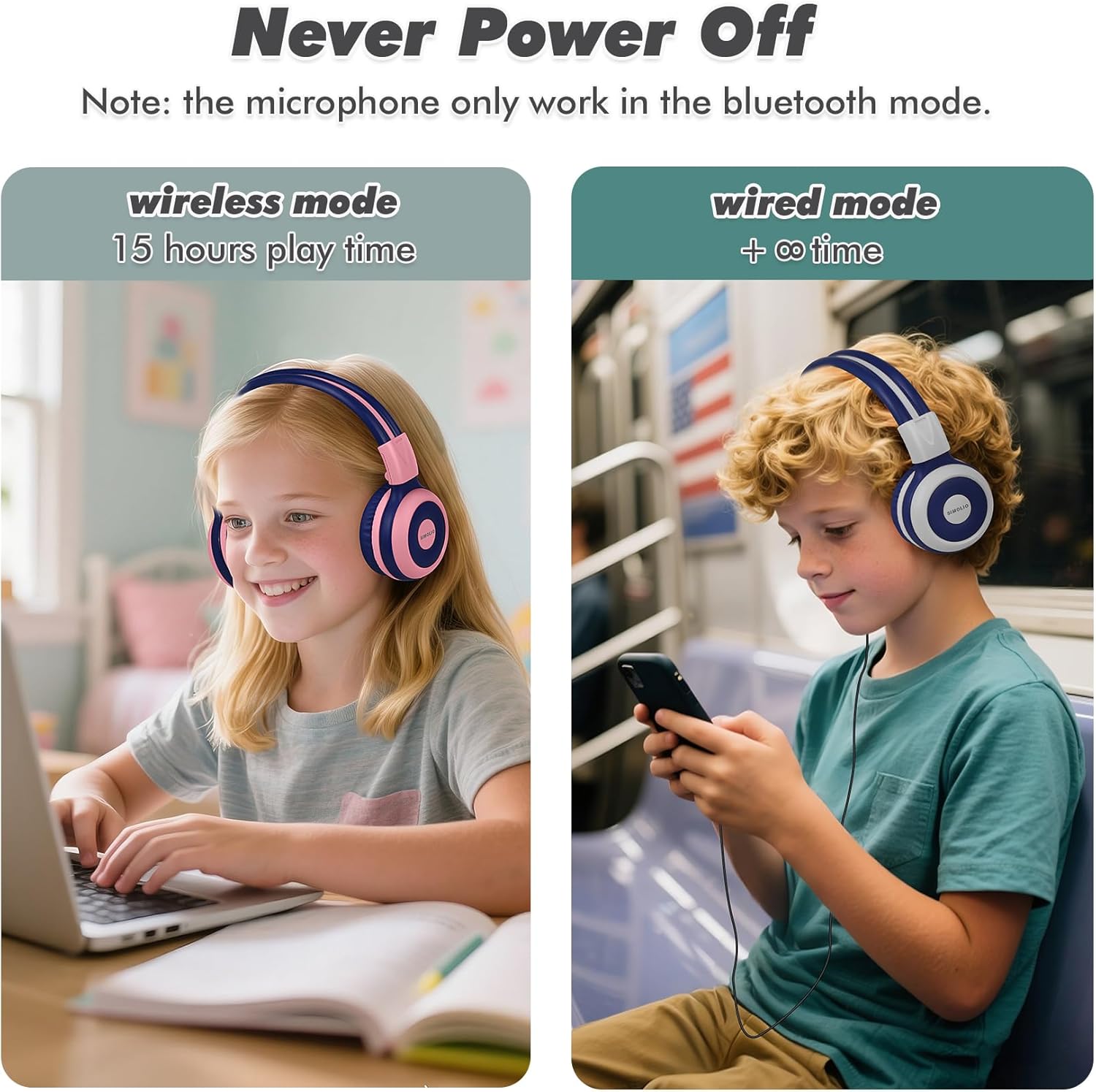
Image: Illustration of wireless mode with 15 hours play time and wired mode for continuous use.
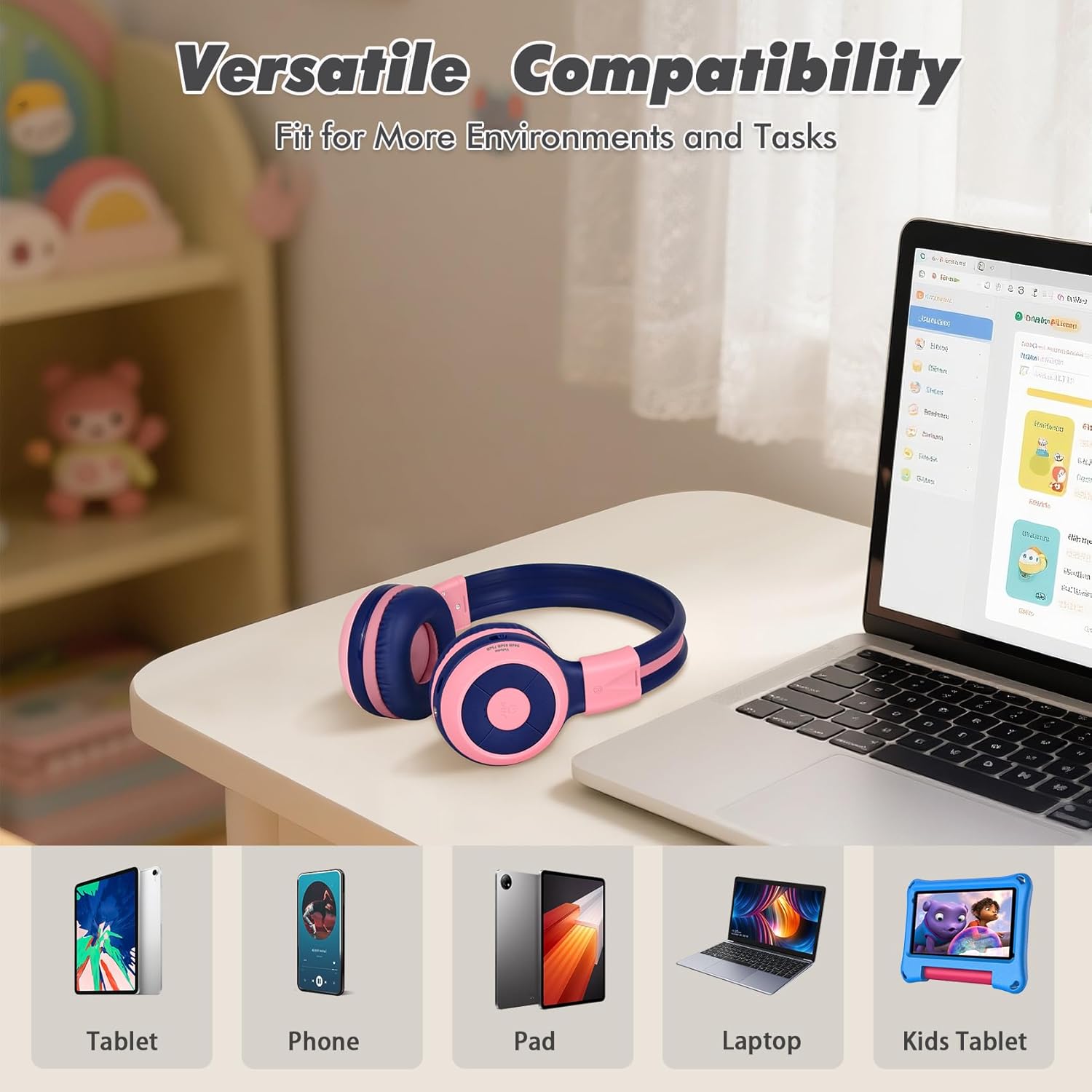
Image: Versatile compatibility with various devices including tablets, phones, iPads, laptops, and kids' tablets.
5. 사용 설명서
5.1 전원 켜기/끄기
- 전원 켜기: LED 표시등이 켜질 때까지 약 3초 동안 전원 버튼을 길게 누릅니다.
- 전원 끄기 : LED 표시등이 꺼질 때까지 약 3초 동안 전원 버튼을 길게 누릅니다.
5.2 Volume Control and Limiter
The headphones feature a unique 3-level volume limiter to protect hearing:
- 75dB (Toddler Mode): For very young children.
- 85dB (학습 모드): Suitable for general listening and study.
- 94dB (여행 모드): For noisier environments, providing a slightly higher but still safe volume.
Use the dedicated switch on the earcup to select the desired volume limit. Adjust the listening volume using the Vol+ and Vol- buttons.
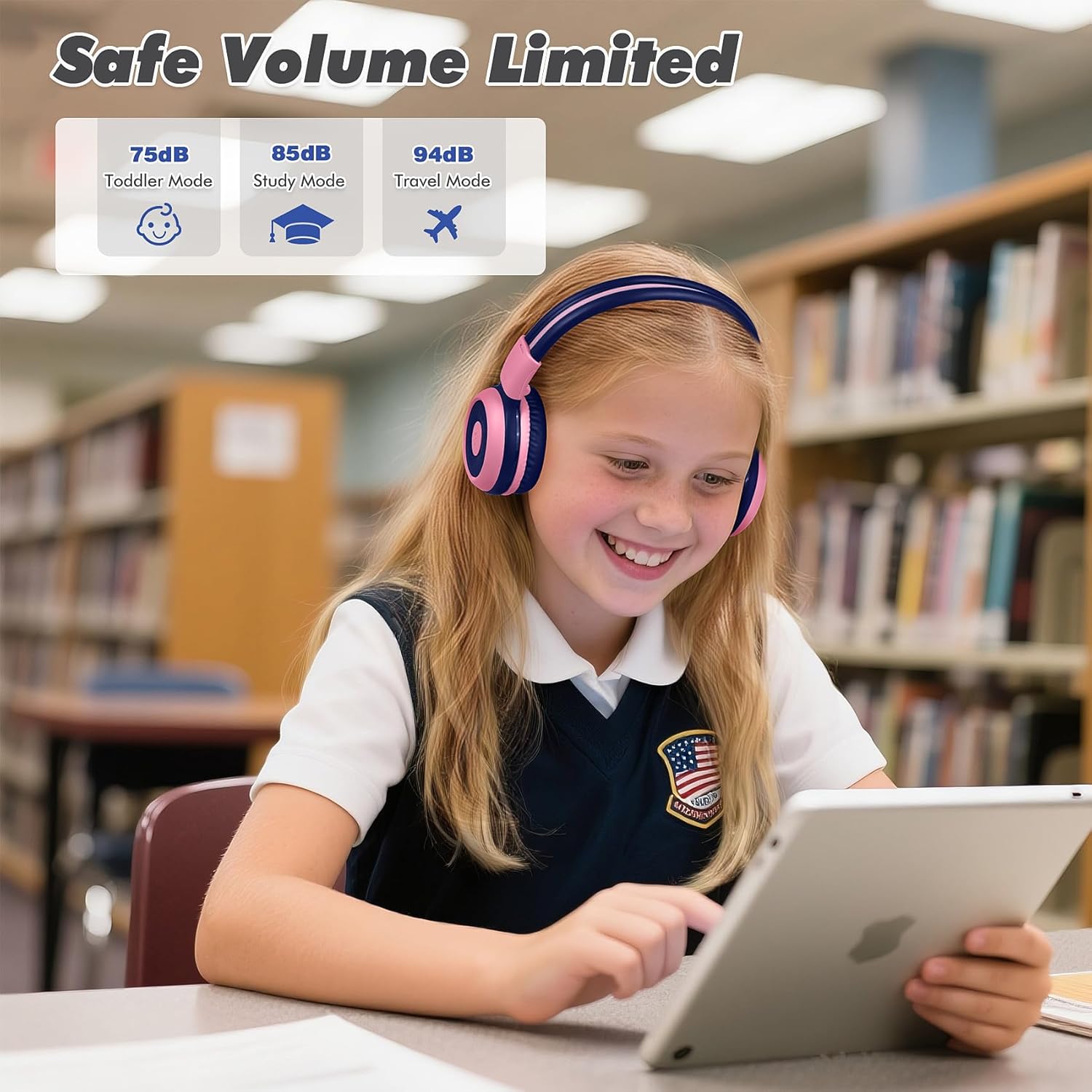
Image: Safe Volume Limited feature with three distinct modes for different age groups and environments.

이미지: 상세 view of the 3-level volume limiter switch for kids' hearing protection.
5.3 음악 재생
- 재생/일시 중지: 재생/일시정지 버튼을 한 번 누르세요.
- 다음 트랙: 다음 트랙 버튼을 한 번 누르세요.
- 이전 트랙 : 이전 트랙 버튼을 한 번 누르세요.
5.4 통화 관리
내장 마이크를 통해 블루투스로 연결하면 핸즈프리 통화가 가능합니다.
- 전화 받기/종료: 재생/일시정지 버튼을 한 번 누르세요.
- 전화 거부: 재생/일시정지 버튼을 약 2초 동안 길게 누르세요.

Image: Crystal-clear calls and online learning anytime with the built-in HD microphone.
5.5 Share Port Function
The unique share port allows two headphones to listen to the same audio source simultaneously.
- Connect the first headphone wirelessly to your device.
- Connect one end of the 3.5mm audio cable to the share port of the first headphone.
- Connect the other end of the 3.5mm audio cable to the audio input of a second headphone.
- 이제 두 헤드폰 모두 동일한 소스에서 오디오를 수신합니다.

Image: Double the fun with one device and two listeners using the unique sharing port.
6. 유지관리
헤드폰을 올바르게 관리하면 수명을 연장할 수 있습니다.
- 청소: 헤드폰을 닦을 때는 부드럽고 마른 천을 사용하십시오. 액체 세척제나 스프레이형 세척제는 사용하지 마십시오.
- 저장: When not in use, store the headphones in the provided EVA carrying case to protect them from dust and damage. The foldable design makes storage compact.
- 극한의 환경을 피하세요: 헤드폰을 극한의 온도, 습도 또는 직사광선에 노출시키지 마십시오.
- 방수 기능: These headphones are not water resistant. Avoid contact with liquids.

Image: Folding the headphones and storing them in the hard EVA case for space-saving and easy carrying.
7. 문제 해결
If you encounter issues with your SIMOLIO JH-712 headphones, please refer to the following common solutions:
| 문제 | 가능한 해결책 |
|---|---|
| 헤드폰 전원이 켜지지 않습니다 | 헤드폰이 완전히 충전되었는지 확인하세요. 전원에 연결한 후 다시 시도해 보세요. |
| 블루투스로 페어링이 불가능합니다 | Make sure headphones are in pairing mode (flashing blue/red LED). Turn off and on your device's Bluetooth. Ensure headphones are not connected to another device. |
| 무선 모드에서 소리가 나지 않습니다. | Check if the headphones are successfully paired and connected. Adjust the volume on both the headphones and your device. Ensure the volume limiter switch is not set too low. |
| 유선 모드에서 소리가 나지 않습니다 | Ensure the 3.5mm audio cable is securely connected to both the headphones and your device. Test with a different audio cable if available. |
| 마이크가 작동하지 않습니다 | The microphone only works in Bluetooth mode. Ensure headphones are connected via Bluetooth and selected as the input device on your system settings. |
| 소리가 너무 낮음 | Check the 3-level volume limiter switch on the headphones and adjust it to a higher setting (e.g., 85dB or 94dB). Increase volume on both the headphones and the connected device. |
8. 사양
Detailed technical specifications for the SIMOLIO JH-712 Kids Bluetooth Headphones:
- 모델 이름: Kids Wireless Bluetooth Headphones JH-712P
- 연결 기술 : 무선(블루투스), 유선(3.5mm 잭)
- 블루투스 버전: 5.0
- 블루투스 범위 : 10미터(33피트)
- 오디오 드라이버 유형: 동적 드라이버
- 오디오 드라이버 크기: 40 밀리미터
- 임피던스: 32옴
- 소음 제어: 소리 차단
- 배터리 수명: Up to 15 Hours (wireless mode)
- 충전 시간: 약 3시간
- 제어 유형: Media Control, Push Button
- 특별 기능: Adjustable Headband, Foldable, Built-in Microphone, Noise Isolation, 3-level Volume Limiter (75dB/85dB/94dB), Share Port
- 재료: Stainless Steel (headband), Memory Foam (earmuffs), EVA (case)
- 품목 무게: 9.2온스(260그램)
- 제품 크기: 5.51 x 3.15 x 5.31 인치
- 방수 수준: 방수가 되지 않음
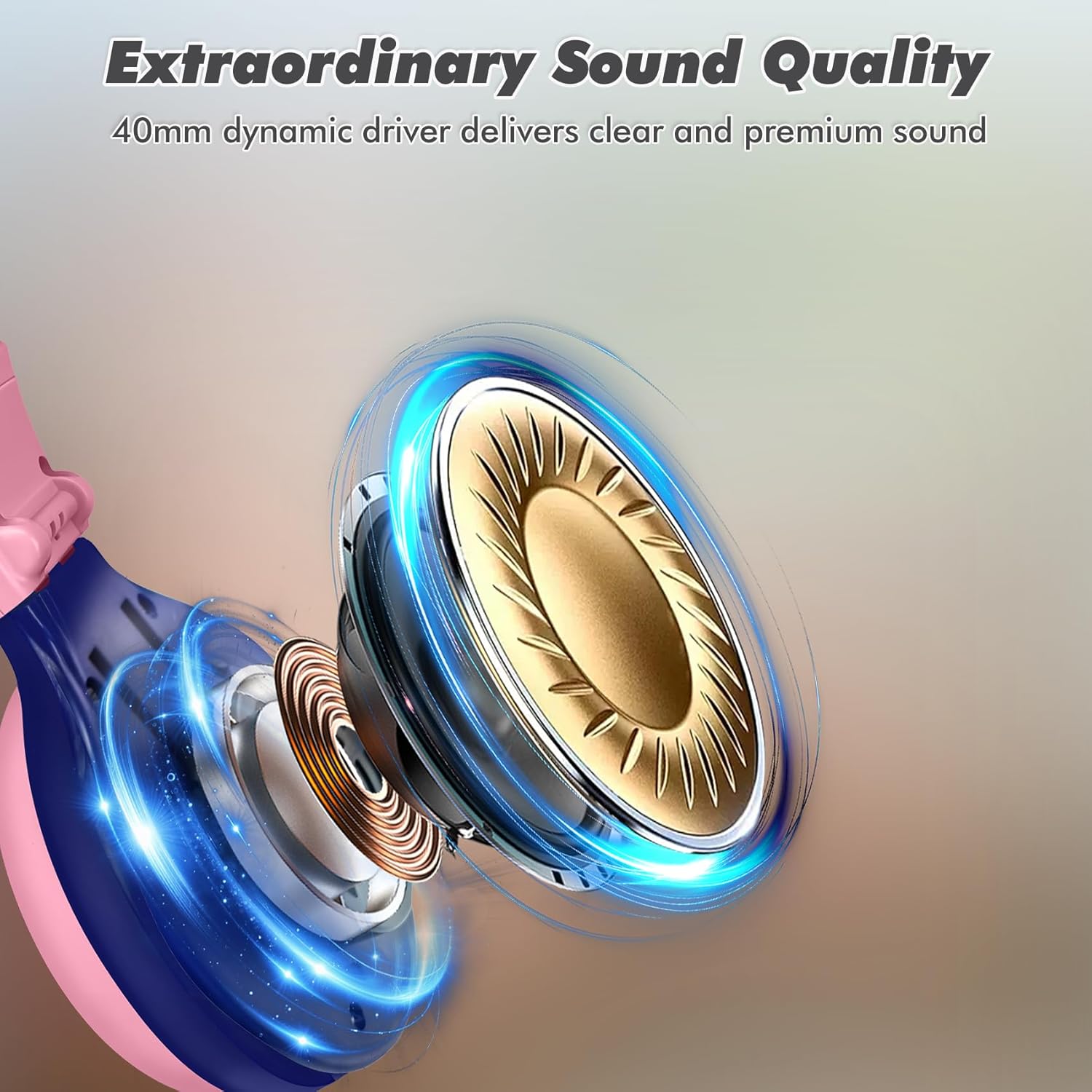
Image: Illustration of the 40mm dynamic driver, delivering clear and premium sound quality.
9. 보증 및 지원
SIMOLIO provides a 12개월 무료 보증 for the JH-712 Kids Bluetooth Headphones.
If you have any questions, concerns, or require technical assistance, please contact SIMOLIO customer service. Contact information can typically be found on the official SIMOLIO web사이트나 구매 플랫폼을 통해서도 구매하실 수 있습니다.
추가 지원 및 제품 정보는 다음을 방문하세요. 아마존에서 SIMOLIO 스토어를 만나보세요.
10. 제품 비디오
Watch this official product video for a visual guide to the SIMOLIO Kids Bluetooth Headphones JH-712.
Video: SIMOLIO Kids Bluetooth Headphones with Mic JH-712. This video demonstrates the features and usage of the headphones.


