소개
This instruction manual provides detailed information on the operation, features, and maintenance of your SONRU FM Transmitter Bluetooth Car Adapter. Please read this manual thoroughly before using the product to ensure proper function and safety.

Image: The SONRU FM Transmitter Bluetooth Car Adapter, a compact device designed to plug into a car's cigarette lighter socket, featuring a digital display, two USB charging ports (PD and QC3.0), and control buttons for music and calls.
안전 정보
- 난방: Protect against over-heating during fast charging.
- 무선 간섭: May experience interference with other wireless devices.
- 은둔: Product includes a built-in microphone; be aware of privacy concerns.
제품 특징
- 업그레이드된 Bluetooth 5.3 기술: The adapter utilizes an advanced Bluetooth 5.3 chip for faster, more stable, and smarter connections. It optimizes transmission delay and connection stability, providing high-fidelity music.
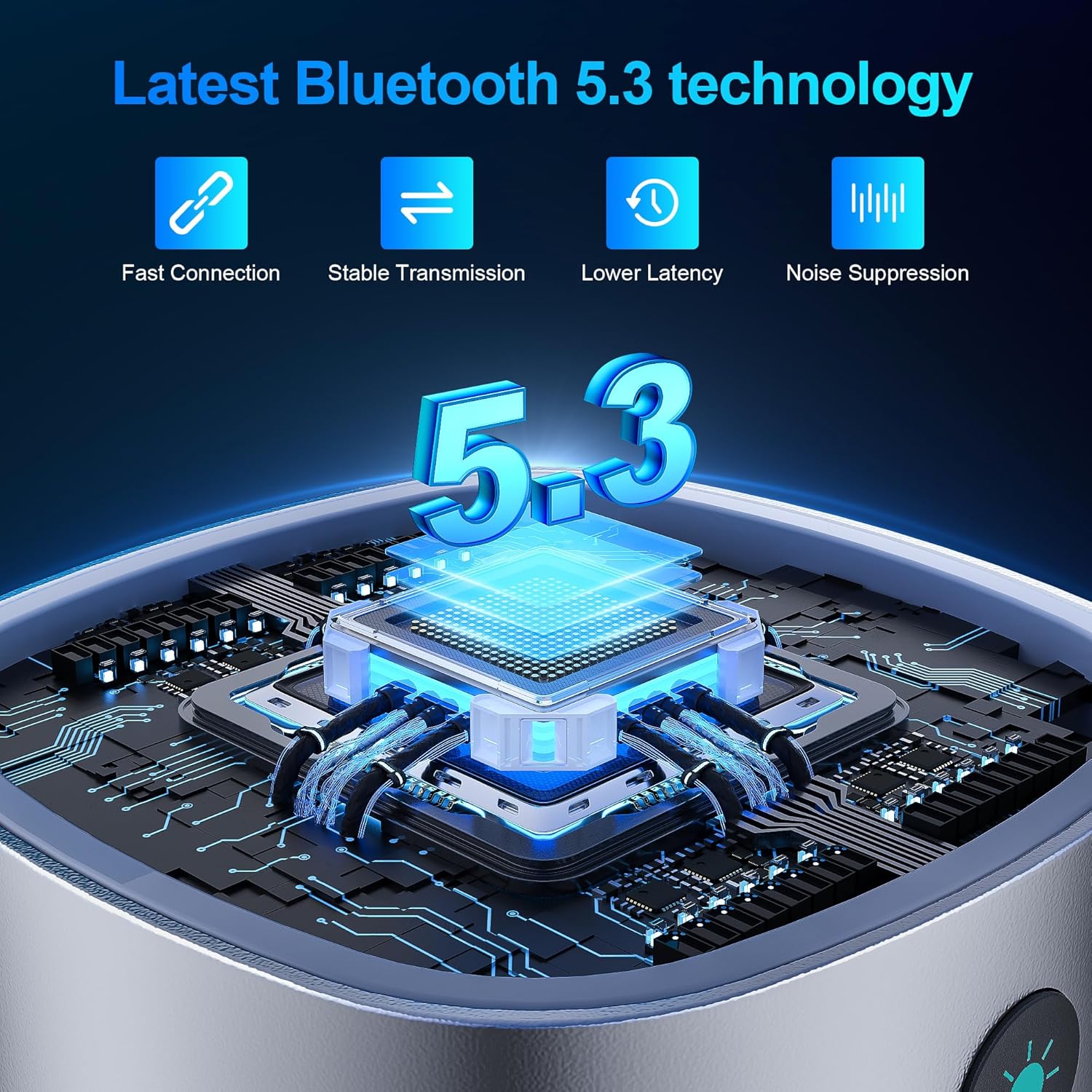
Image: A close-up showing the "Bluetooth 5.3" logo and a microchip, illustrating the advanced Bluetooth technology for fast connection, stable transmission, lower latency, and noise suppression.
- 듀얼 고속 충전 포트: Equipped with PD 30W and QC3.0 18W fast charging ports, allowing simultaneous high-speed charging of two devices. This design is 80% more efficient than standard chargers, enabling devices to charge from 0% to 80% in approximately 30 minutes.
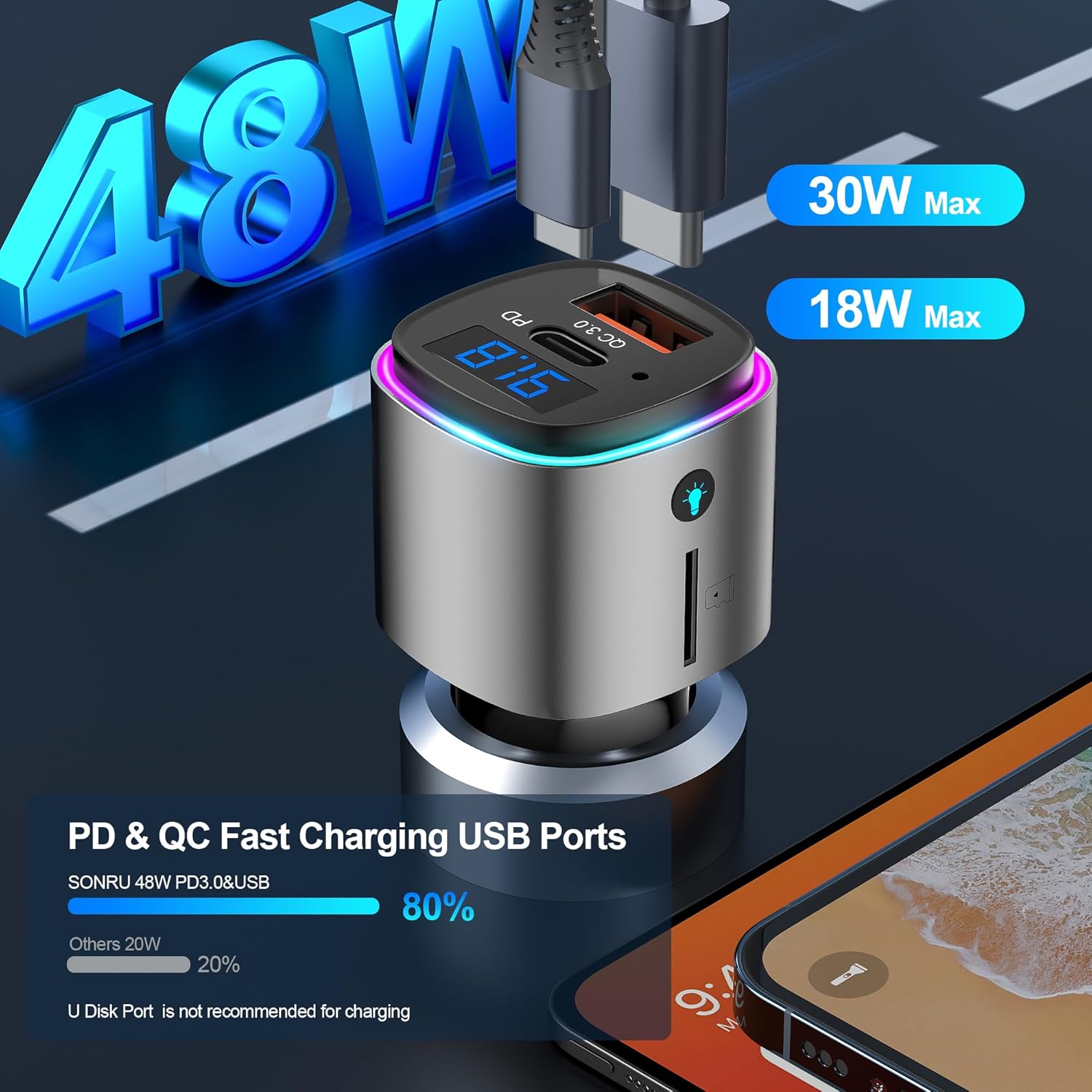
Image: The FM transmitter with two USB ports labeled "PD 30W" and "QC 3.0 18W", indicating its dual fast charging capabilities. The image also shows a comparison bar graph highlighting 80% efficiency.
- Hands-Free Calling & Crystal Clear Sound: Features CVC8.0 noise cancellation and echo cancellation to reduce external environmental noise, ensuring clear hands-free calls. A dedicated call button facilitates easy hands-free calling for safer driving.
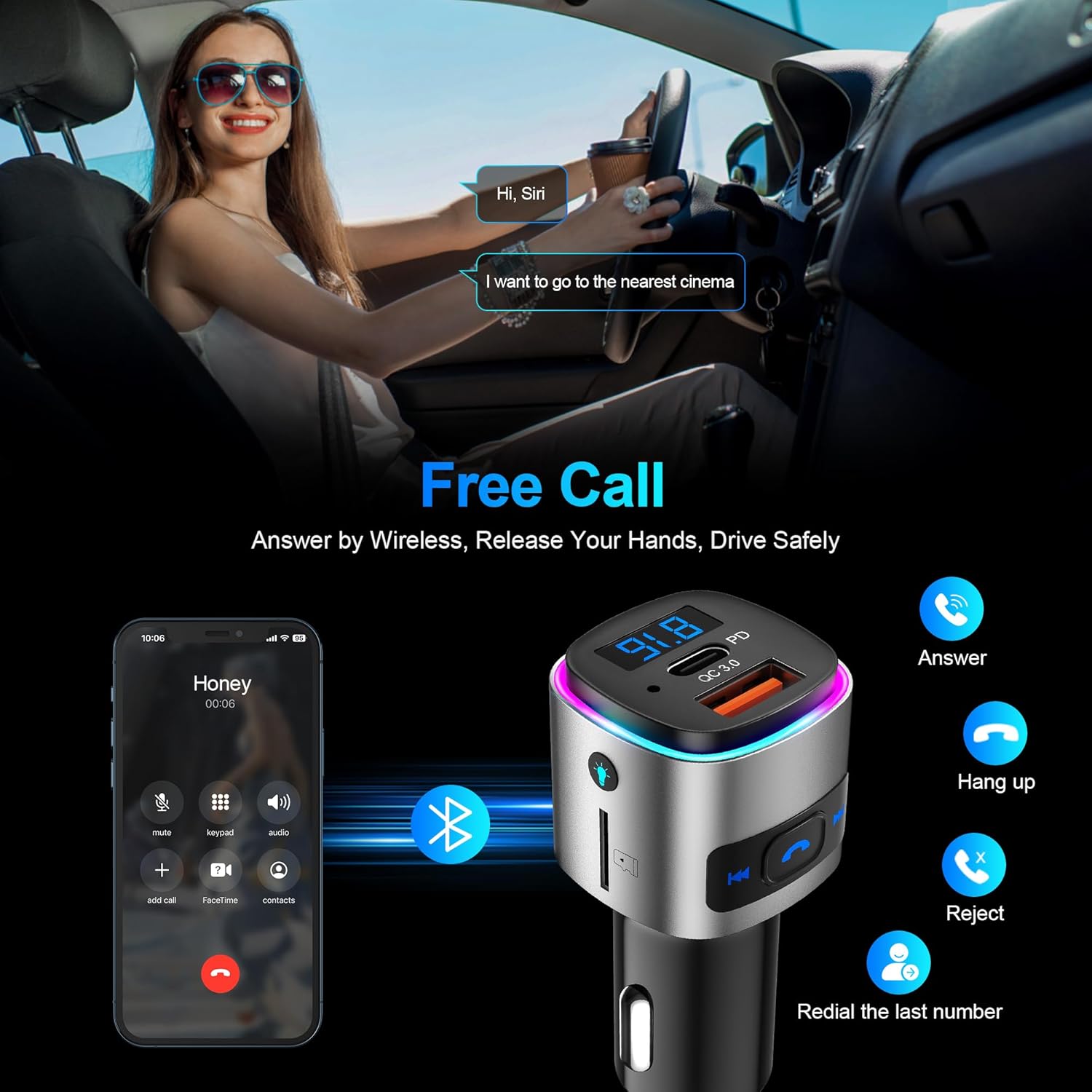
Image: A person driving and interacting with a voice assistant, with an overlay showing the FM transmitter and a phone displaying call options (answer, hang up, reject, redial). This illustrates the hands-free calling feature.
- Multifunctional FM Transmitter: Supports both Bluetooth and TF card playback (up to 32GB). It provides clear voice commands for safe driving, allowing activation of Siri or Google Assistant for phone calls. The device also features 7 colorful ambient lights.
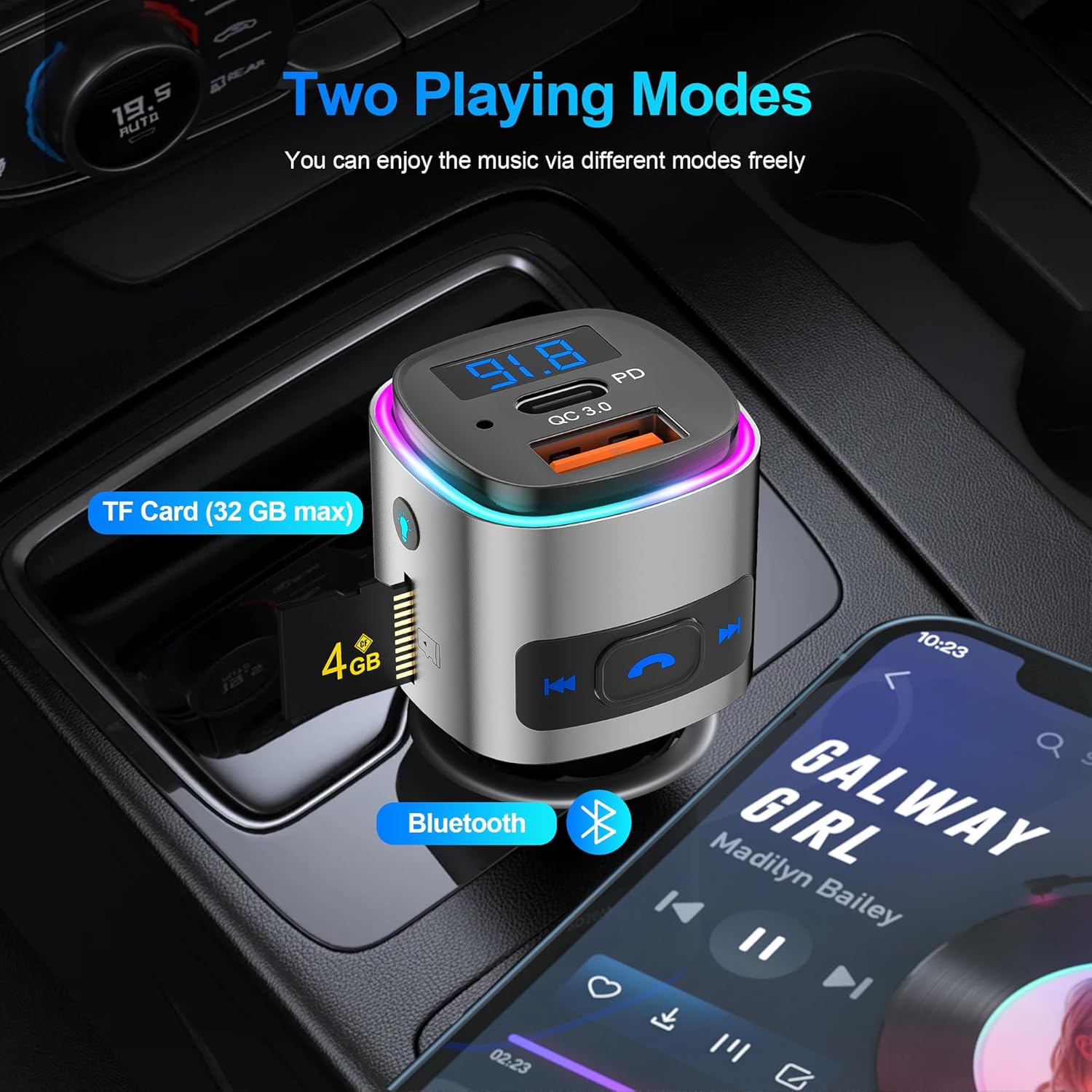
Image: The FM transmitter shown in a car's console, highlighting two music playing modes: TF Card (with a 4GB card inserted) and Bluetooth (with a phone displaying a music player app). This demonstrates its versatility.
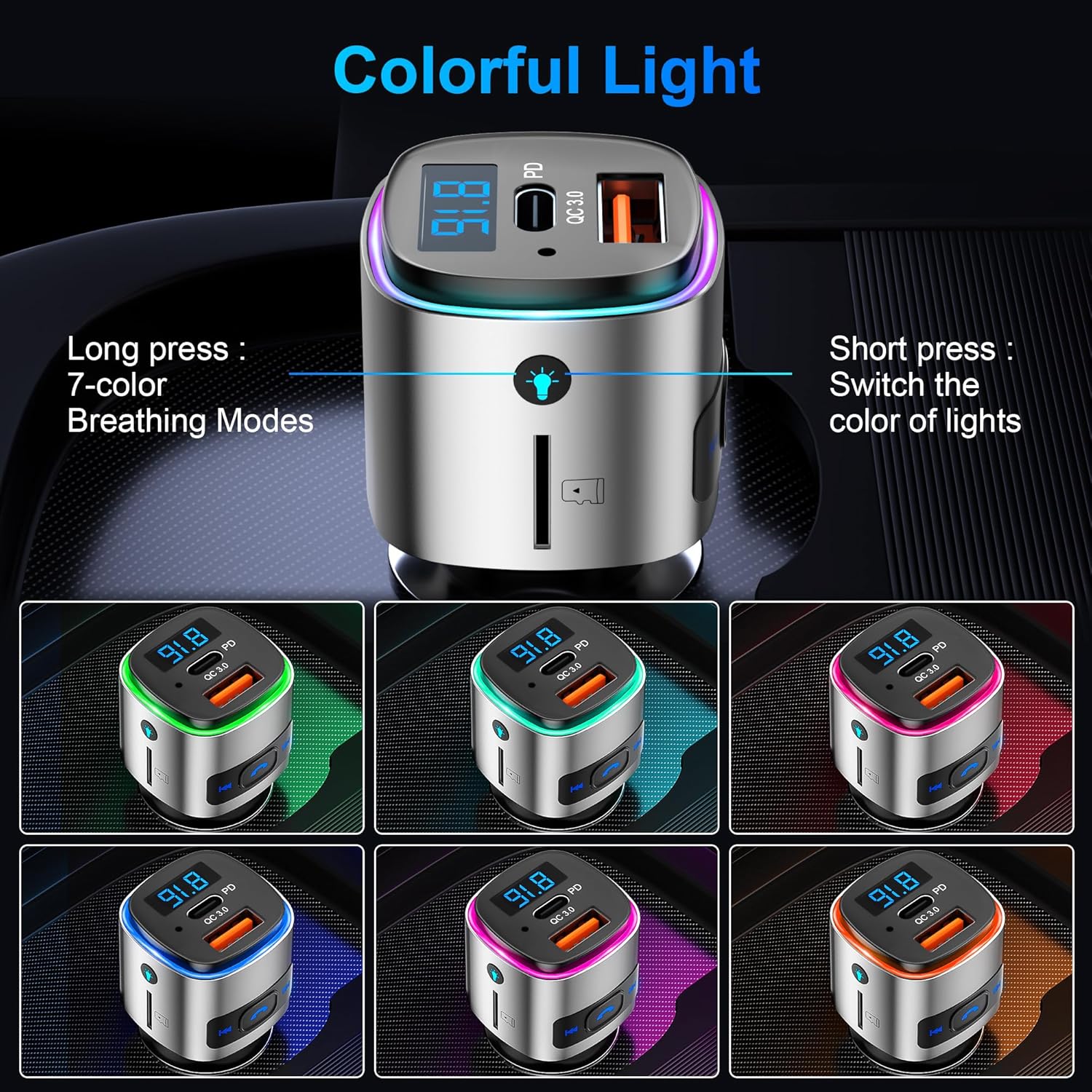
Image: The FM transmitter displaying various colorful light options (green, pink, blue, purple, cyan, yellow, white), indicating its customizable ambient lighting feature.
- Enhanced Safety & Guarantee: Provides multiple protections including over-heat, over-current, over-voltage, and short-circuit protection during device charging.
설치 지침
- 담배 라이터 소켓에 삽입하세요: Plug the FM transmitter into your car's 12V cigarette lighter socket. The device will power on and display the current FM frequency.
Video: A demonstration of plugging the SONRU FM Transmitter into a car's cigarette lighter socket and then tuning the car radio to an unused FM frequency. It then shows pairing a smartphone via Bluetooth to the device and playing music through the car's speakers.
- FM 주파수 맞추기: Find an empty FM frequency on your car radio (one with no static or active broadcast). Then, adjust the FM transmitter's frequency to match your car radio's frequency. This is typically done by long-pressing the "Next/FM+" or "Prev./FM-" buttons on the transmitter until the frequency display flashes, then short-pressing to adjust.
- 블루투스 페어링: On your smartphone, enable Bluetooth and search for available devices. Select "BC41" from the list to pair. Once connected, you can play audio from your phone through your car's speakers.
작동 지침
버튼 기능 이상view
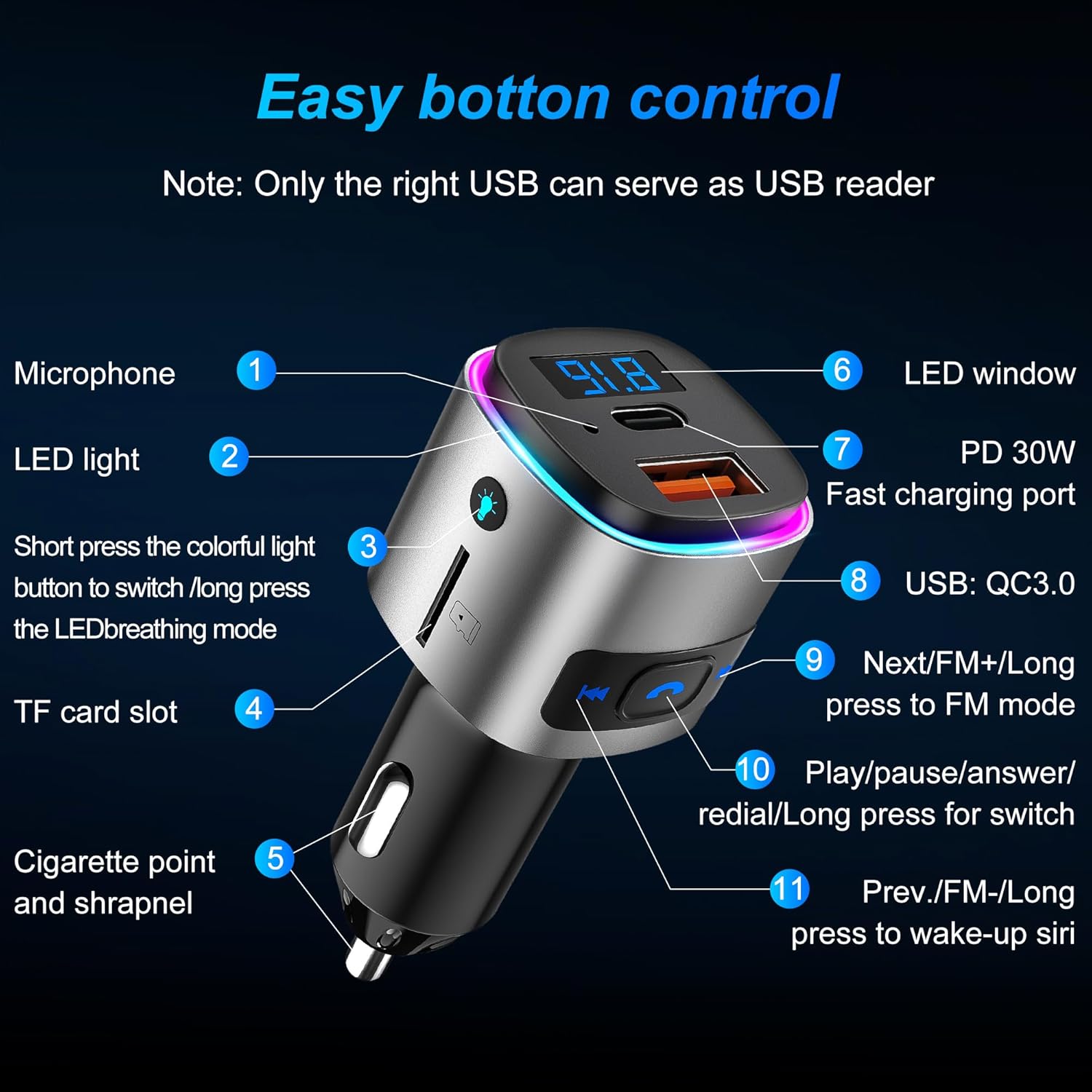
Image: A detailed diagram of the FM transmitter's buttons and ports, labeled with numbers and descriptions for easy identification and understanding of their functions.
- 마이크로폰: 핸즈프리 통화를 위해.
- LED 조명: Indicates device status and provides ambient lighting.
- Colorful Light Button: Short press to switch light color; long press to activate LED breathing mode.
- TF 카드 슬롯 : 음악 재생을 위해 TF 카드(최대 32GB)를 삽입하세요.
- Cigarette Point and Shrapnel: For power connection in the car's socket.
- LED 창: Displays FM frequency and voltage.
- PD 30W 고속 충전 포트: 호환 기기용 고속 충전.
- QC3.0 18W Fast Charging Port: High-speed charging for compatible devices. Note: Only the right USB port (QC3.0) can serve as a USB reader for music playback from a U disk.
- Next/FM+ Button: Short press for next song/next FM frequency; long press to enter FM mode.
- Play/Pause/Answer/Redial Button: Short press to play/pause music, answer/hang up calls; long press to redial the last number.
- Prev./FM- Button: Short press for previous song/previous FM frequency; long press to wake up Siri/Google Assistant.
음악 재생
- 블루투스 모드 : Once paired, open your music app on your phone and start playback. Use the transmitter's buttons to control tracks (Next/Prev) and play/pause.
- TF 카드 모드 : Insert a TF card with MP3/WMA/WAV/FLAC audio files into the TF card slot. The device will automatically detect and play music. Use the transmitter's buttons for control.
- U 디스크 모드 : Insert a U disk with audio files into the QC3.0 USB port. The device will automatically detect and play music. Use the transmitter's buttons for control.
핸즈프리 통화
- 전화 받기/종료: Short press the phone button to answer an incoming call or end an ongoing call.
- 전화 거부: Long press the phone button to reject an incoming call.
- 재 다이얼 : 마지막으로 건 번호로 다시 전화를 걸려면 전화 버튼을 두 번 누르세요.
음성 지원
- Siri/Google 어시스턴트 활성화: Long press the "Prev./FM-" button to activate your smartphone's voice assistant (Siri or Google Assistant).
주변 조명
- 색상 변경: Short press the colorful light button to cycle through the 7 available colors.
- 호흡 모드: Long press the colorful light button to activate the LED breathing mode, where colors fade in and out.
유지
To ensure the longevity and optimal performance of your SONRU FM Transmitter, please follow these maintenance guidelines:
- 기기를 건조하게 유지하십시오. 습기는 내부 회로를 손상시킬 수 있습니다.
- Avoid extreme temperatures. High temperatures can shorten the life of electronic devices.
- 기기를 떨어뜨리거나 두드리거나 흔들지 마십시오. 거칠게 다루면 내부 회로 기판이 파손될 수 있습니다.
- 부드럽고 마른 천으로 기기를 닦으세요. 강한 화학 물질이나 세제는 사용하지 마세요.
- Ensure the cigarette lighter socket is clean and free of debris for a secure connection.
문제 해결
| 문제 | 가능한 원인 | 해결책 |
|---|---|---|
| 전원/디스플레이 꺼짐 | Loose connection; car socket issue; device fault. | Ensure the device is firmly plugged in. Check if the car's cigarette lighter socket is working. Try in another vehicle if possible. |
| 정적인 오디오 또는 낮은 오디오 품질 | FM frequency interference; volume too low/high; poor Bluetooth connection. | Change to a different, unused FM frequency on both the transmitter and car radio. Adjust volume on both the phone and car radio. Re-pair Bluetooth. |
| 블루투스를 페어링할 수 없음 | Bluetooth가 활성화되지 않았습니다. 장치가 페어링 모드에 있지 않습니다. 간섭이 발생합니다. | Ensure Bluetooth is enabled on your phone. Restart both the transmitter and phone. Make sure no other devices are connected to the transmitter. |
| 충전이 느리거나 작동하지 않습니다 | Cable issue; device not compatible with fast charging; power output insufficient. | Use a high-quality charging cable. Ensure your device supports PD or QC3.0 fast charging. Check the power output requirements of your device. |
명세서
- 제품 크기: 1.7 x 1.3 x 2.7인치(1.7인치 길이 x 1.3인치 너비 x 2.7인치 높이)
- 품목 무게: 1.1 온스
- 모델 번호: 기원전 41
- 연결 기술 : 블루투스 5.3
- 전원: 유선 전기식 (차량용 시거잭)
- 충전 포트: PD 30W, QC3.0 18W
- 특별 기능: Built-In Microphone, Fast Charging, Hands-Free Calls, Low Latency, Noise Cancellation, 7 Colorful LED Lights, TF Card/U Disk Playback
- FM 주파수 범위 : 87.5~108.0MHz
보증 및 지원
SONRU provides a 2-year warranty for this product. If you encounter any problems during use within this period, please contact us. We are committed to providing a satisfactory solution.
For further assistance, please visit the official SONRU store or contact customer support through your purchase platform.