소개
Thank you for choosing the Dash Fresh Pop Popcorn Maker. This instruction manual provides essential information for the safe and efficient operation, maintenance, and troubleshooting of your new appliance. Please read all instructions carefully before first use and retain this manual for future reference.

Image: The Dash Fresh Pop Popcorn Maker in aqua, actively popping corn into a large clear bowl.
설정
- 짐 풀기: Carefully remove all components from the packaging. Ensure all parts are present: the main unit (base), the transparent popping chute, and the measuring cup/butter melting tray.
- 초기 청소: 처음 사용하기 전에 본체 외부를 물로 깨끗이 닦으세요.amp cloth. Wash the transparent popping chute and the measuring cup/butter melting tray in warm, soapy water. Rinse thoroughly and dry completely. Do not immerse the main unit in water.
- 놓기: Place the popcorn maker on a stable, flat, heat-resistant surface. Ensure there is adequate clearance around the unit for proper ventilation.
작동 지침
- 커널 측정: Use the provided measuring cup to measure popcorn kernels. Do not overfill. The maximum capacity is 16 cups of popped popcorn, which corresponds to the measuring cup's capacity for unpopped kernels.
- 커널 추가: 계량한 옥수수 알갱이를 팝콘 기계의 메인 튀김실에 넣으세요.
- Position Chute: Place the transparent popping chute securely onto the main unit. Ensure it is properly aligned to direct popped corn into a serving bowl.
- 버터 녹이기 (선택 사항): If desired, place butter in the measuring cup and position it on top of the popping chute. The heat from the popping process will melt the butter.
- 팝핑 시작: Plug the unit into a standard electrical outlet. Press the one-touch power button located on the front of the unit to begin popping.
- Collect Popcorn: Place a large, heat-resistant bowl under the popping chute to collect the popped corn.
- 팝핑 마무리: The unit will automatically stop popping once all kernels are popped. Turn off the unit by pressing the power button and unplug it from the outlet.
- 제공하다: Carefully remove the measuring cup (if used for butter) and pour the melted butter over the popcorn. Add any desired seasonings.

Image: A visual guide illustrating the four simple steps to operate the popcorn maker: adding kernels, activating with the one-touch button, melting butter, and serving.
Video: A short demonstration of the Dash Fresh Pop Popcorn Maker in operation, showing kernels popping and flowing into a bowl.
유지
청소
- Always unplug the popcorn maker and allow it to cool completely before cleaning.
- The transparent popping chute and measuring cup/butter melting tray are dishwasher safe (top rack only) or can be hand-washed with warm, soapy water.
- 본체 외부를 광고용 세제로 닦아주세요.amp 천을 사용하십시오. 연마성 세제나 수세미를 사용하지 마십시오. 본체를 물이나 다른 액체에 담그지 마십시오.
- 보관하거나 다음에 사용하기 전에 모든 부품이 완전히 건조되었는지 확인하세요.
저장
The compact design of the Dash Fresh Pop Popcorn Maker allows for easy storage. Ensure the unit is clean and dry before storing. The power cord can be wrapped around the base for neat storage.
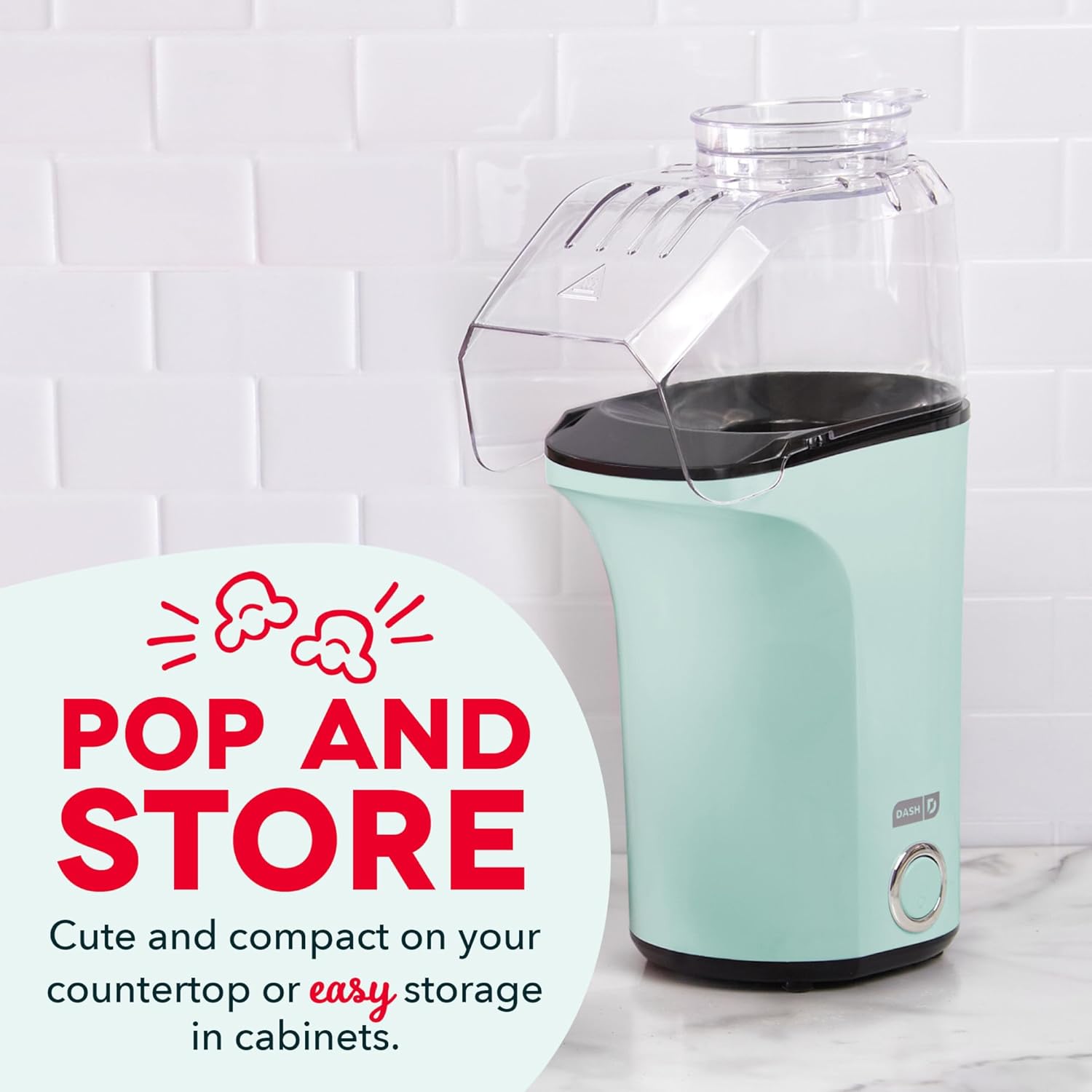
Image: The compact Dash Fresh Pop Popcorn Maker positioned on a kitchen countertop, demonstrating its space-saving design.
문제 해결
| 문제 | 가능한 원인 | 해결책 |
|---|---|---|
| Many unpopped kernels | Old or dry kernels; too many kernels added. | Use fresh popcorn kernels. Do not exceed the recommended amount (one measuring cup). |
| Popcorn flying out of chute | Small serving bowl; unit not positioned correctly. | Use a larger, deep serving bowl. Ensure the unit is on a stable surface and the bowl is directly under the chute. |
| Popcorn tastes burnt | Overloading the unit. | Do not add more than one measuring cup of kernels at a time. |
| 장치가 켜지지 않음 | 전원 플러그가 꽂혀 있지 않고, 전원 버튼도 눌러져 있지 않습니다. | 제품이 작동하는 콘센트에 제대로 꽂혀 있는지 확인하십시오. 전원 버튼을 세게 누르십시오. |
| Unit stops working during consecutive batches | 과열 보호 기능이 활성화되었습니다. | Allow the unit to cool for at least 10-15 minutes between consecutive batches. |
명세서
- 상표: 대시
- 모델: DAPP150V2AQ04
- 용량: 16 Cups (popped popcorn)
- 특징: Manual (operation)
- 재료: 플라스틱
- 제품 크기: 8.4인치 길이 x 4.8인치 너비 x 13.5인치 높이
- 품목 무게: 1.76파운드
- 힘: 1400와트
- 기술: Hot Air Popping (Oil-Free)
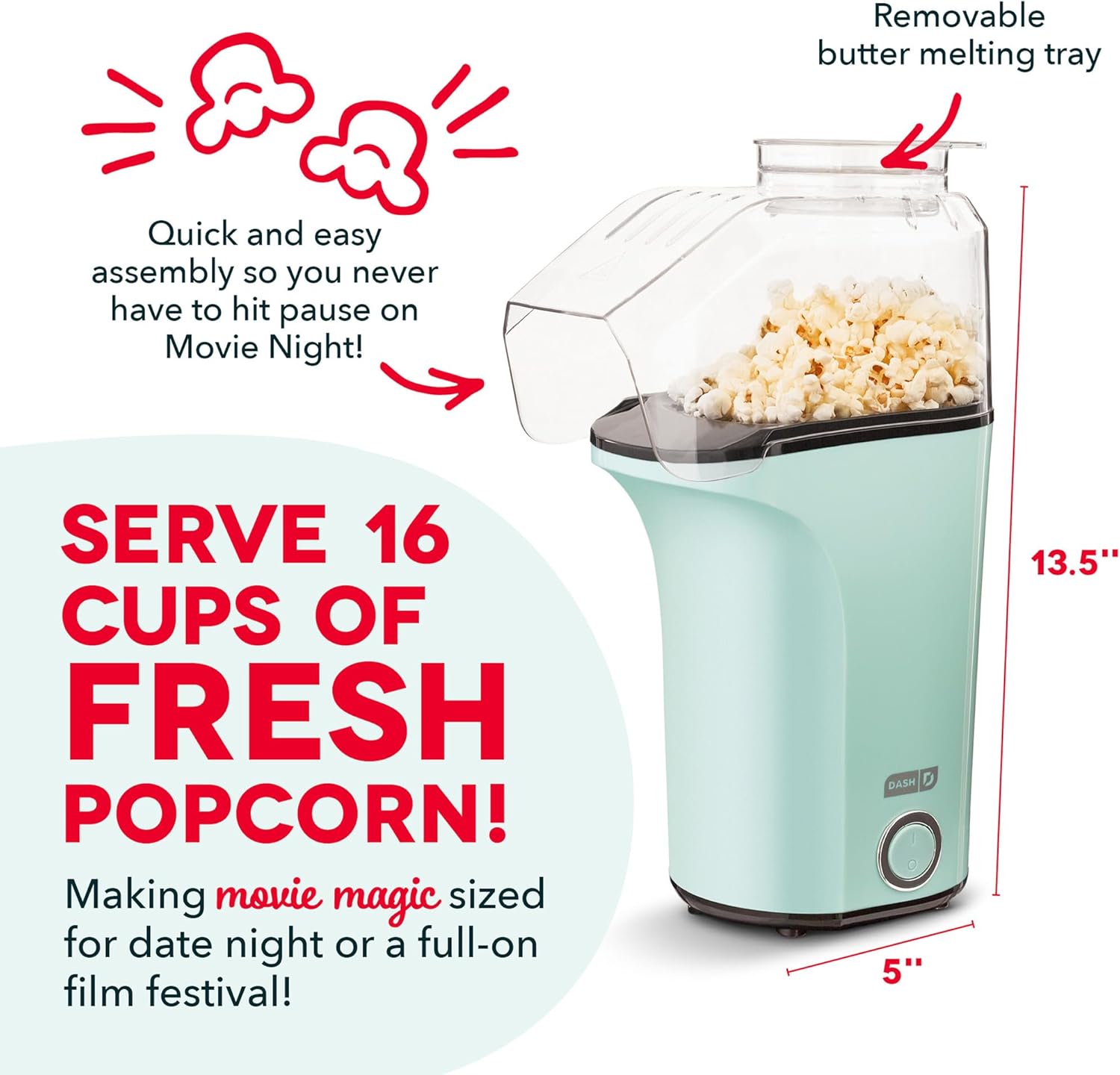
Image: The Dash Fresh Pop Popcorn Maker with key dimensions highlighted for reference.
보증 및 지원
For warranty information or product support, please refer to the warranty card included with your purchase or contact DASH customer service directly. Contact details are typically available on the product packaging or the official DASH web대지.


