1. 서론
This manual provides detailed instructions for the installation, operation, maintenance, and troubleshooting of your Thermaltake Toughpower iRGB Plus 750W 80+ Gold Power Supply. This fully modular digital power supply features a patented 16.8 million-color Ring Duo 14 RGB fan and supports Smart Power Management (SPM) for advanced control and monitoring.

이미지 1.1: 앞면 view of the Thermaltake Toughpower iRGB Plus 750W Power Supply, showcasing its design and RGB fan.
2. 안전 정보
부상 및 장비 손상을 방지하기 위해 다음 안전 지침을 주의 깊게 읽고 준수하십시오.
- 전원 분리: Always disconnect the AC power cord from the wall outlet before installing, removing, or performing any maintenance on the power supply or other computer components.
- 열지 마: The power supply unit contains high voltage components. Do not open the PSU casing. 내부에는 사용자가 수리할 수 있는 부품이 없습니다. c를 열면asing는 보증을 무효화합니다.
- 적절한 접지: Ensure your computer system is properly grounded to prevent electrical shock.
- 통풍: Ensure adequate ventilation around the power supply. Do not block the fan or ventilation openings.
- Moisture and Temperature: Avoid exposing the power supply to moisture, high humidity, or extreme temperatures. Operate within the specified operating temperature range (0°C to +50°C).
- Correct Cables: Use only the modular cables provided with this power supply. Using incompatible cables may cause damage to the PSU or connected components.
3. 제품 특징
The Thermaltake Toughpower iRGB Plus 750W Power Supply offers several advanced features:
- Smart Power Management (SPM): Monitor real-time PSU, CPU, VGA, RAM, and HDD status, control lighting, and receive warning alerts via PC and mobile applications.
- Razer Chroma Compatibility: Synchronize gaming and RGB lighting effects with the Razer Chroma ecosystem for a unified lighting experience.
- Alexa 음성 제어: Control lighting or fan speed by speaking to an Alexa-enabled device.
- 스마트 제로 팬: The fan activates only when the power supply reaches 30% of its rated load, minimizing noise during low-load operation.
- Built-in Ring Duo RGB Fan: Features a 16.8 million-color Ring Duo 140mm RGB fan with 18 addressable LEDs to customize your build's aesthetics.

이미지 3.1: 두 개 views of the power supply highlighting the built-in 140mm Riing Duo RGB fan with 18 addressable LEDs.

이미지 3.2: 위에서 아래로 view of the power supply fan, showing the RGB lighting capabilities.
4. 패키지 내용
패키지에 다음 품목이 포함되어 있는지 확인하십시오.
- Thermaltake Toughpower iRGB Plus 750W Power Supply Unit
- AC 전원 코드
- 모듈형 케이블 세트(자세한 내용은 아래 참조)
- 장착 나사
- 사용 설명서 (본 문서)
모듈형 케이블 세트:

Image 4.1: A table detailing the connector types, cable lengths, and quantities included with the 750W power supply.

Image 4.2: The power supply unit with its fully modular cable design, showing the various ports for connecting cables.
| 커넥터 유형 | 케이블 길이 | 수량 |
|---|---|---|
| 주전원 커넥터(24핀) | 600mm | 1 |
| ATX 12V (4 + 4 Pin) | 650mm | 1 |
| SATA(5핀) | 500mm+150mm+150mm+150mm+150mm | 9 |
| PCI-E (6 + 2 Pin) | 500mm+150mm+150mm | 4 |
| Peripheral (4 Pin) | 500mm+150mm+150mm+150mm | 4 |
| 플로피 어댑터(4핀) | 100mm | 1 |

Image 4.3: The power supply unit shown with a selection of its modular cables connected, demonstrating the flexibility of the design.
5. 설정 및 설치
전원 공급 장치를 설치하려면 다음 단계를 따르십시오.
- 시스템 준비: 컴퓨터의 전원이 완전히 꺼져 있고 벽면 콘센트에서 플러그가 뽑혀 있는지 확인하십시오. 컴퓨터 케이스를 여십시오.
- 기존 파워서플라이를 제거하십시오(해당되는 경우): 기존 전원 공급 장치의 모든 케이블을 분리하고 케이스에서 전원 공급 장치를 제거하십시오.
- 새 파워서플라이를 장착하세요: Place the Thermaltake Toughpower iRGB Plus 750W into the power supply bay of your computer case. Secure it with the provided mounting screws. Ensure the fan is facing the correct direction for optimal airflow (typically facing down if your case has a bottom vent, or up if it's a top-mounted PSU).
- 필수 케이블 연결:
- 연결하다 24핀 메인 전원 커넥터 마더보드에.
- 연결하다 4+4-pin ATX 12V Connector to your motherboard's CPU power socket.
- 필요한 것을 연결하세요 6+2-pin PCI-E Connectors to your graphics card(s).
- 연결하다 SATA 전원 커넥터 to your storage drives (HDDs, SSDs) and optical drives.
- 연결하다 Peripheral (4-pin Molex) Connectors to any other components requiring them (e.g., case fans, fan controllers).
- 필요한 경우 플로피 어댑터 for older devices.
- Connect USB Cable for Digital Control: Locate the USB port on the power supply and connect one end of the provided USB cable. Connect the other end to an available USB 2.0 header on your motherboard. This connection is essential for Smart Power Management (SPM) and RGB control software.
- 케이블 관리 : 공기 흐름과 미관을 개선하기 위해 케이블을 깔끔하게 정리하십시오.
- 케이스를 닫고 전원을 켜세요: Close your computer case, connect the AC power cord to the power supply, and then plug it into a wall outlet. Flip the power switch on the back of the PSU to the 'ON' position.

Image 5.1: Rear panel of the power supply, indicating the AC power inlet and the main power switch.
6. 사용 설명서
Once installed, you can utilize the advanced features of your power supply:
6.1. Smart Power Management (SPM)
The SPM platform allows you to monitor and manage your power supply digitally. Download and install the Thermaltake SPM software from the official Thermaltake website. This software provides:
- Real-time monitoring of power consumption, efficiency, voltage, 그리고 온도.
- Fan speed control and Smart Zero Fan mode management.
- Customizable warning alerts for abnormal conditions.
- Access via PC application and mobile app.
6.2. RGB 조명 제어
The iRGB Plus series offers extensive RGB lighting customization:
- TT RGB Plus 소프트웨어: Use the Thermaltake TT RGB Plus software to customize the 16.8 million-color RGB fan. This software allows for various lighting modes, effects, and color synchronization with other compatible Thermaltake RGB products.
- 레이저 크로마: Integrate your PSU's RGB lighting with the Razer Chroma ecosystem for synchronized effects across your Razer peripherals and other Chroma-compatible devices.
- Alexa 음성 제어: If configured, you can use voice commands through an Alexa-enabled device to change lighting colors, effects, or adjust fan speed.
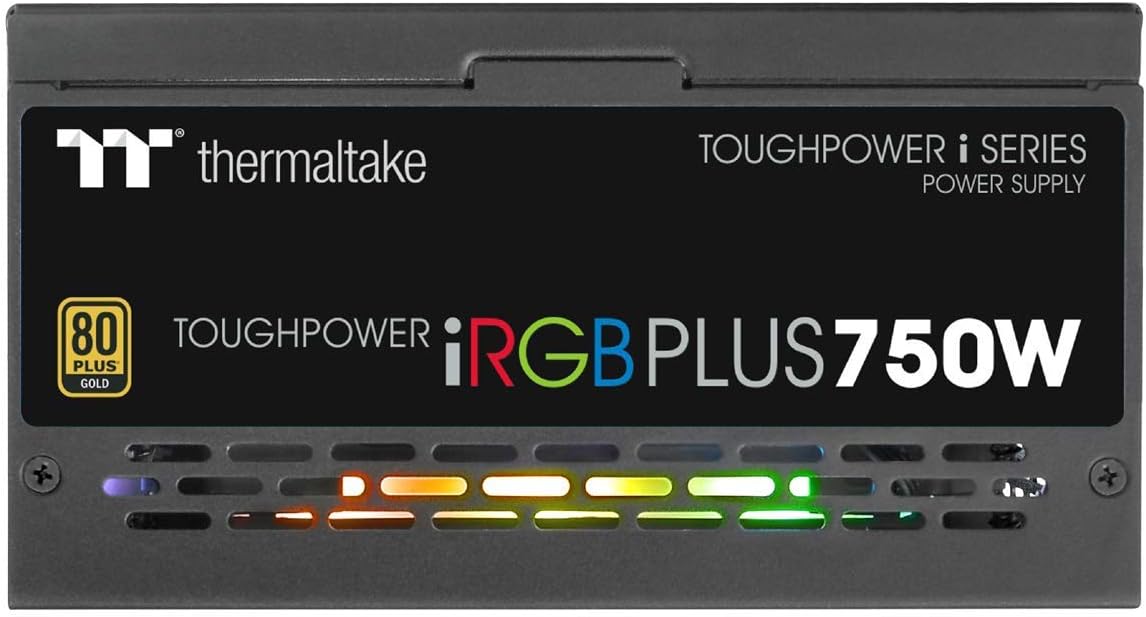
이미지 6.1: 측면 view of the power supply, illustrating the vibrant RGB lighting effects.
7. 유지관리
정기적인 유지보수는 전원 공급 장치의 수명과 최적의 성능을 보장하는 데 도움이 됩니다.
- 먼지 제거: 전원 공급 장치의 팬과 통풍구를 주기적으로 압축 공기를 사용하여 청소하십시오. 청소하기 전에 시스템의 전원을 끄고 전원 플러그를 뽑으십시오.
- 케이블 점검: 모듈형 케이블 연결부가 제대로 고정되어 있는지 주기적으로 확인하십시오.
- 소프트웨어 업데이트: Keep the Thermaltake SPM and TT RGB Plus software updated to the latest versions for improved features and stability.
8. 문제 해결
전원 공급 장치에 문제가 발생하면 다음의 일반적인 문제 해결 단계를 참조하십시오.
- 전원 없음:
- AC 전원 코드가 전원 공급 장치와 벽면 콘센트에 제대로 꽂혀 있는지 확인하십시오.
- PSU 뒷면의 전원 스위치가 'ON' 위치에 있는지 확인하세요.
- Check all modular cable connections, especially the 24-pin and 4+4-pin motherboard connectors.
- 벽면 콘센트에 다른 기기로 전원이 공급되는지 테스트해 보세요.
- RGB 조명이 작동하지 않음:
- Ensure the internal USB cable from the PSU is correctly connected to a USB 2.0 header on your motherboard.
- Install or update the Thermaltake TT RGB Plus software.
- Check software settings to ensure RGB lighting is enabled and configured.
- 컴퓨터를 다시 시작하세요.
- Smart Zero Fan Not Functioning / Fan Always On:
- The Smart Zero Fan feature only activates the fan when the PSU load exceeds 30%. If your system load is consistently above this threshold, the fan will remain on.
- Check the SPM software settings to ensure Smart Zero Fan mode is enabled.
- Ensure the internal USB cable is connected for software control.
- Software Glitches (SPM/TT RGB Plus):
- Ensure you have the latest version of the software installed from the official Thermaltake web대지.
- Temporarily disable any conflicting RGB software from other manufacturers.
- Check your firewall settings to ensure the software is not being blocked.
- Reinstall the software if issues persist.
9. 사양
Detailed technical specifications for the Thermaltake Toughpower iRGB Plus 750W Power Supply:
| 특징 | 사양 |
|---|---|
| 모델 번호 | PS-TPI-0750F3FDGU-1 |
| 유형 | ATX 12V V2.4 and EPS V2.92 |
| 최대 출력 용량 | 750와트 |
| 피크 출력 용량 | 900와트 |
| 치수 (W / H / D) | 150mm(폭) x 86mm(높이) x 160mm(깊이) |
| PFC(역률개선) | 활성 PFC |
| 능률 | 80 PLUS Gold at 115Vac Input |
| 냉각 시스템 | 14cm 유압 베어링 팬 |
| MTBF(평균 고장 간격) | 최소 120,000시간 |
| 안전 승인 | CE/cTUVus/TUV/FCC/EAC/s-mark |
| 입력 전류 | 10A 이하 |
| 입력 주파수 범위 | 50Hz - 60Hz |
| 입력 Voltage | 100V – 240V~ |
| 작동 온도 | 0°C ~ +50°C |
| 작동 습도 | 20% ~ 90%, 비응축 |
| 보관 온도 | -20°C ~ +70°C |
| 보관 습도 | 5% ~ 95%, 비응축 |
| 커패시터 | 100% Japanese 105°C/221°F |
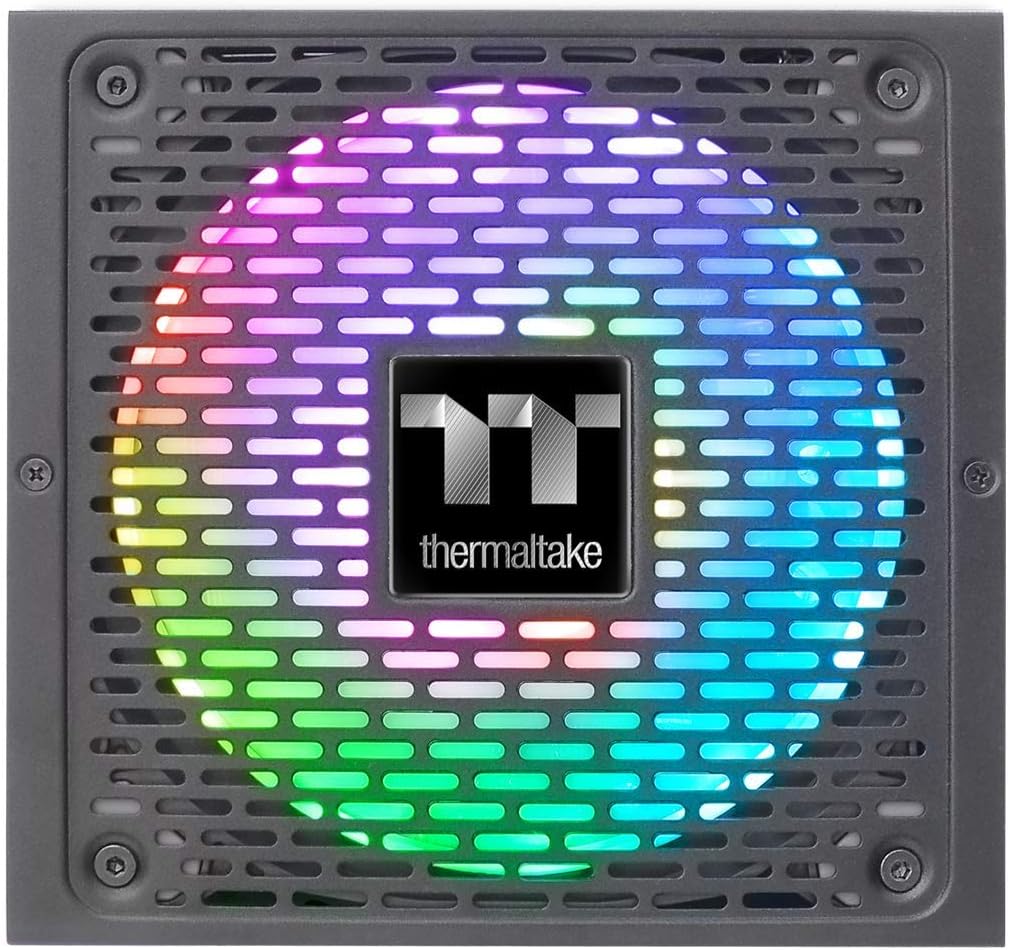
Image 9.1: Product label showing model number, input/output specifications, and safety warnings.

이미지 9.2: 내부 근접 사진 view of the power supply, highlighting the 100% Japanese 105°C/221°F capacitors for enhanced durability and stability.

이미지 9.3: 내부 view of the power supply's circuit board and components, demonstrating quality construction.
10. 보증 정보
The Thermaltake Toughpower iRGB Plus 750W Power Supply comes with a 10년 보증. This warranty covers defects in materials and workmanship under normal use. Please retain your proof of purchase for warranty claims. For full warranty terms and conditions, please refer to the official Thermaltake web사이트를 방문하거나 고객 지원팀에 문의하세요.
11. 지원
For further assistance, technical support, or to download the latest software and drivers, please visit the official Thermaltake web대지:
지원 페이지에서도 유용한 자료와 FAQ를 찾아보실 수 있습니다.
공식 제품 비디오:
Video 11.1: An official product video demonstrating features and functionality of the Thermaltake Toughpower iRGB Plus Power Supply. This video provides a visual overview 사용자를 위해.


