1. 서론
The Modecom Oberon Pro Midi Tower is a computer case designed for users seeking a functional and spacious interior with a modern aesthetic. This manual provides essential information for the proper installation, operation, and maintenance of your computer case, ensuring optimal performance and longevity of your components.
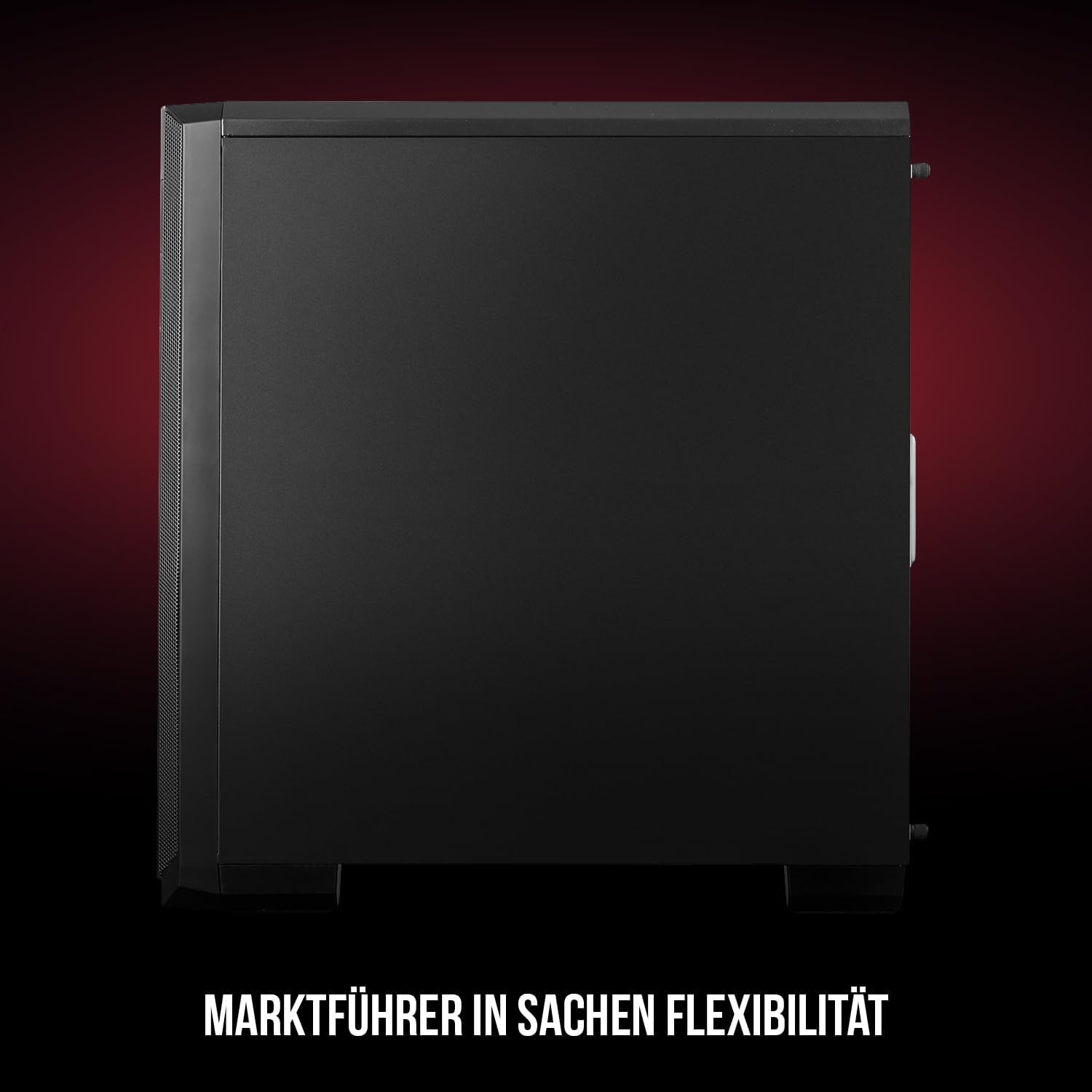
그림 1: 앞면과 측면 view of the Modecom Oberon Pro Midi Tower computer case.
2. 안전 정보
- 구성 요소를 설치하거나 제거하기 전에 항상 벽면 콘센트에서 전원 공급 장치를 분리하세요.
- 정전기 방전을 방지하기 위해 부품을 조심스럽게 다루십시오. 정전기 방지 손목 스트랩 사용을 고려해 보세요.
- 작은 부품이나 도구는 어린이의 손이 닿지 않는 곳에 보관하십시오.
- 과열을 방지하려면 케이스 주변의 적절한 환기를 확보하세요.
- 케이스 구조를 임의로 변경하지 마십시오. 보증이 무효화될 수 있으며 안전상의 위험을 초래할 수 있습니다.
3. 패키지 내용
패키지에 다음 항목들이 모두 들어 있는지 확인하십시오.
- Modecom Oberon Pro Midi Tower Computer Case
- 부속품 상자 (나사, 스탠드오프, 케이블 타이)
- 사용 설명서 (본 문서)
4. 주요 특징
- 넓은 실내: Designed to accommodate high-end components and facilitate good airflow.
- 효율적인 냉각: Includes two pre-mounted 120mm fans (front and rear) to prevent component overheating.
- 도구 없이 설치: Supports tool-free mounting for SSD/HDD drives and expansion cards.
- 먼지 필터링: Features easily dismountable magnetic filters on the top, front, and bottom (under the power supply unit) to keep the interior clean.
- 최적화된 케이블 관리: Provides a system for convenient wiring organization.
- Long PSU Tunnel: Offers a 240mm space for power supplies, simplifying installation and cable arrangement.
5. 설정 및 설치
5.1. 사건 준비
Before installation, remove the side panels of the case. The Oberon Pro features sound-dampening mats on the side panels to reduce noise.

그림 2: 내부 view showing sound-dampening mats on the side panel.
5.2. 마더보드 설치
Install the necessary standoffs for your motherboard form factor (ATX, Micro ATX, ITX). Carefully place your motherboard into the case, aligning it with the standoffs, and secure it with screws.

Figure 3: Interior layout with pre-installed rear fan and motherboard tray.
5.3. Drive Installation (SSD/HDD)
The Oberon Pro supports tool-free installation for three 2.5" SSDs and two 3.5" HDDs. The 3.5" HDD bays are located in the power supply tunnel at the bottom of the case. 2.5" SSDs can be mounted on both sides of the motherboard tray.

Figure 4: Dedicated bays for HDD and SSD storage devices.
5.4. 전원 공급 장치 설치
The case features a long PSU tunnel (240mm) at the bottom. Install your power supply unit into this tunnel and secure it. This design aids in cable management and airflow.
5.5. Expansion Card Installation (PCI/PCIe)
Install your graphics card or other expansion cards into the PCI/PCIe slots. The case supports tool-free mounting for these cards, allowing for easy installation and removal.
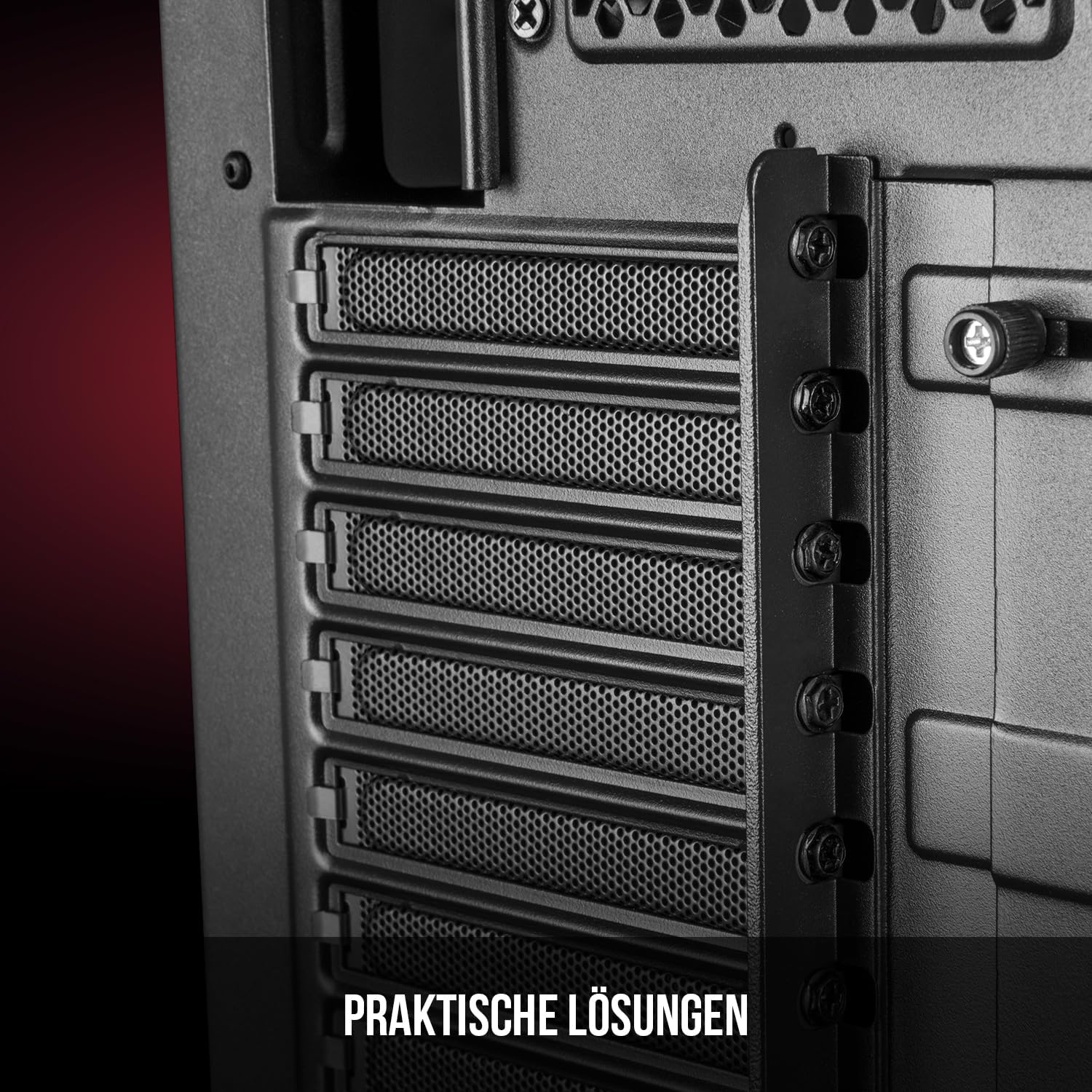
그림 5: 후면 내부 view highlighting the expansion card slots.
5.6. 케이블 관리
Utilize the provided cable routing options and tie-down points behind the motherboard tray to organize cables. This improves airflow and maintains a tidy interior.
6. 냉각 시스템
The Oberon Pro comes with two pre-installed 120mm fans, one at the front and one at the rear, to ensure adequate airflow. The maximum height for a CPU cooler is 163mm, and the maximum length for a video card is 395mm, allowing for compatibility with a wide range of components.
7. 유지관리
To maintain optimal performance and prevent dust buildup, regularly clean the dust filters. The magnetic filters on the top, front, and bottom of the case are easily dismountable for cleaning. Use compressed air or a soft brush to remove accumulated dust.
8. 문제 해결
- 전원 없음: Ensure all power cables are securely connected to the motherboard, power supply, and wall outlet. Check the power button connection to the motherboard.
- 과열: Verify that all fans are spinning correctly and that dust filters are clean. Ensure proper cable management to avoid obstructing airflow.
- 전면 패널 포트가 작동하지 않습니다: Check that the front panel connectors (USB, audio) are correctly plugged into the motherboard headers.
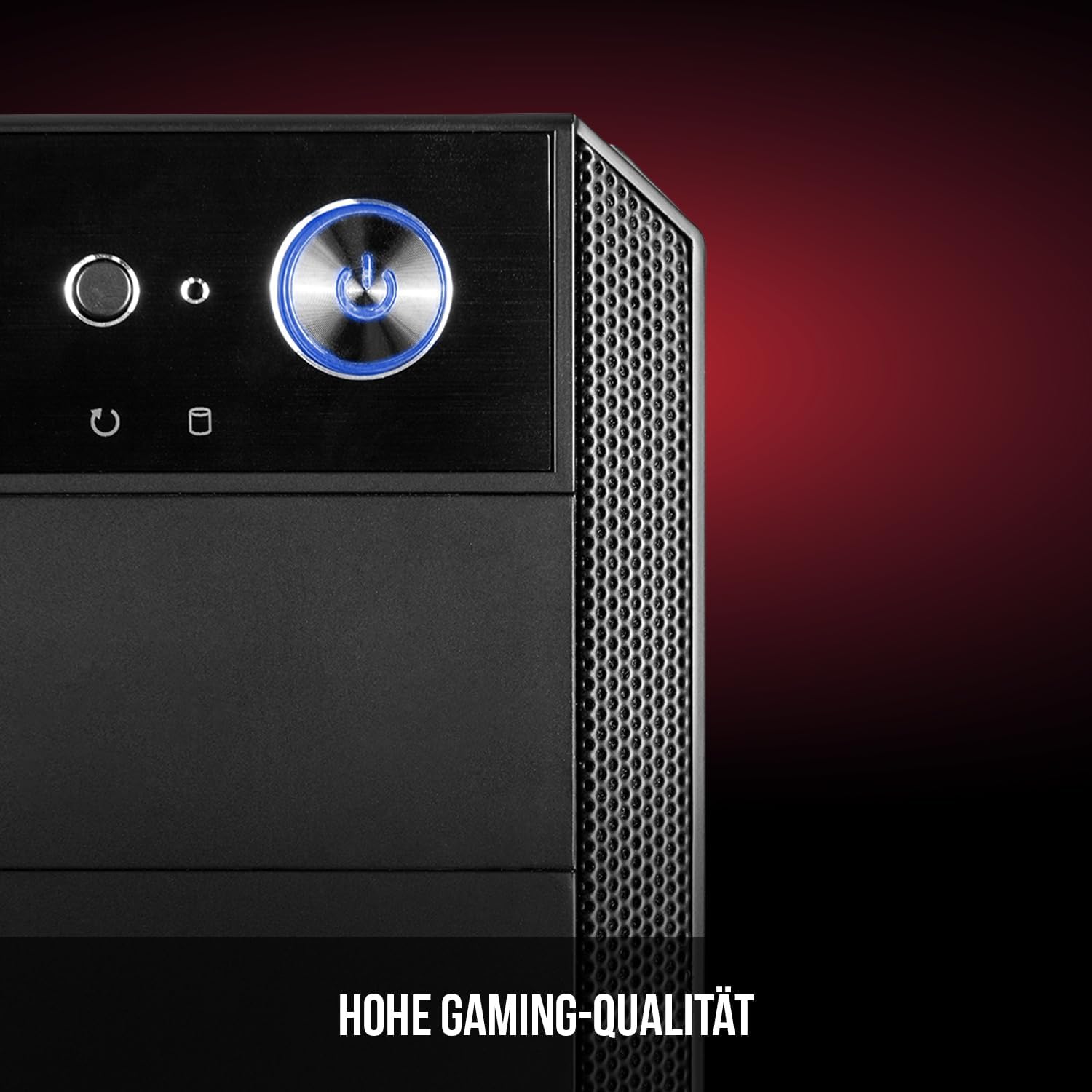
Figure 6: Front panel I/O ports for connectivity.
9. 사양
| 특징 | 사양 |
|---|---|
| 상표 | Modecom |
| 모델명 | Oberon Pro |
| 모델 번호 | AT-OBERON-PS-10-000000-0002 |
| 색상 | 검은색 |
| 케이스 유형 | 미디 타워 |
| 마더보드 호환성 | ATX, 마이크로 ATX, ITX |
| 재료 | 합금강 |
| 냉각 방식 | 공기 |
| 사전 설치된 팬 | 2 x 120mm (Front, Rear) |
| 최대 CPU 쿨러 높이 | 163mm (XNUMXmm) |
| 최대 GPU 길이 | 395mm (XNUMXmm) |
| 드라이브 베이 | 2.5인치 SSD 3개, 3.5인치 HDD 2개 |
| 총 USB 포트 | 4 |
| 특별 기능 | Reset Button, Dust Filter, LED Indicators, Side Window |
| 품목 무게 | 5270그램 |

Figure 7: Rear exterior view of the computer case.
10. 보증 및 지원
For warranty information and technical support, please refer to the official Modecom web사이트를 방문하거나 판매점에 문의하세요. 보증 청구를 위해 구매 증빙 자료를 보관하세요.


