소개
This manual provides essential instructions for the safe and efficient use of your itel it2160 dual SIM mobile phone. Please read this guide thoroughly before operating the device and retain it for future reference.
패키지 내용
제품 패키지에 모든 품목이 들어 있는지 확인하세요.
- itel it2160 Mobile Phone
- 배터리
- 충전기
- 사용 설명서 (본 문서)
장치 레이아웃
Familiarize yourself with the key components of your itel it2160 phone.

영상: 앞쪽 view of the itel it2160 mobile phone, showing the display, keypad, and navigation buttons.
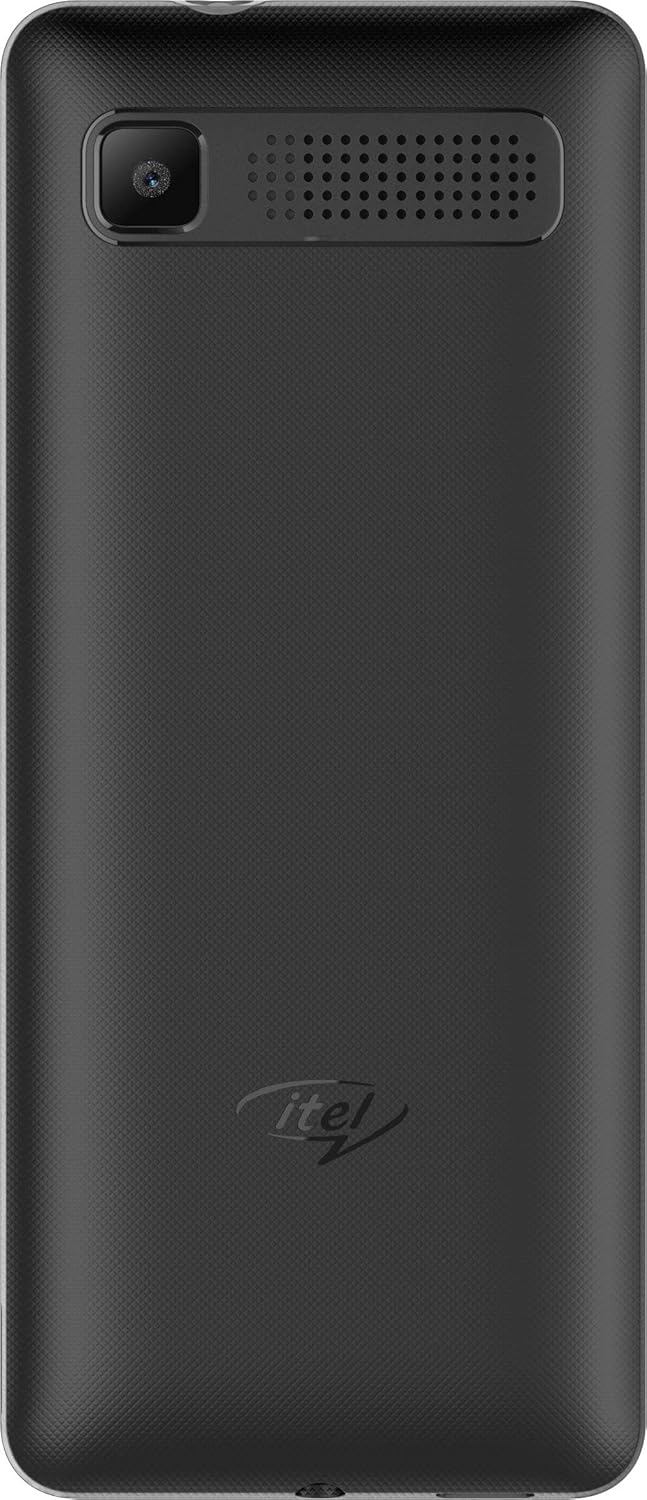
영상: 뒤쪽 view of the itel it2160 mobile phone, showing the camera and speaker grille.
- 표시하다: 1.77인치 화면용 view잉 정보.
- 키패드 : Alphanumeric keys for dialing and text input.
- 탐색 키: 메뉴 탐색 및 선택을 위해.
- 통화/종료 키: To initiate and terminate calls.
- 후방 카메라: Located on the back for capturing photos.
- 스피커: 오디오 출력용.
설정
1. SIM 카드 및 배터리 설치
- 노치 부분을 살살 들어 올려 휴대폰 뒷면 커버를 분리하세요.
- Insert your SIM card(s) into the designated SIM slots. Ensure the gold contacts face downwards. This phone supports dual SIM cards.
- If applicable, insert a microSD card into the memory card slot for expanded storage.
- 배터리를 삽입할 때 접촉면을 올바르게 맞춰주세요.
- 뒤쪽 덮개를 제자리에 딸깍 소리가 날 때까지 다시 끼웁니다.
2. 배터리 충전
- 충전기를 휴대폰의 충전 포트에 연결하세요.
- 충전기를 전원 콘센트에 꽂으세요.
- 처음 사용하기 전에 휴대폰을 완전히 충전하십시오. 화면의 배터리 표시등에 충전 상태가 나타납니다.
3. 전원 켜기 / 끄기
- 전원을 켜려면: Press and hold the Power/End key until the screen lights up.
- 전원을 끄려면: Press and hold the Power/End key until the power-off options appear, then select "Power off".
작동 지침
1. 전화 걸고 받기
- 전화를 걸려면: Enter the phone number using the keypad and press the Call key. If using dual SIM, select the desired SIM for the call.
- 전화를 받으려면: 전화벨이 울리면 통화 버튼을 누르세요.
- 통화를 종료하려면: 종료 키를 누릅니다.
2. SMS 송수신
- To Send SMS: Go to "Menu" > "Messages" > "Write message". Enter your message and the recipient's number, then send.
- To Read SMS: New messages will be indicated on the screen. Go to "Menu" > "Messages" > "Inbox" to view.
3. 카메라 사용
- Navigate to "Menu" > "Camera".
- 화면을 이용해 구도를 잡으세요.
- Press the center navigation key or a designated camera key to capture the image.
4. FM 라디오
- Connect headphones to the phone's audio jack (headphones act as an antenna).
- Go to "Menu" > "FM Radio".
- 탐색 키를 사용하여 방송국을 검색하거나 수동으로 조정하세요.
유지
- 배터리 관리 :
- 극한의 온도를 피하세요.
- 배터리를 과충전하거나 자주 완전히 방전시키지 마십시오.
- 기기와 함께 제공된 정품 충전기만 사용하십시오.
- 청소:
- 부드럽고 마른 천으로 휴대폰을 닦으세요.
- Avoid using liquid cleaners or aerosols.
- 저장:
- 휴대전화를 직사광선을 피해 서늘하고 건조한 곳에 보관하십시오.
- 어린이와 애완동물의 손이 닿지 않는 곳에 보관하세요.
문제 해결
| 문제 | 가능한 해결책 |
|---|---|
| 전화기의 전원이 켜지지 않습니다. | 배터리가 올바르게 삽입되고 충전되었는지 확인하십시오. 충전기를 연결하고 다시 시도하십시오. |
| 네트워크 신호가 없습니다. | Check if SIM cards are properly inserted. Move to an area with better network coverage. Contact your service provider. |
| 전화를 걸거나 받을 수 없습니다. | Verify network signal. Check if call barring is active. Ensure sufficient balance on your SIM card. |
| 배터리가 빨리 소모됩니다. | 화면 밝기를 줄이세요. 사용하지 않는 애플리케이션은 닫으세요. 백그라운드 활동을 제한하세요. |
명세서
| 특징 | 세부 사항 |
|---|---|
| 모델명 | IT2160 |
| 디스플레이 크기 | 1.77인치 |
| 디스플레이 해상도 | 128 x 160 픽셀 |
| 후방 카메라 | 1.3메가픽셀 |
| 전면 카메라 | 없음 |
| 시스템 RAM | 4 Megabytes |
| 저장 용량 | 256 Gigabytes (Expandable) |
| 운영 체제 | Proprietary Feature Phone OS |
| CPU 모델 | Basic Feature Phone Processor |
| CPU 속도 | 260MHz |
| 제품 치수 | 11.2 x 4.8 x 1.43cm; 80그램 |
보증 정보
Your itel it2160 mobile phone comes with a warranty. Please review 다음 조건 :
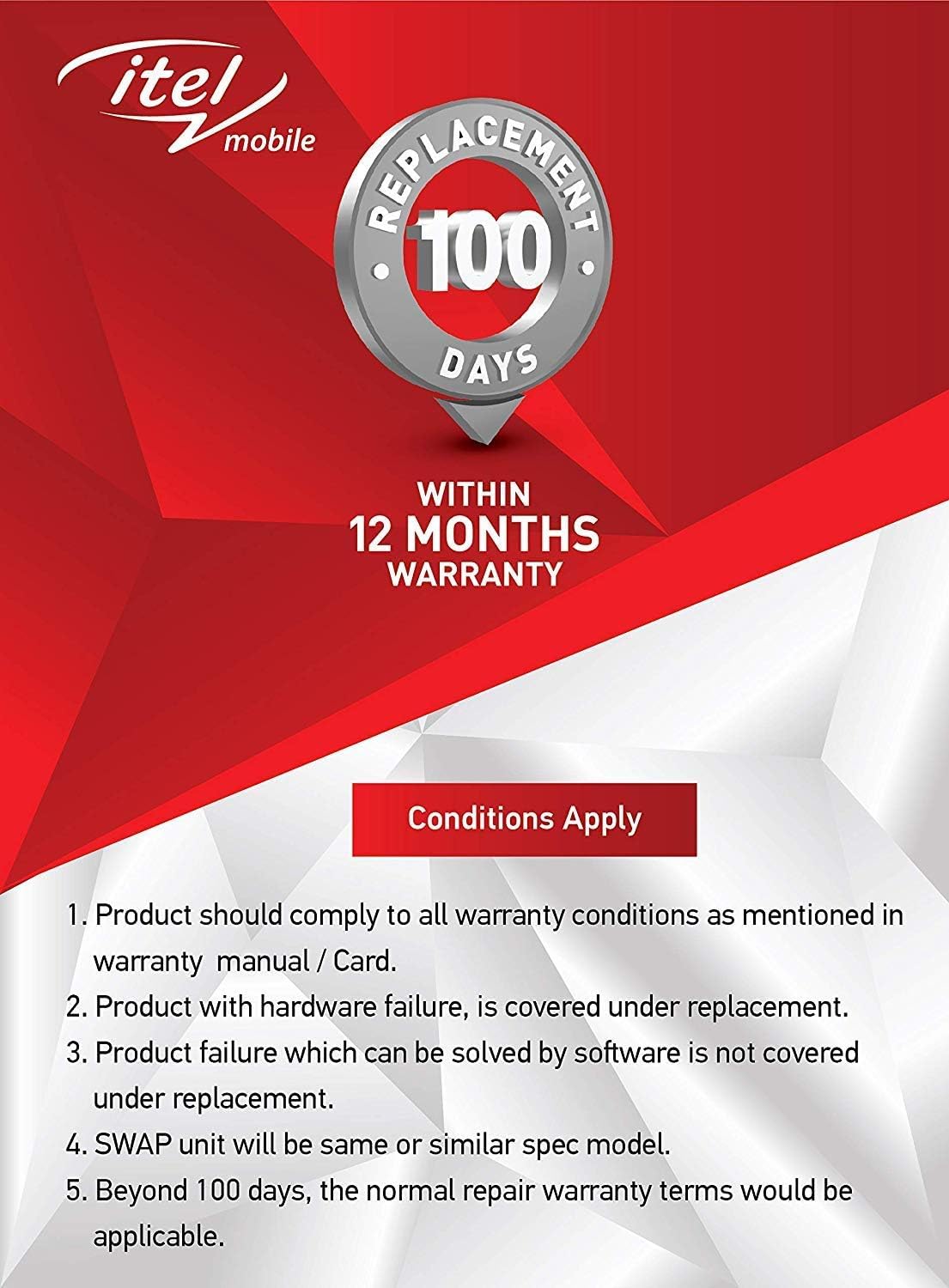
영상: Warranty details for itel mobile products, indicating 100 days replacement and 12 months warranty.
- Product must comply with all warranty conditions as mentioned in the warranty manual/card.
- Product with hardware failure is covered under replacement.
- Product failure which can be solved by software is not covered under replacement.
- A SWAP unit will be the same or a similar spec model.
- Beyond 100 days, the normal repair warranty terms would be applicable.
- The warranty period is typically 12 months from the date of purchase.
For detailed warranty terms and conditions, refer to the warranty card included in your package or contact itel customer support.
지원하다
For further assistance, technical support, or service inquiries, please contact itel customer service. Contact details can typically be found on the official itel web사이트나 보증 카드에 명시되어 있습니다.
온라인 리소스: You may find additional support and FAQs on the official itel brand store.


