1. 제품 오버view
The ZEBRONICS Zeb-Dash is a 4-button USB wireless optical mouse designed for comfortable and efficient use. It features a high-precision optical sensor and 2.4GHz wireless technology for stable connectivity. This mouse is engineered for ease of use with a plug-and-play mechanism and smart energy-saving capabilities.

이미지 1.1: 위에서 아래로 view of the ZEBRONICS Zeb-Dash Wireless Optical Mouse, showcasing its ergonomic design and the Zebronics logo.
2. 설정 지침
Follow these steps to set up your Zeb-Dash wireless mouse:
- 배터리 삽입: Open the battery compartment located on the underside of the mouse. Insert one AAA battery, ensuring correct polarity.
- USB 수신기 찾기: The nano USB receiver is typically stored inside the battery compartment or alongside the mouse in the packaging. Carefully remove it.
- 수신기 연결: Plug the nano USB receiver into an available USB port on your laptop or desktop computer.
- System Sync: Allow approximately 6 to 7 seconds for the mouse to automatically sync with your system. No additional drivers are usually required for basic functionality.

Image 2.1: The underside of the Zeb-Dash mouse, showing the battery compartment and the nano USB receiver being inserted or removed. This illustrates the battery and receiver placement for setup.
3. 사용 설명서
The Zeb-Dash mouse features four buttons for various functions:
- 왼쪽 클릭 버튼: 표준 선택 및 활성화.
- 오른쪽 클릭 버튼: 상황에 맞는 메뉴에 접근합니다.
- 스크롤 휠: 문서를 세로 방향으로 탐색합니다. web 페이지입니다. 마우스 가운데 클릭 버튼으로도 작동합니다.
- DPI 전환 버튼: Adjusts the mouse sensitivity (DPI) between 800, 1200, and 1600 DPI. Press to cycle through settings.
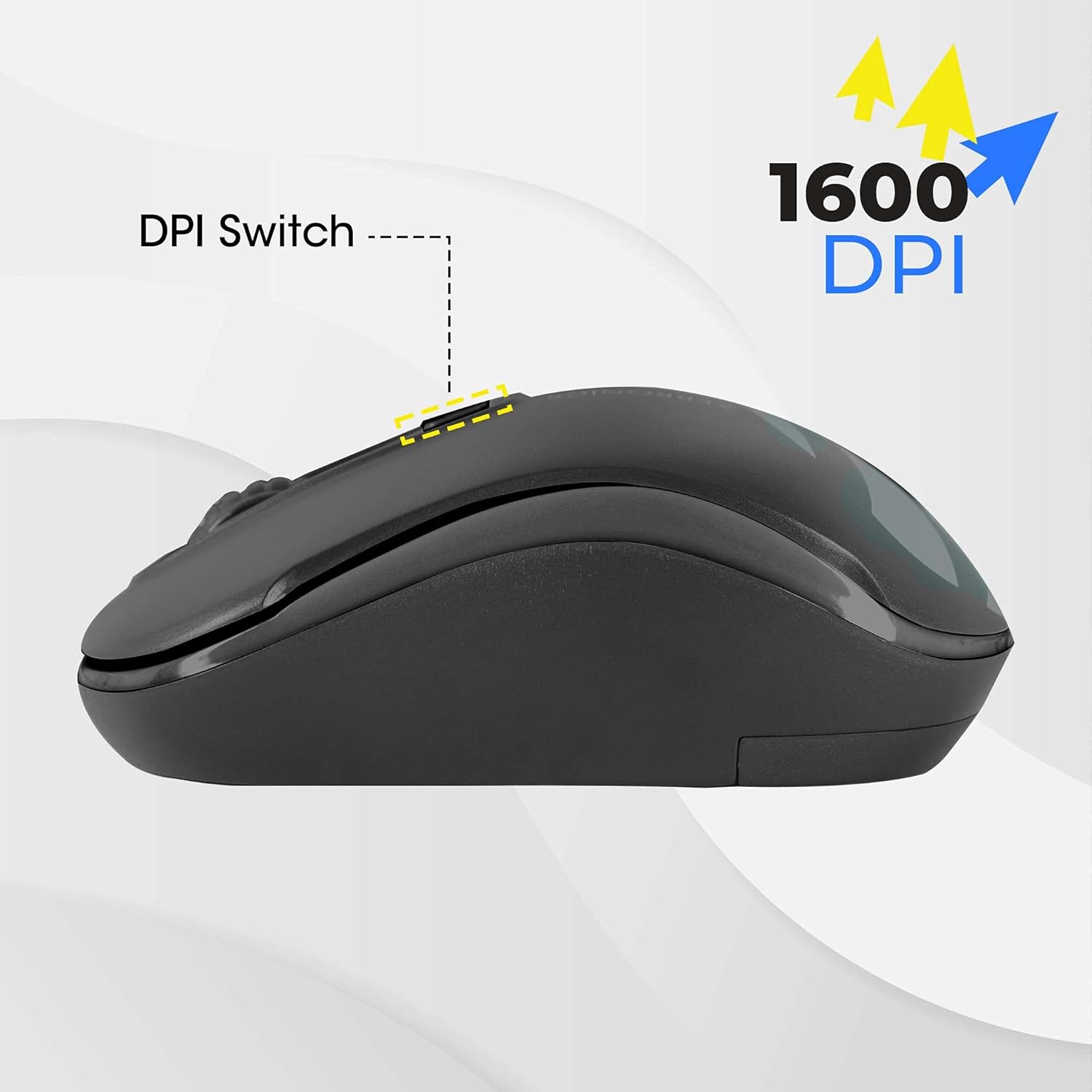
Image 3.1: A diagram highlighting the four buttons on the Zeb-Dash mouse: Left Click (1), Scroll Wheel (2), Right Click (3), and DPI Switch (4).
에너지 절약 기능
The Zeb-Dash mouse incorporates a smart energy-saving feature. It automatically enters a sleep mode when not in use, conserving battery power. There is no manual on/off switch; the mouse manages power consumption automatically.

이미지 3.2: 측면 view of the Zeb-Dash mouse, emphasizing its ergonomic shape and the smart energy-saving capability.
4. 제품 사양
| 특징 | 세부 사항 |
|---|---|
| 상표 | 제 브로 닉스 |
| 모델 | ZEB-DASH |
| 연결 기술 | USB 무선(2.4GHz) |
| 움직임 감지 기술 | 광학 |
| DPI 해상도 | 800 / 1200 / 1600 디피에이 |
| 버튼의 수 | 4 |
| Button Strokes Life | 3 백만주기 |
| 유효 범위 | 20 미터 |
| 전원 | Battery Powered (AAA battery, not included) |
| 치수(길이x너비x높이) | 10 x 4 x 6cm |
| 품목 무게 | 110g |
| 시스템 요구 사항 | IBM PC compatible system, Windows XP/Vista/7/8/10, Mac OS, or Android OS |
| 포함된 구성 요소 | 1 mouse, 1 nano receiver (inside the mouse) |
5. 문제 해결
- 마우스가 응답하지 않음:
- AAA 배터리가 올바르게 삽입되었는지, 그리고 충전량이 충분한지 확인하십시오. 필요한 경우 교체하십시오.
- Verify that the nano USB receiver is securely plugged into a functional USB port on your computer. Try a different USB port.
- Restart your computer to re-establish the connection.
- 간헐적인 연결/지연:
- 간섭을 최소화하려면 마우스를 USB 수신기에 더 가까이 이동하십시오.
- Ensure no other 2.4GHz wireless devices are causing interference in close proximity.
- Check the surface you are using the mouse on. Optical mice perform best on non-reflective, uniform surfaces.
- DPI 조정이 작동하지 않습니다:
- Press the DPI switch button firmly. Each press should cycle through the available DPI settings (800/1200/1600).
6. 보증 및 지원
The ZEBRONICS Zeb-Dash USB Wireless Optical Mouse comes with a 1년 보증 from the date of purchase. For warranty claims or technical support, please contact ZEBRONICS customer service. Keep your purchase receipt as proof of purchase.
For further assistance, you may visit the official ZEBRONICS web자세한 내용은 해당 사이트를 참조하거나 제품 포장에 제공된 연락처 정보를 참조하세요.


