소개
The VTech Kidizoom Duo Camera 5.0 is a durable and feature-rich digital camera designed specifically for children aged 3 and up. It allows young users to capture photos and videos, apply fun effects, and even record their voices. With its dual-lens design, it makes taking selfies and group photos effortless. This manual provides detailed instructions for setting up, operating, maintaining, and troubleshooting your Kidizoom Duo Camera.
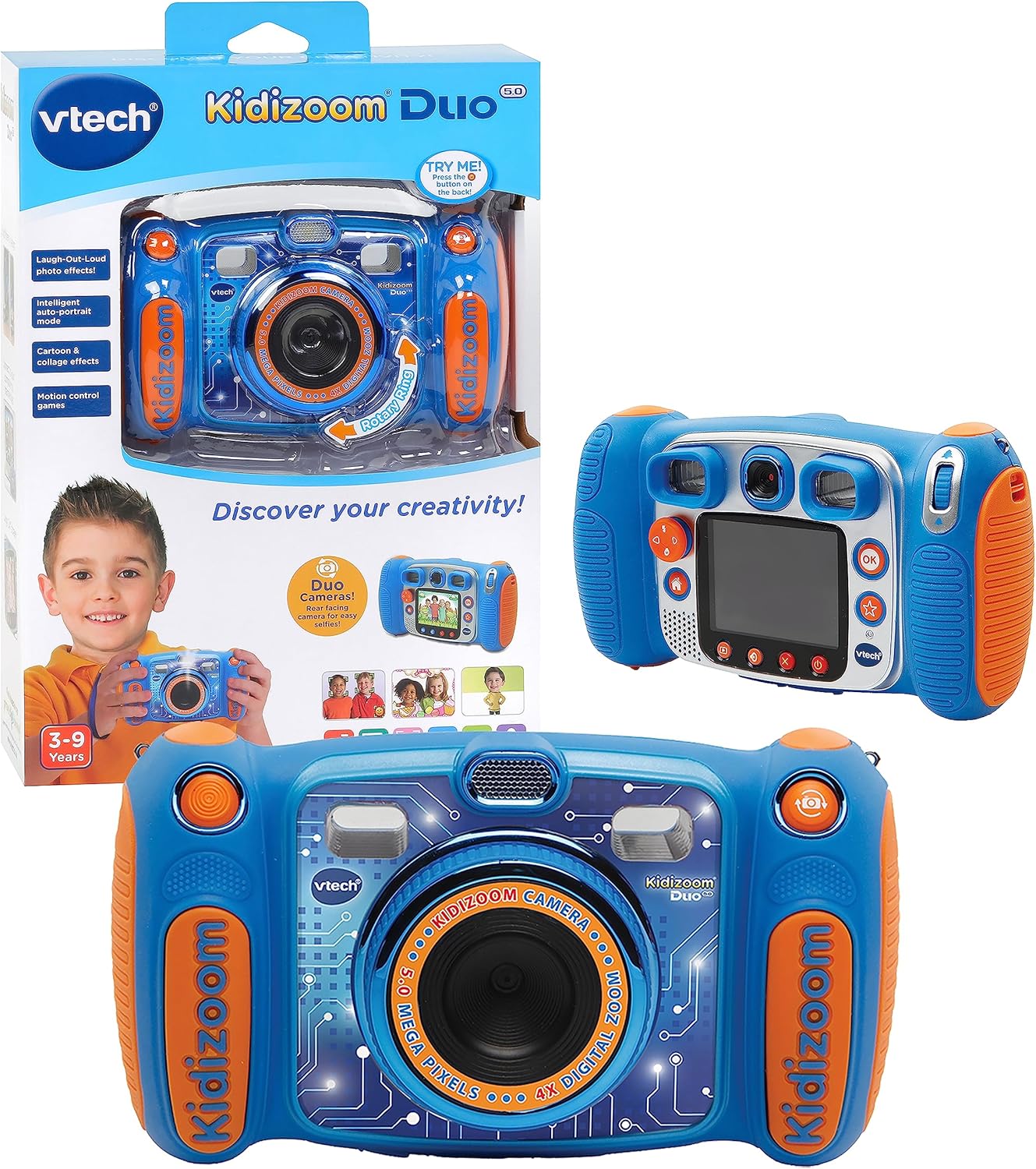
Image: The VTech Kidizoom Duo Camera 5.0, shown both in its retail packaging and as the standalone blue and orange camera unit, highlighting its design and presentation.
주요 특징:
- 듀얼 렌즈: Easily switch between front and rear lenses for photos and videos.
- 5만 화소 카메라: 고화질 사진과 동영상을 촬영하세요.
- 창의적인 효과: Add fun effects, stamps, and frames to photos and videos.
- 음성 녹음기: Record voices and apply funny effects.
- 내구성 있는 디자인: Built to withstand drops and rough handling.
- 2.4-Inch Color LCD Screen: Large screen for easy view탐색 및 탐색.
- 학습 게임: Includes fun, educational games.
- 4배 디지털 줌: Zoom in on subjects for closer shots.
설정
1. 언박싱 및 구성품
Carefully remove all contents from the packaging. Ensure all components are present. The package should contain the VTech Kidizoom Duo Camera 5.0 and 4 AA batteries (included).
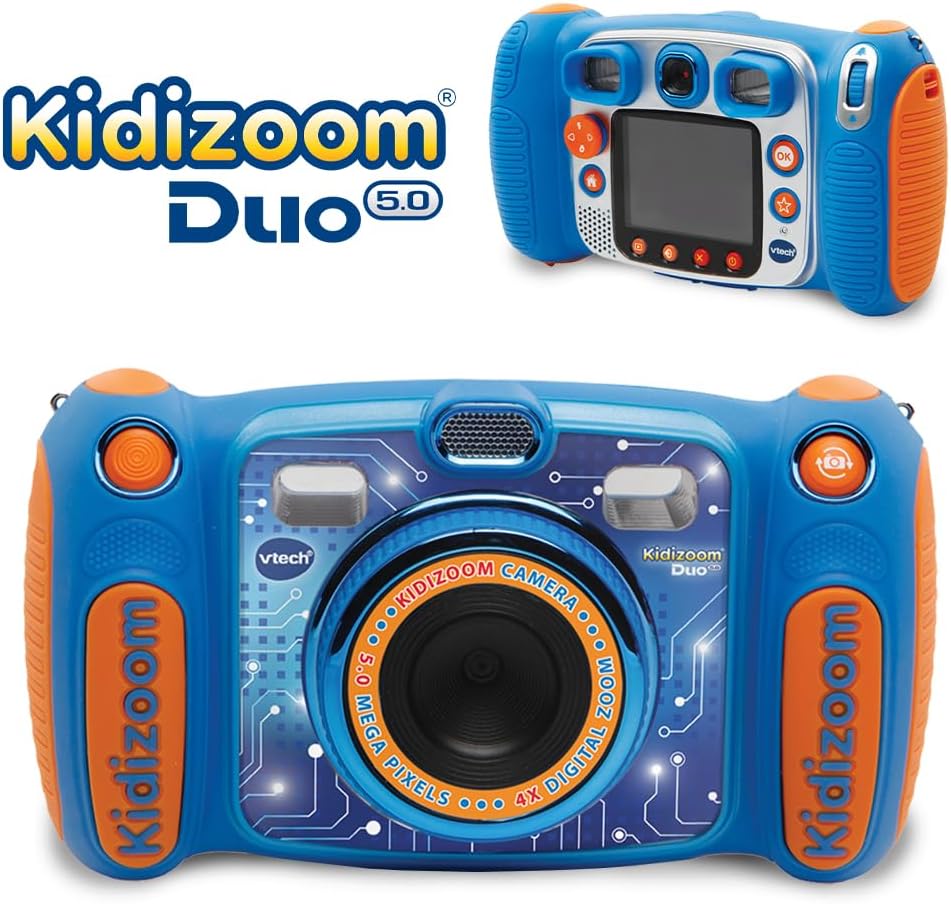
Image: The VTech Kidizoom Duo Camera 5.0 displayed within its retail packaging, ready for unboxing.
2. 배터리 설치
- 카메라의 배터리 칸을 찾으세요.
- 작은 십자 드라이버를 사용하여 배터리함 덮개의 나사를 풀어줍니다.
- 덮개를 제거하세요.
- AA 배터리 4개를 넣고, 배터리 칸 안쪽에 표시된 대로 극성(+/-)을 올바르게 맞춰 넣으세요.
- 덮개를 교체하고 나사를 조입니다.
메모: For optimal performance and to save on replacement costs, rechargeable AA batteries are recommended.
3. 메모리 카드 삽입(선택 사항)
The Kidizoom Duo Camera has internal memory, but for extended storage of photos and videos, a microSD card (not included) can be inserted. Locate the microSD card slot, typically near the battery compartment, and gently insert the card until it clicks into place.
카메라 작동
1. 전원 켜기/끄기
Press and hold the Power button (usually marked with a circle and a line) to turn the camera on or off. The 2.4-inch color LCD screen will illuminate.

이미지: 상세한 후면 모습 view of the VTech Kidizoom Duo Camera 5.0, highlighting its LCD screen and the various control buttons for navigation and operation.
2. 메뉴 탐색
Use the directional pad (D-pad) and the OK button to navigate through the camera's menus and select options displayed on the LCD screen.
3. 사진 찍기
- 렌즈 전환: The Kidizoom Duo features two lenses. Use the dedicated lens switch button (often a rotating ring or a button near the lens) to toggle between the front-facing lens and the rear-facing lens. This is ideal for selfies or taking photos of others.
- 샷 프레이밍: 살펴보세요 viewfinder or use the LCD screen to compose your picture.
- Capturing the Photo: Press the Shutter button (usually a large, prominent button) to take a picture.

이미지: 클로즈업 view of the VTech Kidizoom Duo Camera 5.0, illustrating the large 2.4-inch color LCD screen, the 5-megapixel lens with 4X digital zoom, and the mechanism for switching between the two lenses.
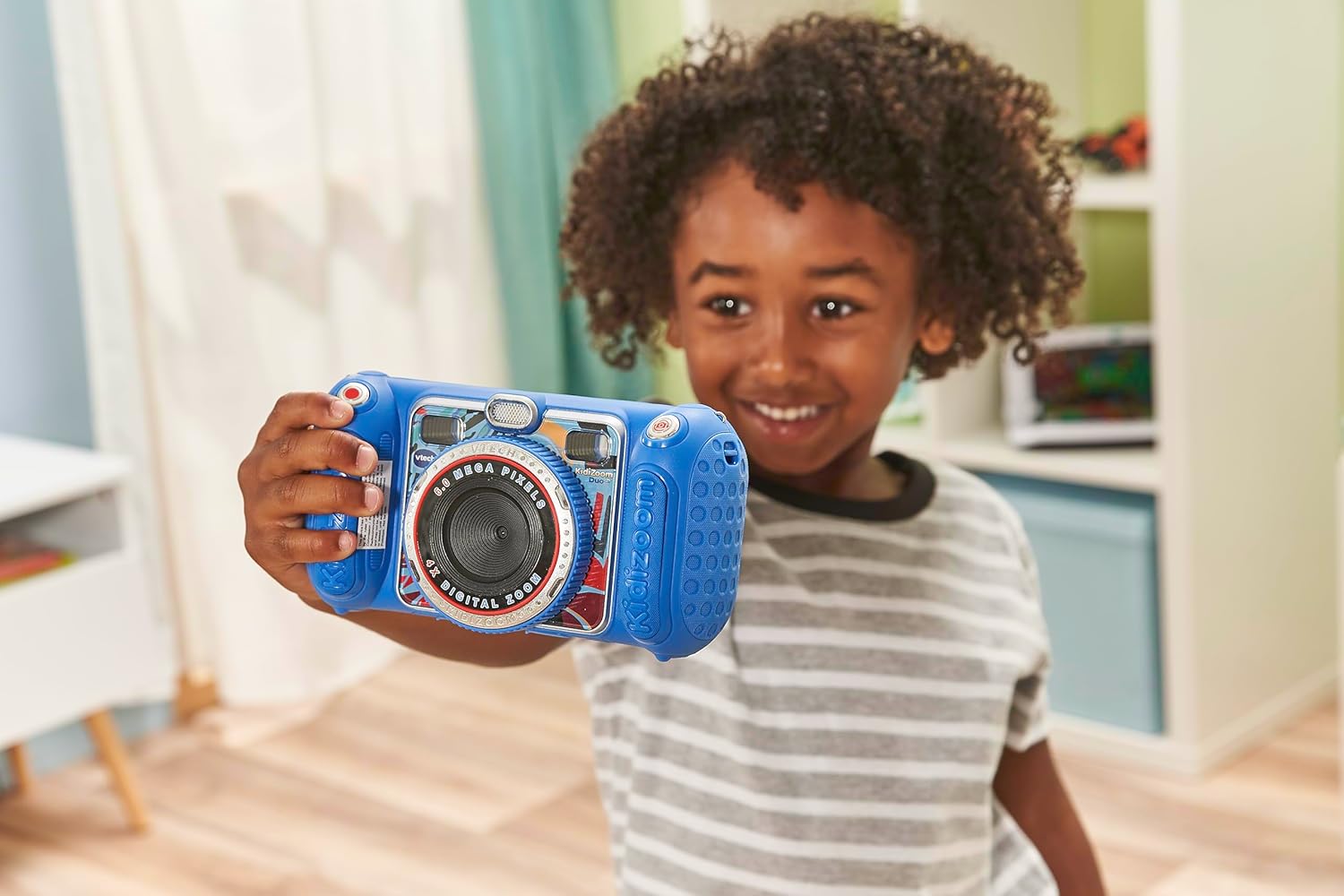
Image: A child holding the VTech Kidizoom Duo Camera 5.0, demonstrating its use for taking a selfie with the front-facing lens.
4. 비디오 녹화
Select the video recording mode from the main menu. Press the Record button to start and stop recording. The camera will capture both video and audio.
5. Applying Effects and Editing
The camera offers various built-in effects, stamps, and frames to personalize your photos and videos. Access these features through the editing menu. You can also use the auto-portrait feature for automatic photo capture.

이미지: 콜라주 쇼asing various fun effects, stamps, and frames that can be added to photos using the VTech Kidizoom Duo Camera 5.0, demonstrating creative possibilities.
6. 음성 녹음
Navigate to the voice recorder function to record your voice. You can then apply funny effects to the recorded audio.
7. 게임하기
The Kidizoom Duo Camera includes several pre-loaded learning games. Select the Games icon from the main menu to access and play them.
유지
1. 카메라 청소
- 부드럽고 마른 천을 사용하여 카메라 본체를 청소하세요.
- For the screen and lenses, use a microfiber cloth specifically designed for electronics. Do not use abrasive cleaners or solvents.
- 어떠한 구멍에도 습기가 들어가지 않도록 주의하세요.
2. 배터리 관리
- 장기간 카메라를 사용하지 않을 경우 배터리 누출을 방지하기 위해 배터리를 제거하세요.
- 항상 새롭고 품질 좋은 배터리를 사용하십시오.
- 충전식 배터리를 사용하는 경우, 사용 전에 완전히 충전되었는지 확인하십시오.
3. 보관
Store the camera in a cool, dry place away from direct sunlight and extreme temperatures. Consider using a protective case to prevent scratches and damage.
문제 해결
| 문제 | 가능한 원인 | 해결책 |
|---|---|---|
| 카메라가 켜지지 않습니다. | 배터리가 부족하거나 올바르게 설치되지 않았습니다. | 새 배터리로 교체하거나 극성이 올바른지 확인하십시오. |
| Pictures/Videos are blurry. | Lens is dirty; insufficient lighting; subject too close/far. | Clean the lens; ensure adequate lighting; adjust distance to subject. |
| Cannot save more photos/videos. | Internal memory is full; no microSD card inserted or card is full. | 이전 항목 삭제 files; insert a microSD card; transfer file컴퓨터에 s. |
| 카메라가 정지되거나 반응하지 않습니다. | 소프트웨어 오류. | 배터리를 제거했다가 다시 삽입하여 하드 리셋을 수행하십시오. |
명세서
| 특징 | 세부 사항 |
|---|---|
| 제품 치수 | 1.57 x 4.49 x 3.35 인치 |
| 품목 무게 | 7.1 온스 |
| 품목 모델 번호 | 80-507103 |
| 제조업체 권장 연령 | 3세 이상 |
| 배터리 | 4개의 AA 배터리 필요(포함) |
| 출시일 | 31년 2019월 XNUMX일 |
| 제조업체 | Vtech 전자제품 |
| 포토 센서 기술 | 모스 |
| 지원됨 File 체재 | JPEG, RAW |
| 이미지 안정화 | 디지털 |
| 광학 줌 | 4X |
보증 및 지원
VTech products are manufactured to high standards and are designed to provide a fun and enriching experience. For information regarding warranty coverage, please refer to the warranty card included with your product or visit the official VTech web대지.
For technical support, frequently asked questions, or to purchase accessories, please visit the VTech support section on their official website or contact their customer service department. Keep your model number (80-507103) handy when contacting support.
온라인 리소스:
- VTech 공식 Web대지: www.vtechkids.com
- Product Support Page: (Check VTech web(특정 제품 지원 페이지 링크)


