1. 서론
Thank you for choosing the MuveAcoustics Box Portable Wireless Bluetooth Speaker MA-2005SG. This speaker is designed to provide a versatile and engaging audio experience with essential controls for ease of use. This manual will guide you through the setup, operation, and maintenance of your new speaker.
The lightweight design delivers stereo sound with boosted bass, making it suitable for various environments. It offers multiple connectivity options including wireless Bluetooth, FM Radio, USB, and Micro SD card modes. With a built-in Li-ion rechargeable battery, enjoy up to 6 hours of powerful sound per charge. The integrated microphone allows for seamless switching between music and phone calls.
2. 제품 오버view
2.1. 패키지 내용
- MuveAcoustics Box Portable Wireless Bluetooth Speaker MA-2005SG
- USB 충전 케이블
- 사용자 설명서
2.2. 스피커 구성 요소
스피커의 레이아웃과 컨트롤을 익혀보세요.

이미지 1: 앞쪽 view of the MuveAcoustics Box speaker. This image displays the speaker's front grille and the MuveAcoustics logo, indicating its primary sound output area.
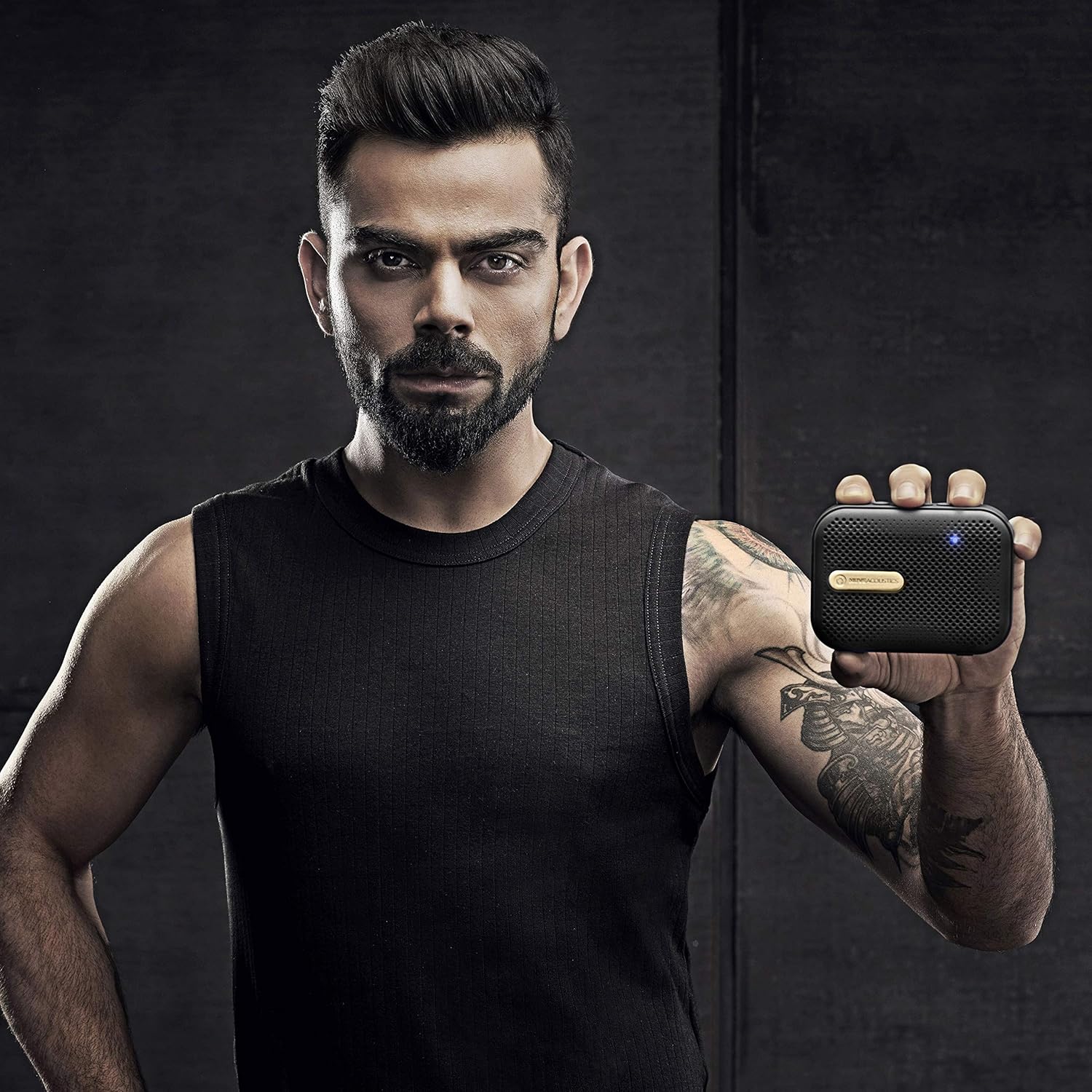
이미지 2: 맨 위 view of the MuveAcoustics Box speaker showing control buttons. The top panel features buttons for power, volume adjustment, track control, and mode selection.

이미지 3: 옆 view of the MuveAcoustics Box speaker showing USB, Micro SD, and charging ports. This view highlights the connectivity options available on the device.

이미지 4: Diagram illustrating the full integrated functions of the MuveAcoustics Box speaker. This graphic details the various modes and controls, including Wireless Speaker Mode, FM Radio Mode, USB Audio-In Mode, Micro SD Card Audio-In Mode, Volume Control, Play/Pause/Track Control, and Answer/Reject Phone Calls.
3. 설정
3.1. 스피커 충전
Before first use, fully charge the speaker. Connect the provided USB charging cable to the speaker's charging port and the other end to a USB power adapter (not included) or a computer's USB port. The LED indicator will illuminate during charging and turn off or change color when fully charged. A full charge provides up to 6 hours of playback.
3.2. 전원 켜기 / 끄기
- To Power On: Press and hold the Power button (refer to Image 2) for approximately 3 seconds until the LED indicator lights up and you hear an audible prompt.
- To Power Off: Press and hold the Power button for approximately 3 seconds until the LED indicator turns off and you hear an audible prompt.
3.3. 블루투스 페어링
- 스피커 전원이 켜져 있고 블루투스 모드인지 확인하십시오. LED 표시등이 깜빡이면 페어링 준비가 완료된 것입니다.
- 모바일 기기에서 블루투스를 활성화하고 사용 가능한 기기를 검색하세요.
- Select "MuveAcoustics Box" from the list of devices.
- Once successfully paired, the LED indicator will become solid, and you will hear a confirmation sound.
3.4. FM 라디오 설정
- 스피커의 전원을 켭니다.
- Press the Mode button (often integrated with Play/Pause, refer to Image 2) repeatedly until you enter FM Radio mode.
- In FM mode, press and hold the Play/Pause button to initiate an automatic scan for FM stations. The speaker will scan and save all available stations.
- Use the Previous/Next Track buttons to navigate between the saved FM stations.
3.5. USB/Micro SD Card Playback
- 스피커의 전원을 켭니다.
- Insert a USB flash drive or a Micro SD card (with audio files) into the corresponding port on the side of the speaker (refer to Image 3).
- 스피커가 자동으로 저장 장치를 감지하고 오디오 재생을 시작합니다. files. If it does not, press the Mode button to switch to USB or Micro SD mode.
4. 사용 설명서
4.1. 기본 오디오 제어
- 재생/일시 중지: Press the Play/Pause button once to play or pause the current audio track.
- 볼륨 업: 볼륨을 높이려면 '+' 버튼을 누르세요.
- 볼륨 작게 : '-' 버튼을 눌러 볼륨을 줄이세요.
- 다음 트랙/역: Press and hold the '+' button to skip to the next track (in Bluetooth/USB/SD mode) or next saved station (in FM mode).
- 이전 트랙/역: Press and hold the '-' button to go to the previous track (in Bluetooth/USB/SD mode) or previous saved station (in FM mode).
4.2. Call Management (in Bluetooth Mode)
- 전화 받기/종료: When an incoming call is received, press the Play/Pause button once to answer. Press it again to end the call.
- 전화 거부: When an incoming call is received, press and hold the Play/Pause button to reject the call.
4.3. 모드 전환
Press the Mode button (often integrated with Play/Pause) repeatedly to cycle through the available modes: Bluetooth, FM Radio, USB, and Micro SD card playback.
5. 유지관리
- 청소: 부드럽고 마른 천을 사용하여 스피커 표면을 닦으세요. 연마성 세제나 용제는 사용하지 마세요.
- 저장: 스피커는 직사광선과 극한의 온도를 피해 시원하고 건조한 곳에 보관하세요.
- 배터리 관리 : 배터리 수명을 연장하려면 스피커를 자주 완전히 방전시키지 마십시오. 장기간 사용하지 않더라도 스피커를 정기적으로 충전하십시오.
- 방수 기능: The product is listed as 'Not Water Resistant'. Avoid exposure to water or high humidity.
- 분해 : 스피커를 분해하거나 개조하지 마십시오. 보증이 무효화되고 손상이 발생할 수 있습니다.
6. 문제 해결
| 문제 | 가능한 원인 | 해결책 |
|---|---|---|
| 스피커의 전원이 켜지지 않습니다. | 배터리가 소진되었습니다. | 제공된 USB 케이블을 사용하여 스피커를 완전히 충전하세요. |
| 스피커에서 소리가 나지 않습니다. | 볼륨이 너무 작습니다. 잘못된 모드가 선택되었습니다. 기기가 연결되지 않았습니다. | Increase volume on both the speaker and the connected device. Ensure the correct input mode (Bluetooth, FM, USB, SD) is selected. Verify Bluetooth connection. |
| 블루투스 연결이 불안정하거나 연결이 끊어집니다. | Speaker is out of range; Interference; Low battery. | Ensure the speaker and device are within 10 meters (33 feet) and free from obstructions. Move away from other wireless devices. Charge the speaker. Re-pair the device. |
| FM 라디오 수신이 좋지 않습니다. | 신호가 약합니다. | 신호 수신을 개선하려면 스피커 위치를 조정하십시오. |
| USB/Micro SD 카드가 작동하지 않습니다. | 잘못된 file format; Card/drive not inserted correctly; Speaker in wrong mode. | 오디오 확인 files are in a compatible format. Reinsert the USB drive or Micro SD card. Press the Mode button to select the correct input mode. |
7. 사양
| 특징 | 세부 사항 |
|---|---|
| 모델명 | MA-2005SG |
| 상표 | MuveAcoustics |
| 스피커 유형 | 집 밖의 |
| 추천 용도 | 음악 |
| 색상 | Space Gold |
| 무선 통신 기술 | 블루투스 |
| 전원 | 배터리 구동 |
| 배터리 유형 | 리튬 이온 1개(포함) |
| 배터리 평균 수명 | 6시간 |
| 품목 무게 | 220g |
| 제품 크기(LxWxH) | 11 x 8 x 3.5cm |
| 방수 레벨 | 방수가 되지 않음 |
| 제조업체 | Zeeva Electronics Pvt. Ltd. |
8. 보증 및 지원
8.1. 보증 정보
MuveAcoustics offers a 1년 보증 for this product from the date of purchase. This warranty covers manufacturing defects under normal use. It does not cover damage caused by misuse, accidents, unauthorized modifications, or normal wear and tear.
8.2. 고객 지원
For warranty claims, technical assistance, or any questions regarding your MuveAcoustics Box speaker, please contact the retailer where you purchased the product or refer to the official MuveAcoustics web고객 지원 연락처 정보를 제공하는 사이트입니다.


