1. 서론
Thank you for choosing the Xiaomi Mi Bluetooth Speaker 2. This portable Bluetooth speaker is designed to deliver high-definition sound quality with a compact and elegant design. This manual provides essential information for setting up, operating, and maintaining your speaker.
2. 안전 정보
- 스피커를 극한의 온도, 직사광선 또는 높은 습도에 노출시키지 마세요.
- 스피커를 떨어뜨리거나 강한 충격을 주지 마십시오.
- 스피커를 직접 분해, 수리 또는 개조하지 마십시오. 필요한 경우 자격을 갖춘 서비스 담당자에게 문의하십시오.
- 스피커를 물이나 기타 액체에 가까이 두지 마십시오. 본 제품은 방수가 되지 않습니다.
- 지정된 충전 케이블과 전원 어댑터만 사용하세요.
- 배터리는 해당 지역 규정에 따라 폐기하십시오. 배터리를 과도한 열에 노출시키지 마십시오.
3. 패키지 내용
상자를 푼 후 패키지 내용물을 확인하세요.
- Xiaomi Mi Bluetooth Speaker 2
- 사용자 설명서
- Note: Charging cable is not included and must be provided by the user (Micro USB).
4. 제품 오버view
The Xiaomi Mi Bluetooth Speaker 2 features a minimalist design with a silver frosted aluminum alloy casing. Its compact size makes it highly portable and easy to carry.
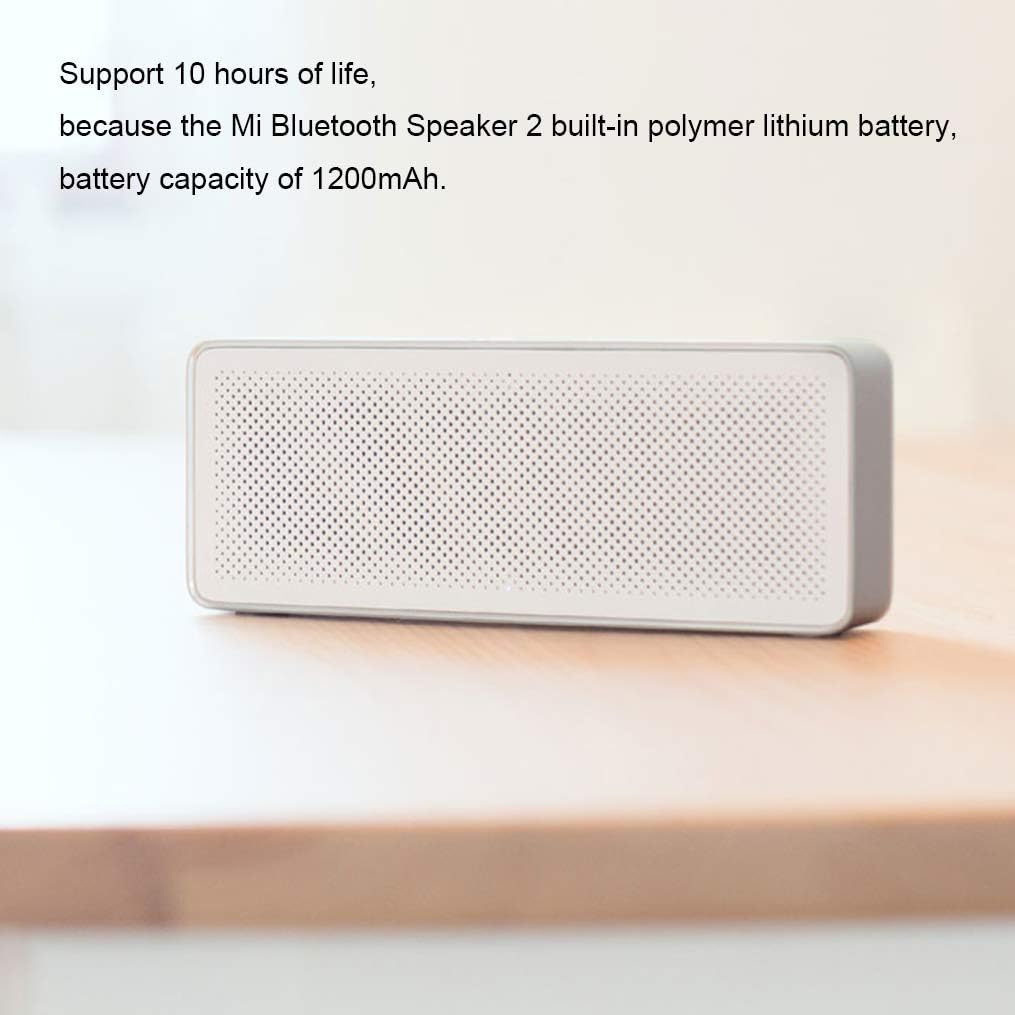
그림 4.1: 앞쪽 view of the Xiaomi Mi Bluetooth Speaker 2, showcasing its minimalist design and speaker grille. The silver frosted aluminum alloy box integrates seamlessly into various environments.
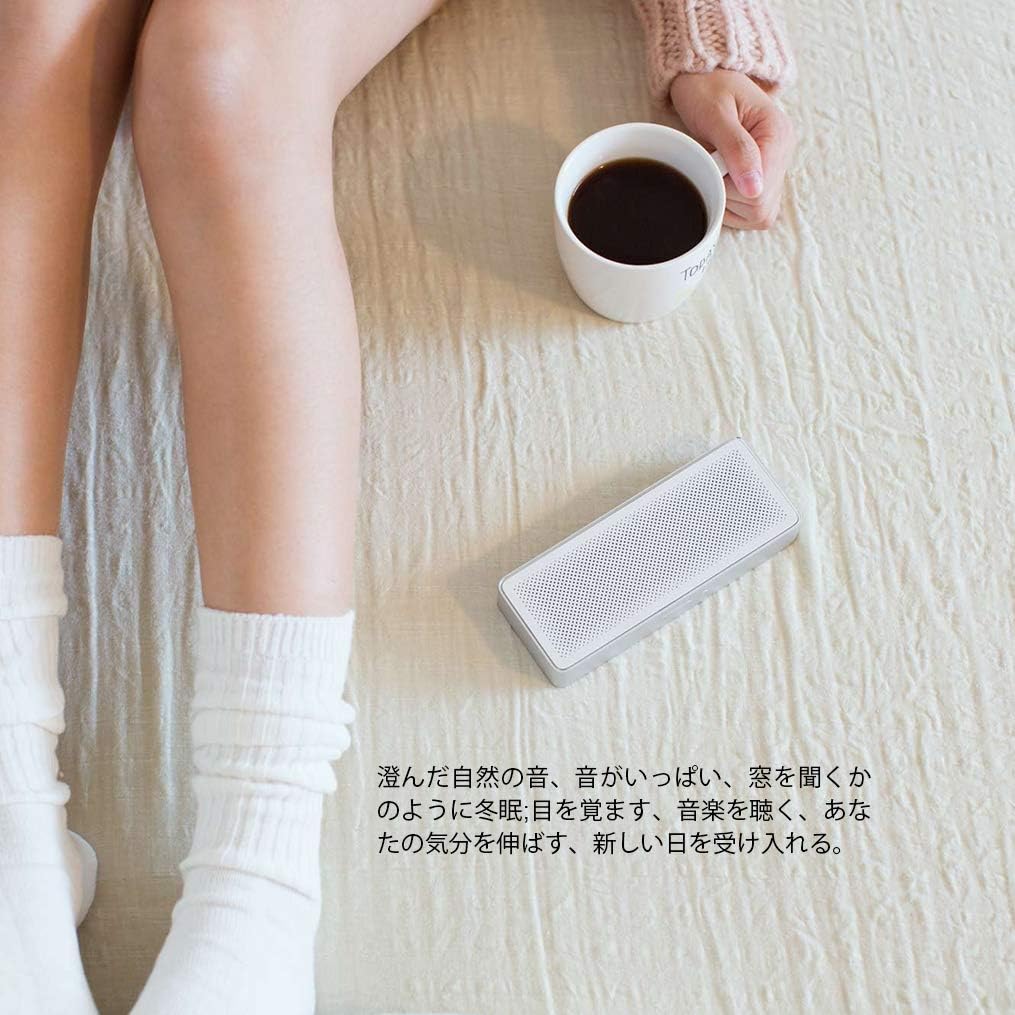
그림 4.2: The compact and lightweight design allows the speaker to be easily carried in a backpack or held with one hand, emphasizing its portability.
Sound Unit Design
The speaker incorporates a dual sound unit design with two sounding units and a passive radiator, contributing to its classic acoustic performance in a small form factor.

그림 4.3: 내부 view illustrating the dual sound units and passive radiator for enhanced audio output.
컨트롤 및 포트
The speaker features intuitive controls on the top surface and essential ports on the rear.

그림 4.4: 맨 위 view showing the power/play/pause button and volume controls. The speaker also includes built-in microphones for call functions.

그림 4.5: 뒤쪽 view displaying the Micro USB charging port and the AUX input port.
5. 설정
5.1 스피커 충전
Before first use, fully charge the speaker. The speaker has a built-in 1200mAh polymer lithium battery, providing approximately 10 hours of playback on a full charge. A full charge typically takes about 3 hours.
- Connect a Micro USB cable (not included) to the charging port on the rear of the speaker.
- USB 케이블의 다른 쪽 끝을 호환되는 USB 전원 어댑터(예: 5V/1A) 또는 컴퓨터의 USB 포트에 연결하십시오.
- 충전 표시등이 켜집니다. 충전이 완료되면 표시등이 꺼지거나 색상이 변경됩니다.
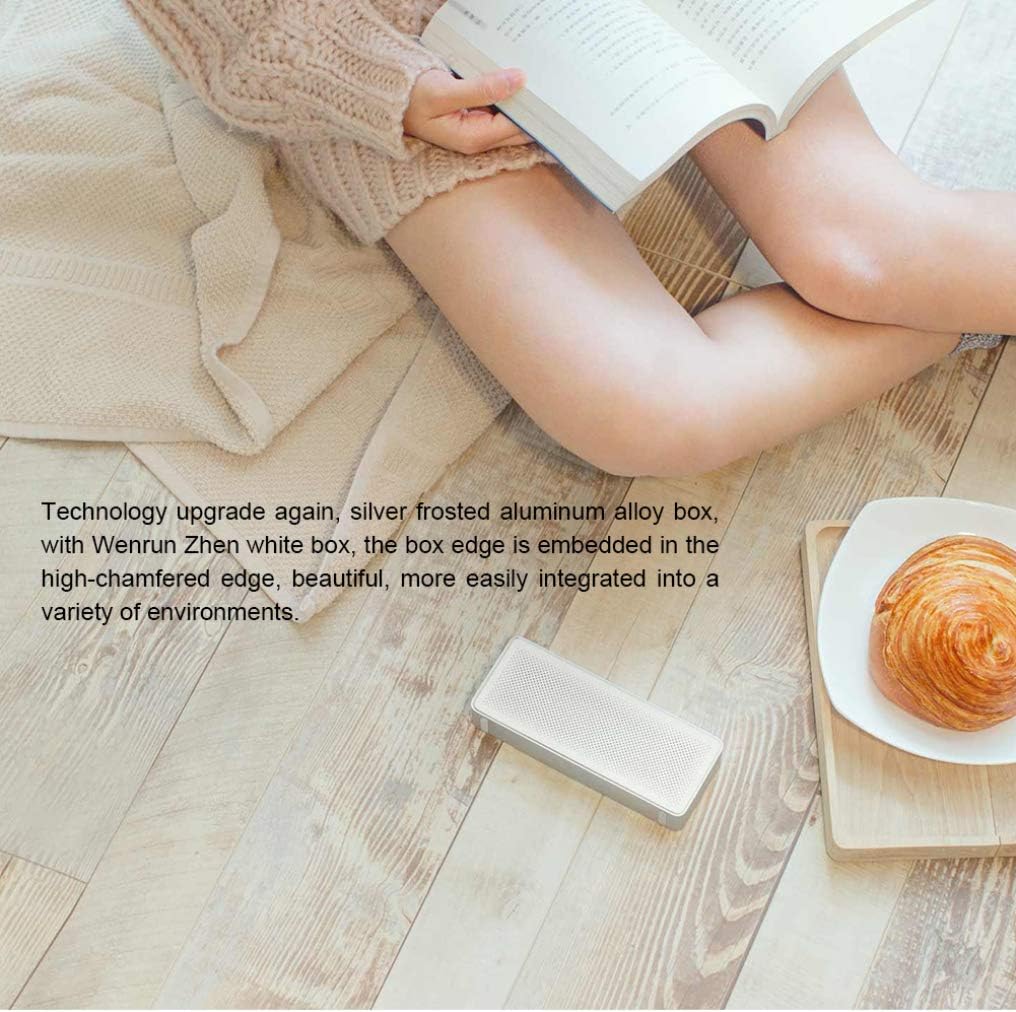
그림 5.1: The speaker's battery provides up to 10 hours of playback from its 1200mAh capacity.
5.2 전원 켜기/끄기
- To power on: Press and hold the power button (usually the central button) for a few seconds until you hear an audible prompt or see an indicator light.
- To power off: Press and hold the power button again for a few seconds until the speaker powers down.
5.3 블루투스 페어링
The Xiaomi Mi Bluetooth Speaker 2 supports Bluetooth 4.2 for stable wireless connections.
- Ensure the speaker is powered on and in pairing mode. The Bluetooth indicator light will typically flash rapidly. If not, press and hold the power button for a few seconds to enter pairing mode.
- 기기(스마트폰, 태블릿, 노트북)에서 Bluetooth를 활성화하고 사용 가능한 기기를 검색하세요.
- Select "Mi Bluetooth Speaker 2" or a similar name from the list of found devices.
- 페어링이 완료되면 스피커에서 확인음이 나고 블루투스 표시등이 깜빡임을 멈추고 계속 켜져 있습니다.
- 스피커의 전원이 켜지면 마지막으로 페어링된 기기에 자동으로 다시 연결을 시도합니다.
5.4 AUX 연결
You can also connect audio devices directly using an AUX cable (3.5mm audio cable, not included).
- Connect one end of the 3.5mm audio cable to the AUX input port on the speaker (refer to Figure 4.5).
- 케이블의 다른 쪽 끝을 장치의 헤드폰 잭이나 오디오 출력에 연결합니다.
- The speaker will automatically switch to AUX mode or you may need to press the power button briefly to cycle modes.
6. 스피커 작동
6.1 오디오 재생
- Once connected via Bluetooth or AUX, start playing audio from your source device.
- Press the power button once to play or pause audio.
6.2 볼륨 조절
- 볼륨을 높이려면 "+" 버튼을 누르세요.
- 볼륨을 낮추려면 "-" 버튼을 누르세요.
- You can also adjust the volume directly from your connected device.
6.3 핸즈프리 통화
The speaker features a built-in microphone, allowing you to answer calls when connected via Bluetooth to your smartphone.
그림 6.1: The speaker's top controls include a button for managing phone calls, indicated by the phone icon.
- When a call comes in, the music will pause. Press the power button once to answer the call.
- 통화를 종료하려면 전원 버튼을 다시 한 번 누르세요.
- 수신 전화를 거부하려면 전원 버튼을 몇 초간 길게 누르세요.
7. 유지관리
- 청소: Use a soft, dry cloth to wipe the speaker's surface. Do not use abrasive cleaners, alcohol, or other chemical solvents.
- 저장: When not in use for extended periods, store the speaker in a cool, dry place. Avoid extreme temperatures and direct sunlight.
- 배터리 관리 : 배터리 수명을 연장하려면 배터리를 자주 완전히 방전하지 마세요. 스피커를 사용하지 않더라도 정기적으로 충전하여 배터리 성능을 유지하세요.
8. 문제 해결
| 문제 | 가능한 해결책 |
|---|---|
| 스피커의 전원이 켜지지 않습니다. | Ensure the battery is charged. Connect the speaker to a power source using a Micro USB cable. |
| 블루투스로 페어링할 수 없습니다. |
|
| 소리가 나지 않거나 볼륨이 작습니다. |
|
| 사운드 왜곡. |
|
9. 사양

그림 9.1: Detailed dimensions of the Xiaomi Mi Bluetooth Speaker 2: 154.5mm (length) x 60mm (width) x 25.5mm (height).
| 특징 | 세부 사항 |
|---|---|
| 모델 번호 | XMYX03YM |
| 스피커 유형 | 가지고 다닐 수 있는 |
| 연결 기술 | 블루투스, USB(충전용) |
| 무선 통신 기술 | 블루투스 4.2 |
| 최대 범위 | 10미터(33피트) |
| 오디오 출력 모드 | 스테레오 재생 |
| 스피커 최대 출력 전력 | 5 와트 |
| 임피던스 | 3옴 |
| 제어 방법 | 터치(버튼) |
| 전원 | 배터리 구동 |
| 배터리 유형 | 1 리튬 폴리머 배터리 |
| 배터리 용량 | 1200mAh |
| 충전 시간 | 약 3시간 |
| 제품 크기(D x W x H) | 2.36" x 6.08" x 1"(60mm x 154.5mm x 25.5mm) |
| 품목 무게 | 155그램(5.5온스) |
| 방수 | 아니요 |
| 포함된 구성 요소 | 스피커, 사용 설명서 |
10. 보증 정보
The Xiaomi Mi Bluetooth Speaker 2 comes with a limited warranty. Please refer to the warranty card included in your product packaging or visit the official Xiaomi web자세한 보증 약관은 해당 지역별로 웹사이트에서 확인하실 수 있습니다. 보증 청구를 위해서는 구매 영수증을 증빙 자료로 보관하십시오.
보증 유형: 제한적 보증
11. 지원
For further assistance, technical support, or customer service inquiries, please visit the official Xiaomi support web해당 사이트를 방문하거나 해당 지역의 고객 서비스 부서에 문의하세요.
공식 샤오미 Web대지: www.mi.com


