1. 서론
This manual provides instructions for setting up, operating, and maintaining your Plantronics Blackwire 3215 USB-A Headset. Please read this manual thoroughly before using your headset to ensure optimal performance and longevity.
2. 패키지 내용
- Plantronics Blackwire 3215 USB-A Headset
- Inline Controller (integrated)
- 휴대용 케이스 (지역에 따라 다를 수 있음)
3. 설정
3.1 헤드셋 착용 및 조정
For optimal comfort and audio performance, adjust the headset to fit your head. The headband can be lengthened or shortened by sliding the earcups up or down.
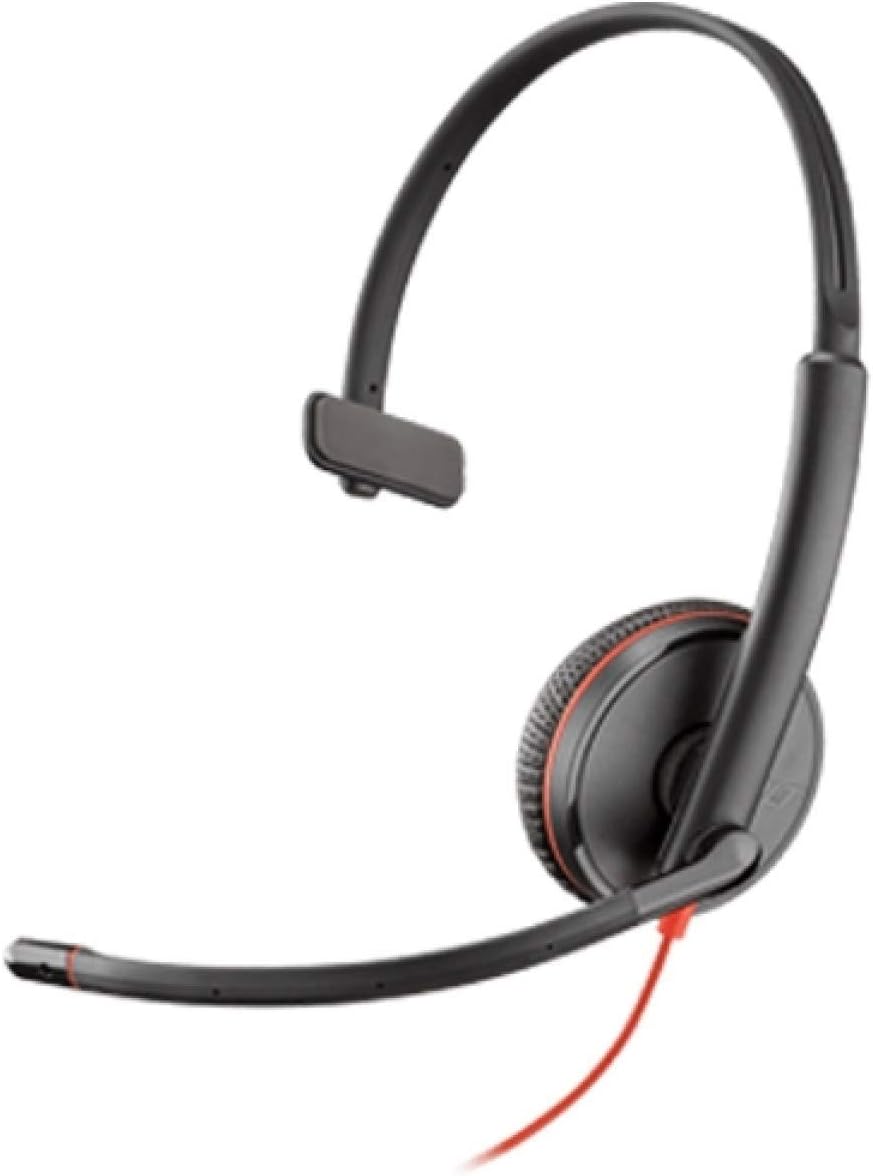
Image: Plantronics Blackwire 3215 headset with adjustable headband and boom microphone.
The flexible boom microphone can be worn on either your left or right side. Rotate and adjust the boom so that the microphone is positioned approximately two fingers' width from the corner of your mouth. This ensures clear voice pickup.
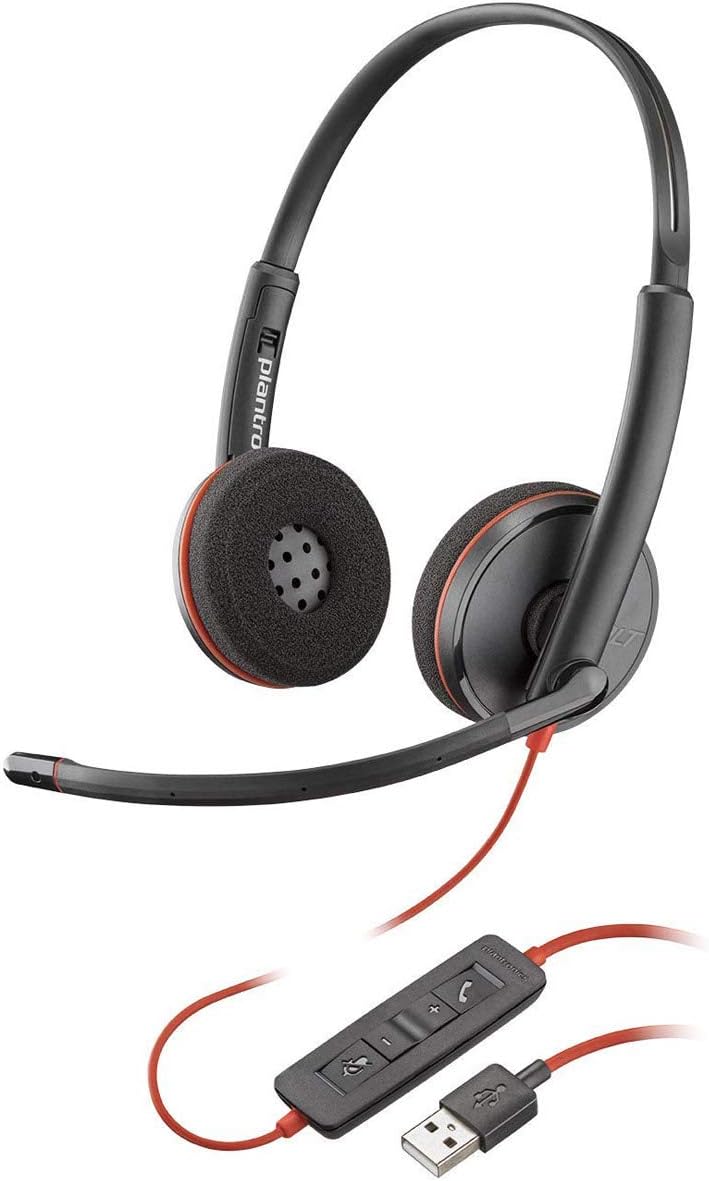
Image: Proper positioning of the boom microphone for the Blackwire 3215 headset.
3.2 Connecting to Your Computer (USB-A)
Plug the USB-A connector of your headset's inline controller directly into an available USB-A port on your computer (PC or Mac). The headset is plug-and-play, and your computer should automatically recognize it.
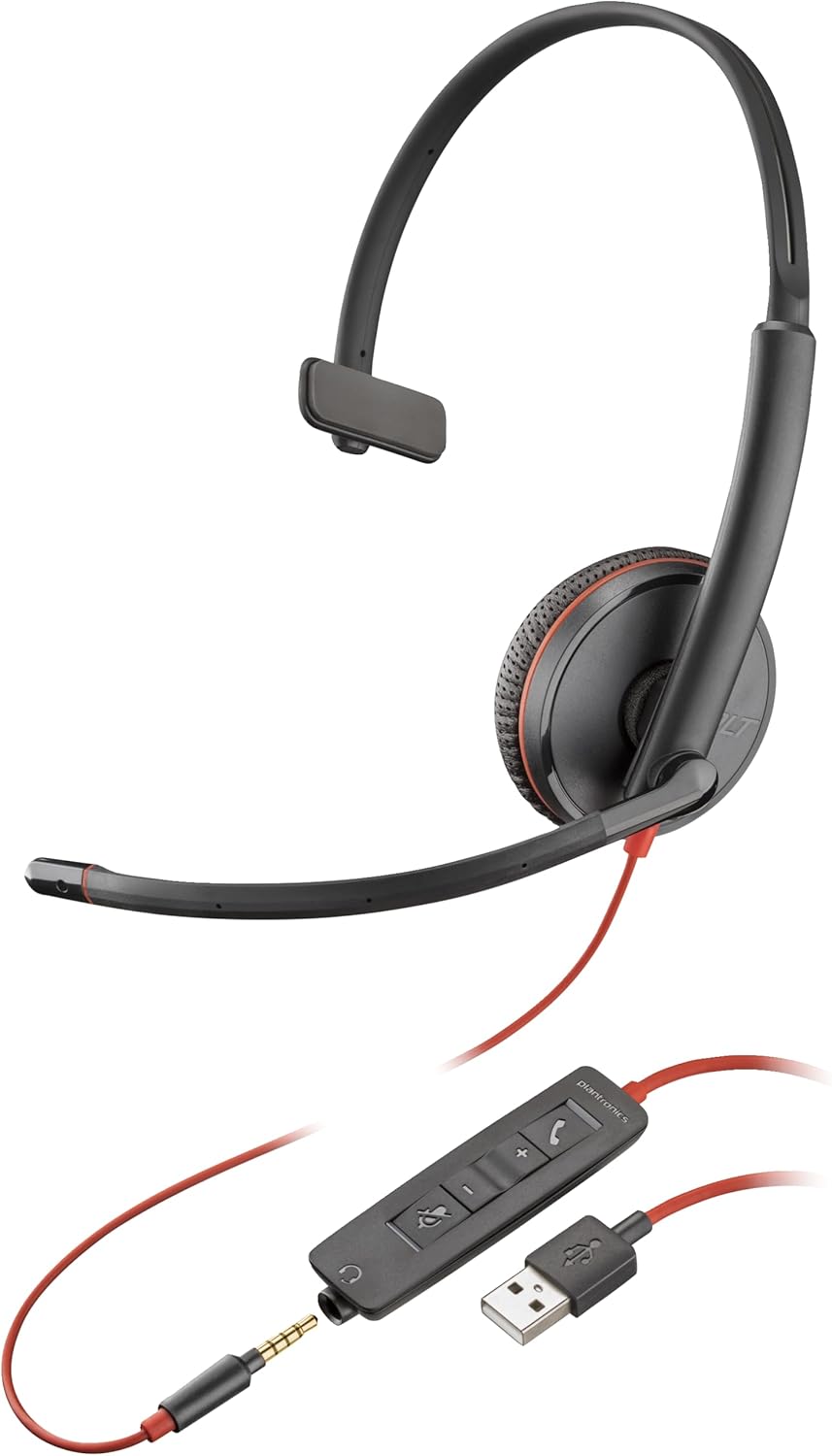
Image: The Blackwire 3215 headset showing the inline controller and USB-A connection.
3.3 Connecting to Mobile/Tablet (3.5mm)
For models Blackwire 3215 and 3225, you can connect directly to a smartphone or tablet using the 3.5mm jack. Unplug the headset from the inline controller and plug the 3.5mm cable directly into your mobile device's audio jack.
3.4 소프트웨어 설치(선택 사항이지만 권장됨)
For advanced features and settings, download the Plantronics Hub desktop software for Windows or Mac from www.plantronics.com/software. This software allows you to configure settings such as call control, firmware updates, and more.
Video: This video demonstrates how to use Plantronics USB Headphones, specifically the Blackwire 3200 Series, covering setup and basic call controls.
4. 헤드셋 작동 방법
4.1 Call Control (via Inline Controller)
- 전화 받기/종료: 통화 버튼(📞) once to answer an incoming call. Press it again to end an active call.
- 통화 보류: 통화 버튼을 두 번 누르세요.📞) to place an active call on hold. Double-press again to resume the call.
- 재 다이얼 : If not on an active call, double-pressing the Call button (📞) will redial the last outgoing call.
4.2 Volume and Mute Control
- 볼륨 업: 볼륨 높이기 버튼을 누르세요(+) on the inline controller to increase listening volume.
- 볼륨 작게 : 볼륨 낮추기 버튼을 누르세요(-) on the inline controller to decrease listening volume.
- 음소거/음소거 해제: 음소거 버튼(🔇) on the inline controller to mute your microphone during a call. Press it again to unmute.
When connected via 3.5mm jack to a mobile device, call controls will typically be managed directly from your mobile device.
5. 유지관리
To ensure the longevity and optimal performance of your Plantronics Blackwire 3215 headset, follow these maintenance guidelines:
- 청소: Gently wipe the headset with a soft, dry cloth. For stubborn dirt, a slightly damp cloth can be used, but ensure no moisture enters the earcup or microphone openings. Do not use harsh chemicals or abrasive cleaners.
- 저장: When not in use, store the headset in its provided carrying case to protect it from dust and physical damage. Avoid extreme temperatures.
- 케이블 관리: 케이블이 심하게 구부러지거나 꼬이지 않도록 주의하세요. 케이블을 잡아당겨 헤드셋을 분리하지 마세요. 항상 플러그를 잡고 분리하세요.
6. 문제 해결
| 문제 | 가능한 원인 | 해결책 |
|---|---|---|
| 헤드셋에서 소리가 나지 않음 | Headset not selected as default audio device; Volume too low; Muted. | Check audio settings in your computer/softphone; Increase volume; Unmute headset. |
| 마이크가 작동하지 않습니다 | Microphone muted; Incorrect microphone selected; Boom mic not positioned correctly. | Unmute microphone; Check microphone settings in your computer/softphone; Adjust boom mic position. |
| 통화 제어 버튼이 작동하지 않습니다. | Plantronics Hub software not installed or updated; Softphone compatibility issue. | Install/update Plantronics Hub; Ensure your softphone is supported. |
| 왜곡된 오디오 | Volume too high; Poor connection. | Lower volume; Reconnect headset; Try a different USB port. |
7. 사양
- 모델 번호: 209746-101
- 연결성: USB-A (also 3.5mm for 3215/3225 models)
- 귀 위치: 귀에
- 소음 제어: Active Noise Cancellation (microphone)
- 색상: 검은색
- 제품 크기: 4.33 x 4.33 x 1.97 인치
- 무게: 3.39 온스
8. 보증 및 지원
8.1 보증 정보
The Plantronics Blackwire 3215 headset comes with a 2-year global warranty. Please retain your proof of purchase for warranty claims.
8.2 추가 지원
For additional support, frequently asked questions, or to download the full user guide in PDF format, please visit the official Poly web해당 사이트를 방문하거나 다음 자료를 참조하십시오.
- 공식 사용자 가이드(PDF): PDF 다운로드
- Poly Store on Amazon: Visit Poly Store


