소개
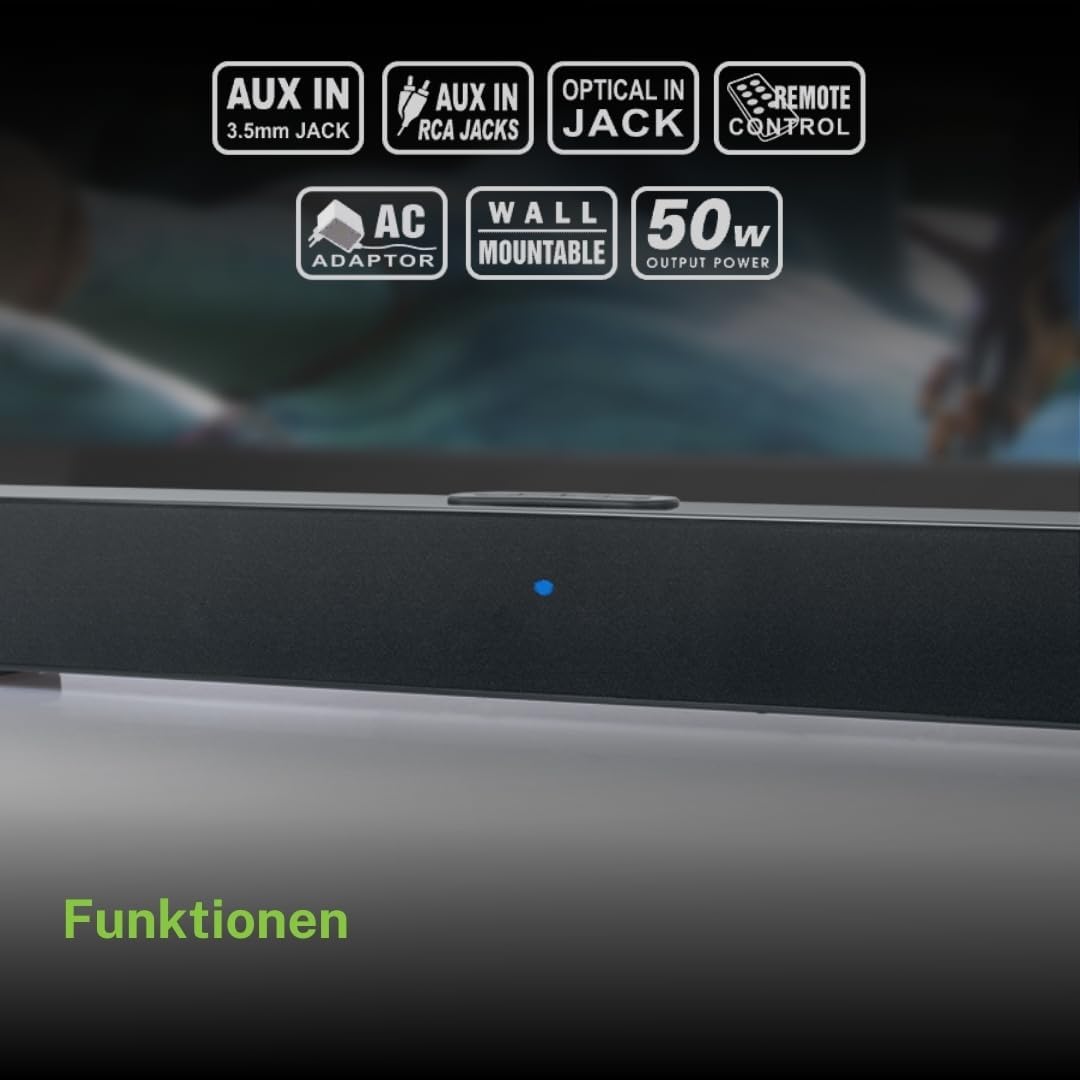
구매해주셔서 감사합니다asing the Muse M-1520 SBT Soundbar. This device is designed to enhance your audio experience with 50W of power and versatile connectivity options including Bluetooth, AUX-IN, RCA, and Optical inputs. Please read this manual carefully before use to ensure proper setup and operation.

The Muse M-1520 SBT Soundbar integrated into a home entertainment setup.
안전 지침
- 본 제품을 비나 습기에 노출시키지 마십시오.
- c를 열지 마세요asing; 모든 서비스는 자격을 갖춘 인력에게 의뢰하세요.
- 장치 주변의 적절한 환기를 확인하십시오.
- 본 제품을 직사광선, 열원, 강한 자기장으로부터 멀리 두십시오.
- 제공된 전원 어댑터만 사용하세요.
- Do not place heavy objects on the soundbar.
- 배터리를 책임감있게 폐기하십시오.
패키지 내용
아래 나열된 모든 품목이 패키지에 포함되어 있는지 확인하세요.
- Muse M-1520 SBT Soundbar
- AC 전원 어댑터
- RCA 케이블
- 3.5 mm Aux-In Cable
- 원격 제어
- AA 배터리 2개(리모컨용)

All accessories included with the Muse M-1520 SBT Soundbar.
제어 및 연결
후면 패널 연결

상세한 view of the soundbar's rear input ports.
- AUX 1(3.5mm): 3.5mm 오디오 케이블을 사용하여 외부 오디오 장치를 연결합니다.
- AUX 2 (RCA L/R): Connect external audio devices using an RCA stereo cable.
- 광학: Connect to a TV or other device with an optical digital audio output.
- DC 12V : Connect the provided AC power adapter.
Top Panel Controls and Indicators
Top panel controls and LED indicator for the soundbar.
The top panel features buttons for power, volume control, and source selection. A blue LED indicator shows the current status or selected input.
설정
1. 배치
Place the soundbar on a stable, flat surface in front of your television, or mount it on the wall below your TV. Ensure there are no obstructions blocking the sound.
2. 전원 연결
- Connect the AC power adapter to the DC 12V input on the rear of the soundbar.
- AC 전원 어댑터를 벽면 콘센트에 꽂습니다.
3. 오디오 연결
Choose one of the following methods to connect the soundbar to your audio source (e.g., TV, DVD player):
- 광학 연결: For best audio quality, connect an optical cable (not included) from your TV's optical output to the OPTICAL input on the soundbar.
- RCA 연결: Connect the supplied RCA cable from your audio source's RCA L/R output to the AUX 2 (RCA) input on the soundbar.
- 3.5mm AUX-IN Connection: Connect the supplied 3.5mm Aux-In cable from your audio source's headphone jack or AUX output to the AUX 1 (3.5mm) input on the soundbar.
작동 지침
전원 켜기/끄기
- 를 누르세요 힘 button on the remote control or the soundbar's top panel to turn the unit on or off.
소스 선택
- 를 누르세요 원천 button on the remote control or the soundbar's top panel repeatedly to cycle through input sources: Bluetooth, AUX 1, AUX 2, Optical.
- The LED indicator will change color or pattern to indicate the selected source.
볼륨 조절
- 를 누르세요 볼륨+ or 권 buttons on the remote control or the soundbar's top panel to adjust the volume.
블루투스 페어링
- Turn on the soundbar and select the Bluetooth input source. The LED indicator will flash, indicating it is in pairing mode.
- 모바일 기기(스마트폰, 태블릿 등)에서 Bluetooth를 활성화하세요.
- 검색 available Bluetooth devices. The soundbar will appear as "M-1520 SBT".
- Select "M-1520 SBT" to pair. Once connected, the LED indicator will stop flashing and remain solid.
- 이제 사운드바를 통해 기기의 오디오를 재생할 수 있습니다.
메모: 비밀번호를 입력하라는 메시지가 나타나면 "0000"을 입력하세요.
벽면 장착
The Muse M-1520 SBT Soundbar is designed to be wall-mountable. Mounting hardware (screws, anchors) is not typically included and must be purchased separately based on your wall type.
중요한: Ensure the wall can support the weight of the soundbar (approximately 1.2 kg). Consult a professional if you are unsure about wall mounting.
유지
- 청소: 부드럽고 마른 천으로 사운드바 표면을 닦으십시오. 액체 세척제나 연마성 재질은 사용하지 마십시오.
- 저장: 장기간 보관할 경우, 전원 콘센트에서 분리하여 서늘하고 건조한 곳에 보관하세요.
문제 해결
| 문제 | 가능한 원인 | 해결책 |
|---|---|---|
| 전원이 없습니다 | Power adapter not connected or wall outlet not active. | 전원 어댑터가 사운드바와 작동하는 벽면 콘센트에 단단히 연결되어 있는지 확인하세요. |
| 소리가 나지 않습니다 | Incorrect input source selected, volume too low, or audio cable not connected properly. | Select the correct input source. Increase the volume. Check all audio cable connections. Ensure the TV/source audio output is enabled. |
| 블루투스 페어링 실패 | 사운드바가 페어링 모드가 아니거나, 장치가 너무 멀리 떨어져 있거나, 간섭이 있습니다. | Ensure the soundbar is in Bluetooth pairing mode (flashing LED). Move your device closer to the soundbar. Turn off other Bluetooth devices to reduce interference. |
| 리모컨이 작동하지 않습니다 | Batteries are dead or inserted incorrectly, or line of sight is blocked. | Replace the batteries (2 x AA). Ensure batteries are inserted with correct polarity. Remove any obstructions between the remote and the soundbar. |
명세서
| 모델명 | M-1520 SBT |
| 출력 전력 | 50 와트 |
| 연결성 | Bluetooth, AUX-IN (3.5mm), RCA, Optical |
| 무선 기술 | 블루투스 |
| 호환 장치 | TV, smartphone, PC, tablet |
| 치수(길이 x 너비 x 높이) | 66 x 6 x 5.9cm(25.98 x 2.36 x 2.32인치) |
| 무게 | 1.2kg(2.65파운드) |
| 제어 방법 | 원격 제어 |
| 전원 | AC Adapter (12V DC) |
| 색상 | 검은색 |

Dimensional diagram of the Muse M-1520 SBT Soundbar.
보증 및 지원
Specific warranty information for the Muse M-1520 SBT Soundbar is not available in the provided product details. Please refer to the warranty card included in your product packaging or contact your retailer for details regarding warranty coverage and customer support.


