제품 끝view
The 8Bitdo SF30 2.4G Wireless Controller is designed for seamless compatibility with the SFC Classic Edition and SNES Classic Edition consoles. It offers a wireless gaming experience, eliminating the need for cumbersome cables, and features a built-in rechargeable lithium-ion battery for extended playtime. The controller is accompanied by a 2.4G receiver that draws power directly from your console, ensuring a straightforward setup.

Image: The 8Bitdo SF30 2.4G Wireless Controller, its dedicated 2.4G receiver, and an included ring holder accessory.
패키지 내용
Upon opening your 8Bitdo SF30 2.4G Wireless Controller package, you should find the following items:
- SF30 2.4G Wireless Controller
- 2.4G 수신기
- USB 충전 케이블
- 사용 설명서(본 문서)
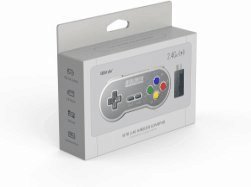
Image: The retail packaging for the 8Bitdo SF30 2.4G Wireless Controller, showing the controller and receiver.
설정 및 연결
Follow these steps to connect your 8Bitdo SF30 2.4G Wireless Controller to your SFC Classic Edition or SNES Classic Edition console:
- Ensure your console is powered off.
- Locate the controller port on your SFC/SNES Classic Edition console.
- Insert the 2.4G receiver into an available controller port on your console. The receiver is designed to fit snugly.
- Power on your console. The controller should automatically pair with the receiver. A solid blue LED on the controller indicates a successful connection.
- If the controller does not connect automatically, press the START button on the controller for 3 seconds to initiate pairing mode. The LED will flash rapidly during pairing and become solid blue once connected.

Image: The 8Bitdo SF30 2.4G Wireless Controller shown next to its compact 2.4G receiver, ready for connection.

이미지: 클로즈업 view of the 8Bitdo 2.4G Wireless Receiver, highlighting its connector for the console.
작동 지침
The 8Bitdo SF30 controller features a classic SNES-style layout, providing an authentic retro gaming experience. All buttons are responsive and designed for comfortable gameplay.
- 방향 패드: For directional movement in games.
- A, B, X, Y 버튼: 게임 내 명령을 위한 액션 버튼.
- SELECT / START Buttons: 표준 게임 조작 버튼.
- L / R Shoulder Buttons: Additional action buttons located on the top of the controller.
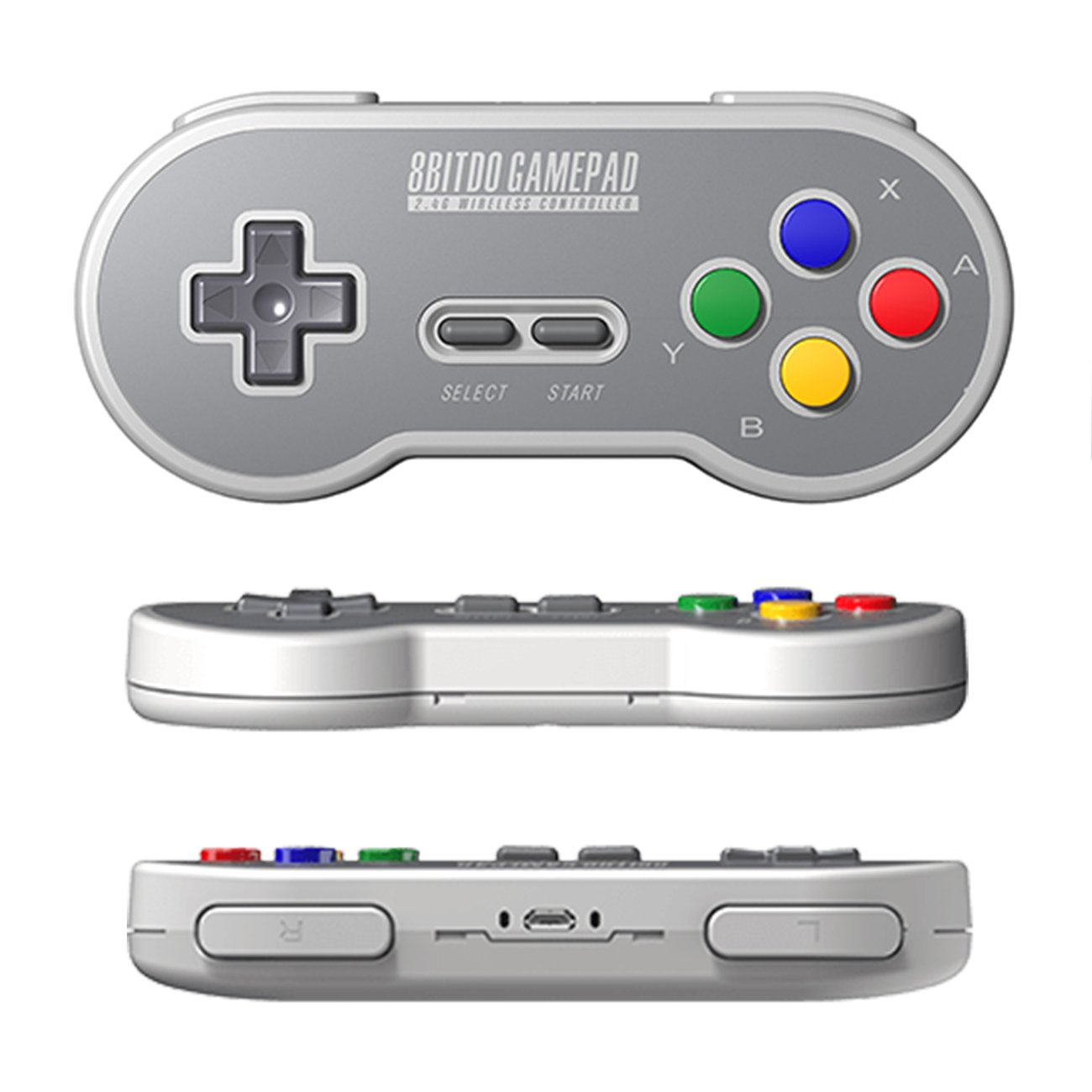
이미지: 다중 views of the 8Bitdo SF30 controller, showcasing its classic button layout and ergonomic design.
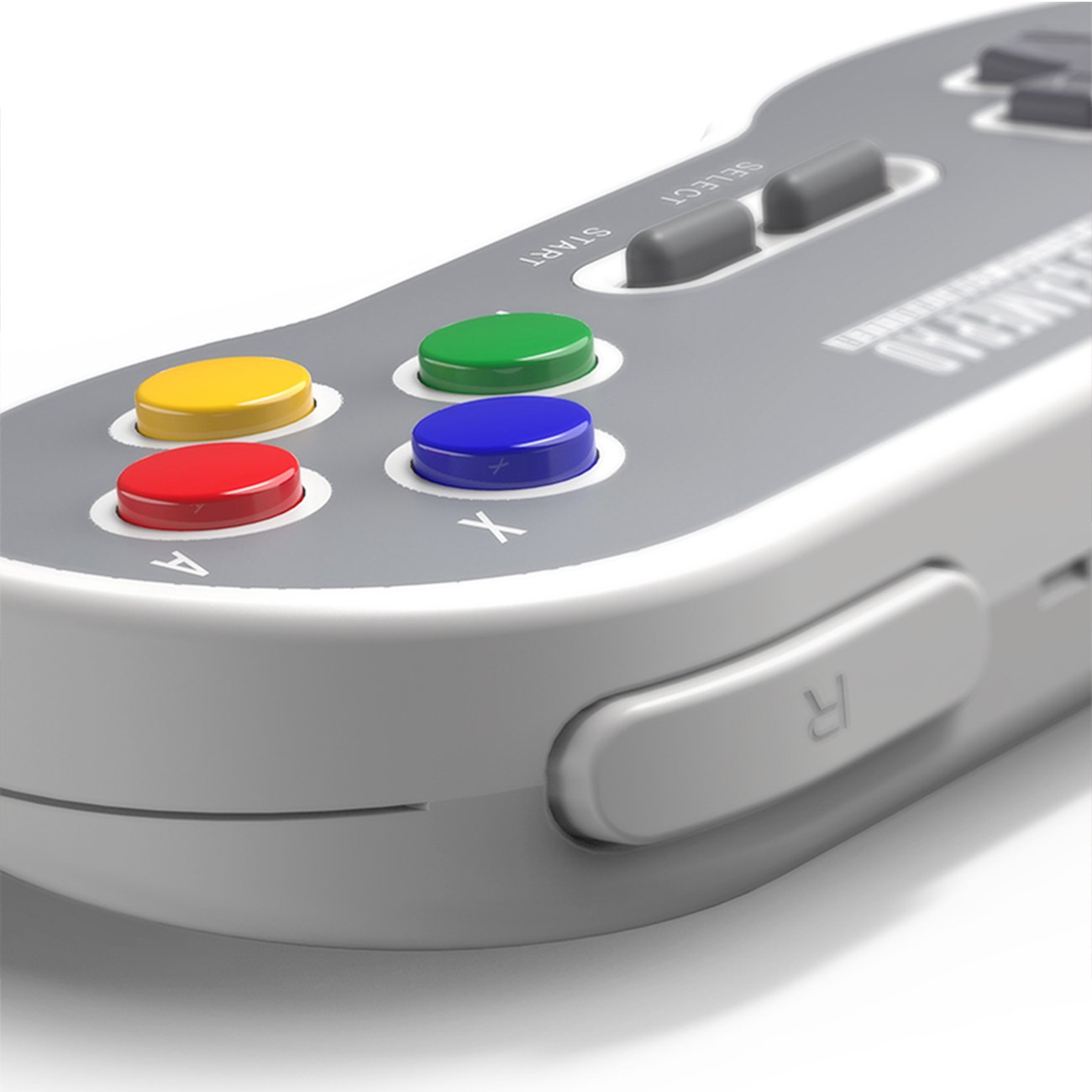
이미지: 자세한 view of the L and R shoulder buttons on the 8Bitdo SF30 controller.
컨트롤러 충전하기
The 8Bitdo SF30 controller includes a built-in rechargeable lithium-ion battery. To charge the controller:
- Connect the smaller end of the included USB cable to the micro-USB port on the top edge of the controller.
- Connect the larger end of the USB cable to a USB power source (e.g., a USB wall adapter, computer USB port, or console USB port).
- The LED indicator on the controller will show charging status (e.g., solid red while charging, off when fully charged).
A full charge typically provides several hours of gameplay.
명세서
| 특징 | 세부 사항 |
|---|---|
| 모델 번호 | 6922621500346 |
| 연결성 | 2.4G 무선 |
| 호환성 | SFC Classic Edition, SNES Classic Edition |
| 배터리 | 충전식 리튬 이온 |
| 제품 치수 | 5.67 x 1.02 x 2.48 인치 |
| 품목 무게 | 3.2 온스 |
문제 해결
- 컨트롤러가 연결되지 않음: Ensure the 2.4G receiver is firmly plugged into the console. Power cycle the console and try pressing the START button on the controller for 3 seconds to re-initiate pairing.
- 컨트롤러가 충전되지 않음: Verify the USB cable is securely connected to both the controller and the power source. Try a different USB port or power adapter.
- 입력 지연: While minimal, some input lag can occur with wireless devices. Ensure the controller and receiver are within optimal range of the console and there are no major obstructions.
보증 및 지원
For warranty information, technical support, or further assistance with your 8Bitdo SF30 2.4G Wireless Controller, please visit the official 8Bitdo website or refer to the contact information provided in your product packaging. Keep your proof of purchase for warranty claims.
또한 방문할 수 있습니다 8Bitdo Store on Amazon 더 많은 제품과 정보를 확인하세요.


