소개
This manual provides instructions for the installation and use of the Mount Plus MP-APM-06-01 Streaming Media Player Wall Mounting Bracket. This adjustable bracket is designed to securely hold small, narrow media devices such as Apple TV, Roku, and Fire TV, weighing up to 11 lbs. It allows for discreet mounting behind a television, contributing to a clean and organized entertainment area.
안전 정보
- 설치하기 전에 모든 지침을 주의 깊게 읽으십시오.
- Ensure the mounting surface can support the weight of the bracket and the device.
- 설치 시에는 적절한 도구와 안전 장비를 사용하십시오.
- 최대 중량 용량은 11파운드(5kg)를 초과하지 마십시오.
- 작은 부품은 어린이의 손이 닿지 않는 곳에 보관하세요.
패키지 내용
설치를 시작하기 전에 모든 구성 요소가 있는지 확인하세요.
- 1x MP-APM-06-01 Wall Mounting Bracket
- 2x Drywall Screws
- 2x 건식벽 앵커
- 탄성끈 1개 (기기 고정용)

Figure 1: Package Contents - Wall mounting bracket, screws, anchors, and elastic cord.
설정 및 설치
The bracket can be installed on various wall types. Ensure you select the appropriate mounting hardware for your wall material.
1단계: 장착 위치 선택
Select a location on the wall where you intend to mount the bracket. This is typically behind your television for a concealed setup. Use a level to ensure the bracket is straight.
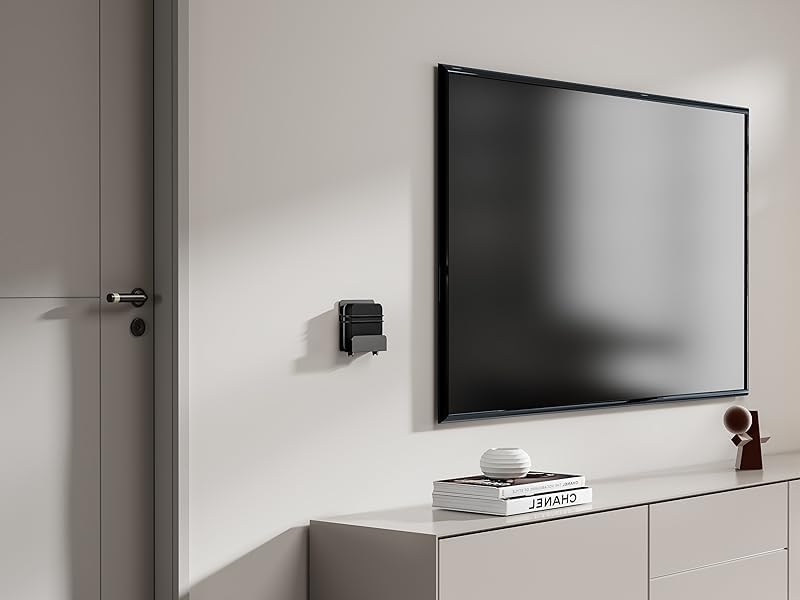
그림 2: 예ample of bracket mounted on a wall next to a television.
Step 2: Mark Drill Holes
Hold the bracket against the wall at the desired height and position. Use a pencil to mark the locations for the two mounting screws through the pre-drilled holes on the bracket.
영상 1: 설치 완료view showing marking drill holes for wall mounting.
Step 3: Drill Pilot Holes and Install Anchors (if applicable)
- 목재 스터드용: Drill pilot holes using a suitable drill bit (e.g., 1/8 inch or 3mm). Secure the bracket directly with the provided screws.
- 건식벽체의 경우: Drill pilot holes using a suitable drill bit for the provided drywall anchors. Insert the drywall anchors into the holes until flush with the wall surface.
- 벽돌/콘크리트용: Drill pilot holes using a masonry drill bit. Insert appropriate masonry anchors (not included) into the holes.
4단계: 브래킷 고정
Align the bracket with the pilot holes/anchors. Insert the screws and tighten them until the bracket is firmly secured to the wall. Do not overtighten.

Figure 3: Detail of the rotary knob for adjustment.
작동 지침
Adjusting and Securing Your Device
- 너비 조정: The bracket features a rotary knob design (Figure 3) that allows you to adjust the width to fit your device. Turn the knob to expand or contract the bracket's holding arms until it snugly fits your media player. The adjustable depth ranges from 23 mm to 37 mm.
- 장치 배치: Carefully place your streaming media player into the adjusted bracket.
- 보안 장치: For added security, use the provided elastic cord to firmly hold your equipment within the bracket. Wrap the cord around the device and the bracket's securing points.
- 케이블 연결: The open construction of the bracket allows for easy access to ports for connecting power, HDMI, and other necessary cables.

그림 4: 예ample of a device (Nintendo Switch) secured in the bracket.

Figure 5: Open construction allows for easy cable management.
The bracket's design ensures that remote control signals (Infrared, Radio Frequency, and Bluetooth) are not blocked when the device is mounted behind a TV.
유지
- Periodically check the tightness of the mounting screws to ensure the bracket remains securely attached to the wall.
- Inspect the elastic cord for any signs of wear or damage. Replace if necessary.
- Clean the bracket with a soft, dry cloth. Avoid abrasive cleaners or solvents.
문제 해결
- Device does not fit: Ensure your device's width is within the adjustable range of 23 mm to 37 mm. The bracket's height is a maximum of 10 inches.
- 브래킷이 헐거운 것 같습니다. Re-tighten the mounting screws. If mounted on drywall, ensure anchors are properly installed and not stripped. Consider relocating to a wood stud if possible for maximum stability.
- 원격 제어 문제: The bracket is designed not to interfere with remote signals. Test your remote by holding your device behind the TV before final mounting to confirm functionality.
명세서
| 모델 번호 | MP-APM-06-01 |
| 상표 | 마운트 플러스 |
| 재료 | 스테인리스 스틸 |
| 색상 | 검은색 |
| 장착 유형 | 벽걸이형 |
| 조정 가능한 깊이 | 23mm - 37mm(0.9 - 1.46인치) |
| Maximum Vertical Height | 10인치(254mm) |
| 최대 중량 용량 | 11파운드(5kg) |
| 품목 무게 | 12kg(0.34온스) |
| 패키지 크기 | 5.7 x 5.1 x 1.3 인치 |
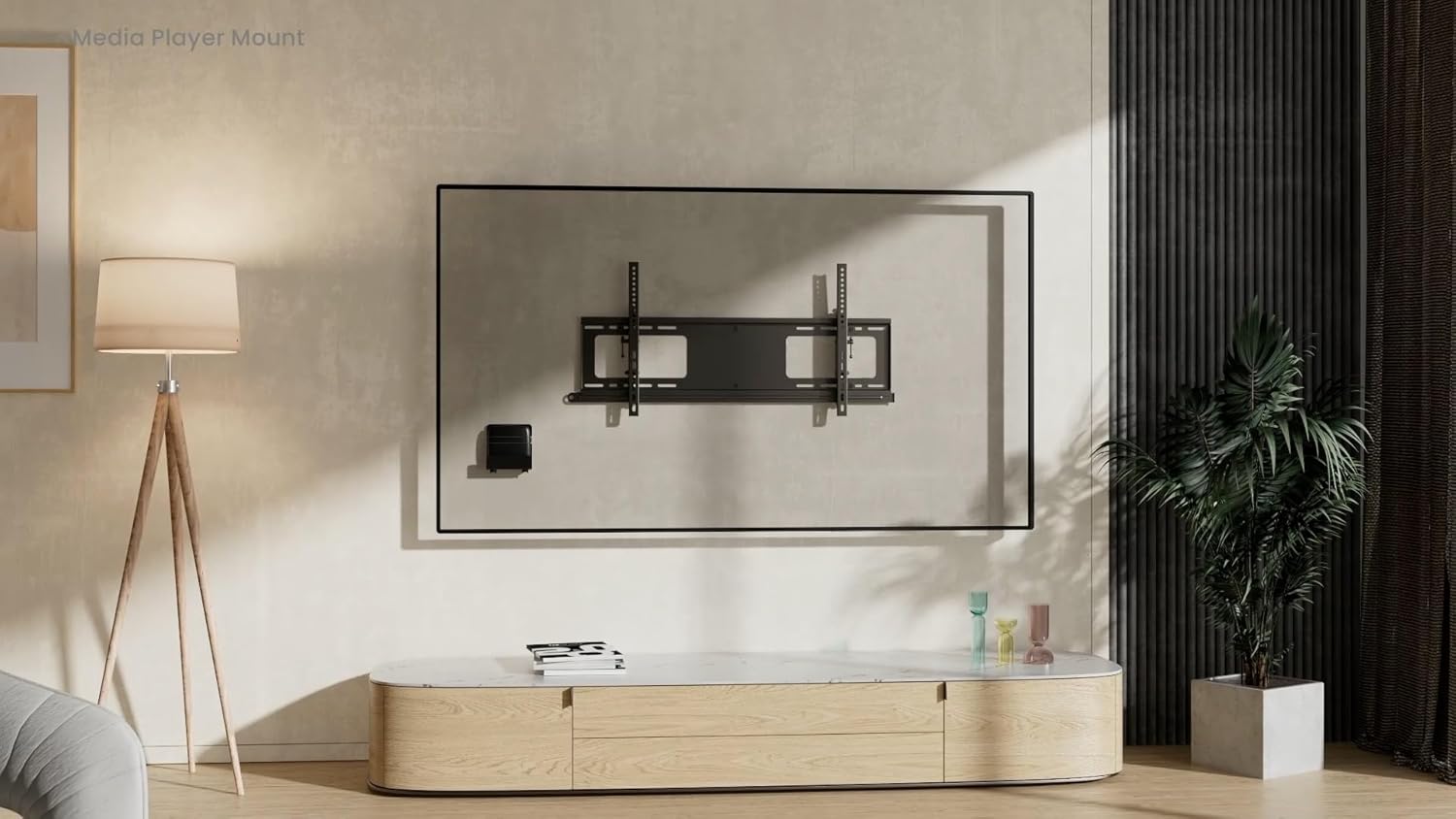
Figure 6: Dimensional drawing of the MP-APM-06-01 bracket.
보증 및 지원
보증 정보나 기술 지원에 대해서는 제조업체의 공식 웹사이트를 참조하십시오. web해당 사이트를 방문하거나 고객 서비스 부서에 문의하세요. 보증 청구를 위해 구매 영수증을 보관하세요.


