1. 서론
Thank you for choosing the FOCUSPOWER F10 Mini Bluetooth Earbud. This compact and discreet wireless headphone is designed for comfortable wear and seamless connectivity with your mobile devices. Please read this manual carefully to ensure proper setup and operation.

Image: The FOCUSPOWER F10 Mini Bluetooth Earbud, a small, black, and discreet wireless headphone.
2. 상자 안에 무엇이 들어있나요?
Your FOCUSPOWER F10 package includes the following items:
- 1 x FOCUSPOWER F10 Mini Bluetooth Earbud
- 1 x Magnetic Inductive USB Charging Adapter
- 다양한 크기의 이어팁으로 편안한 착용감을 제공합니다.
- 1 x Compact carrying case
- 1 x 사용자 설명서

Image: The complete package contents, including the earbud, charging adapter, ear tips, carrying case, and user manual.
3. 설정
3.1. 이어버드 충전
The FOCUSPOWER F10 features magnetic inductive charging for convenience. To charge your earbud:
- Connect the magnetic inductive USB charging adapter to a USB power source (e.g., computer USB port, wall adapter with 5V current and 500mA voltag이자형).
- Align the earbud with the magnetic charging points on the adapter. The earbud will snap into place securely.
- A red indicator light will illuminate on the earbud during charging. The light will turn blue or off when fully charged.
Important Safety Note: Do not charge the item for an excessively long time. Always refer to the product manual for specific charging durations.

Image: The earbud being charged via its magnetic inductive USB adapter, showing various charging scenarios like a laptop USB port and a wall adapter.
3.2. 블루투스 페어링
The F10 earbud utilizes Bluetooth 4.1 & EDR technology for stable and fast connections.
- 이어버드가 충전되어 있는지 확인하세요.
- Press and hold the multi-function button on the earbud until the indicator light flashes red and blue alternately, indicating pairing mode.
- 스마트폰이나 블루투스 지원 기기에서 블루투스 설정으로 이동하여 사용 가능한 기기를 검색하세요.
- Select "F10" (or similar name) from the list of found devices.
- Once connected, the earbud's indicator light will typically flash blue slowly or turn off. A voice prompt may confirm the connection.
4. 사용 설명서
4.1. 전원 켜기/끄기
- 전원 켜기: Press and hold the multi-function button for approximately 3 seconds until you hear a voice prompt or see the blue indicator light.
- 전원 끄기 : Press and hold the multi-function button for approximately 5 seconds until you hear a voice prompt or see the red indicator light.
4.2. 통화 제어
The F10 earbud allows for easy call management:
- 전화 받기/종료: 다기능 버튼을 한 번 누릅니다.
- 전화 거부: Press and hold the multi-function button for about 2 seconds.
- 마지막 번호 재다이얼: 다기능 버튼을 두 번 누르세요.
4.3. 음악 재생
- 재생/일시 중지: 다기능 버튼을 한 번 누릅니다.
4.4. 멀티포인트 연결
The F10 earbud supports multipoint connection, allowing it to connect to two separate devices simultaneously (e.g., two mobile phones). This feature enables seamless switching between devices without re-pairing.
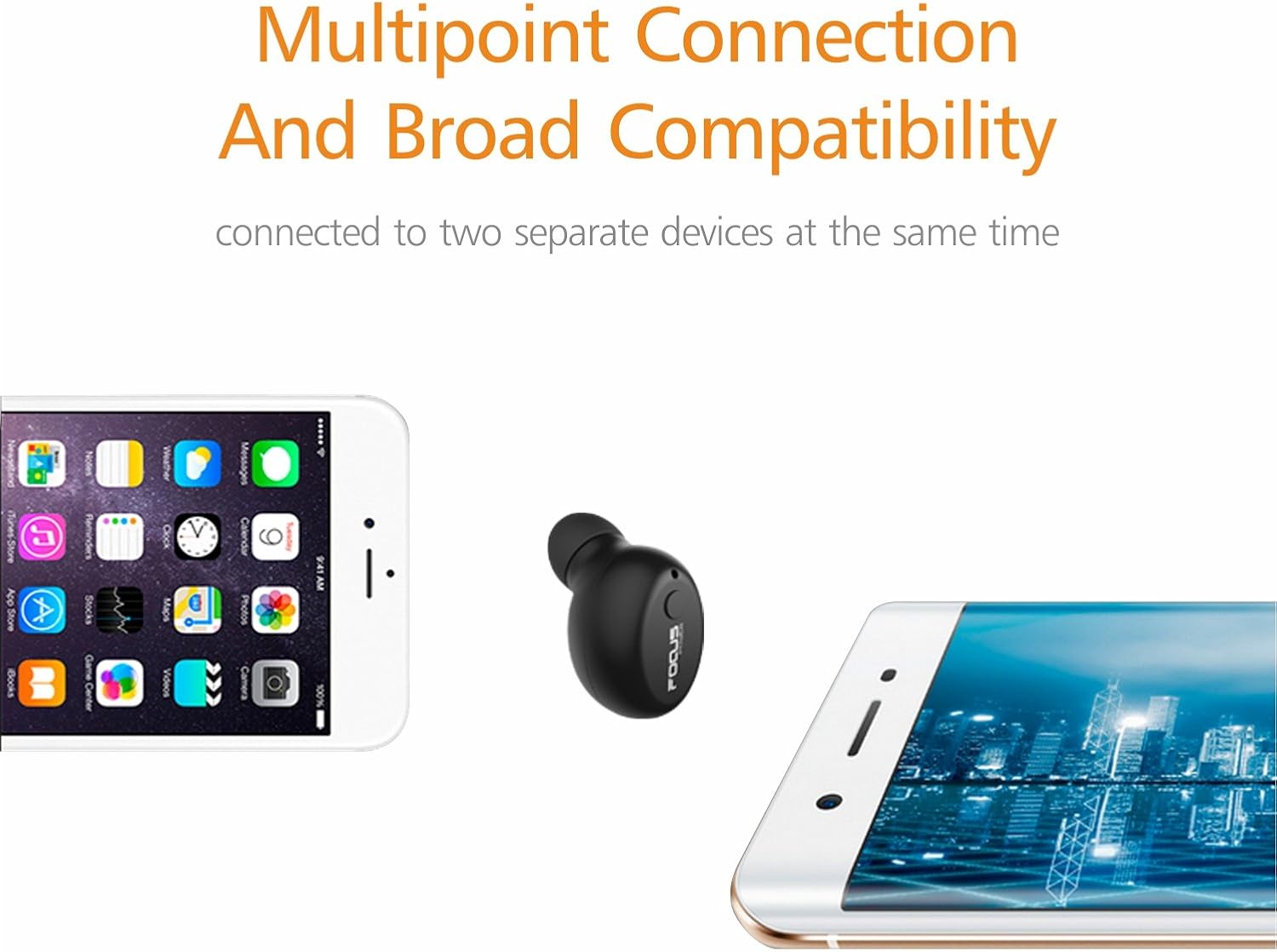
Image: The F10 earbud shown wirelessly connected to both a smartphone and a tablet, illustrating its multipoint connection capability.
4.5. Universal Fit and Concealed Design
The F10 earbud is designed to be small and lightweight, offering a universal fit with various ear tip sizes to ensure comfort and security. Its concealed design makes it suitable for discreet use in various environments.

Image: A close-up of the F10 earbud comfortably seated in an ear, highlighting its universal fit and compact design.

Image: Multiple individuals using the F10 earbud in various everyday scenarios, such as driving, attending a lecture, and reading, showcasing its discreet and versatile application.
5. 배터리 수명 및 전력 관리
The F10 earbud is equipped with a high-capacity lithium accumulator, providing extended usage time compared to similar mini Bluetooth earbuds.
- 음악 재생 시간: Approximately 7 hours at 30-40% volume, or 4.5 hours at full volume.
- 대화 시간: 약 6~8시간.
- 대기 시간: 최대 72 시간.

Image: A visual representation of the F10 earbud's impressive 6-hour playtime, depicted with a clock graphic.
6. 유지관리
To ensure the longevity and optimal performance of your FOCUSPOWER F10 earbud, please follow these maintenance guidelines:
- Use only a good quality charger with 5V current and 500mA voltage, or a computer USB connector, to charge the earbud.
- 장치를 과충전하지 마십시오.
- Keep the earbud and charging adapter clean and dry.
- Store the earbud in its provided carrying case when not in use to protect it from dust and damage.
7. 문제 해결
If you encounter any issues with your F10 earbud, please refer to the following common solutions:
- Earbud not turning on: 이어버드가 완전히 충전되었는지 확인하세요.
- 기기와 페어링할 수 없습니다: Make sure the earbud is in pairing mode (red and blue flashing light). Turn off and on your device's Bluetooth, then try pairing again. Ensure the earbud is within the 33-foot range.
- 음질이 좋지 않음: Check the earbud's battery level. Ensure there are no obstructions between the earbud and your device. Try moving closer to your device.
- 배터리가 빨리 소모됩니다. Reduce the volume level. Ensure the earbud is fully charged before use.
문제가 지속되면 고객 지원팀에 문의하세요.
8. 사양
| 특징 | 사양 |
|---|---|
| 모델명 | F10 |
| 연결 기술 | 블루투스 |
| 무선 통신 기술 | 블루투스 |
| 블루투스 버전 | 4.1 |
| 블루투스 범위 | 10미터(33피트) |
| 배터리 수명(음악) | Up to 7 hours (30-40% volume) / 4.5 hours (full volume) |
| 배터리 수명(통화 시간) | 6-8시간 |
| 충전 시간 | Approx. 3.5 hours (Note: Product manual may state 10-20 mins, but user reviews indicate longer) |
| 대기 시간 | 최대 72시간 |
| 품목 무게 | 3그램(0.106온스) |
| 제품 치수 | 0.9 x 0.6 x 0.5 인치 |
| 호환 장치 | Mobile phone, pad, notebook, and any other Bluetooth devices (iOS, Android) |
| 제어 유형 | Call Control (Single multi-function button) |
| 귀 위치 | 귀에 |
| 색상 | 검은색 |
| 제조업체 | FOCUSPOWER |
9. 보증 및 지원
The FOCUSPOWER F10 Mini Bluetooth Earbud is fully backed by a 45-day money-back guarantee and an 18-month worry-free guarantee. For any questions, technical support, or warranty claims, please contact FOCUSPOWER customer service through the retailer where you purchased the product or refer to the contact information provided in your product packaging.


