소개
Welcome to the instruction manual for your Sony XBR55X850D 55-Inch 4K Ultra HD Smart TV. This television combines 4K Ultra HD picture clarity with the contrast, color, and detail of High Dynamic Range (HDR) for a truly remarkable view경험. 이 설명서는 새 TV의 설정, 작동, 유지 관리 및 문제 해결에 필요한 필수 정보를 제공합니다.
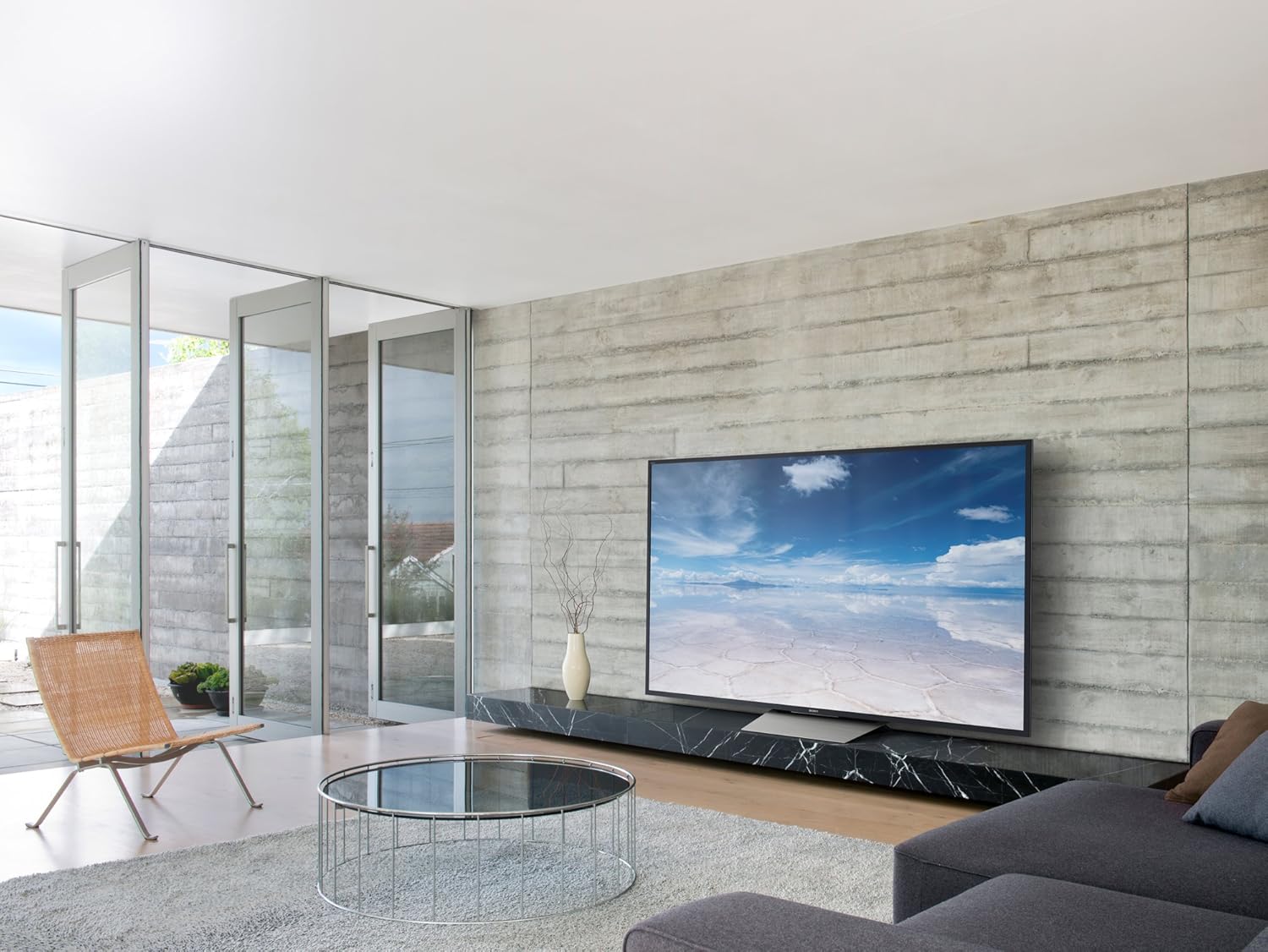
그림 1: 전면 view of the Sony XBR55X850D 55-Inch 4K Ultra HD Smart TV.
상자 안에 무엇이 들어있나요?
다음 품목이 모두 패키지에 포함되어 있는지 확인하세요.
- Sony XBR55X850D 55-Inch 4K Ultra HD Smart TV
- Table Top Stand (assembly required)
- 음성 리모콘(RMF-TX200U)
- Batteries (R03)
- AC Power Cord (Pigtail, US with polarity)
- IR Blaster (IRB-BR1)
- 설치 가이드
- 보증 정보
설정
스탠드 조립
The included table top stand requires assembly. Follow the instructions in the Setup Guide for proper attachment. No screws are needed for the stand, as it is designed for easy slot-in installation. Alternatively, the TV is compatible with standard VESA wall mounts (sold separately).
장치 연결
Your TV features multiple input options:
- HDMI : 4 HDMI inputs (HDCP 2.2/HDMI 2.0a) are available for connecting external devices such as Blu-ray players, gaming consoles, and cable boxes. One HDMI port supports Audio Return Channel (ARC) for simplified audio connections to sound systems.
- USB: 3 USB ports allow connection of USB storage devices for media playback or other accessories.
- 이더넷/와이파이: Connect to your home network via an Ethernet cable or wirelessly using the built-in Wi-Fi for Smart TV features and internet access.
- 광학 오디오 출력: For connecting to external audio systems that do not support ARC.
초기 설정
Upon first power-on, the TV will guide you through the initial setup process, including network connection, Google Assistant setup, and software updates. Ensure a stable internet connection for a smooth setup.
비디오 1: 끝view of the Sony XBR55X850D, including physical features and connectivity options.
TV 작동하기
스마트 TV 기능
This Sony TV is equipped with Smart TV functionality, powered by Android TV. This allows you to access a wide range of apps, streaming services, and online content directly from your television. The Google Assistant is integrated, enabling voice commands for navigation, content search, and smart home control.
원격 제어
The included Voice Remote Control (RMF-TX200U) provides intuitive control over your TV. Use the dedicated buttons for common functions and the voice command feature for hands-free operation. The remote is designed for ease of use with Smart TV features.

그림 2: 전면 view of the television with the screen off, highlighting its sleek design.
주요 특징
- 4K Ultra HD with HDR: Experience stunning picture clarity with four times the resolution of Full HD, enhanced by High Dynamic Range for superior contrast, color, and detail.
- LED Backlight (Edge-Lit): Provides bright and uniform illumination across the screen.
- 120Hz Native Refresh Rate (Motionflow XR 960 Effective): Ensures smooth motion handling for fast-paced action scenes and sports.
- 스마트 기능: Integrated Android TV platform with Google Assistant for seamless access to apps, streaming, and voice control.
- 다중 연결 옵션: 4 HDMI inputs (HDCP 2.2/HDMI 2.0a), 3 USB ports, and Wi-Fi connectivity.
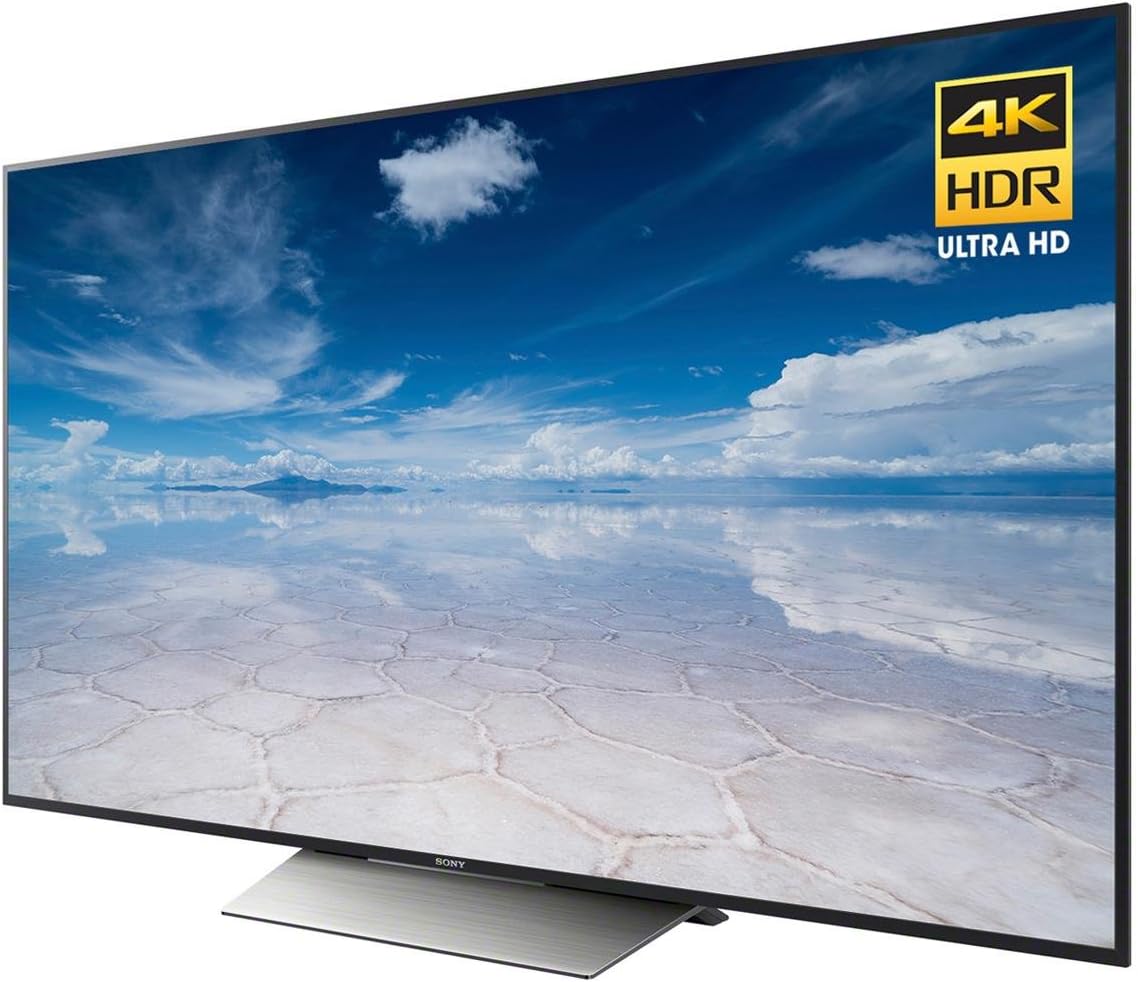
그림 3: 각도 view of the TV highlighting the 4K HDR Ultra HD capabilities.
명세서
| 특징 | 사양 |
|---|---|
| 상표 | 소니 |
| 모델 번호 | XBR55X850D |
| 화면 크기 | 55 인치 |
| 디스플레이 기술 | LED (Edge-Lit) |
| 해결 | 4K 울트라 HD |
| 새로 고침 빈도 | 120Hz (Native); Motionflow XR 960 (Effective) |
| 스마트 기능 | Yes (Android TV with Google Assistant) |
| HDMI 입력 | 4 (HDCP 2.2/HDMI 2.0a, 1 with ARC) |
| USB 포트 | 3 |
| 연결 기술 | 와이파이, 이더넷 |
| 치수(스탠드 포함) | 폭 48.5인치 x 높이 30.4인치 x 깊이 10.4인치 |
| 품목 무게 | 58 파운드 |
| 전력 소비 | 20 와트 |

Figure 4: Key dimensions of the Sony XBR55X850D TV.
유지
소니 TV의 수명과 최적의 성능을 유지하려면 다음 유지 관리 지침을 따르십시오.
- 화면 청소: 부드럽고 마른 극세사 천으로 화면을 부드럽게 닦으세요. 잘 지워지지 않는 얼룩의 경우, 가볍게 닦아주세요.amp천에 물이나 화면 전용 세척액을 묻혀 닦으세요(강력한 화학 물질은 피하세요).
- 프레임 청소: 부드럽고 마른 천으로 TV 프레임과 스탠드를 닦으세요.
- 통풍: 과열을 방지하려면 TV의 통풍구가 막히지 않도록 하세요.
- 전원 코드: 정기적으로 전원 코드를 점검하여 손상 여부를 확인하세요.
문제 해결
TV에 문제가 발생하면 다음의 일반적인 해결책을 참조하세요.
- 화면/소리 없음: Check all cable connections (HDMI, power, audio). Ensure the correct input source is selected. Try restarting the TV by unplugging it from the power outlet for a few minutes, then plugging it back in.
- 원격 제어가 작동하지 않음: 배터리를 교체하세요. 리모컨과 TV IR 센서 사이에 장애물이 없는지 확인하세요.
- 네트워크 연결 문제: Wi-Fi 비밀번호 또는 이더넷 케이블 연결을 확인하세요. 라우터와 모뎀을 재시작하세요.
- Smart TV Apps Not Responding: Try restarting the app or the TV. Ensure the TV's software is up to date.
보증 및 지원
Your Sony XBR55X850D TV comes with a limited warranty. Please refer to the included warranty documentation for details on coverage, terms, and conditions. For technical support, service, or additional information, please visit the official Sony support web사이트를 방문하거나 Sony 고객 서비스에 문의하세요.
비디오 2: 제품 종료view of a Sony 4K Ultra HD Smart TV from the same model series.