소개
The NOCO Boost GB40 is a compact, yet powerful, 1000-amp lithium jump starter designed to safely jump start a dead car battery in seconds. This portable device is suitable for a wide range of vehicles, including cars, trucks, motorcycles, ATVs, boats, SUVs, and vans. It incorporates advanced safety features and offers additional functionalities such as a portable power bank and an integrated LED flashlight.
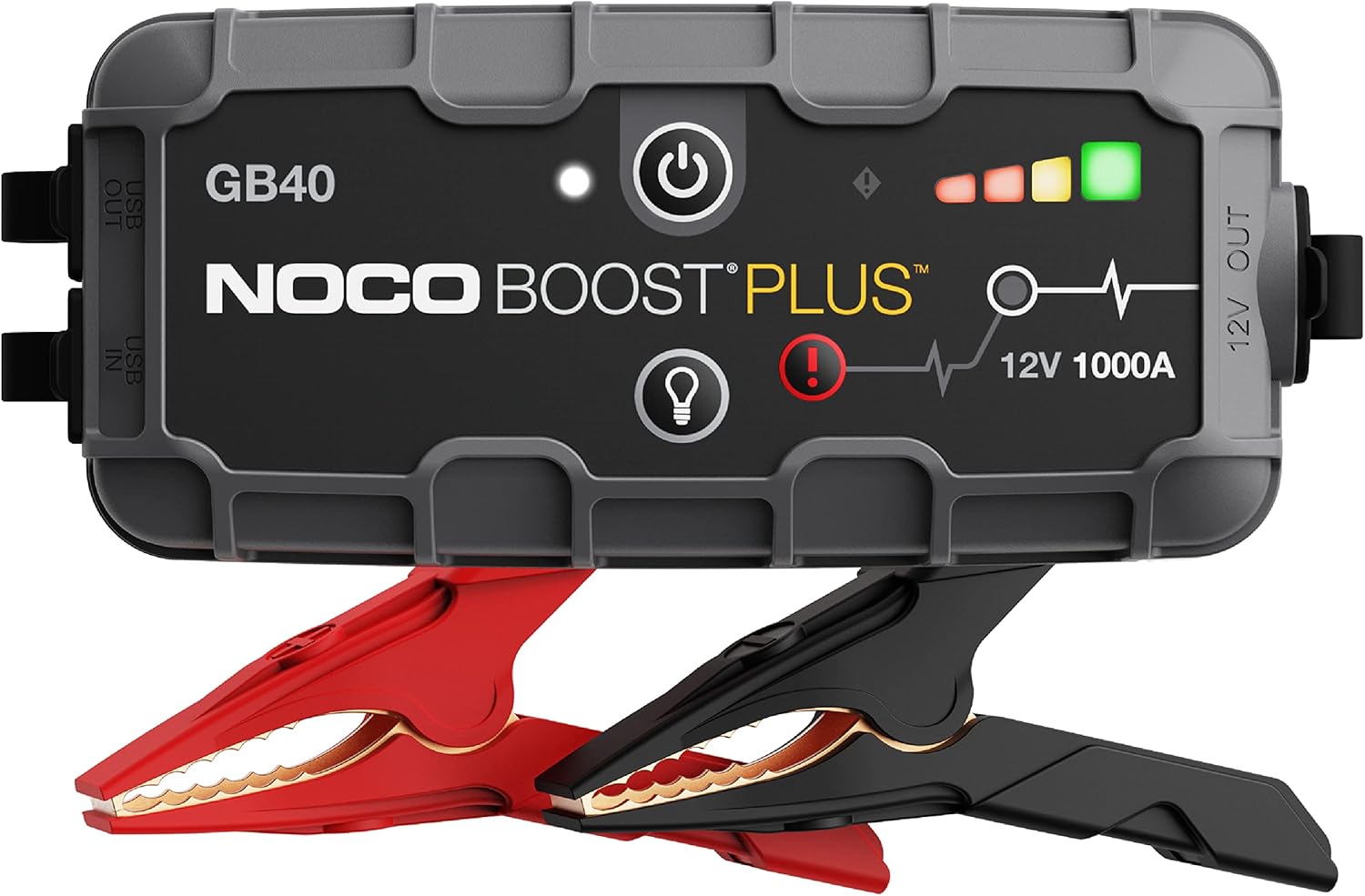
The NOCO Boost GB40 unit with its included heavy-duty clamps.
안전 정보
WARNING: Read and understand all safety information before using this product. Failure to follow these safety instructions may result in electrical shock, explosion, fire, which may result in serious injury, death, or property damage.
- 배터리 안전: Do not attempt to jump start a frozen battery. If the battery fluid is frozen, do not use the device.
- 통풍: Ensure adequate ventilation when operating in an enclosed area.
- Spark-Proof Connections: The GB40 features spark-proof technology and reverse polarity protection. However, always ensure correct connection to battery terminals.
- 어린이들: 어린이의 손이 닿지 않는 곳에 보관. 이것은 장난감이 아닙니다.
- 충전 중: Only charge the device using the provided USB-C cable. Do not use damaged cables or chargers.
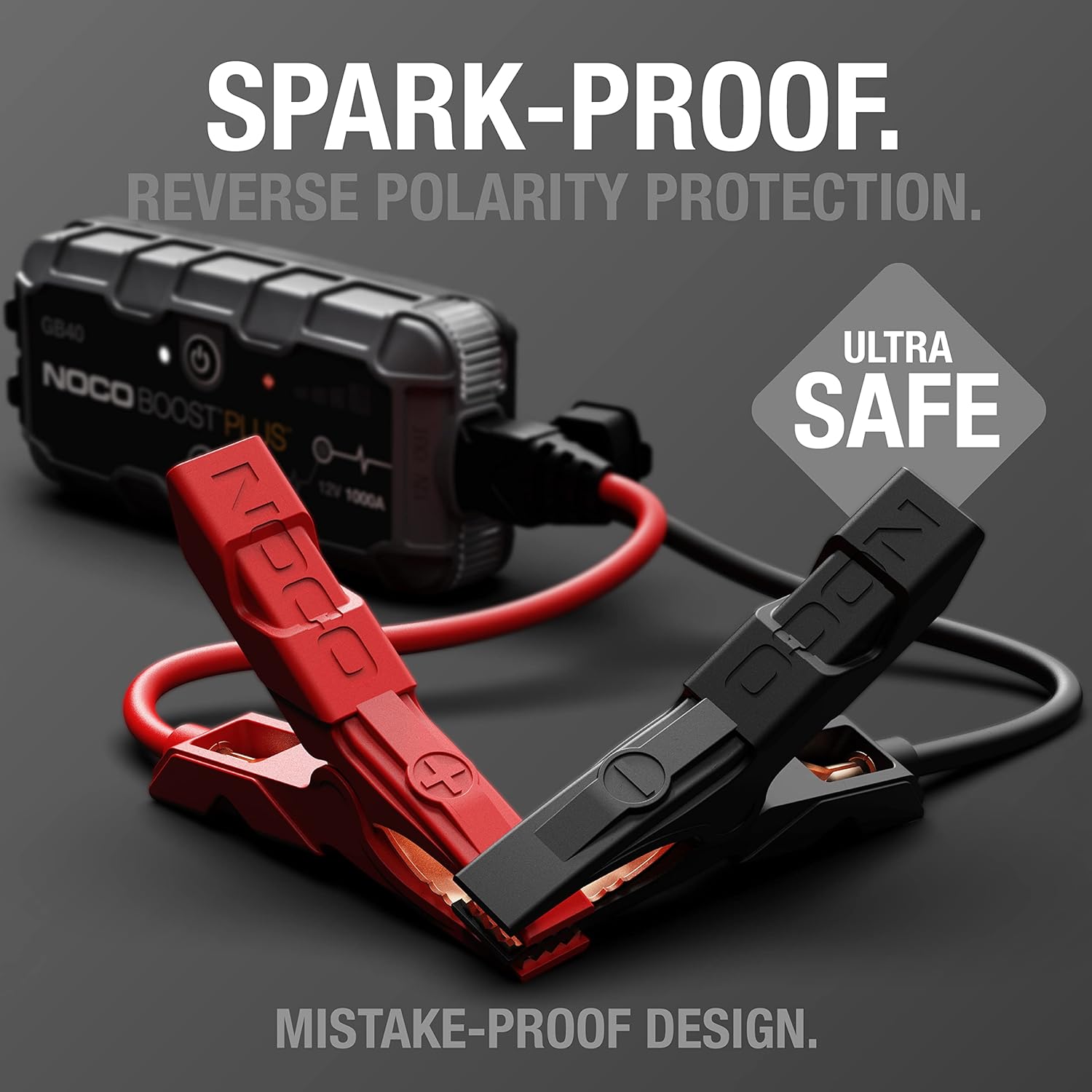
The UltraSafe technology ensures spark-proof connections and reverse polarity protection for safe operation.
상자 안에 무엇이 들어있나요?
모든 구성 요소가 존재하고 양호한 상태인지 확인하세요.
- GB40 휴대용 차량용 배터리 점프 스타터 팩
- 고강도 부스터 클립amps
- USB-C 충전 케이블
- 마이크로파이버 보관 백
- 점프 스타터 사용 설명서
- 1년 제한 보증 정보

All items included in the NOCO Boost GB40 package.
설정
초기 요금
Before first use, fully charge the GB40. The unit comes partially charged from the factory. It is recommended to fully charge the unit before use to ensure optimal performance.
- 동봉된 USB-C 충전 케이블을 GB40의 USB-C 입력 포트에 연결하십시오.
- Connect the other end of the USB-C cable to a USB wall charger (not included) or a powered USB port.
- The Charge LEDs will illuminate, indicating the charging status. All four LEDs will be solid white when fully charged.
- 일반적으로 완전 충전에는 약 3시간이 걸립니다.

Understanding the LED indicators on the GB40 for charge status and operation.
작동 지침
점프 스타트 차량
- 연결 Clamps: Attach the heavy-duty booster clamps to the GB40. Ensure a secure connection.
- 배터리에 연결: 빨간색(양수) cl을 연결합니다.amp 배터리의 양극(+) 단자와 검은색(음극) 단자에 연결하십시오.amp (-) 배터리 단자에.
- 전원 켜기: Press the Power Button on the GB40. The Power LED will illuminate white. The Charge LEDs will indicate the GB40's battery level.
- 차량 시작: Attempt to start your vehicle. If the vehicle does not start after 1-3 seconds, wait 15-30 seconds and try again.
- 연결 해제: Once the vehicle starts, disconnect the battery clamps from the vehicle battery first, then disconnect the clamps from the GB40.
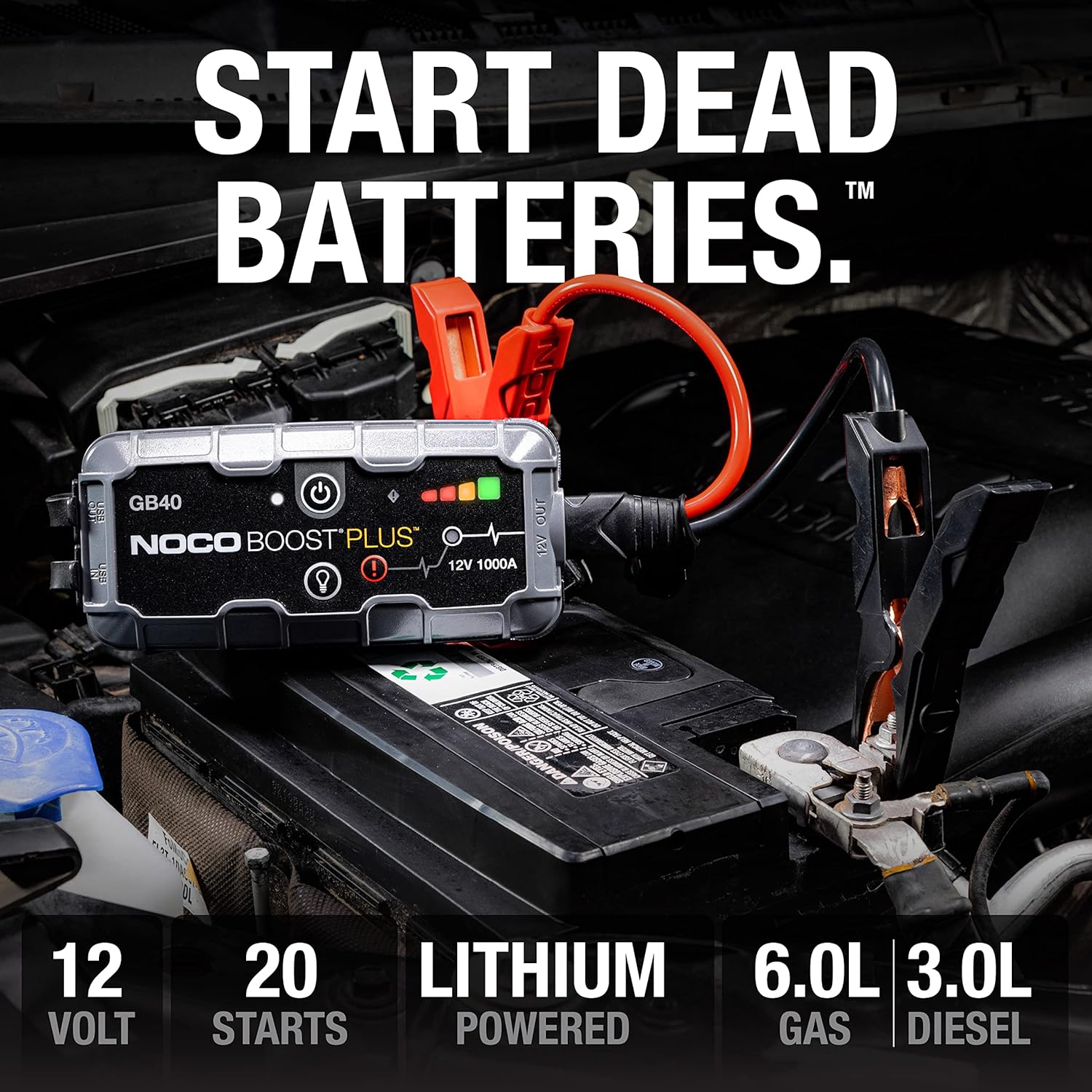
The GB40 is designed to instantly start dead batteries, providing up to 20 jump starts on a single charge for engines up to 6.0L gas and 3.0L diesel.

Simple four-step process for jump starting your vehicle with the GB40.
휴대용 보조베터리로 사용하기
The GB40 can be used to charge USB devices such as smartphones, tablets, and other portable electronics.
- Connect your device's USB charging cable to the USB OUT port on the GB40.
- GB40은 자동으로 기기 충전을 시작합니다.

The GB40 functions as a portable power bank with 2.1A USB-A output and 10W USB-C input for recharging.
Using the Integrated LED Flashlight
The GB40 features a powerful 100-lumen LED flashlight with multiple modes for various situations.
- Press the Light Mode Button to cycle through the seven light modes: 100% > 50% > 10% > SOS > Blink > Strobe > Off.
- Hold the Light Mode Button for 3 seconds to activate the SOS or Strobe modes directly.

The integrated 100-lumen LED flashlight offers multiple modes for illumination during repairs, emergencies, or in low-light environments.
유지
- 청소: Clean the exterior of the GB40 with a soft, damp 옷감. 가혹한 화학 물질이나 연마재를 사용하지 마십시오.
- 저장: Store the GB40 in a cool, dry place when not in use. Avoid extreme temperatures.
- 충전재: For optimal battery life, recharge the GB40 every 2-3 months, even if not used.
- 케이블 관리: CL을 검사amps and cables for any damage before each use. Replace if damaged.
문제 해결
| 문제 | 가능한 원인 | 해결책 |
|---|---|---|
| GB40 does not turn on. | 배터리가 완전히 방전되었습니다. | Charge the GB40 using the USB-C cable. |
| 차량 점프 스타트가 불가능합니다. | 배터리 단자 연결 상태가 불량합니다. | CL을 확인amps는 깨끗한 배터리 단자에 안전하게 연결되어 있습니다. |
| 차량 점프 스타트가 불가능합니다. | 배터리가 심하게 방전되었거나 손상되었습니다. | Try using the Manual Override feature (refer to full user guide for details). If still unsuccessful, the battery may need replacement. |
| 오류 LED가 깜빡입니다. | 역 극성 연결. | cl 연결 해제amps and reconnect correctly (red to positive, black to negative). |
| 오류 LED가 깜빡입니다. | 단락이 감지되었습니다. | CL을 확인amps are not touching each other or other metal surfaces. |
명세서
| 특징 | 세부 사항 |
|---|---|
| 모델 | GB40 |
| 정점 Amp에라 지 | 1000 Amps |
| 배터리 유형 | 리튬이온 |
| 권tage | 12V |
| 엔진 호환성 | 가솔린 최대 6.0L, 디젤 최대 3.0L |
| USB 출력 | 2.1A(USB-A) |
| USB Input (Recharge) | 10W(USB-C) |
| LED 손전등 | 100루멘, 7가지 모드 |
| 치수(D x W x H) | 4.61인치 x 8.19인치 x 4.21인치 |
| 품목 무게 | 7.94 온스 |
| 방수성 | IP65 (Rugged, water-resistant enclosure) |
| 안전 기능 | Spark-Proof, Reverse Polarity Protection |
보증 및 지원
보증 정보
The NOCO Boost GB40 comes with a 1-Year Limited Warranty. This warranty covers defects in material and workmanship under normal use. For specific terms and conditions, please refer to the warranty card included in your product packaging or visit the official NOCO web대지.
고객 지원
For technical assistance, troubleshooting, or warranty claims, please contact NOCO Customer Support. You can find contact information on the official NOCO web해당 사이트를 통해서나 제품을 구매한 소매업체를 통해서도 구매가 가능합니다.
온라인 리소스:
- Official NOCO Web대지: no.co
- 제품 지원 페이지(있는 경우): 공식 웹사이트를 참조하십시오. website for dedicated product support pages, FAQs, and additional resources.