1. 제품 오버view
The Helix 50 Key Lockable Key Cabinet is designed to provide secure and organized storage for up to 50 keys. Constructed from durable solid alloy with a white powder-coated finish, this cabinet is suitable for various environments, including offices and entryways. It features robust metal key hooks and a secure cylinder lock to ensure the safety of your keys.
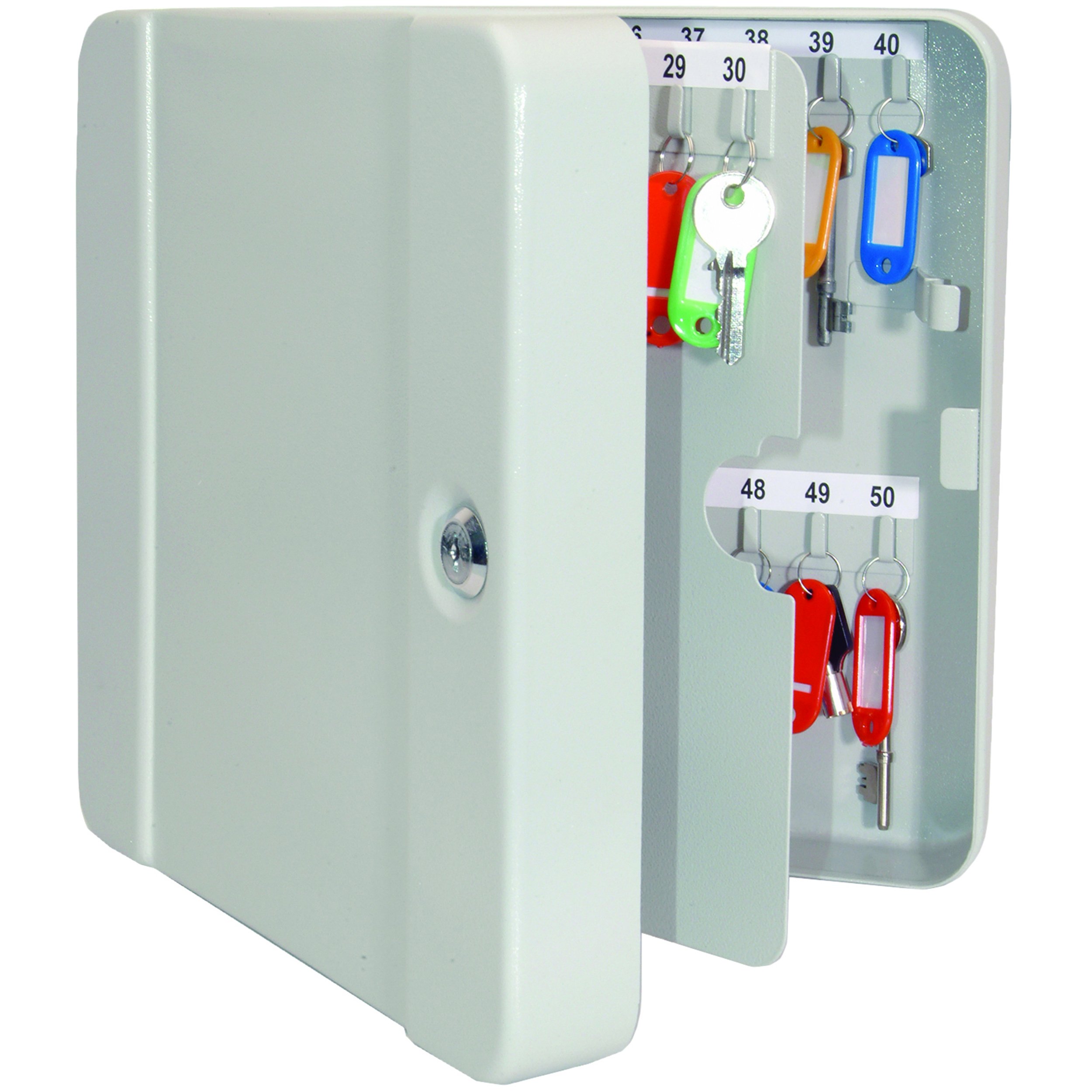
Image 1.1: The Helix 50 Key Lockable Key Cabinet in its closed position, highlighting its white finish and secure cylinder lock.
주요 특징:
- Secure cabinet provides storage space for multiple keys.
- Durable, scratch-resistant steel structure.
- White powder-coated finish.
- Durable metal key hooks accommodate most car keys.
- Secure cylinder metal lock complete with two keys.
2. 설정 및 설치
The Helix 50 Key Lockable Key Cabinet is designed for surface mounting. Proper installation is crucial for security and stability.
필요한 도구(포함되지 않음):
- 송곳
- Drill bits appropriate for your wall material
- 연필
- 수준
- 드라이버
설치 단계:
- 위치를 선택하세요: Select a solid wall surface that can support the weight of the cabinet and its contents. Ensure the location is discreet and secure.
- 드릴링 지점 표시: Hold the cabinet against the wall at the desired height. Use a pencil to mark the positions of the mounting holes on the back of the cabinet. Use a level to ensure the cabinet will be straight.
- 드릴 파일럿 홀: 벽 종류에 맞는 드릴 비트(예: 콘크리트에는 석재용 비트, 스터드에는 목재용 비트)를 사용하여 표시된 위치에 파일럿 구멍을 뚫습니다.
- 필요한 경우 벽 앵커를 삽입합니다. If drilling into drywall or hollow walls, insert suitable wall anchors into the pilot holes.
- 캐비닛을 설치하세요: Align the cabinet's mounting holes with the drilled holes/anchors. Insert the provided screws (or stronger M8 x 80mm anchor bolts for enhanced security, as recommended by some users) and tighten them securely with a screwdriver. Ensure the cabinet is firmly attached to the wall and does not wobble.
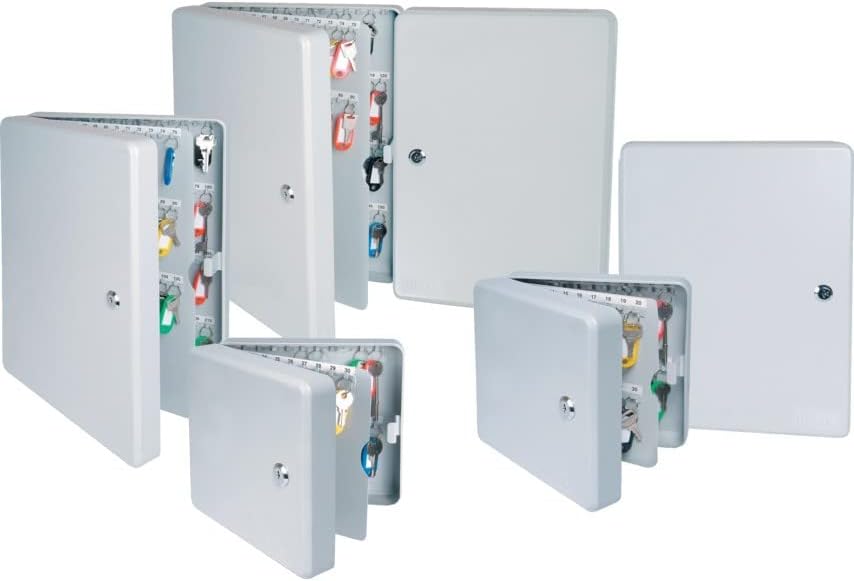
Image 2.1: A display of various Helix key cabinets, illustrating their design and mounting capability.
3. 사용 설명서
This section details how to use your Helix 50 Key Lockable Key Cabinet effectively.
Opening and Closing the Cabinet:
- 열려면: Insert one of the two provided keys into the cylinder lock on the front of the cabinet. Turn the key clockwise to unlock, then pull the door open.
- 닫기: Push the cabinet door shut firmly. Insert the key and turn counter-clockwise to lock the cabinet. Remove the key and store it in a secure location away from the cabinet.
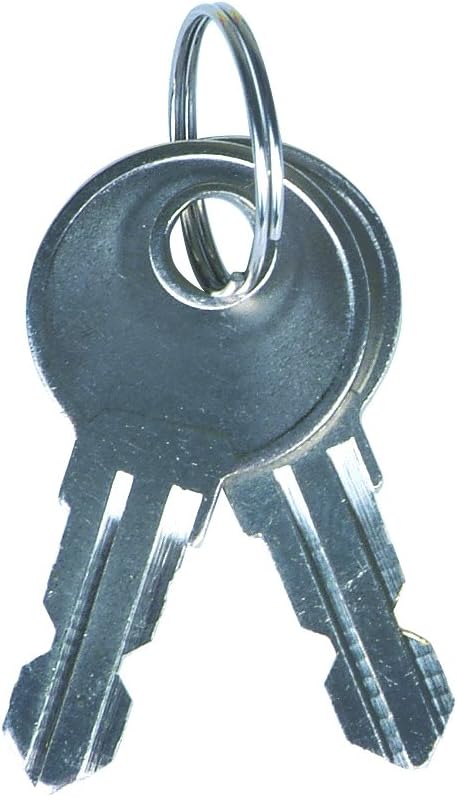
Image 3.1: The two keys provided for operating the cabinet's cylinder lock.
Organizing Your Keys:
The cabinet features 50 durable metal hooks for key storage. For optimal organization:
- 키 사용 Tags: 각 열쇠를 다른 열쇠에 연결하세요 tag. The cabinet comes with color-coded plastic key labels, each with a write-on paper insert. Label each tag clearly with the key's purpose or location.
- Categorize Keys: Group similar keys together (e.g., office keys, vehicle keys, storage keys) and assign them to specific rows or sections within the cabinet.
- Maintain a Key Log: For larger organizations, consider keeping a separate log of which key corresponds to which tag number and what it accesses.
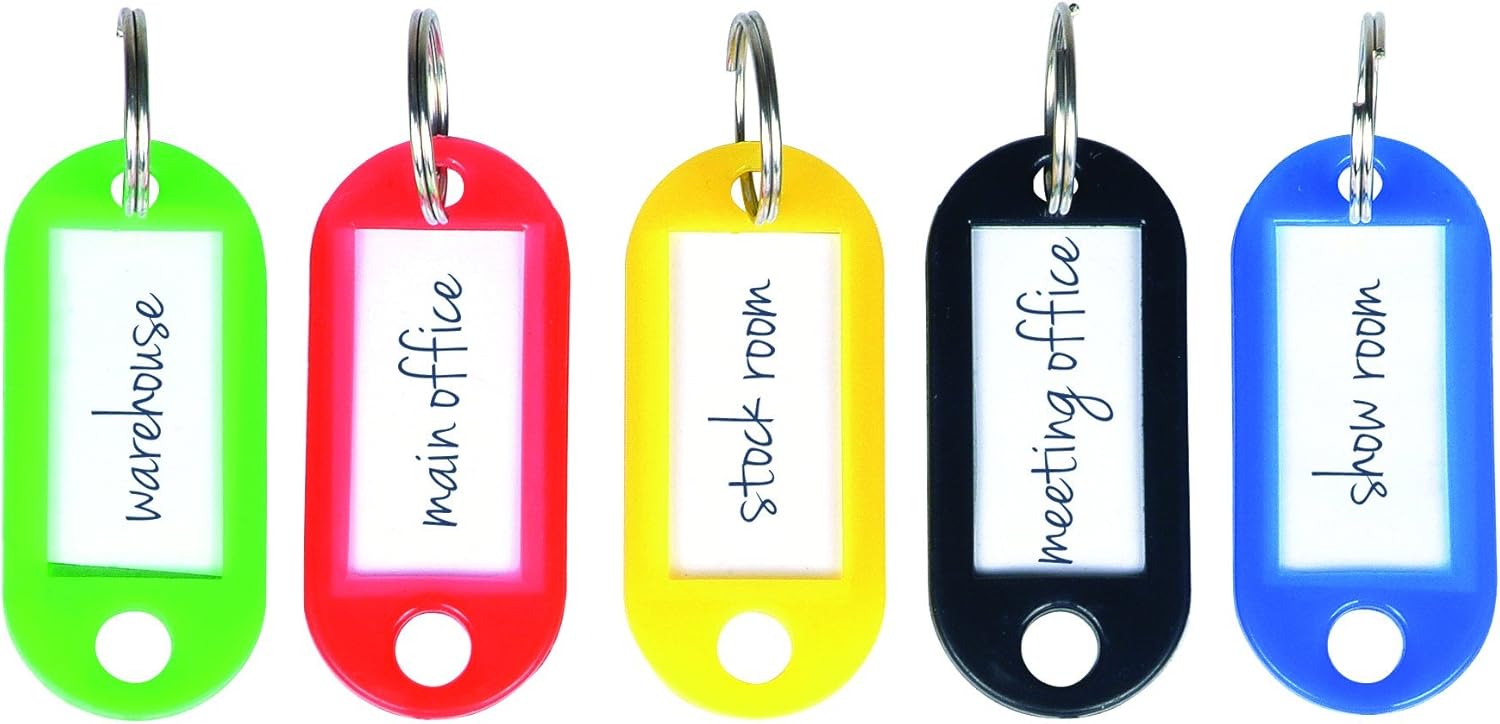
이미지 3.2: Examples of color-coded key tags for efficient key identification and organization.

Image 3.3: An open key cabinet demonstrating how keys are organized on numbered hooks with tags.
4. 유지관리
정기적인 유지보수는 열쇠 보관함의 수명과 정상적인 작동을 보장합니다.
- 청소: Wipe the exterior and interior surfaces of the cabinet with a dry, soft cloth. Avoid abrasive cleaners or solvents that could damage the powder-coated finish.
- 자물쇠 관리: Periodically apply a small amount of graphite lubricant (not oil-based lubricants) to the keyhole to ensure smooth operation of the lock. Do not force the key if it feels stiff.
- 장착 확인: Periodically check that the cabinet remains securely mounted to the wall. Tighten any loose screws if necessary.
5. 문제 해결
This section addresses common issues you might encounter with your key cabinet.
| 문제 | 가능한 원인 | 해결책 |
|---|---|---|
| 열쇠를 끼우거나 돌리는 것이 어렵습니다. | Lock mechanism is dry or obstructed. | Apply graphite lubricant to the keyhole. Ensure the correct key is being used. |
| 캐비닛 문이 제대로 닫히지 않습니다. | Obstruction in the door frame or hinges. | Check for any items blocking the door. Inspect hinges for damage or misalignment. |
| 수납장이 벽에 헐렁하게 고정된 것 같아요. | Mounting screws are loose or wall anchors are failing. | Tighten mounting screws. If necessary, remove the cabinet, repair wall holes, and re-mount with stronger anchors. |
6. 사양
| 상표 | 나선 |
| 모델 번호 | 520510 |
| 제품 치수 | 7 x 22.4 x 20.5cm |
| 무게 | 1.3kg |
| 재료 | Solid Alloy |
| 색상 | 하얀색 |
| 마무리 유형 | 파우더 코팅 |
| 핵심 역량 | 50개의 키 |
| 장착 유형 | 표면 실장 |
| 조립이 필요합니다 | 아니요 |
| 필요한 배터리 | 아니요 |
| 포함된 구성 요소 | Key cabinet, 2 keys |
7. 안전 정보
다음 안전 지침을 준수하십시오.
- Be sure to securely attach the safe to the wall to avoid tipping.
- Handle the lock carefully to avoid injury.
- Keep keys safe to prevent unauthorized access.
- 캐비닛 내부에 인화성 물질이나 폭발물을 보관하지 마십시오.
- Keep out of reach of children to prevent accidental lock-ins or access to restricted keys.
8. 보증 및 지원
보증 정보나 기술 지원에 대해서는 제조업체의 공식 웹사이트를 참조하십시오. web해당 사이트를 방문하거나 고객 서비스 부서에 문의하세요. 구매 증빙 자료로 구매 영수증을 보관하세요.