1. 소개 및 이상view
The Lightolier ITSRB3W is a 3-way remote switch designed for use with Lightolier ITS2U Occupancy Sensor Switches. This device provides remote ON and OFF operations in multi-location lighting applications. It is compatible with both 120V and 277V electrical installations and features a decorator-style design. Proper functionality requires a ground connection.
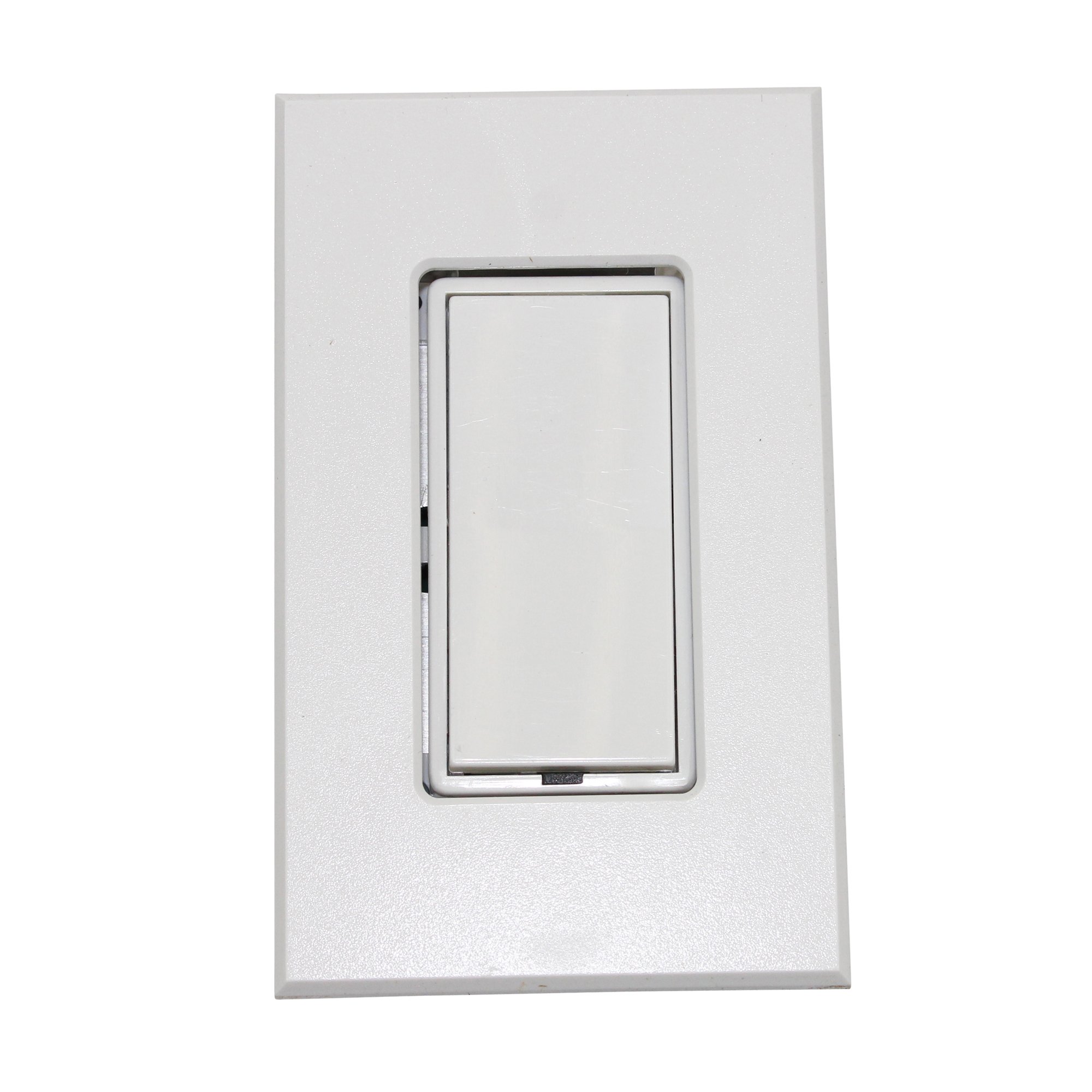
Image: The Lightolier ITSRB3W Intellisight 3-Way Remote Occupancy Sensor Switch, shown with its white decorator-style faceplate. This image illustrates the physical appearance of the product.
2. 안전 정보
경고: 감전의 위험이 있습니다. Improper installation may result in serious injury or death. Always turn off power at the circuit breaker or fuse box before beginning any installation, wiring, or maintenance procedures. All wiring must be performed by a qualified electrician in strict accordance with national and local electrical codes and regulations.
Ensure proper grounding. This device requires a ground connection for safe and correct operation. Do not install this switch without a ground wire.
3. 패키지 내용
패키지에 다음 품목이 포함되어 있는지 확인하십시오.
- Lightolier ITSRB3W 3-Way Remote Switch
- Decorator Style Faceplate
- 장착 나사
- 사용 설명서(본 문서)
4. 설정 및 설치
This remote switch is intended for use in conjunction with a Lightolier ITS2U Occupancy Sensor Switch in a 3-way wiring configuration. Refer to the ITS2U Occupancy Sensor Switch manual for detailed wiring diagrams and complete installation instructions for the primary sensor.
- 1단계: 전원 분리. Locate the circuit breaker or fuse box that controls the power to the switch location. Turn off the power completely to prevent electrical shock. Verify power is off using a voltag전자 테스터.
- Step 2: Wiring Identification. Carefully remove the existing switch (if any) from the wall box. Identify the line (hot), load, traveler, and ground wires. The ITSRB3W requires a ground connection.
- 3단계: 배선 연결. Connect the wires from the wall box to the ITSRB3W remote switch terminals. Ensure all connections are secure and made according to the wiring diagram provided with your ITS2U Occupancy Sensor Switch. This is a 3-way remote, so ensure proper traveler wire connections between the ITSRB3W and the ITS2U sensor.
- Step 4: Mounting. Gently push the wired ITSRB3W switch into the wall box. Secure the switch to the wall box using the provided mounting screws. Attach the decorator-style faceplate.
- Step 5: Power Restoration. Once installation is complete and all connections are secure, restore power at the circuit breaker. Test the functionality of the remote switch in conjunction with the ITS2U sensor.
5. 사용 설명서
The Lightolier ITSRB3W functions as a remote ON/OFF control for the connected ITS2U Occupancy Sensor Switch. It does not contain its own occupancy sensing capabilities.
- To turn the connected lights ON, press the top portion of the rocker switch.
- To turn the connected lights 끄다, press the bottom portion of the rocker switch.
The primary occupancy sensing, time delay, and sensitivity settings are controlled by the main ITS2U Occupancy Sensor Switch. Refer to the ITS2U manual for adjustments to these functions.
6. 유지관리
The Lightolier ITSRB3W remote switch requires minimal maintenance.
- 청소: Clean the faceplate and switch surface with a soft, damp 천으로 닦아주세요. 연마성 세제, 용제 또는 강한 화학 물질은 마감재를 손상시킬 수 있으므로 사용하지 마세요.
- 연결 확인: Periodically, or if experiencing intermittent operation, ensure all wiring connections are tight and secure. Always turn off power at the circuit breaker before checking connections.
7. 문제 해결
| 문제 | 가능한 원인 | 해결책 |
|---|---|---|
| Lights do not turn ON/OFF from the ITSRB3W remote switch. | 회로에 전원이 공급되지 않습니다. 배선 연결이 느슨하거나 올바르지 않습니다. Main ITS2U Occupancy Sensor Switch malfunction. | Check power at the circuit breaker and ensure it is ON. Turn off power, then verify all wiring connections (line, load, ground, traveler) are secure and correct according to the ITS2U manual. Refer to the troubleshooting section of the ITS2U Occupancy Sensor Switch manual. |
| Intermittent operation or unreliable control. | 느슨한 배선 연결. Interference (if Wi-Fi connectivity is active). | 전원을 끄고 모든 배선 연결부를 점검한 후 단단히 조이십시오. Ensure the remote switch is within range of the main sensor or Wi-Fi network if applicable. Consult the ITS2U manual for specific pairing or connectivity instructions. |
8. 사양
| 특징 | 사양 |
|---|---|
| 상표 | 라이트올리에 |
| 모델 | ITSRB3W |
| 운영 볼륨tage | 120V / 277V |
| 회로 유형 | 3방향 |
| 제어 방법 | 원격 |
| 장착 유형 | 패널 실장 |
| 치수(길이 x 너비 x 높이) | 4.5 x 3 x 2 인치 |
| 색상 | 하얀색 |
| 국제 보호 등급 | IP67 |
| 연결 프로토콜 | Wi-Fi (Note: This may refer to connectivity features of the main ITS2U sensor or advanced integration capabilities.) |
9. 보증 및 지원
For detailed warranty information, technical assistance, or customer support regarding your Lightolier ITSRB3W Intellisight 3-Way Remote Occupancy Sensor Switch, please contact Lightolier customer service directly. You may also visit the official Lightolier website for product resources and contact details. Please retain your purchase receipt as proof of purchase for any warranty claims.


