1. 제품 오버view
The Bespeco Ground Series Microphone Stand MS30NE is designed for stable and adjustable microphone placement. It features a boom arm, a loaded nylon tripod base, and a clutch-style height adjustment mechanism for versatile use in various audio applications.

Figure 1: Bespeco Ground Series Microphone Stand with boom arm and tripod base.
2. 설정 지침
Follow these steps to assemble your microphone stand:
- 구성 요소 풀기: Carefully remove all parts from the packaging. Verify that all components are present: main shaft, tripod base, and boom arm.
- Attach Tripod Base: Extend the legs of the tripod base. Secure the legs in position using the locking knob located at the top of the base. Ensure the legs are fully spread for maximum stability.
- Insert Main Shaft: Insert the lower section of the main shaft into the tripod base. Tighten the ergonomic knob on the tripod base to secure the shaft firmly.
- Adjust Main Shaft Height: Loosen the clutch-style height adjustment knob on the main shaft. Extend the shaft to the desired height and then tighten the knob securely to lock it in place.
- 붐 암 부착: Insert the boom arm into the top of the main shaft. Adjust the angle and extension of the boom arm using its dedicated ergonomic knob. Ensure it is tightened to prevent movement.
- 마이크 장착: Attach your microphone clip or shock mount to the threaded end of the boom arm.
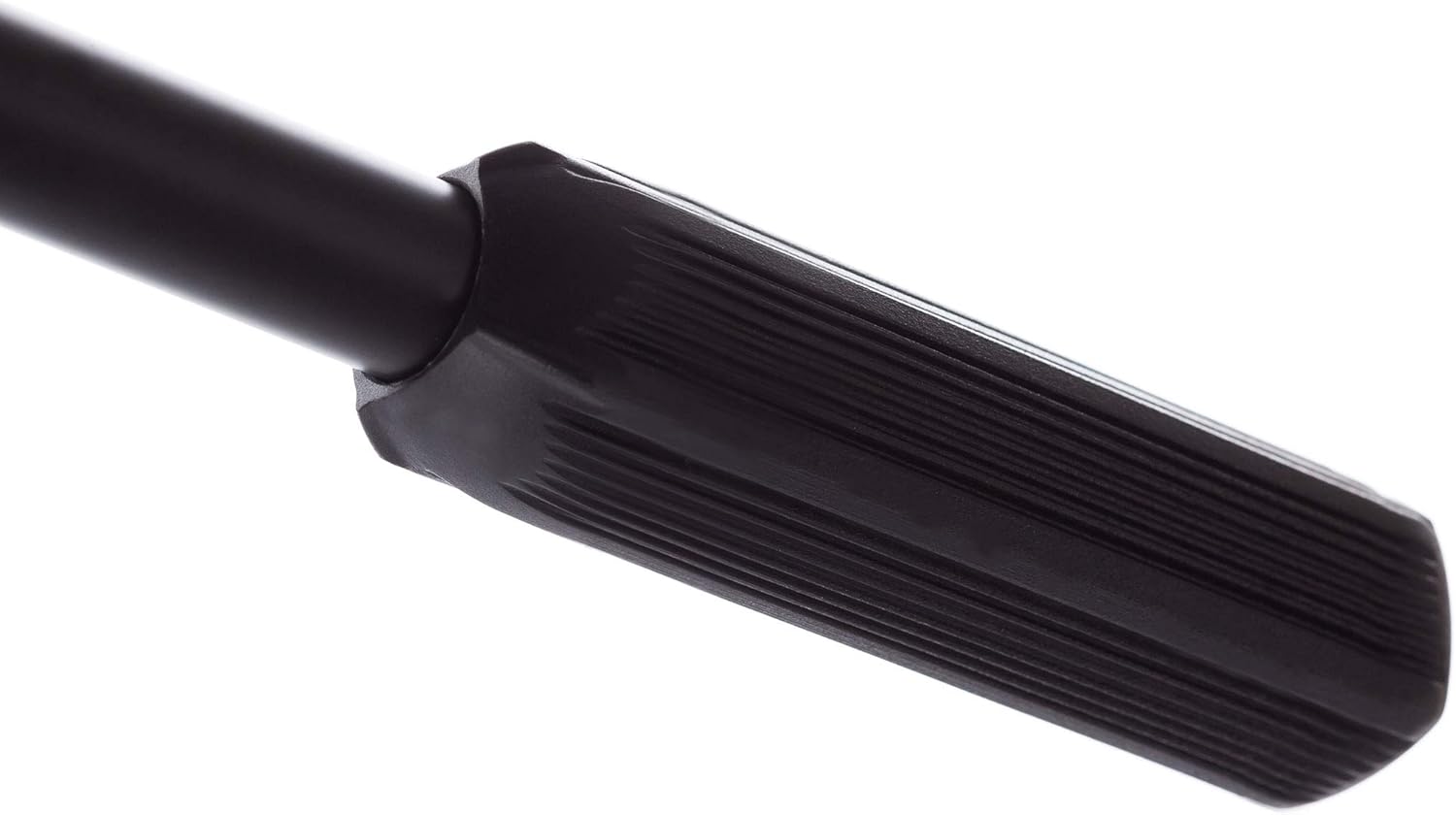
Figure 2: Tripod base locking knob.
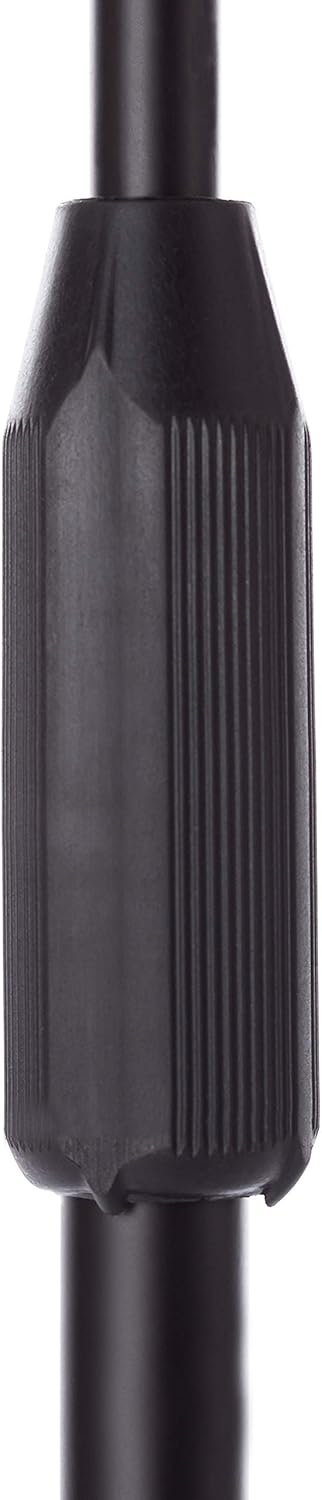
Figure 3: Clutch-style height adjustment.

Figure 4: Boom arm adjustment knob.
3. 사용 설명서
To use your Bespeco microphone stand effectively:
- 높이 조정: To change the height of the microphone, loosen the clutch-style knob on the main shaft, adjust to the desired height, and then firmly retighten the knob.
- 붐 암 조정: The boom arm allows for both angle and extension adjustments. Loosen the ergonomic knob on the boom arm, position the microphone as needed, and then tighten the knob to secure it.
- 안정: Always ensure all knobs are securely tightened before placing a microphone on the stand. For heavy microphones, ensure the boom arm is not overextended to maintain balance. The loaded nylon tripod base provides enhanced stability.

Figure 5: Ergonomic boom arm adjustment.
4. 유지관리
Proper maintenance ensures the longevity and performance of your microphone stand:
- 청소: 스탠드를 부드러운 천으로 정기적으로 닦아주세요.amp 먼지와 때를 제거하는 데는 천을 사용하십시오. 연마성 세제나 용제는 사용하지 마십시오.
- 패스너 점검: Periodically check all knobs and fasteners to ensure they are tight. Loose components can affect stability and safety.
- 저장: When not in use, collapse the stand to its most compact form and store it in a dry, clean environment to prevent damage.

Figure 6: Boom arm end cap.
5. 문제 해결
If you encounter issues with your microphone stand, consider the following:
- 스탠드 불안정성:
- Ensure the tripod legs are fully extended and the base locking knob is tightened.
- Verify that the main shaft and boom arm adjustment knobs are securely fastened.
- If using a heavy microphone, ensure the boom arm is not overextended. Consider repositioning the microphone closer to the main shaft or adding a counterweight if necessary.
- Difficulty Adjusting Height/Boom:
- Ensure the relevant adjustment knob (clutch-style for height, ergonomic for boom) is sufficiently loosened before attempting to adjust.
- Check for any obstructions or debris in the adjustment mechanisms.
6. 사양
| 특징 | 세부 사항 |
|---|---|
| 모델 번호 | MS30NE |
| 품목 무게 | 2.44파운드(1.11kg) |
| 제품 크기(L x W x H) | 38.58 x 3.5 x 3.54인치(98 x 8.9 x 9cm) |
| 재료 유형 | Steel construction with epoxy powder paint, Nylon base |
| 색상 | 검은색 |
| 기본 유형 | Loaded Nylon Tripod Base |
| 높이 조정 | Clutch style |
7. 보증 정보
Specific warranty details for the Bespeco Ground Series Microphone Stand MS30NE may vary by region and retailer. Please retain your proof of purchase. For comprehensive warranty information, it is recommended to consult the official Bespeco web사이트를 방문하거나 공인 딜러에게 문의하세요.
8. 지원
For further assistance, technical support, or inquiries regarding your Bespeco Ground Series Microphone Stand MS30NE, please visit the official Bespeco web사이트 또는 고객 서비스 부서에 문의하세요. 연락처 정보는 일반적으로 제조업체의 web사이트 또는 제품 포장.


