1. 제품 오버view
The Audio-Technica ATH-M20x Professional Studio Monitor Headphones are designed for studio tracking and mixing. They feature a modern design and high-quality materials, providing a comfortable listening experience with enhanced audio and effective isolation. These headphones are an excellent choice for various audio tasks requiring accurate sound reproduction.
주요 특징:
- Advanced build quality and engineering.
- 40 mm drivers with rare earth magnets and copper-clad aluminum wire voice coils.
- Tuned for enhanced low-frequency performance.
- Circumaural design contours around the ears for excellent sound isolation in loud environments.
- Convenient single-side cable exit.

그림 1: 전면 view of the Audio-Technica ATH-M20x headphones.
2. 포함 사항
Your Audio-Technica ATH-M20x package includes the following items:
- ATH-M20x 전문가용 스튜디오 모니터 헤드폰
- Attached Cable (9.8' / 2.99 m)
- 1/4-inch (6.3 mm) snap-on adapter

Figure 2: Contents of the ATH-M20x package, including headphones, coiled cable, and 1/4-inch adapter.
3. 설정
헤드폰 연결:
- Locate the 3.5 mm (1/8-inch) stereo mini-plug at the end of the headphone cable.
- For devices with a 3.5 mm audio jack (e.g., computers, laptops, smartphones), insert the mini-plug directly into the audio output port.
- For devices with a 6.3 mm (1/4-inch) audio jack (e.g., audio interfaces, mixing consoles, guitar amps), attach the included 1/4-inch snap-on adapter to the 3.5 mm mini-plug before inserting it into the audio output port.

그림 3: 측면 view of the ATH-M20x, showing the single-side cable exit.
4. 헤드폰 작동
헤드폰 착용:
- Gently extend the headband to fit over your head. The earcups are marked 'L' for left and 'R' for right.
- Adjust the headband length so that the earcups sit comfortably and securely over your ears, ensuring a tight seal for optimal sound isolation.
- The circumaural design is intended to fully enclose your ears, providing comfort during extended listening sessions and minimizing sound leakage.
볼륨 조절:
Volume control is managed directly through your connected audio device (e.g., computer, audio interface, smartphone). The ATH-M20x headphones do not feature integrated volume controls.

Figure 4: The adjustable headband allows for a customized and comfortable fit.
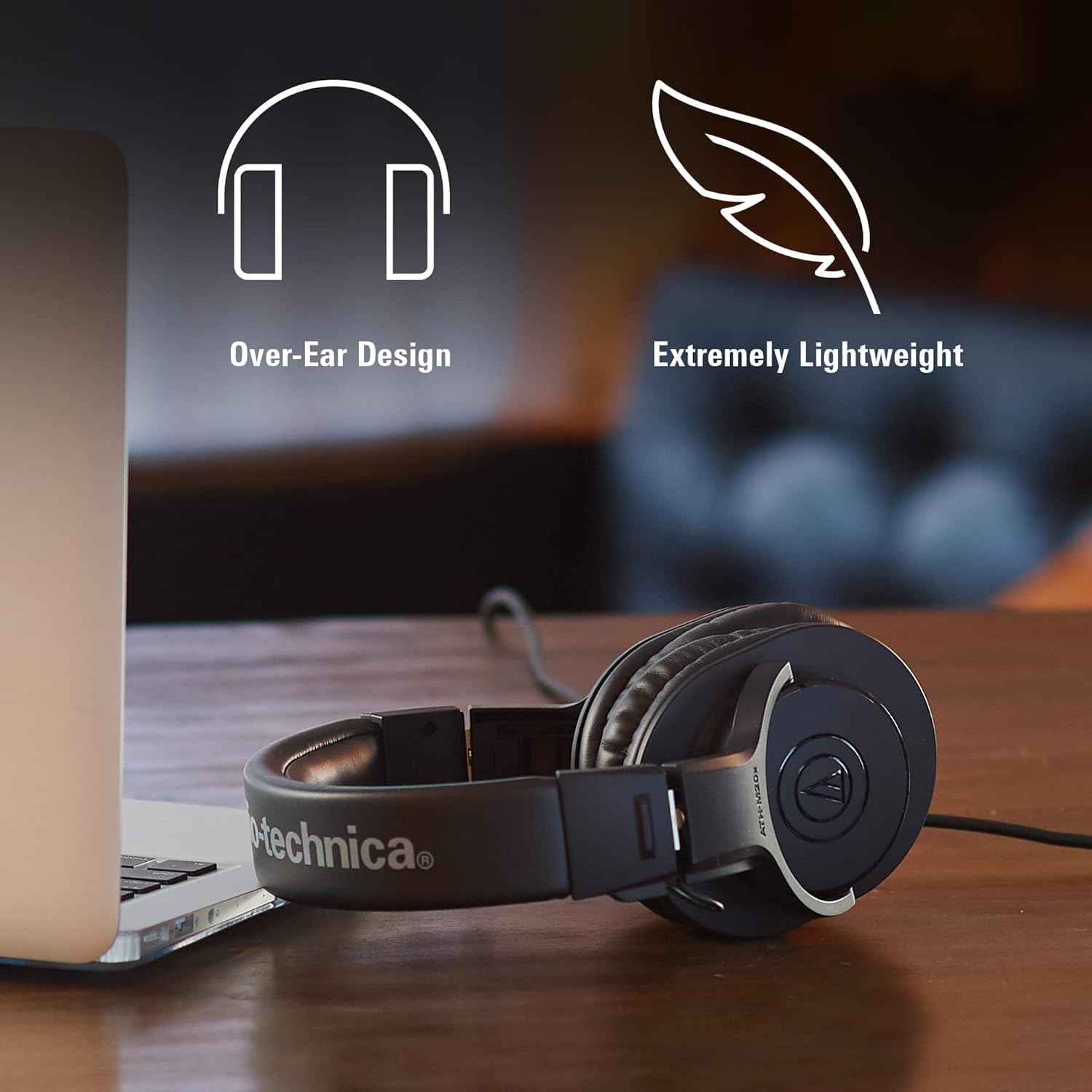
Figure 5: The soft, circumaural earcups provide comfort and sound isolation.
사용 시나리오:
These headphones are optimized for studio environments, including tracking, mixing, and monitoring. Their sound isolation properties make them suitable for use in situations where external noise needs to be minimized, such as recording vocals or instruments in the same room as the monitoring equipment.

Figure 6: ATH-M20x headphones in use during a music production session.
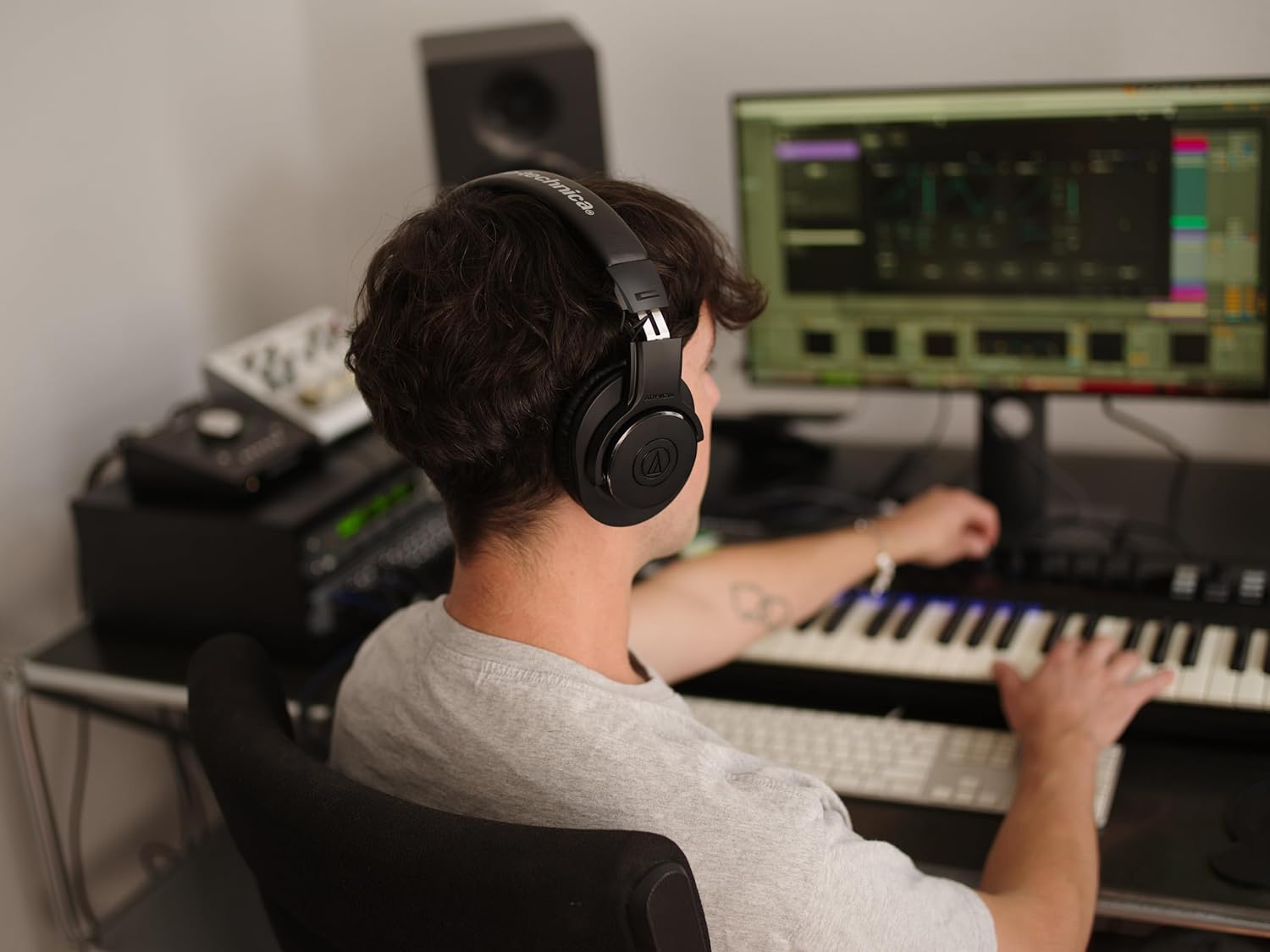
Figure 7: ATH-M20x headphones providing clear audio for a podcaster.
제품 비디오:
Video 1: A user demonstrates the comfort and sound quality of the ATH-M20x headphones, highlighting their suitability for long sessions.
비디오 2: A review emphasizing the ATH-M20x as a great value for over-ear headphones, particularly useful for drummers due to sound isolation.
영상 3: 솔직한 재평가view 쇼씨asing the professional studio monitor headphones, focusing on their build quality and sound isolation.
Video 4: A user discusses the value and professional quality of the ATH-M20x headphones for various audio applications.
비디오 5: A review highlighting the ATH-M20x headphones as an excellent choice for podcasters due to their clear sound and comfort.
5. 유지관리
청소:
- 부드럽고 마른 천으로 헤드폰을 닦으세요.
- Do not use alcohol, benzene, paint thinner, or other solvents.
- Avoid direct contact with water or other liquids.
저장:
When not in use, store the headphones in a cool, dry place away from direct sunlight and extreme temperatures. The headphones can be folded for compact storage.

Figure 8: The ATH-M20x headphones can be folded for convenient storage and portability.
6. 문제 해결
소리가 나지 않거나 볼륨이 낮음:
- Ensure the headphone cable is securely plugged into both the headphones and the audio source.
- 오디오 소스의 볼륨 레벨을 확인하고 음소거되어 있지 않은지 확인하십시오.
- 기기별 문제를 배제하기 위해 다른 오디오 소스나 장치로 헤드폰을 테스트해 보세요.
왜곡된 소리:
- Lower the volume on your audio source to prevent clipping or distortion.
- 오디오 케이블이 손상되거나 꼬이지 않았는지 확인하세요.
- Verify that the audio source is playing a high-quality audio file.
불편한 핏:
- Adjust the headband length to find a comfortable position.
- 이어컵이 귀 위에 제대로 위치했는지 확인하세요.
7. 사양
| 특징 | 사양 |
|---|---|
| 모델명 | ATH-M20x |
| 연결 기술 | 열광한 |
| 헤드폰 잭 | 3.5 mm 잭 |
| 소음 제어 | 소리 차단 |
| 주파수 응답 | 20Hz - 20,000Hz |
| 감광도 | 96데시벨 |
| 임피던스 | 47옴 |
| 오디오 드라이버 유형 | 동적 드라이버 |
| 오디오 드라이버 크기 | 40 밀리미터 |
| 귀 위치 | 귀 위 |
| 폼 팩터 | 귀 위 |
| 품목 무게 | 210그램(7.4온스) |
| 제품 치수 | 11.4 x 10 x 4.1 인치 |
| 재료 | Copper-Clad Aluminum, Neodymium, Plastic |
| 포함된 구성 요소 | 케이블 |
8. 보증 및 지원
For warranty information and customer support, please refer to the documentation included with your product or visit the official Audio-Technica web사이트. 보증 청구를 위해 구매 증빙 자료를 보관하세요.


