소개
This manual provides essential instructions for setting up, operating, and maintaining your Alcatel 392G Big Easy Flip Phone. Designed for simplicity, this Tracfone device features large, easy-to-read keys and a clear display, making communication straightforward.
Key features include a 2 MP camera, Bluetooth connectivity, FM radio, and mobile web access. Please read this manual thoroughly to ensure proper use and to maximize the functionality of your phone.
설정
1. 개봉 및 구성품
패키지를 열면 다음 품목이 포함되어 있는지 확인하세요.
- Alcatel 392G Big Easy Flip Phone
- 배터리
- 충전기
- 활성화 카드
- 서비스 안내
2. 배터리 설치
Carefully remove the back cover of the phone. Align the battery contacts with the terminals inside the battery compartment and gently press the battery into place. Ensure it is securely seated. Replace the back cover.
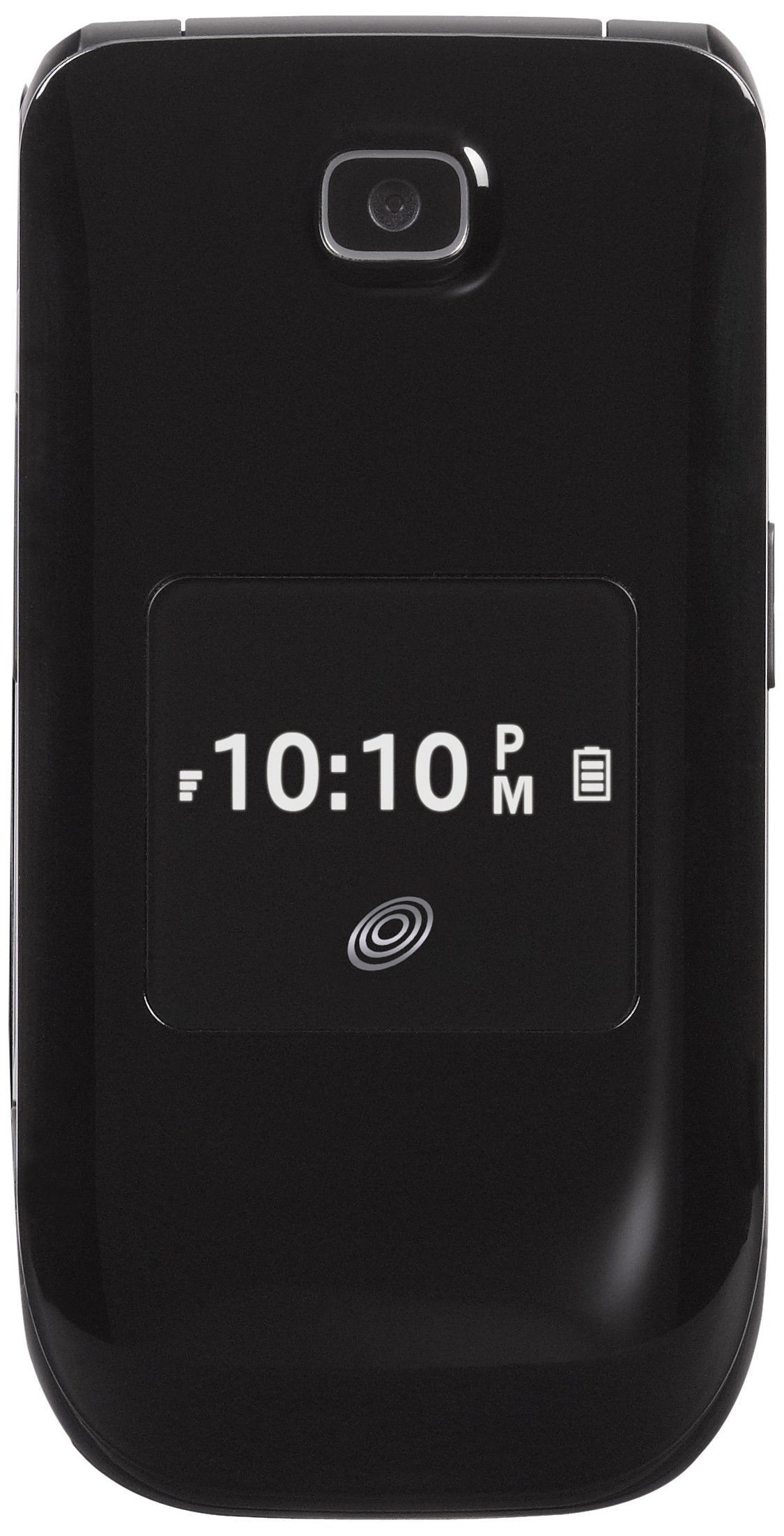
Image: The Alcatel 392G Big Easy Flip Phone in an open position, showing the main display, keypad, and navigation buttons. The screen displays "Home", "10 Minutes", "60 Service Days", "11:19 AM", "May 20 Mon", "Menu", and "Web".
3. 휴대폰 충전
Before first use, fully charge the phone's battery. Connect the charger to the charging port on the phone and plug it into a power outlet. The charging indicator will show the charging status. A full charge typically takes approximately 3 hours.
4. Phone Activation
To activate your Tracfone service, follow the instructions provided on the Activation Card included in your package. This typically involves calling Tracfone customer service or visiting their web대지.
5. MicroSD 카드 설치 (선택 사항)
The phone supports a microSD card up to 32GB (not included) for additional storage. Locate the microSD card slot, usually near the battery compartment, and insert the card gently until it clicks into place.
휴대폰 조작하기
1. 전원 켜기/끄기
- 전원을 켜려면: 누르고 계세요 끝/전원 화면이 켜질 때까지 키를 누르세요.
- 전원을 끄려면: 길게 누르세요. 끝/전원 key, then confirm power off on the screen.
2. 전화 걸기 및 받기
- To make a call: Enter the phone number using the keypad and press the 보내다 열쇠.
- To answer a call: Open the flip or press the 보내다 전화가 울릴 때 키.
- To end a call: Close the flip or press the 끝/전원 열쇠.
3. Text and Picture Messaging
Navigate to the Messaging menu to compose and send text (SMS) or picture (MMS) messages. The large lighted keys facilitate easy typing.
4. 카메라 기능
The phone is equipped with a 2 MP camera. Access the camera from the main menu to take photos. Images can be stored on the phone's internal memory or an installed microSD card.
5. 블루투스 연결
To pair with a Bluetooth device (e.g., headset, car kit):
- 이동하다 메뉴 > 설정 > 블루투스.
- 블루투스 켜기 On.
- 선택하다 검색 새로운 장치 목록에서 기기를 선택하세요.
- 암호를 입력하라는 메시지가 나타나면 암호를 입력하십시오.
6. FM Radio and MP3 Player
- FM 라디오 : Access the FM Radio application from the menu. A wired headset (not included) may be required to act as an antenna.
- MP3 플레이어: The phone includes an MP3 player. Music files can be stored on a microSD card. A USB cable (not included) is required to transfer music from a computer.
7. 전화번호부
Store up to 1,000 entries in the phonebook. Navigate to the Contacts or Phonebook menu to add, edit, or delete entries.
8. 접근성 기능
The Alcatel 392G is Hearing Aid Compatible (HAC) with a rating of M3/T4, designed to reduce interference with hearing aids.
유지
1. 휴대폰 청소하기
부드럽고 보풀 없는 천으로 휴대폰 화면과 본체를 닦으세요. 표면이 손상될 수 있으므로 강한 화학 약품이나 연마성 재질은 사용하지 마세요.
2. 배터리 관리
- 배터리를 극한의 온도에 노출시키지 마십시오.
- 배터리에 구멍을 뚫거나 분해하지 마십시오.
- 장기간 휴대전화를 사용하지 않을 경우, 배터리를 부분적으로 충전한 상태로 보관하세요.

이미지: 사이드 프로file view of the Alcatel 392G Big Easy Flip Phone, highlighting its compact, folded design and the textured surface for better grip.
문제 해결
일반적인 문제 및 솔루션
- 전화가 켜지지 않습니다:
Ensure the battery is correctly installed and fully charged. Try removing and reinserting the battery, then attempt to power on again.
- Poor call quality or low volume:
Check the volume settings during a call. Ensure you are in an area with good network coverage. If issues persist, contact Tracfone customer service.
- 배터리가 충전되지 않음:
Verify that the charger is properly connected to both the phone and the power outlet. Try using a different outlet. Ensure you are using the correct battery type for the phone; some users have reported receiving incorrect batteries initially.
- Cannot send/receive messages:
Check your service plan and network coverage. Ensure message center settings are correct (these are usually configured automatically by the carrier).
- Phone freezes or becomes unresponsive:
Remove the battery, wait a few seconds, and then reinsert it and power on the phone. This performs a soft reset.
For further assistance with service-related issues, please contact Tracfone customer support. For hardware malfunctions, refer to the warranty information.
명세서
| 모델명 | Big Easy Flip (392G) |
| 상표 | 알카텔 |
| 폼 팩터 | 플립폰 |
| 치수(길이 x 너비 x 높이) | 4.09 x 2.05 x 0.68 인치 |
| 품목 무게 | 3.67 온스 |
| 표시하다 | 2.4인치 TFT LCD |
| 카메라 | 2 MP |
| 메모리 저장 용량 | Supports microSD up to 32 GB |
| 무선 기술 | Bluetooth 2.1, Cellular (2G), Wi-Fi |
| 운영 체제 | Other (Feature Phone OS) |
| 배터리 유형 | 리튬 이온 배터리 1개(필수) |
| 통화 시간 | 최대 3시간(228분) |
| 대기 시간 | Up to 10 days (264 minutes with data) |
| 특별 기능 | MP3 Player, FM Radio, Large Lighted Keys, External Caller ID, HAC (M3/T4) |
| 무선 통신사 | 트랙폰 |
보증 정보
Your Alcatel 392G Big Easy Flip Phone is covered by a limited manufacturer's warranty. Please refer to the Service Guide included in your product package for specific terms, conditions, and duration of the warranty. Keep your proof of purchase for warranty claims.
지원하다
For technical support, service inquiries, or additional tutorials, please contact Tracfone customer service or visit their official web대지.
- Tracfone Customer Service: Refer to your Service Guide or the Tracfone web연락처 정보 사이트.
- 온라인 리소스: Visit the Tracfone website for FAQs, troubleshooting guides, and video tutorials specific to your device.


