1. 서론
This manual provides detailed instructions for the installation, operation, and maintenance of your Urmet 925/102 2-Button 1-Row Intercom Push Button Panel. This external unit is designed for wired intercom systems, offering reliable communication and access control for your property. Please read this manual carefully before installation and use to ensure proper function and safety.
2. 안전 정보
- 전기 안전: Installation should only be performed by qualified personnel to prevent electrical hazards. Ensure power is disconnected before any wiring work.
- 환경 조건: The unit has an IP33 protection rating, meaning it is protected against solid objects larger than 2.5 mm and against spraying water. It is not waterproof. Avoid direct exposure to heavy rain or submersion.
- 부식 저항성: The aluminum front panel is designed for corrosion resistance according to DIN 5342/64 standards.
- 적절한 사용: Use the product only for its intended purpose as an intercom push button panel. Any unauthorized modifications may void the warranty and pose safety risks.
3. 패키지 내용
패키지에 모든 구성 요소가 들어 있는지 확인하세요.
- Urmet 925/102 Push Button Panel (Front Panel)
- 고정 프레임
- 매립형 박스
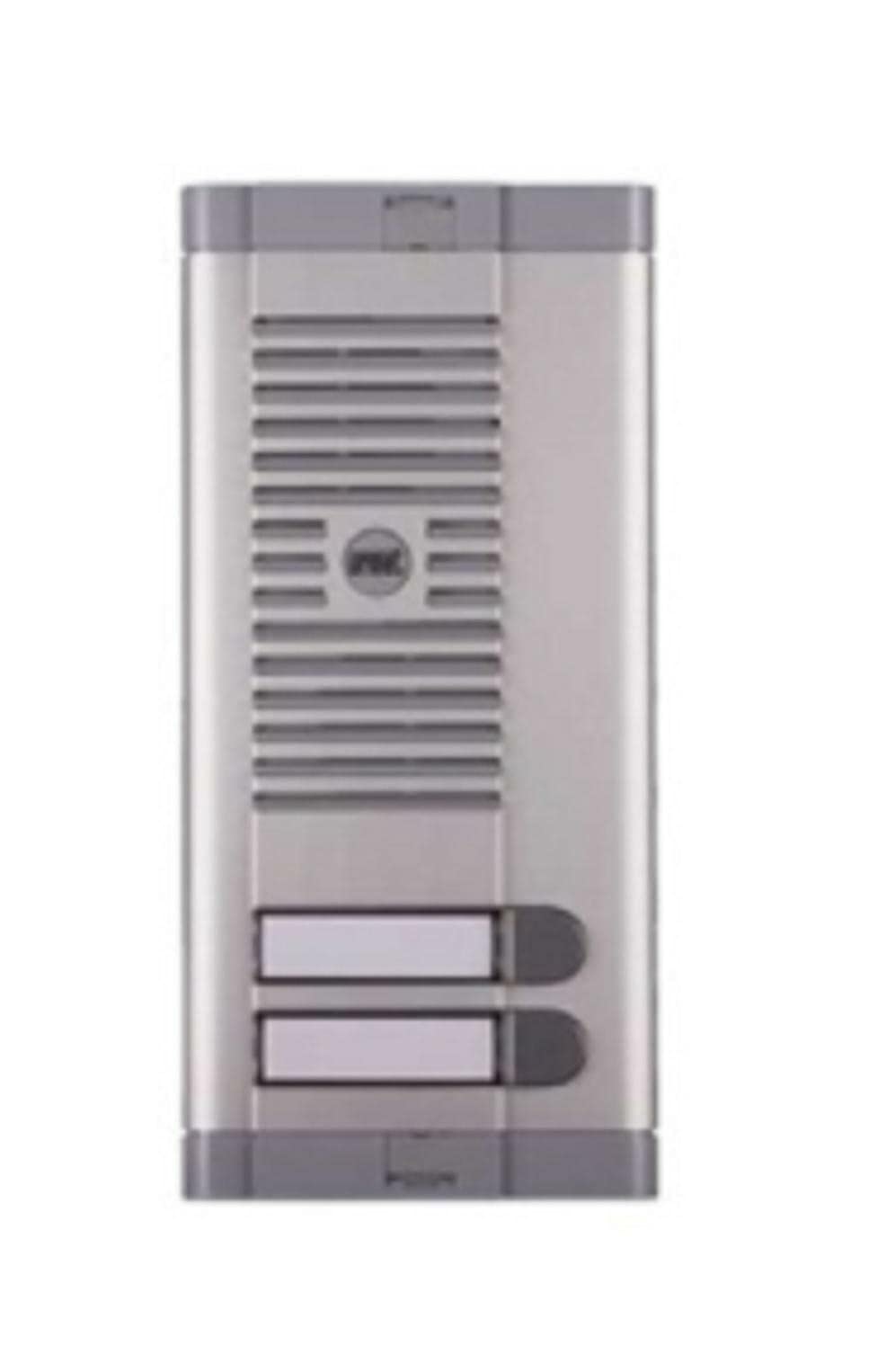
Image: Urmet 925/102 Intercom Push Button Panel, showing the front panel, fixing frame, and recessed box.
4. 제품 오버view
The Urmet 925/102 is a robust external push button panel designed for single-row installation. It features two buttons and is compatible with various Urmet external units. The front panel is made of durable aluminum, ensuring longevity and resistance to environmental factors.
- 전면 패널: Aluminum construction with two push buttons.
- 명찰: Features backlighting via a 3W tubular bulb for visibility in low light conditions. Nameplate dimensions: 14.5 x 54.5 x 2 mm (H x W x D).
- 호환성: Predisposed for Urmet external units such as 1128/500, 1128/510, 1072/19A, and 1038/7.
5. 설치
The Urmet 925/102 is designed for wall mounting with a recessed box. Follow these general steps for installation:
- 준비: Choose a suitable location for the external unit. Ensure there is sufficient space for the recessed box and proper wiring.
- Recessed Box Installation: Create an opening in the wall according to the dimensions of the recessed box (225 x 102 x 43.5 mm H x W x D). Secure the recessed box firmly within the opening.
- 배선: Connect the 2-wire system cables to the appropriate terminals on the push button panel. Ensure all connections are secure and insulated. This unit uses a wired power source.
- Fixing Frame: Attach the fixing frame to the recessed box.
- 패널 장착: Mount the push button panel onto the fixing frame, ensuring it is flush and securely fastened.
- 전원 켜기: Once installation is complete and all connections are verified, restore power to the system.
Note: For detailed wiring diagrams and specific installation requirements, refer to the documentation provided with your Urmet external unit. Professional installation is highly recommended.
Video: This video demonstrates the installation of a 2-wire audio intercom kit, which can provide a general understanding of the wiring and mounting process for similar external panels. (Note: This video features a Bticino product and is for illustrative purposes only.)
Video: This video provides a guide on how to choose an intercom system, covering wired vs. wireless and audio vs. video options. It offers useful context for understanding different intercom technologies. (Note: This video features SCS Sentinel products and is for general information.)
6. 운영
The Urmet 925/102 push button panel is designed for straightforward operation:
- 부름: Press one of the two buttons to initiate a call to the corresponding internal unit.
- Nameplate Backlighting: The integrated 3W tubular bulb provides illumination for the nameplates, ensuring visitors can easily identify the correct button, especially during nighttime.
- 제어 방법: The panel operates via touch, providing a responsive user experience.
7. 사양
| 특징 | 사양 |
|---|---|
| 모델 | 925/102 |
| 상표 | 우르멧 |
| Front Panel Dimensions (H x W) | 240 x 113mm |
| Recessed Box Dimensions (H x W x D) | 225 x 102 x 43.5mm |
| Nameplate Dimensions (H x W x D) | 14.5 x 54.5 x 2mm |
| Nameplate Backlighting | 3W tubular bulb |
| 보호 등급 | IP33 |
| 부식 저항성 | DIN 5342/64에 따르면 |
| 방수복 | 거짓 |
| 제어 방법 | 만지다 |
| 전원 | 열광한 |
| 스피커 최대 출력 | 3와트 |
| 연결 기술 | 보조 |
| 장착 유형 | 벽걸이형 |
| 무게 | 520g |
8. 문제 해결
If you encounter issues with your Urmet 925/102 panel, consider the following:
- 전원 없음: Check the electrical connections and ensure the power supply to the intercom system is active.
- 버튼이 응답하지 않음: Inspect the buttons for any physical damage or obstruction. Verify internal wiring connections.
- Nameplate Light Not Working: Check the 3W tubular bulb. If it's faulty, it may need replacement by a qualified technician.
- 의사소통 문제: Ensure all wiring connections between the external panel and the internal unit(s) are secure and correctly installed.
- Corrosion/Damage: If the panel shows signs of significant physical damage or corrosion, it may require professional repair or replacement.
For persistent problems, contact a qualified electrician or Urmet customer support.
9. 유지관리
To ensure the longevity and optimal performance of your Urmet 925/102 panel:
- 청소: Regularly clean the aluminum front panel with a soft, damp cloth. Avoid abrasive cleaners or solvents that could damage the finish or components.
- 점검: Periodically check for any loose connections, signs of wear, or damage to the panel.
- 명찰: Ensure the nameplate is clean and legible. Replace the tubular bulb if it burns out.
10. 보증 및 지원
For warranty information, technical support, or service requests, please refer to the warranty card included with your product or contact your Urmet dealer or customer service directly. Keep your purchase receipt as proof of purchase.


